
Your Keyboard Is Smarter Than You Think
Most people treat typing like manual labor. Predictive text, autocorrect, and voice input are not crutches — they are leverage. Here is how to stop fighting your keyboard and start writing at the speed you think.
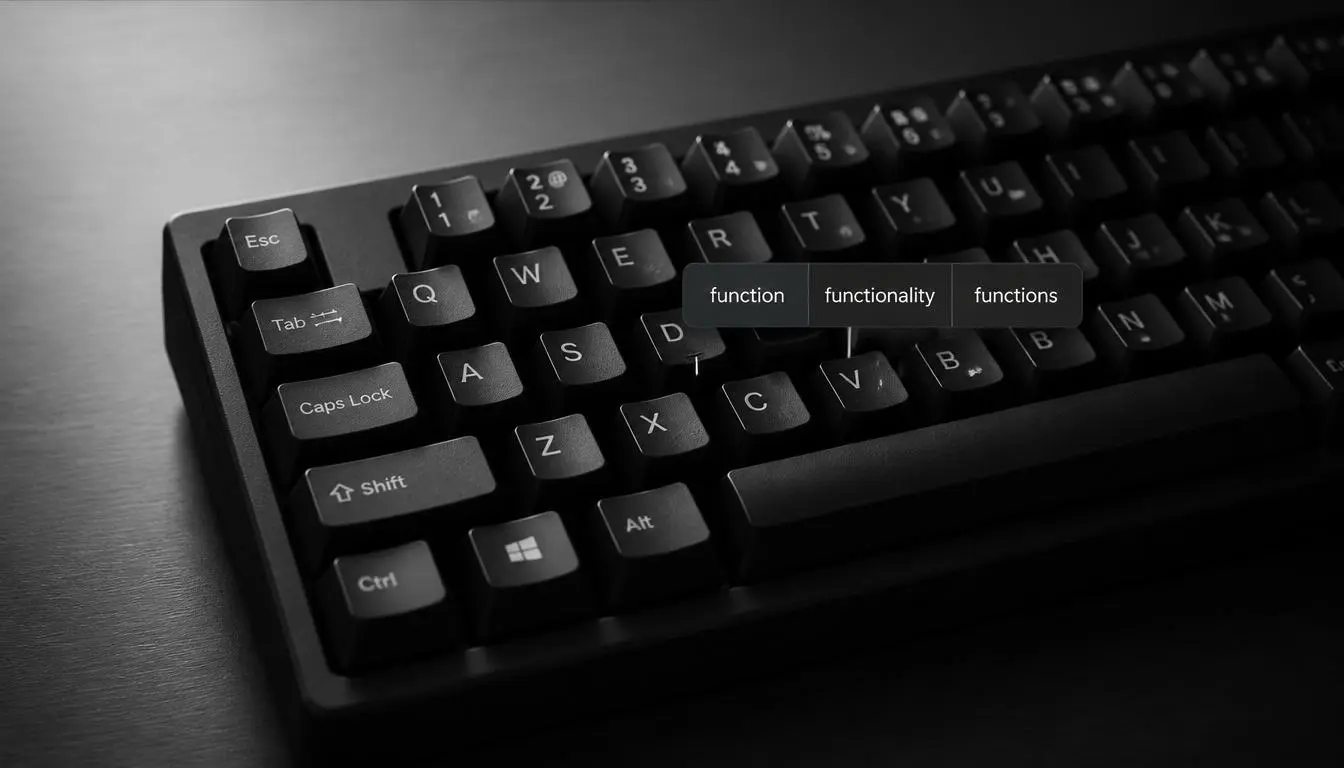
You do not type words. You type intentions. Every keystroke is a guess — a bet that the next letter matches what is already in your head. When the bet is wrong, you backspace. When it is right, you barely notice. That invisible friction is where hours disappear.
The hidden tax of "just typing"
Spreadsheets, Slack threads, support tickets, commit messages, essays, invoices — most knowledge work is still text. Yet we optimize everything except the act of getting words onto the screen. We buy faster monitors and quieter mice while leaving autocorrect off and predictions ignored.
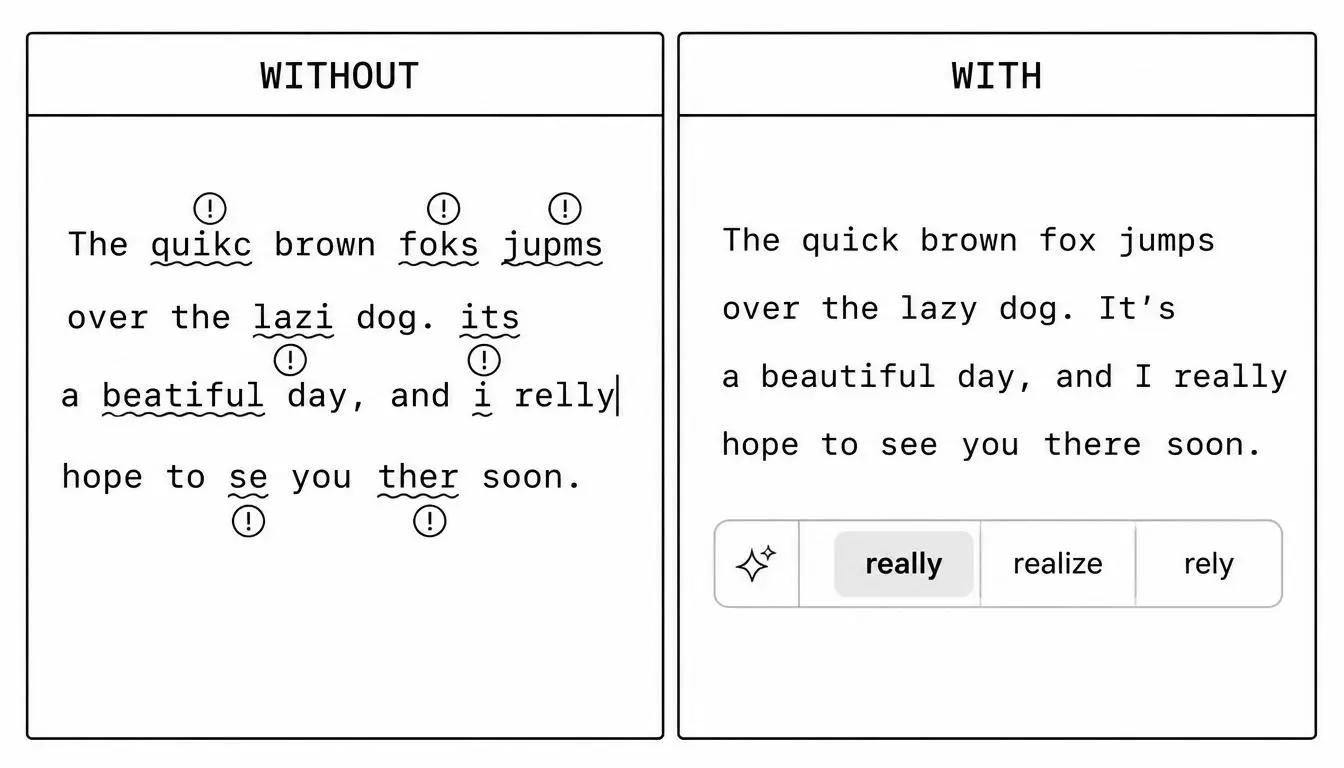
Predictive text is not about laziness. It is about reducing the number of decisions your hands make per sentence. Fewer decisions means fewer context switches. Fewer context switches means you stay inside the idea instead of babysitting spelling.
Speed is not typing faster. Speed is typing less.
System-wide beats app-by-app
Browser extensions and in-app spell checkers help in one place at a time. Real work happens everywhere: Notepad, Outlook, Teams, Figma comments, terminal prompts, random PDF forms. A writing assistant that only lives inside one app is a part-time employee.
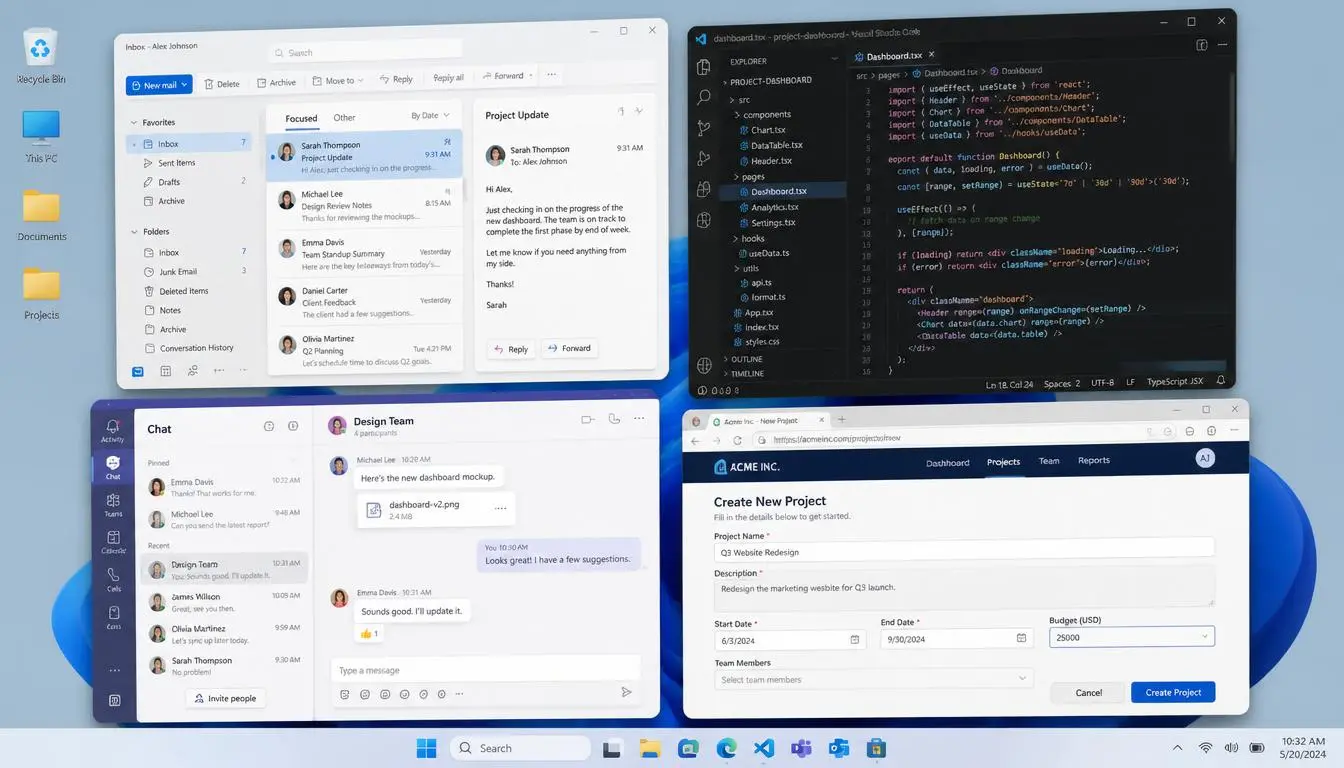
AutoCorrect PC runs at the system level on Windows so corrections, predictions, grammar fixes, AI rewrites, and voice typing follow you. You do not copy text into a side panel. You do not paste it back. The assistant meets you where you already are.
Three habits that compound
- Trust the first suggestion when it matches your intent — hesitation costs more than a rare wrong pick.
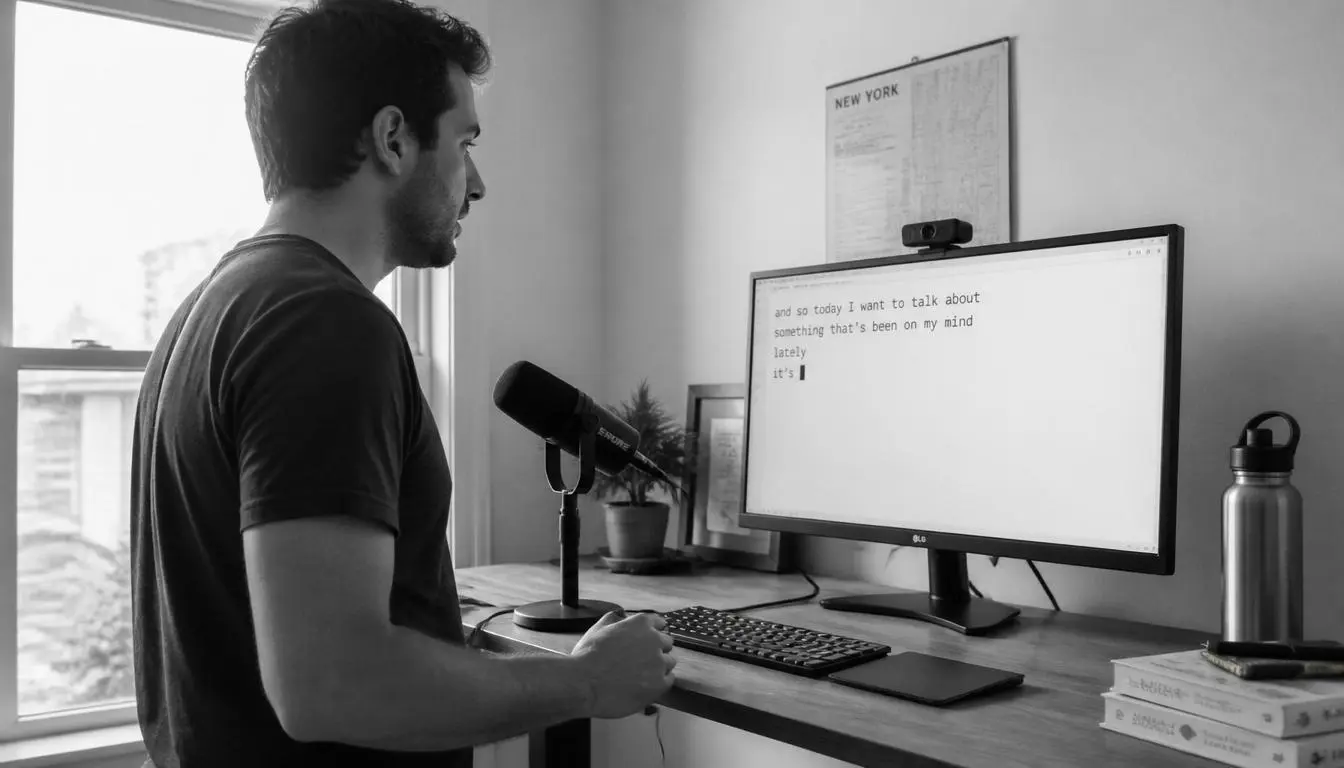
- Use voice typing for first drafts in chat and email; edit with predictions, not the other way around.
- Let grammar correction run quietly in the background instead of proofreading every sentence twice.
Privacy is part of the workflow
Smarter typing only works if you actually turn it on. Many people disable assistants because they do not know where their text goes. AutoCorrect PC is built for private, productive writing on Windows — so you can keep assistance enabled without treating every keystroke like public data.
Stop measuring productivity in words per minute. Measure it in ideas shipped. Your keyboard was always capable of more than transcription. It just needed a brain attached to it.
Want system-wide predictions, autocorrect, and voice typing on Windows?