
Best Autocorrect Software for Windows (2026): What Actually Works
Windows autocorrect is limited and inconsistent across apps. Here’s a breakdown of the best autocorrect software for Windows in 2026 and what actually improves typing speed across all applications.
If you’ve ever typed on Windows for more than a few minutes, you already know the problem:
Autocorrect is inconsistent, limited, and often doesn’t work where you actually need it.
Some apps have it. Some don’t. Some fix spelling but ignore grammar. Others only work inside browsers.
So the real question isn’t “Does Windows have autocorrect?”
It’s: what is the best autocorrect software for Windows that works everywhere?
Why Windows autocorrect feels broken
Windows itself only offers basic correction in specific contexts like:
- Certain text fields
- Some Microsoft apps
- Limited keyboard suggestions
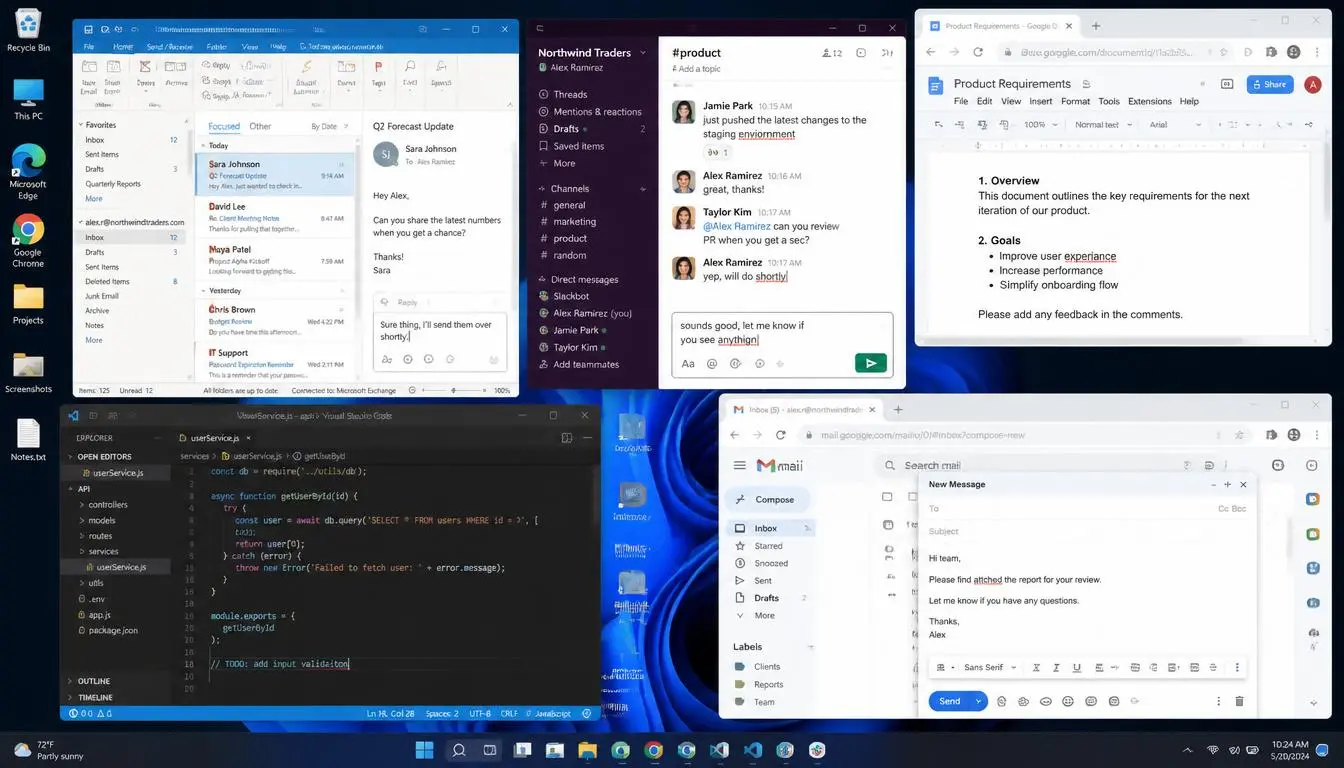
But modern work isn’t limited to one place.
You type in:
- Emails
- Slack / Teams
- Notepad
- PDFs
- Browsers
- Code editors
- Forms
- Desktop apps
And that’s where built-in tools fall apart.
What makes “good autocorrect software” actually good?
Before listing tools, we need to define what “best” means.
A real autocorrect system should:
- Work system-wide (not just in one app)
- Fix spelling in real time
- Understand grammar context
- Reduce typing effort (not just fix mistakes)
- Work in any text field
- Not interrupt your workflow
Most tools fail at at least one of these.
Best autocorrect software for Windows (2026)
Here are the most relevant options depending on what you actually need.
1. AutoCorrect for PC (system-wide AI autocorrect)
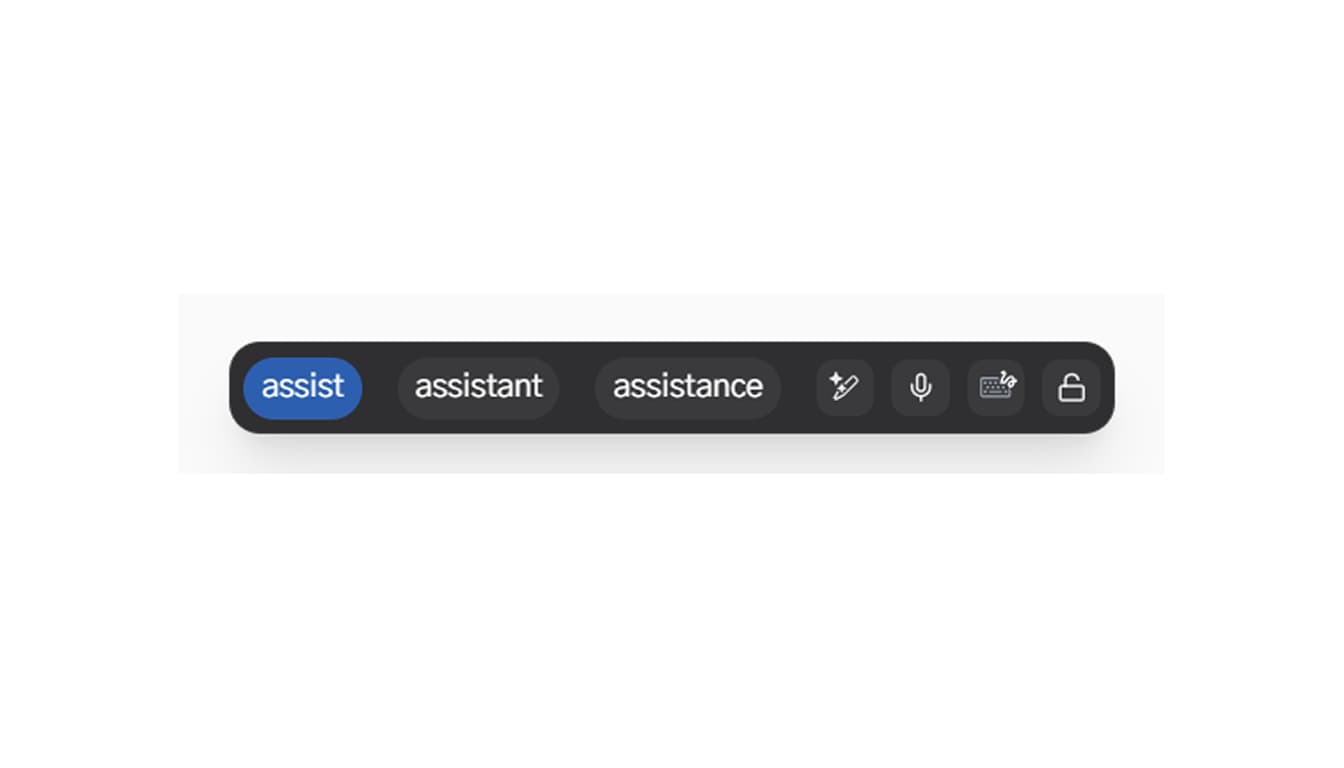
AutoCorrect for PC is designed to bring system-wide predictive text, autocorrect, and AI writing assistance to Windows.
Instead of working inside a single app, it works everywhere you type.
Key features:
- System-wide autocorrect across Windows apps
- Predictive text suggestions
- Grammar correction in real time
- AI rewriting
- Voice typing support
- Works in any text field
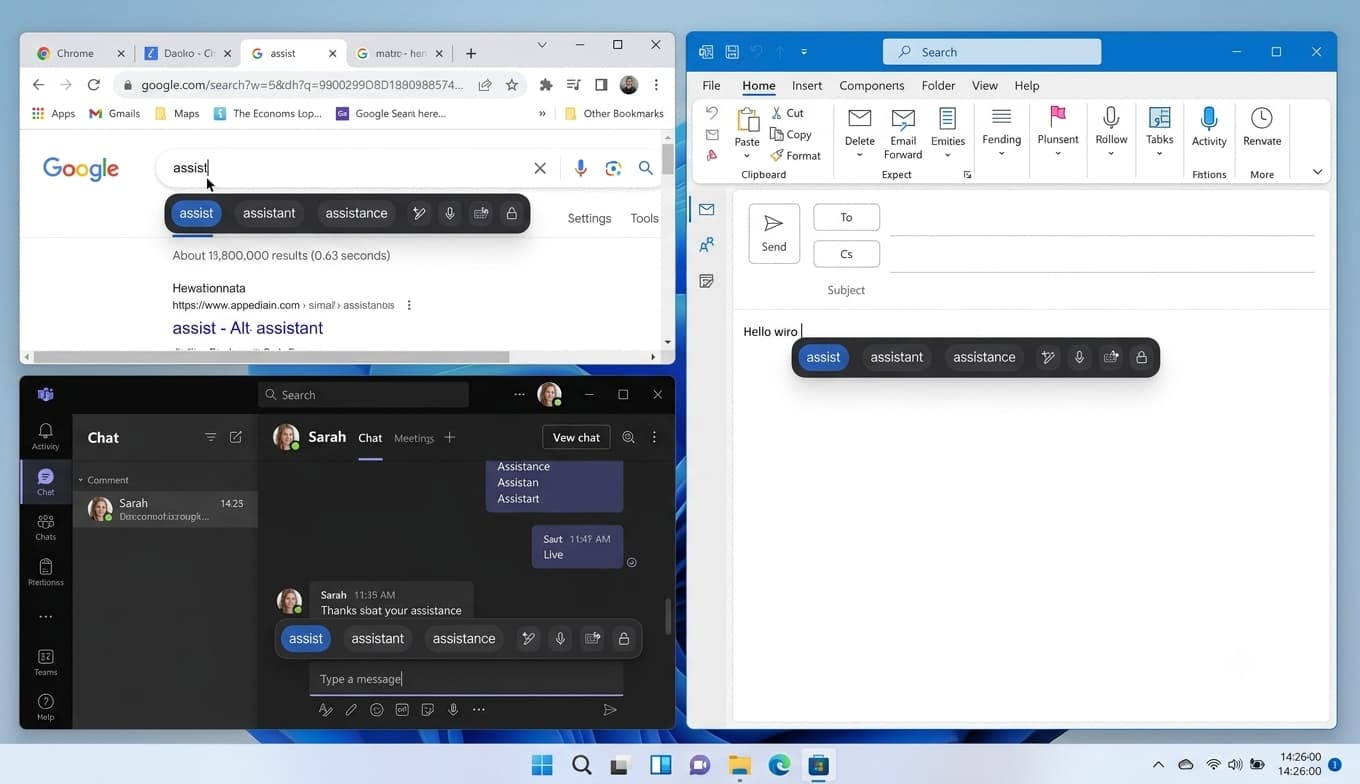
Best for: users who want autocorrect everywhere, not just inside one app
2. Microsoft Editor (basic grammar + spelling)
Microsoft Editor works mainly inside:
- Word
- Outlook
- Browser extensions
Strengths:
- Good grammar suggestions
- Free tier available
- Integrated into Microsoft ecosystem
Limitations:
- Not system-wide
- Doesn’t work in most desktop apps
- Limited predictive typing
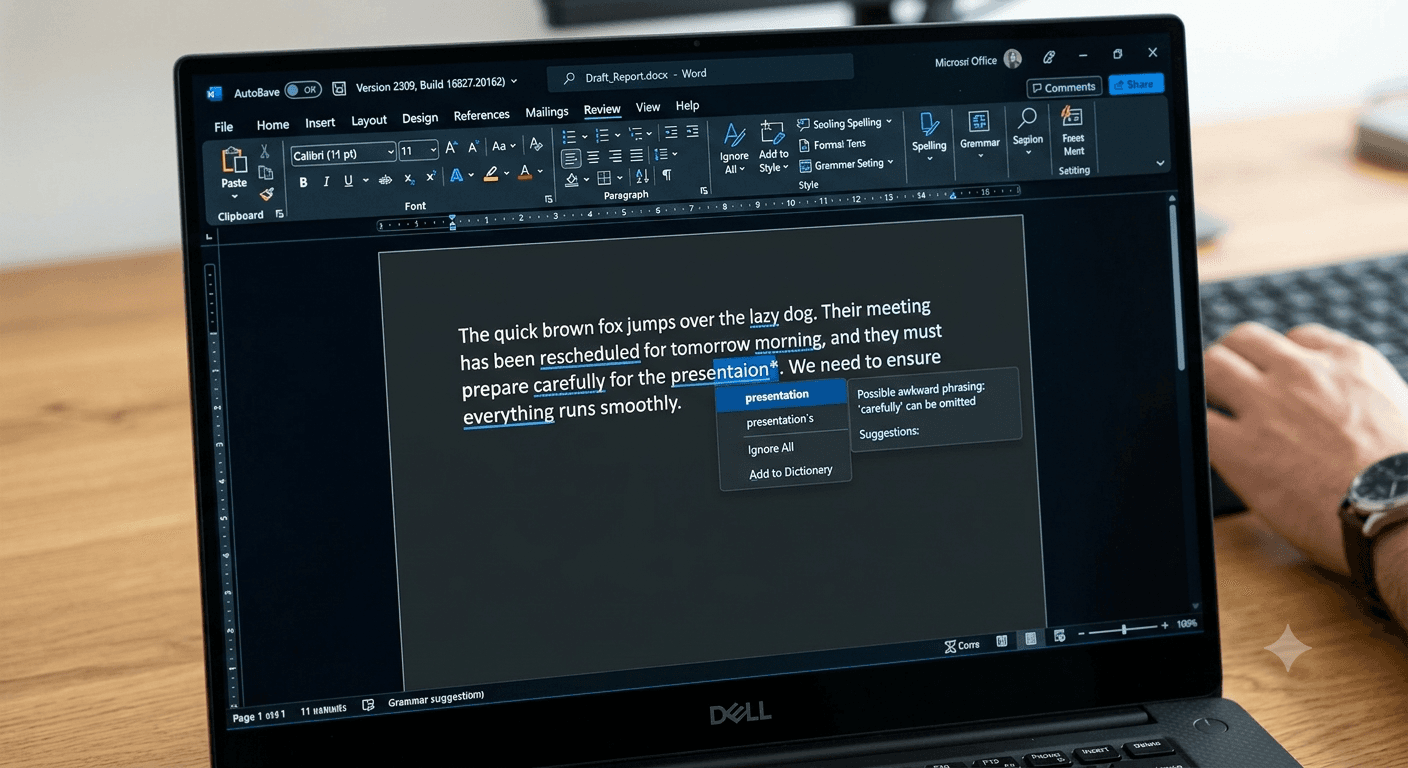
Best for: users who mostly write inside Microsoft products
3. Grammarly (browser + desktop limited support)
Grammarly is one of the most widely used writing tools.
Strengths:
- Strong grammar detection
- Tone suggestions
- Works in browser and some desktop apps
Limitations:
- Not true system-wide autocorrect
- Limited offline functionality
- Focused more on editing than typing speed
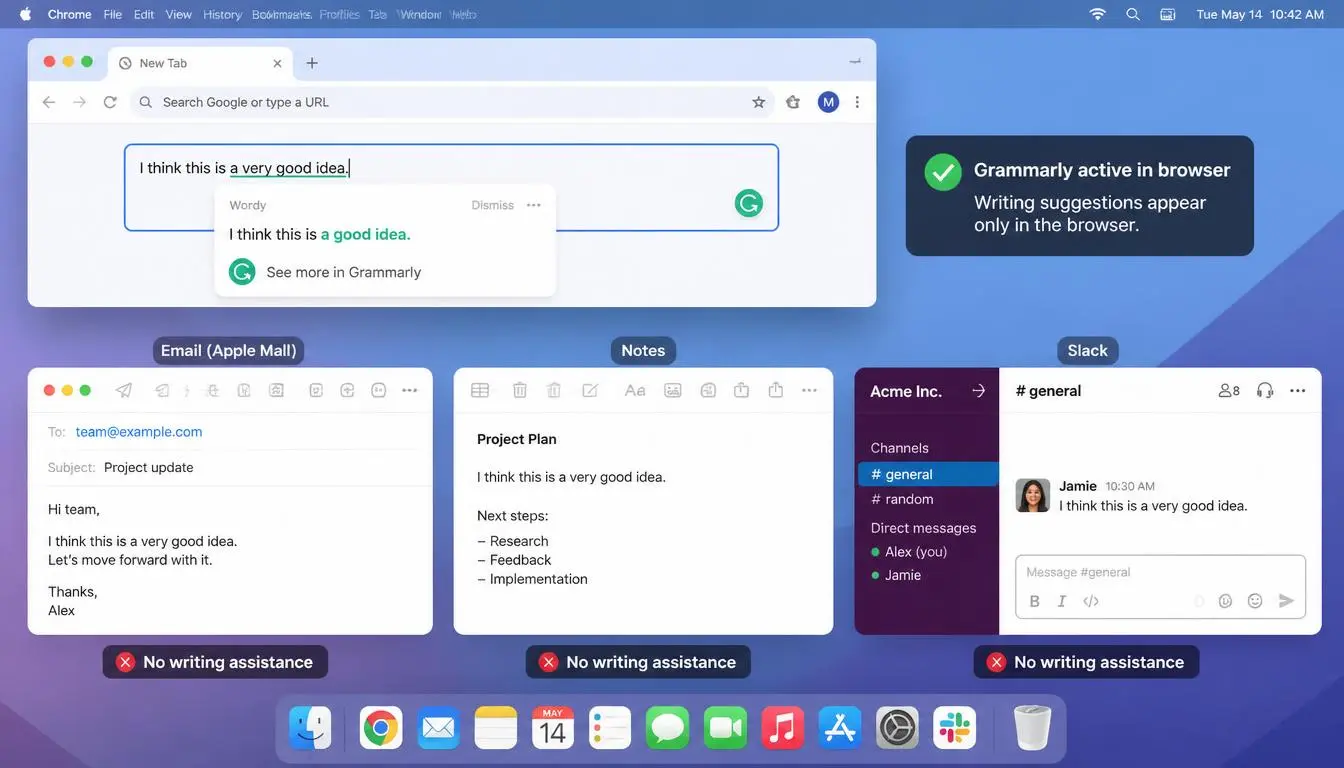
Best for: writers and students focusing on grammar improvement
4. Windows built-in autocorrect
Windows itself provides the most basic level of correction.
Strengths:
- Built into OS
- No installation required
Limitations:
- Inconsistent across apps
- No AI features
- No predictive writing
- Very limited control
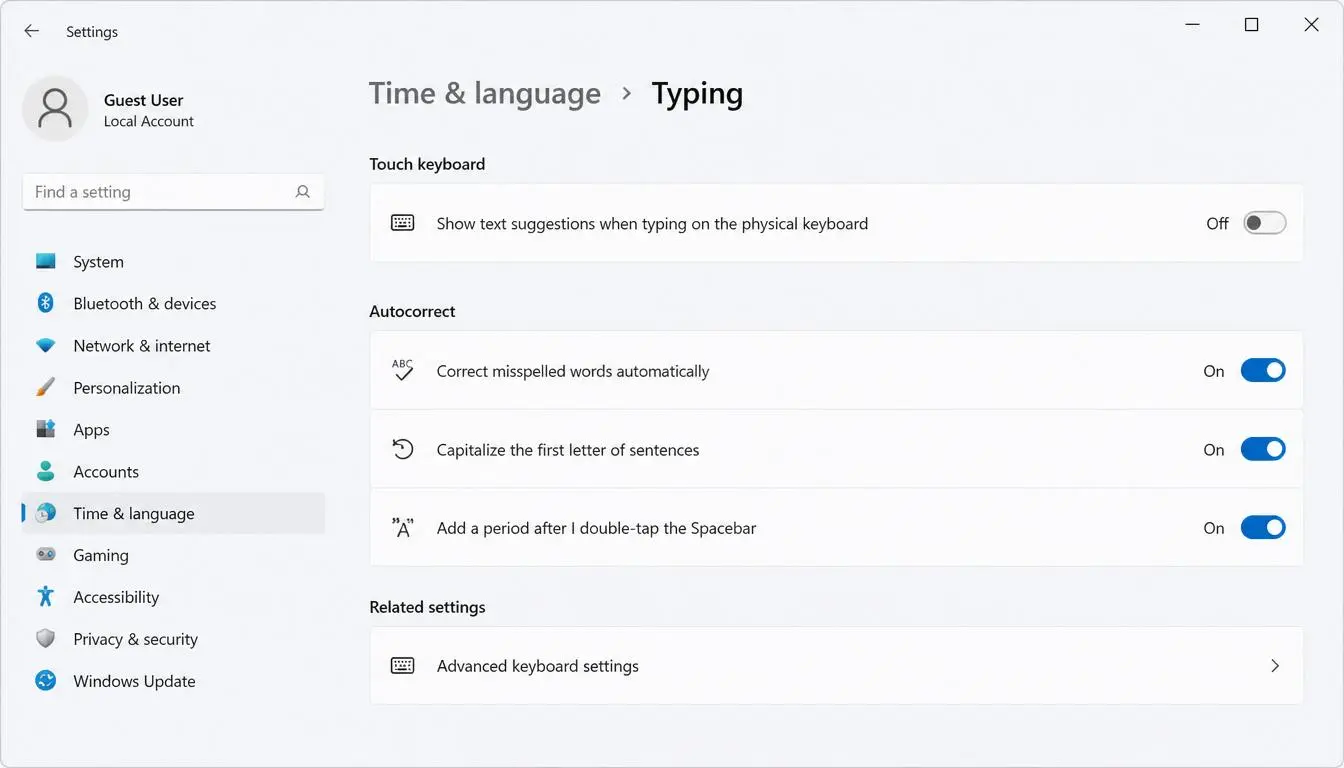
Best for: very light typing needs
Comparison: which one is actually best?
| Feature | Windows | Grammarly | Microsoft Editor | AutoCorrect for PC |
|---|---|---|---|---|
| Works system-wide | ❌ | Partial | ❌ | ✅ |
| Predictive text | ❌ | ❌ | ❌ | ✅ |
| Autocorrect | Basic | Partial | Partial | ✅ |
| Grammar AI | ❌ | ✅ | ✅ | ✅ |
| Works in all apps | ❌ | Partial | ❌ | ✅ |
| Voice typing | ❌ | ❌ | ❌ | ✅ |
So what is the best autocorrect software for Windows?
It depends on what you want:
- If you only write in Word → Microsoft Editor is enough
- If you focus on grammar → Grammarly is solid
- If you want basic OS correction → Windows default is fine
- If you want autocorrect everywhere on Windows → AutoCorrect for PC is the only system-wide option
Final thought
Most tools try to fix your writing after you type.
But real productivity comes from tools that help you type less in the first place.
Autocorrect isn’t just about correcting mistakes anymore.
It’s about removing friction between thought and text.
Ready to upgrade your typing experience?
If you want predictive text, autocorrect, grammar correction, and AI writing across every Windows app:
Related Posts
Best Grammarly Alternative for Desktop Apps (2026 Guide)
Grammarly is powerful, but it mainly works in browsers and limited desktop environments. Here are the best Grammarly alternatives for desktop apps on Windows in 2026.
Read post →How to Get Predictive Text on Windows (2026 Guide)
Windows doesn’t provide consistent predictive text across apps, but there are ways to enable it system-wide. Here’s how to get predictive text working properly on Windows in 2026.
Read post →Predictive Text on Windows: Your Keyboard Is Smarter Than You Think
Typing faster isn't about pressing more keys—it's about pressing fewer. Learn how predictive text, autocorrect, voice typing, and AI writing can help you write faster across every Windows application.
Read post →Want system-wide predictions, autocorrect, and voice typing on Windows?