
Predictive Text on Windows: Your Keyboard Is Smarter Than You Think
Typing faster isn't about pressing more keys—it's about pressing fewer. Learn how predictive text, autocorrect, voice typing, and AI writing can help you write faster across every Windows application.
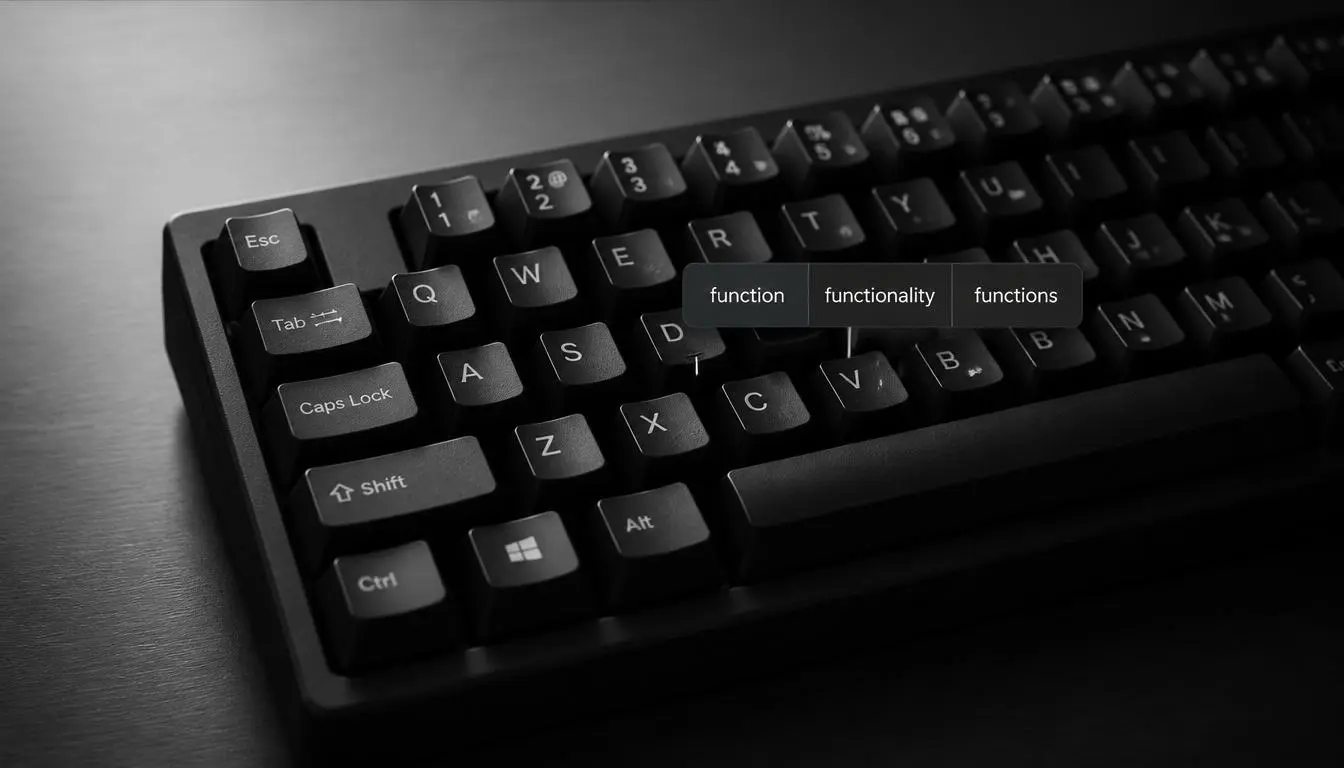
Stop typing every word manually. Let your keyboard do more of the work.
Download AutoCorrect for PC → system-wide predictive text, autocorrect, grammar correction, AI writing, and voice typing on Windows.
Contents
- Why Typing Manually Slows Down Productivity
- Why System-Wide Predictive Text Matters
- Three Ways to Type Faster on Windows
- AutoCorrect PC vs Windows Tools
- Privacy Matters
- FAQ
Why Typing Manually Slows Down Productivity
Most knowledge work is text.
Emails. Reports. Code comments. Slack messages. Documents. Everything.
Yet we still treat typing like it’s the bottleneck we just accept.
People upgrade everything except the thing they use most:
- Faster CPUs
- Better monitors
- Mechanical keyboards
- Faster internet
But they still manually fix spelling mistakes and retype predictable words.
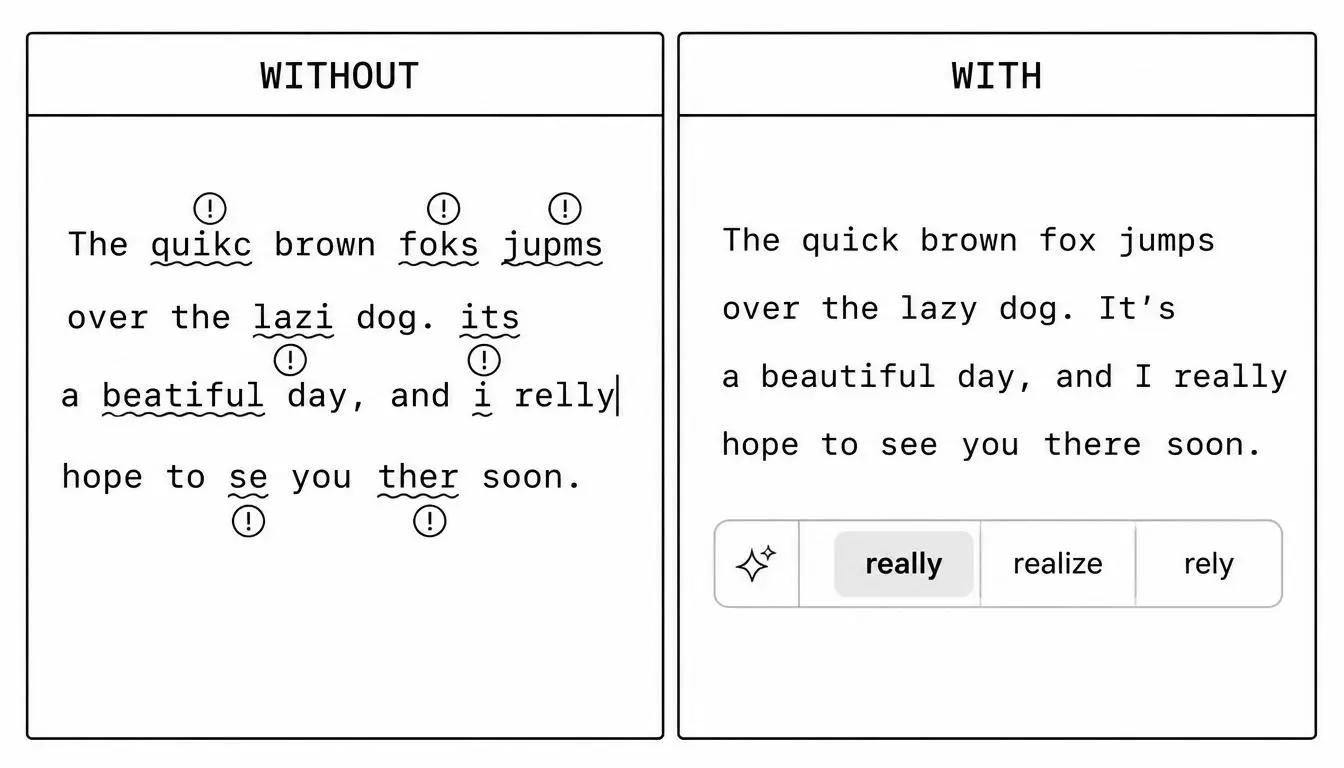
Predictive text isn’t about typing faster.
It’s about typing less.
Less correction.
Less hesitation.
Less interruption.
Speed is not typing faster. Speed is typing less.
Why System-Wide Predictive Text Matters
Most writing tools only work inside one app.
That’s the problem.
Real work happens everywhere:
- Email apps
- Browsers
- Notepad
- Word
- Discord / Teams
- PDFs
- Terminal windows
- Forms
A browser extension cannot follow you everywhere.
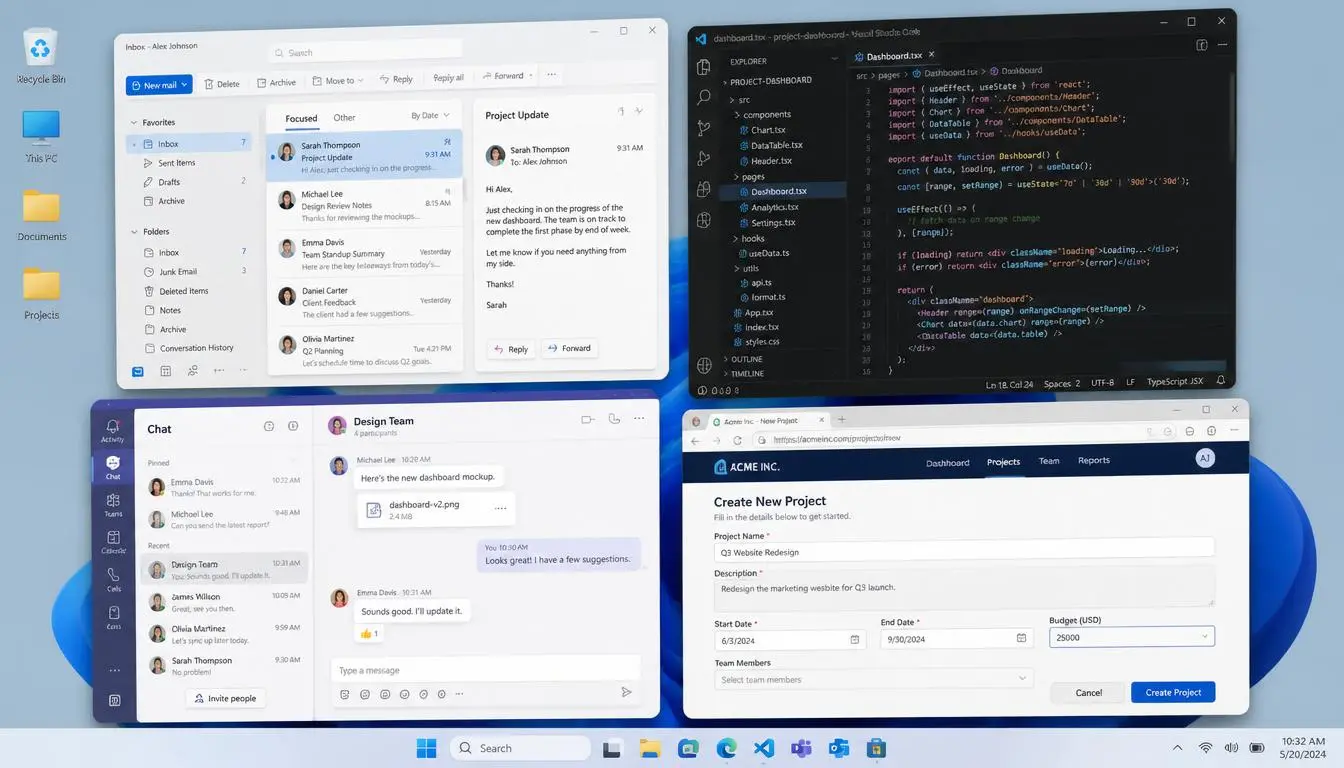
AutoCorrect PC works system-wide, meaning it follows you into every text field.
You get:
- Predictive text
- Autocorrect
- Grammar correction
- AI rewriting
- Voice typing
Without copying, pasting, or switching apps.
Three Ways to Type Faster on Windows
Typing speed isn’t just about keyboard skills.
It’s about habits.
1. Trust good predictions
If the suggestion matches your thought, accept it.
Second-guessing often costs more time than the occasional mistake.
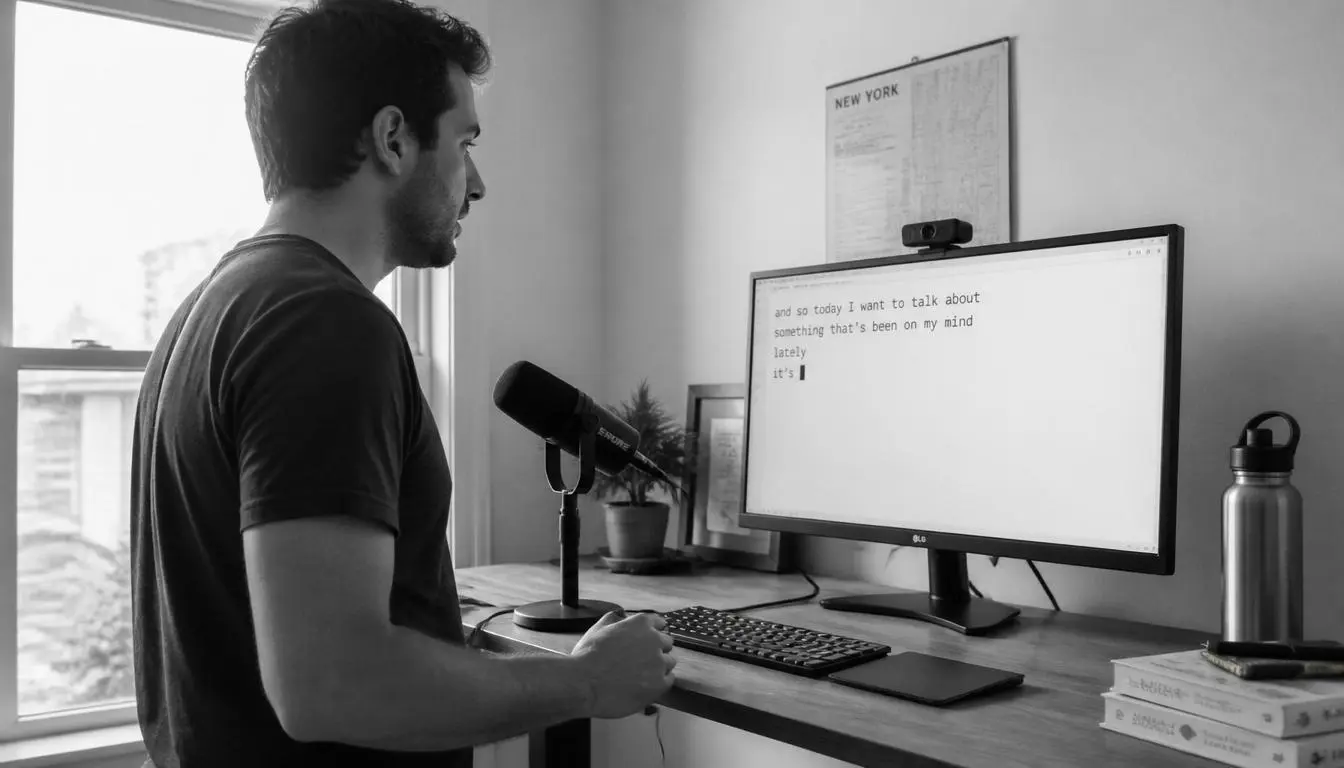
2. Speak first, refine later
Voice typing is the fastest way to turn thoughts into text.
Then use AI + predictions to clean it up.
3. Stop over-editing while writing
Write first. Fix later.
Let grammar correction run in the background instead of interrupting your flow.
AutoCorrect PC vs Built-in Windows Tools
| Feature | Windows | AutoCorrect PC |
|---|---|---|
| Predictive Text | Limited | ✅ |
| Autocorrect | Limited | ✅ |
| Grammar Correction | ❌ | ✅ |
| AI Rewrite | ❌ | ✅ |
| Voice Typing | Basic | ✅ |
| Works Everywhere | ❌ | ✅ |
Privacy Matters When You Type
Typing assistants only work if you trust them.
Many users disable them because they’re unsure what happens to their text.
AutoCorrect PC is designed for local-first, privacy-conscious writing assistance so you can keep it enabled without worrying about your data.
FAQ
Does Windows have predictive text?
Yes, but only in limited areas. It does not work consistently across all applications.
Is predictive text the same as autocorrect?
No.
- Predictive text suggests words before you finish typing
- Autocorrect fixes mistakes after typing
Together, they dramatically improve speed.
Can I get predictive text in every Windows app?
Yes — but only with system-wide tools like AutoCorrect PC.
Does AutoCorrect PC work everywhere?
It works across most Windows applications and text fields.
Final Thought
Typing speed is not the real metric.
Idea speed is.
The faster you remove friction between thought and text, the more you can build, write, and ship.
If your phone already helps you write faster…
your PC should too.
Related Posts
Best Autocorrect Software for Windows (2026): What Actually Works
Windows autocorrect is limited and inconsistent across apps. Here’s a breakdown of the best autocorrect software for Windows in 2026 and what actually improves typing speed across all applications.
Read post →Best Grammarly Alternative for Desktop Apps (2026 Guide)
Grammarly is powerful, but it mainly works in browsers and limited desktop environments. Here are the best Grammarly alternatives for desktop apps on Windows in 2026.
Read post →How to Get Predictive Text on Windows (2026 Guide)
Windows doesn’t provide consistent predictive text across apps, but there are ways to enable it system-wide. Here’s how to get predictive text working properly on Windows in 2026.
Read post →Want system-wide predictions, autocorrect, and voice typing on Windows?