
AI Writing on Windows: Revolutionizing Your Desktop Workflow by 2026
Discover how AI writing tools are transforming Windows workflows by 2026, offering advanced features like system-wide autocorrect, predictive text, and sophisticated grammar correction. Enhance productivity and streamline your writing across all applications.
Key Takeaways
- AI is transforming Windows workflows: By 2026, AI-powered writing tools are becoming indispensable for productivity, integrating seamlessly into daily desktop operations.
- Beyond basic grammar: Modern AI writing assistants offer advanced features like predictive text, voice typing, and sophisticated grammar correction, far exceeding traditional spell-checkers.
- System-wide integration is crucial: Tools that work across all Windows applications, like AutoCorrect PC, provide a consistent and efficient writing experience.
- Enhanced productivity for all: From professional writers to students and business users, AI helps save time, reduce errors, and improve the quality of written communication.
- Privacy and local processing: The best AI tools prioritize user privacy, often processing sensitive data locally on your device.
- Future of writing is collaborative with AI: AI is an assistant that augments human capabilities, making writing faster, cleaner, and more effective without replacing human creativity.
The digital landscape is constantly evolving, and by 2026, artificial intelligence has firmly established itself as a cornerstone of personal and professional productivity. For Windows users, this means a revolution in how we interact with our desktop, particularly concerning written communication. Gone are the days of simple spell-checkers; today's AI writing tools are sophisticated assistants that streamline workflows, enhance accuracy, and even spark creativity. This article explores how AI writing is transforming the Windows desktop experience and highlights the essential features you should look for in a smart writing assistant.
The Evolution of Writing Assistance on Windows
For decades, Windows users have relied on built-in tools for basic writing help. Microsoft Word offered grammar checking and spell-checking, and operating systems provided rudimentary autocorrect features. However, these tools often felt isolated, confined to specific applications, and lacked the intelligence to truly understand context or predict user intent. The rise of advanced AI, particularly in natural language processing (NLP), has changed this dramatically.
By 2026, AI writing tools are no longer just about fixing typos; they are about understanding the nuances of language, anticipating your next word, and even generating entire passages based on your prompts. This shift has been driven by the need for greater efficiency and accuracy in an increasingly fast-paced digital world. Whether you are drafting an important business proposal, crafting a creative story, or simply sending an email, the demand for intelligent assistance has grown exponentially. The goal is to minimize friction in the writing process, allowing users to focus on their ideas rather than getting bogged down by mechanics.

Core AI Writing Features Revolutionizing Your Workflow
Modern AI writing assistants for Windows come packed with features designed to elevate your writing experience. These capabilities extend far beyond what traditional word processors offer, providing a comprehensive suite of tools that work harmoniously across your entire operating system. Understanding these core features is key to unlocking maximum productivity.
One of the most immediate benefits is system-wide autocorrect. Imagine never having to manually correct a common typo again, no matter which application you are using. This isn't just about catching obvious errors; it's about learning your common mistakes and instantly fixing them, saving precious seconds on every document, email, or chat message. This consistent correction across all text fields dramatically reduces mental load and keeps your writing flow uninterrupted.
Word predictions and word completion are another game-changer. As you type, the AI suggests the most likely next words or offers to complete the word you are currently writing. This predictive text capability can significantly increase your typing speed, especially for those who struggle with fast typing or have physical limitations. It's like having a mind-reader for your keyboard, anticipating your thoughts and translating them into text with minimal effort. This feature is particularly valuable for long-form writing, where maintaining momentum is crucial.
Advanced Grammar and Style Correction
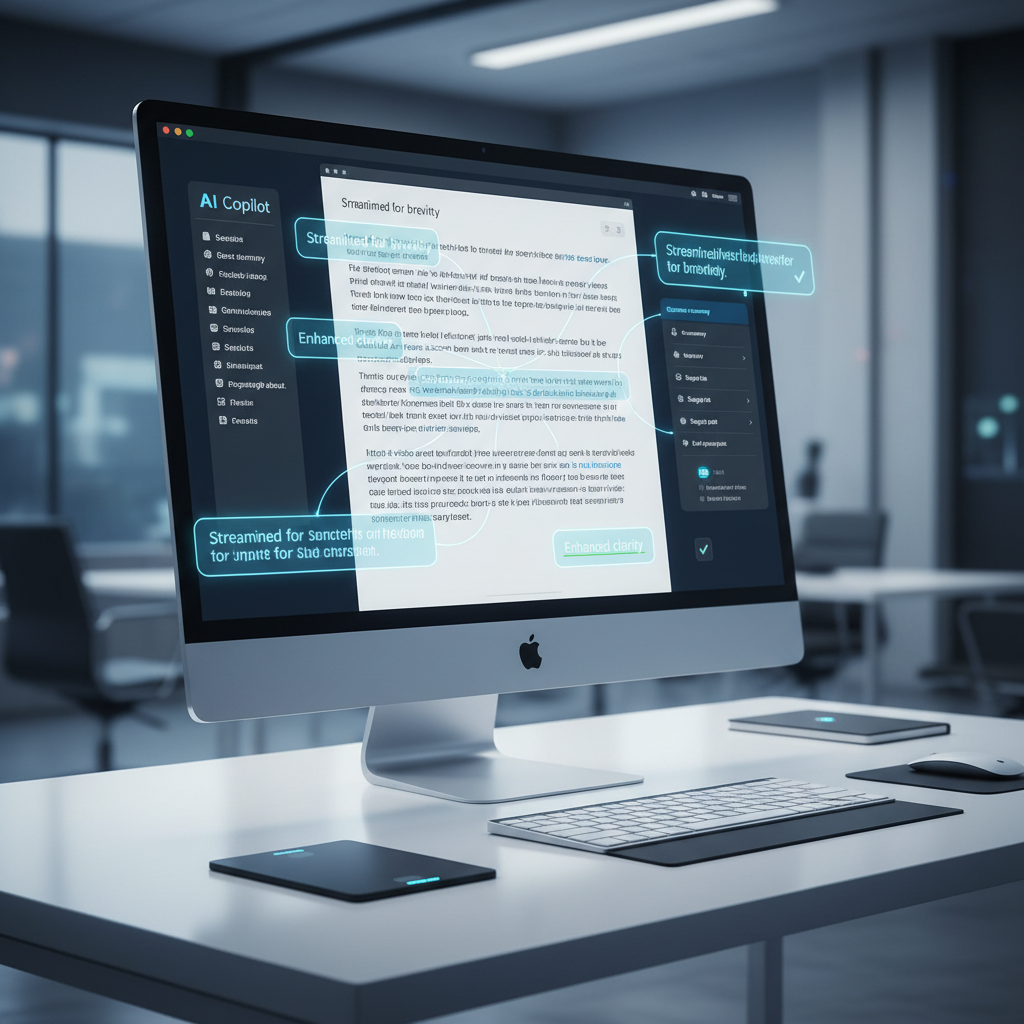
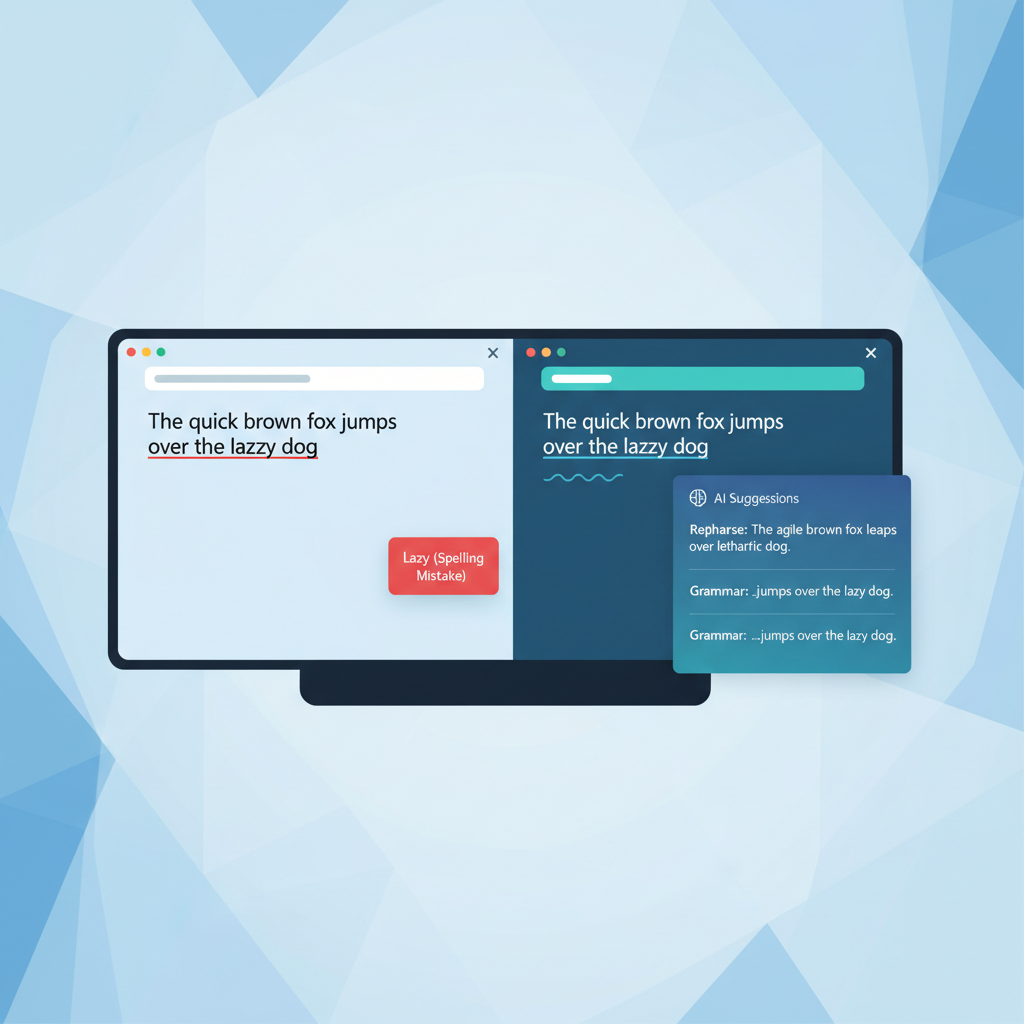
Beyond simple spelling, AI writing assistants excel at grammar correction. These are not your basic grammar checkers that flag obvious subject-verb agreement issues. Modern AI can identify complex grammatical errors, stylistic inconsistencies, and even provide suggestions for improving sentence structure and clarity. This means cleaner, more professional documents without the need for extensive manual proofreading. It acts as a virtual editor, refining your prose in real-time.
For instance, an AI tool might suggest rephrasing a convoluted sentence for better readability or point out repetitive phrasing that weakens your argument. This level of sophisticated feedback helps users not only correct mistakes but also learn to write better over time. It's an invaluable asset for students, non-native English speakers, and anyone aiming to elevate their written communication. This feature can be particularly useful in academic settings, where precise language and adherence to grammatical rules are paramount.
The Power of AI-Driven Content Generation and Voice Typing
The capabilities of AI writing assistants extend beyond correction and prediction. They now offer powerful tools for content generation and alternative input methods, further revolutionizing the desktop workflow. These features are designed to save time, overcome writer's block, and make writing accessible to a wider audience.
AI writing capabilities allow you to generate, rewrite, or expand text from a simple prompt or selected existing text. This is incredibly useful for brainstorming, drafting initial content, or quickly rephrasing sentences to fit a different tone. Need a paragraph describing a new product feature? Provide a few keywords, and the AI can generate a draft. Want to condense a lengthy email into a concise summary? The AI can handle that too. This feature acts as a co-writer, helping you overcome the blank page syndrome and accelerate content creation. It's not about replacing human creativity but augmenting it, providing a starting point or alternative perspectives.
For those who prefer to speak rather than type, voice typing, or speech-to-text, is a transformative feature. Modern AI-powered voice typing is remarkably accurate and integrates directly into any application on your Windows PC. This means you can dictate emails, reports, or creative pieces without ever touching your keyboard. This is a huge boon for individuals with typing disabilities, those who experience repetitive strain injuries, or simply anyone who finds speaking faster than typing. It opens up new avenues for productivity and accessibility, allowing you to capture ideas as quickly as you think them.
System-Wide Integration: The AutoCorrect PC Advantage
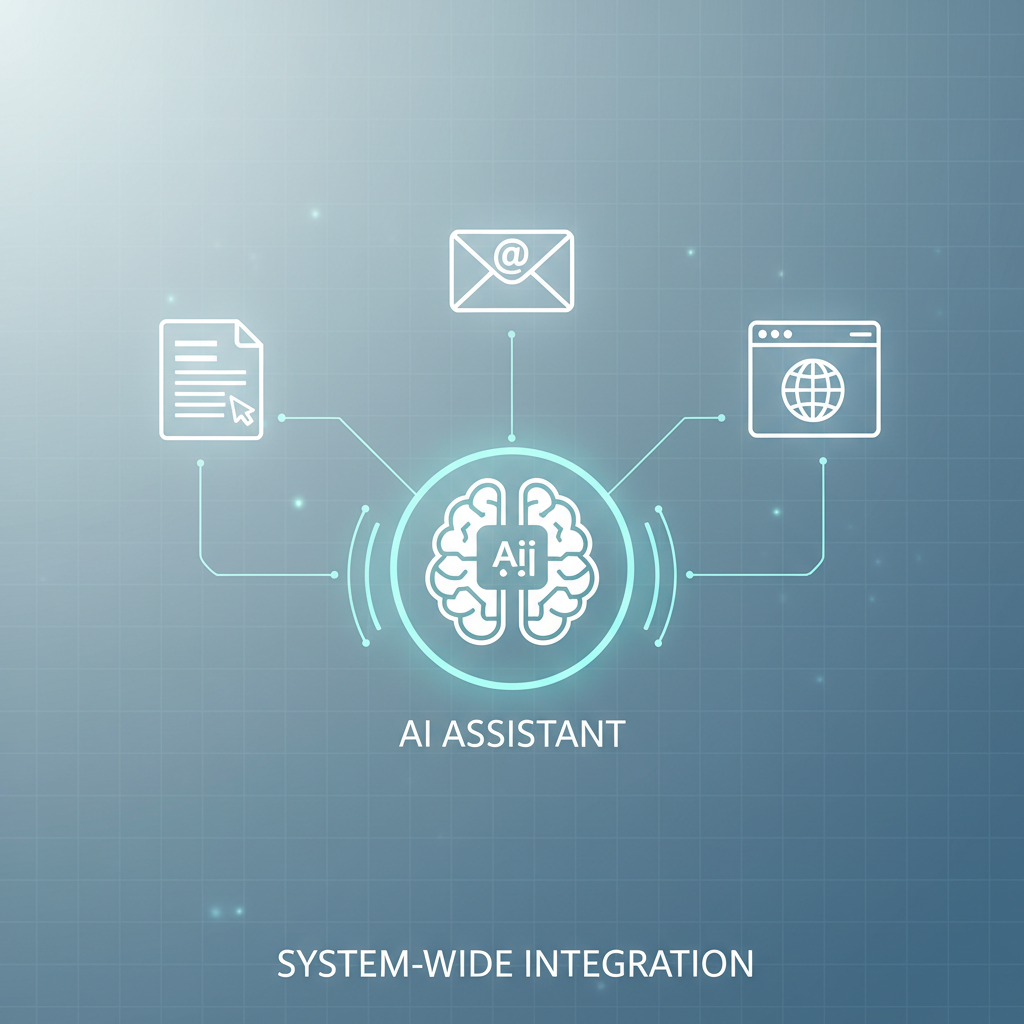
One of the most critical aspects of a truly revolutionary AI writing experience on Windows is system-wide integration. Many AI writing tools exist as browser extensions or standalone web applications, limiting their utility to specific online environments. However, for a comprehensive desktop workflow transformation, you need a solution that works everywhere on your PC.
This is where applications like AutoCorrect PC shine. AutoCorrect PC is designed to be a Windows writing assistant that operates across all your applications. Whether you are typing in Microsoft Word, composing an email in Outlook, chatting in Slack, or filling out a web form in your browser, AutoCorrect PC's features are always active and ready to assist. This seamless integration ensures a consistent and efficient writing experience, eliminating the need to switch between different tools or copy-paste text for correction.
The power of system-wide functionality cannot be overstated. It means that the benefits of autocorrect, word predictions, grammar correction, and voice typing are not confined to a single program but are available wherever you write. This omnipresent assistance saves time, reduces errors, and maintains your focus, allowing you to concentrate on the message rather than the mechanics of writing. This level of integration is what truly differentiates a smart writing assistant from a mere spell-checker.
Who Benefits Most from AI Writing on Windows?
The widespread adoption of AI writing tools on Windows is driven by their broad appeal and utility across diverse user groups. Practically anyone who uses a computer for written communication can benefit, but certain demographics find these tools particularly transformative.
Professional writers and content creators can leverage AI to speed up drafting, refine their prose, and maintain consistency across large volumes of content. Journalists, bloggers, marketers, and technical writers often face tight deadlines and high expectations for quality. AI assistants help them meet these demands by providing real-time feedback and generating content ideas.
Students and academic writers benefit immensely from advanced grammar and style correction, ensuring their essays, research papers, and dissertations are polished and error-free. For many students, especially those learning English as a second language, AI writing tools can be an invaluable learning aid, helping them grasp complex linguistic rules and improve their writing proficiency.
Business professionals frequently draft emails, reports, presentations, and internal communications. AI writing tools ensure these documents are clear, concise, and professional, enhancing credibility and efficiency in the workplace. Quick word predictions and autocorrect save time on routine correspondence, allowing more focus on strategic tasks.
Non-native English speakers often find AI writing assistants to be indispensable. These tools can help bridge language gaps, correct subtle grammatical errors that are difficult for learners to catch, and suggest more natural-sounding phrases. This empowers them to communicate more confidently and effectively in English.
Individuals with typing disabilities or accessibility needs experience a profound positive impact. Voice typing, in particular, offers a liberating alternative to traditional keyboard input, enabling them to express their thoughts freely and participate fully in digital communication. This inclusivity is a significant advantage of modern AI-powered solutions.
Finally, remote workers and digital professionals who rely heavily on written communication for collaboration and documentation find these tools essential for maintaining productivity and clarity, regardless of their physical location.
Privacy and Performance: Crucial Considerations for 2026
As AI becomes more integrated into our daily workflows, concerns about privacy and performance naturally arise. By 2026, leading AI writing solutions for Windows prioritize these aspects, understanding that trust and efficiency are paramount for user adoption.
When choosing an AI writing assistant, it is crucial to understand how your data is handled. Many web-based AI tools send your text to external servers for processing, which can raise privacy concerns, especially for sensitive documents. The best desktop-based solutions, like AutoCorrect PC, address this by performing core functions such as autocorrect, word completion, next-word prediction, speech transcription, grammar correction, and dictionary lookups locally on your computer. This "privacy-first" approach ensures that your everyday typing remains on your device, giving you peace of mind. Only explicit features like AI Writer, which involves generating new content, might communicate with external servers, and even then, this is done with clear user consent.
Performance is another key factor. An AI writing tool, no matter how powerful, will hinder productivity if it causes system slowdowns or introduces lag. Efficiently designed applications integrate smoothly with Windows, utilizing system resources optimally to provide real-time assistance without compromising your PC's speed. This means instant corrections, fluid predictions, and responsive voice typing, all contributing to a seamless user experience.
| Feature Area | AutoCorrect PC | Browser Extensions | Cloud AI Writers |
|---|---|---|---|
| Works Across Desktop Apps | ✓ | ✗ | ✗ (Usually web only) |
| Autocorrect | ✓ | Some | ✗ |
| Word Predictions | ✓ | Limited | ✗ |
| Grammar Correction | ✓ | ✓ | ✓ |
| Voice Typing | ✓ | Limited | Some |
| AI Writing | ✓ | Some | ✓ |
| Multi-Language Dictionaries | ✓ | Some | Some |
| Local Processing for Typing Features | ✓ | ✗ | ✗ |
Tip: Always review the privacy policy of any AI writing tool you consider. Look for clear statements about data processing, encryption, and whether your text leaves your device for core functionalities. Prioritizing tools that offer local processing for everyday tasks can significantly enhance your data security.
The Future is Now: Embracing AI for Enhanced Productivity
The landscape of writing on Windows has undergone a significant transformation, with AI writing tools leading the charge towards unprecedented levels of productivity and accuracy. What was once considered futuristic is now a daily reality for millions of users. These intelligent assistants are not just about fixing mistakes; they are about fostering better communication, saving valuable time, and empowering individuals to express themselves more effectively.
By 2026, the integration of AI into our desktop workflows is no longer an optional luxury but a fundamental component of efficient digital living. Whether you are a student striving for academic excellence, a business professional aiming for clearer communication, or a content creator seeking to streamline your output, AI writing tools offer tangible benefits. The ability to type faster, correct grammar on the fly, dictate text, and even generate content means you can focus more on your ideas and less on the mechanics of writing.
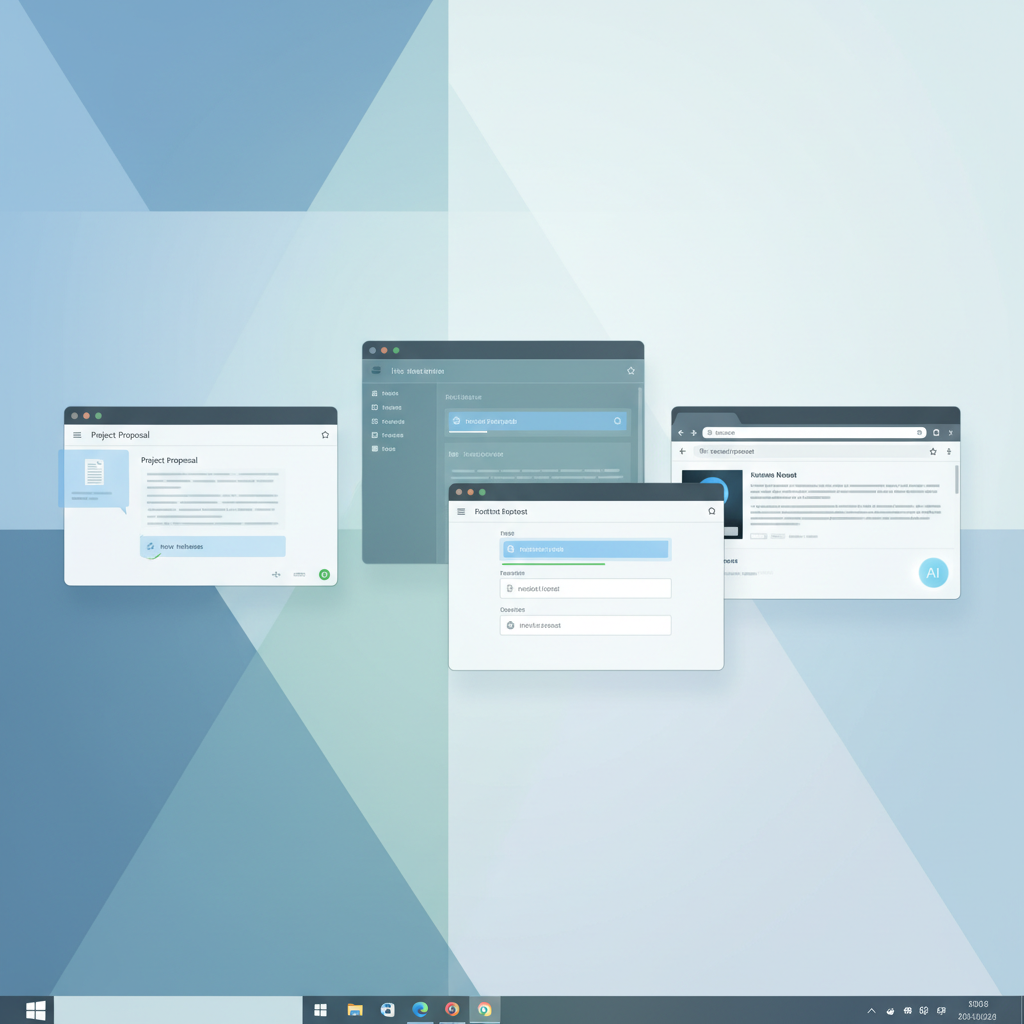
The key to harnessing this power lies in choosing a comprehensive, system-wide solution that respects your privacy and integrates seamlessly into your existing Windows environment. Such tools ensure that your AI assistant is always there, ready to help, no matter what application you are using.
Conclusion
The year 2026 marks a pivotal moment in the evolution of desktop computing, particularly for written communication on Windows. AI writing tools have transcended basic functionality, offering sophisticated features like system-wide autocorrect, predictive text, advanced grammar correction, AI writing, and voice typing. These innovations are not just incremental improvements; they represent a fundamental shift in how we interact with our computers to produce text.
For anyone seeking to optimize their workflow, reduce errors, and enhance the quality of their written output, embracing these AI-powered solutions is essential. The benefits extend across all user types, from professional writers and students to business professionals and non-native English speakers. By choosing a solution that prioritizes system-wide integration and user privacy, you can unlock a new level of efficiency and confidence in your daily writing tasks. The future of writing on Windows is intelligent, integrated, and incredibly productive.
Ready to Revolutionize Your Windows Workflow?
Experience the power of a smart writing assistant that works everywhere on your Windows PC. Discover how AutoCorrect PC can help you type faster, write cleaner, and communicate more effectively.
Learn more and download AutoCorrect PC today!
Frequently Asked Questions
Q1: What exactly is a "system-wide" AI writing assistant?
A system-wide AI writing assistant is an application that integrates directly with your Windows operating system, providing writing support across all your desktop applications. Unlike browser extensions or web-based tools that only work in specific environments, a system-wide assistant offers features like autocorrect, predictive text, grammar correction, and voice typing in any text field, whether you're in Microsoft Word, Outlook, a chat application, or a web browser. This ensures a consistent and seamless writing experience across your entire PC.
Q2: How does AI writing differ from traditional spell-check and grammar tools?
Traditional spell-checkers primarily correct misspelled words based on a dictionary, and older grammar tools often flag simple grammatical errors. AI writing, however, uses advanced natural language processing (NLP) to understand context, predict your next words, suggest stylistic improvements, and even generate or rephrase entire sentences. It goes beyond basic error correction to enhance clarity, conciseness, and overall writing quality. Modern AI can learn from your writing style and provide more personalized suggestions, making it a much more powerful and intelligent assistant.
Q3: Is my privacy protected when using AI writing tools?
Privacy is a critical concern for AI writing tools. The level of protection depends on the specific tool. Some web-based AI tools send all your text to cloud servers for processing, which can raise privacy questions for sensitive information. Reputable desktop-based solutions, like AutoCorrect PC, prioritize privacy by performing many core functions (autocorrect, word prediction, grammar checking, voice typing) locally on your device. This means your everyday typing data does not leave your computer. For features like AI content generation, which may require cloud processing, these tools typically communicate with servers only when explicitly activated by the user, ensuring transparency and control over your data. Always check the privacy policy of any tool you use.
Q4: Can AI writing tools help with non-English languages?
Many advanced AI writing tools, including some features within AutoCorrect PC, offer multi-language dictionaries and support for grammar and prediction in several languages. While English is often the primary focus for many tools in the US market, the capabilities for other languages are rapidly expanding. It's best to check the specific language support offered by the tool you are considering to ensure it meets your needs for non-English writing. As AI models become more sophisticated, their multilingual capabilities continue to improve.
Q5: How do AI writing tools benefit individuals with typing disabilities or accessibility needs?
AI writing tools offer significant benefits for individuals with typing disabilities or accessibility needs, primarily through voice typing (speech-to-text) and predictive text. Voice typing allows users to dictate their thoughts directly into any application, bypassing the need for keyboard input entirely. This can be transformative for those who find typing difficult or painful. Predictive text and word completion features reduce the number of keystrokes required, making the typing process less strenuous and faster. These features promote greater independence and inclusivity, enabling more individuals to engage effectively with digital communication.

Related Posts
Best Grammarly Alternative for Desktop Apps (2026 Guide)
Grammarly is powerful, but it mainly works in browsers and limited desktop environments. Here are the best Grammarly alternatives for desktop apps on Windows in 2026.
Read post →How to Fix Typing Mistakes Automatically on PC (2026 Guide)
Typing mistakes slow you down and break your flow. Here’s how to automatically fix spelling and grammar errors on Windows using built-in tools and system-wide AI correction software.
Read post →How to Get Predictive Text on Windows (2026 Guide)
Windows doesn’t provide consistent predictive text across apps, but there are ways to enable it system-wide. Here’s how to get predictive text working properly on Windows in 2026.
Read post →Want system-wide predictions, autocorrect, and voice typing on Windows?