
Top AI Writing Assistants for Windows Users in 2026
Explore the best AI writing assistants for Windows in 2026, offering system-wide integration, predictive text, grammar correction, voice typing, and generative AI features to boost your productivity.

Key Takeaways
- AI writing assistants are rapidly evolving, offering advanced features beyond basic grammar checks.
- For Windows users, system-wide integration is crucial for seamless productivity across all applications.
- Features like predictive text, grammar correction, voice typing, and generative AI are becoming standard.
- Privacy and local processing are significant considerations when choosing an AI writing tool.
- Tools like AutoCorrect PC offer a comprehensive suite of writing enhancements tailored for the Windows environment.
The landscape of digital writing is continually transforming, and by 2026, AI writing assistant tools have become indispensable for Windows users across various professions. From crafting compelling marketing copy to drafting error-free academic papers, these intelligent applications are redefining efficiency and accuracy. This article explores the top AI writing assistants available for Windows in 2026, focusing on their features, benefits, and how they integrate into the daily workflow of professionals, students, and anyone looking to enhance their typing experience.
The Evolution of AI in Writing for Windows
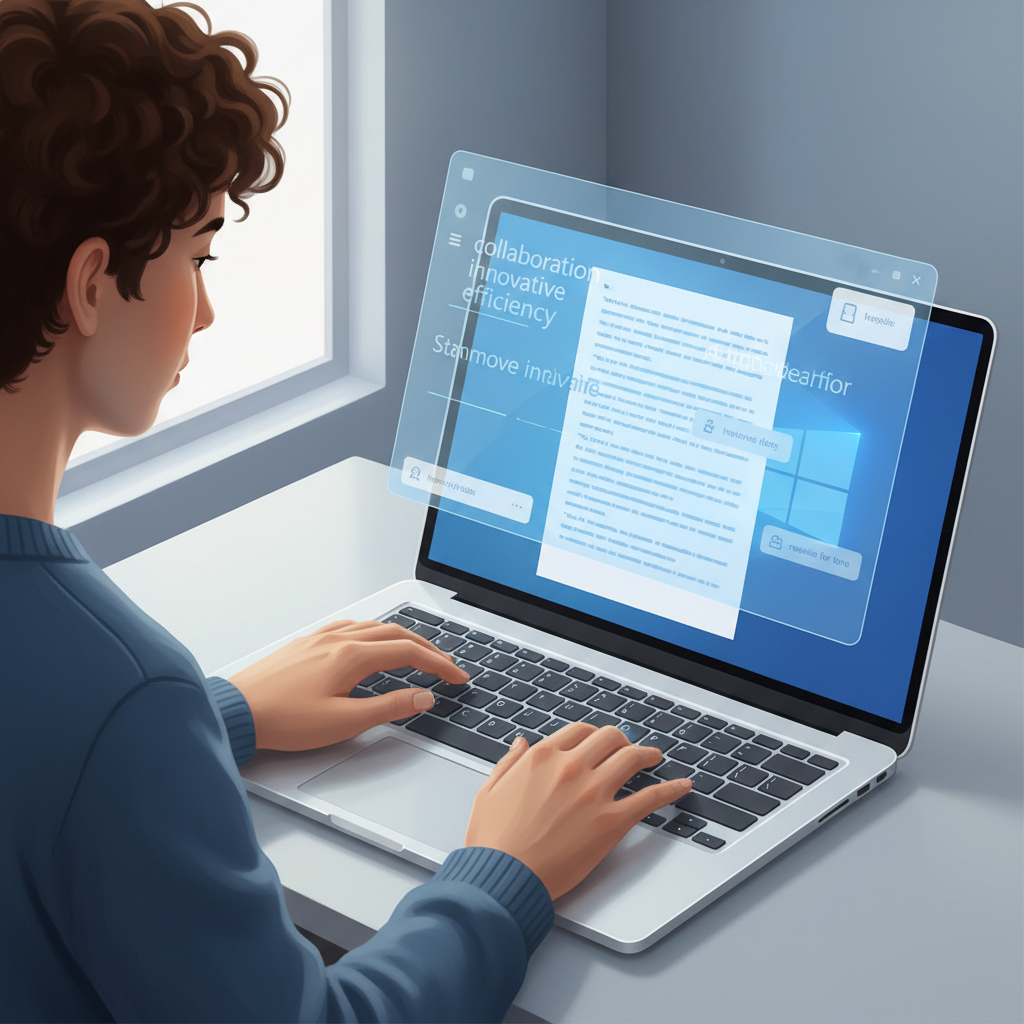
The journey of AI in writing has progressed significantly from simple spell checkers to sophisticated tools capable of generating entire paragraphs, refining tone, and even translating speech to text. For Windows users, this evolution means a richer, more integrated experience. Early AI tools often operated in isolation, requiring users to copy and paste text between applications. However, the demand for system-wide functionality has driven developers to create solutions that seamlessly integrate with any Windows application, from Microsoft Word to email clients and web browsers.
This integration is critical for maintaining workflow and maximizing productivity. Imagine not having to switch tabs or applications to correct a grammar mistake, get a word prediction, or even generate a new sentence. The best AI writing assistants for Windows in 2026 are designed to be omnipresent, working quietly in the background to assist you whenever and wherever you type. This shift represents a move from reactive correction to proactive assistance, anticipating your needs and offering suggestions before you even realize you need them. The goal is to keep you in your creative or productive flow, removing distractions and streamlining the writing process.
Essential Features of a Top AI Writing Assistant
When evaluating AI writing assistants for Windows in 2026, several key features stand out as non-negotiable for a superior user experience. These capabilities go beyond basic spell-checking and delve into predictive, generative, and assistive functionalities that cater to a wide array of writing needs. Understanding these features helps users choose the best tool for their specific requirements, whether it's for professional documents, creative writing, or everyday communication.
Predictive Text and Word Completion
Modern AI writing assistants leverage advanced algorithms to predict words and complete sentences as you type. This feature significantly boosts typing speed and reduces the effort required, especially for long-form content. Tools like AutoCorrect PC offer word prediction and word completion, suggesting the most likely next words or finishing your current word instantly. This not only saves keystrokes but also helps maintain a consistent writing flow, preventing interruptions that can break concentration. For instance, if you type "I am looking for a," the system might suggest "solution," "way," or "new job," based on context and your past writing patterns. This dynamic adaptation makes the writing process feel more intuitive and less like a chore.
Grammar and Style Correction
Beyond catching typos, top AI writing assistants provide sophisticated grammar correction and style suggestions. These tools analyze sentence structure, punctuation, verb tense, and even offer advice on clarity and conciseness. Unlike traditional grammar checkers, AI-powered solutions understand context, reducing false positives and offering more intelligent recommendations. They can help users refine their writing style, ensure professional tone, and avoid common grammatical pitfalls. This is particularly beneficial for non-native English speakers or anyone aiming to elevate the quality of their written communication. Some advanced systems can even detect passive voice, overuse of certain words, and suggest alternatives to make your prose more engaging.
AI Writing and Content Generation
The most transformative feature in 2026's AI writing assistants is their ability to generate, rewrite, or expand text based on simple prompts. This AI writing capability can be a game-changer for content creators, marketers, and anyone facing writer's block. Whether you need to brainstorm ideas, rephrase a complex sentence, or generate an entire paragraph, these tools provide instant assistance. For example, you could select a sentence and prompt the AI to "make this more formal" or "expand on this idea." This generative power significantly accelerates the drafting process, allowing users to focus more on strategic thinking and less on the mechanics of writing. Companies like AutoCorrect PC integrate this directly into the Windows environment, making it accessible from any application.
The Power of Voice Typing and Accessibility
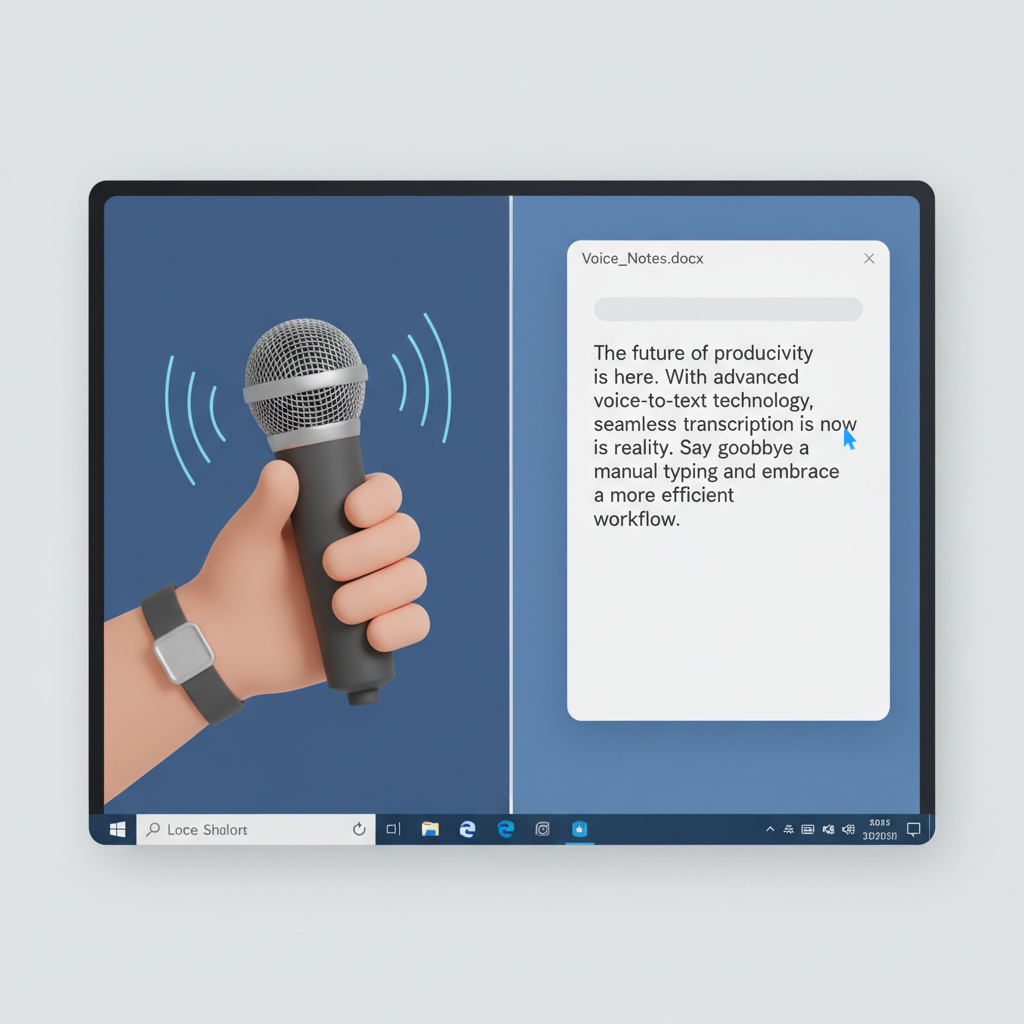
For many Windows users, typing is not always the most efficient or comfortable method of input. This is where voice typing and enhanced accessibility features come into play, offering powerful alternatives that cater to diverse needs. By 2026, AI-powered voice typing has moved beyond simple dictation, becoming a highly accurate and integrated component of top writing assistants.
Advanced Voice-to-Text Capabilities
Modern AI writing assistants integrate sophisticated speech-to-text engines that can accurately transcribe spoken words into written text in real-time. This feature is invaluable for individuals who prefer to dictate their thoughts, have physical limitations that make typing difficult, or simply want to speed up their content creation process. The accuracy of these systems has improved dramatically, recognizing various accents and distinguishing between homophones with greater precision. For instance, a user can speak naturally, and the AI will convert their speech directly into the active text field of any Windows application, whether it's a document editor, an email client, or a messaging app. This eliminates the need for manual transcription and allows for a more natural, conversational approach to writing.
Enhancing Accessibility and Productivity
Beyond speed, voice typing significantly enhances accessibility for users with disabilities, such as carpal tunnel syndrome, repetitive strain injury, or visual impairments. It provides an alternative input method that reduces physical strain and allows them to participate fully in digital communication and content creation. Furthermore, voice typing can boost productivity for all users by enabling multitasking. Imagine dictating an email while reviewing a presentation or brainstorming ideas while taking a walk. The ability to articulate thoughts verbally and have them instantly converted to text frees up mental and physical resources, leading to more efficient work sessions. Tools like AutoCorrect PC ensure that this powerful feature is available system-wide, making it a truly integrated part of the Windows user experience.
System-Wide Integration: The Windows Advantage
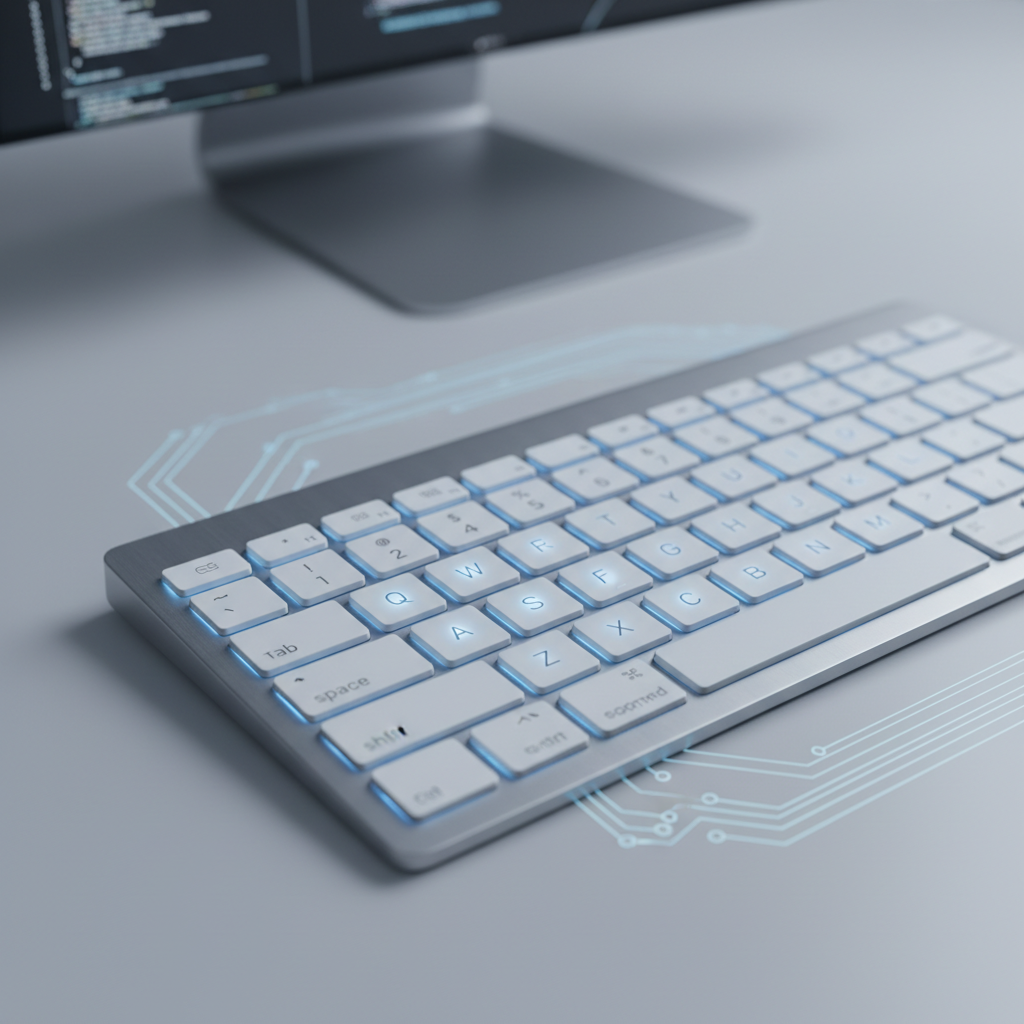
One of the most significant advantages for Windows users seeking AI writing assistance in 2026 is the growing availability of tools that offer system-wide integration. This means the AI isn't confined to a single application or browser extension but works across your entire operating system, providing consistent support wherever you type. This level of integration is a hallmark of truly intelligent writing assistants and sets them apart from more limited solutions.
Seamless Operation Across All Applications
A truly effective AI writing assistant for Windows should operate seamlessly whether you are drafting an email in Outlook, writing a report in Microsoft Word, composing a message in Teams, or even filling out a web form in your browser. This system-wide functionality ensures that you receive consistent autocorrect, predictive text, and grammar correction without having to switch applications or copy-paste text. For example, AutoCorrect PC is designed to function as an omnipresent helper, correcting misspelled words as you type, offering next-word predictions, and catching grammar mistakes directly within the context of your work, regardless of the program you are using. This eliminates friction and maintains your focus, allowing for a smoother, more efficient writing process.
Customization and Personalization
Beyond universal functionality, the best system-wide AI writing assistants offer extensive customization options. Users can often create personalized auto replacement rules for frequently used phrases, technical jargon, or common misspellings. This allows the AI to learn your unique writing patterns and preferences, making its assistance even more tailored and effective. For instance, a medical professional could set up shortcuts for complex medical terms, or a legal expert could create auto replacements for common legal phrases. The ability to fine-tune the AI's behavior ensures that it adapts to your workflow, rather than forcing you to adapt to its limitations. This level of personalization is key to maximizing productivity and making the AI truly feel like a personal writing partner.

Privacy and Local Processing
In an era of increasing data consciousness, the privacy implications of AI writing assistants are a significant concern for many Windows users. By 2026, the distinction between tools that process data locally on your device and those that rely heavily on cloud servers has become a critical factor in choosing the right solution. Understanding these differences is essential for safeguarding your personal and professional information.
The Benefits of On-Device Processing
Many core features of AI writing assistants, such as autocorrect, word prediction, grammar correction, and even speech transcription, can be performed entirely on your local Windows PC. This local processing offers a substantial privacy advantage: your everyday typing and spoken words never leave your device. This is particularly important for professionals handling sensitive information, students working on confidential research, or anyone who values their digital privacy. When data stays local, it minimizes the risk of unauthorized access, data breaches, or third-party analysis. Tools like AutoCorrect PC prioritize this approach, ensuring that your most frequent writing activities are handled securely, right on your computer. This commitment to privacy builds trust and allows users to write freely without concerns about their data being transmitted or stored externally.
When Cloud Processing is Necessary
While local processing handles most common writing tasks, certain advanced AI features, particularly those involving complex generative AI or large language models, may still require cloud connectivity. For example, generating entirely new text from a broad prompt or performing highly nuanced stylistic rewrites often taps into vast cloud-based AI resources. The key for a privacy-conscious user is to choose an AI writing assistant that clearly differentiates between local and cloud operations. Ideally, cloud processing should only occur when explicitly activated by the user for specific, resource-intensive tasks. This hybrid approach allows users to benefit from cutting-edge AI capabilities while maintaining control over their data for everyday writing. A transparent privacy policy, like that offered by AutoCorrect PC, outlines exactly when and why data might interact with external servers, empowering users to make informed decisions. According to a 2026 report by Info-Tech Research Group on AI Writing Assistants, user concern over data privacy in cloud-based solutions is a growing trend, driving demand for local processing options.
Intuitive User Interface of AutoCorrect PC
AutoCorrect PC: A Premier Solution for Windows Users
Among the myriad of AI writing assistants available in 2026, AutoCorrect PC stands out as a comprehensive and highly integrated solution specifically designed for Windows users. It combines a suite of powerful features into a single, seamless application, making it a top contender for anyone looking to enhance their writing productivity and accuracy on their PC.
A Holistic Approach to Writing Assistance
AutoCorrect PC offers a holistic approach to writing assistance, covering everything from basic typing mechanics to advanced content generation. Its core strength lies in its system-wide functionality, meaning its features work across virtually any application on your Windows desktop. This includes:
- Autocorrect: Instantly fixes misspelled words as you type, preventing errors before they even appear. This feature is highly customizable, allowing users to add their own common misspellings or technical terms.
- Word Prediction: Suggests the most probable next words, significantly speeding up typing and reducing cognitive load. This is especially useful for repetitive tasks or when trying to maintain a consistent flow of thought.
- Word Completion: Finishes your current word with a simple hotkey, saving keystrokes and ensuring accuracy.
- Grammar Correction: Catches complex grammatical errors and offers context-aware fixes, helping to refine sentence structure and overall clarity. Unlike simpler tools, it aims to understand the meaning behind your words.
- Voice Typing: Converts spoken words into text with high accuracy, providing an invaluable alternative input method for speed, accessibility, or comfort.
- AI Writing: Generates, expands, or rewrites text based on user prompts, acting as a powerful creative partner to overcome writer's block or quickly draft content.
- Auto Replacement: Allows users to create custom shortcuts for frequently used words, phrases, or even entire sentences, streamlining repetitive typing tasks.
This comprehensive suite ensures that whether you are a professional writer, a student, or a business user, AutoCorrect PC provides the tools you need to write faster, cleaner, and more efficiently.
Designed for the Windows Ecosystem
AutoCorrect PC is built from the ground up for the Windows operating system, ensuring optimal performance and deep integration. This means it respects Windows' native functionalities and user interface conventions, making it feel like an organic extension of your PC. Its privacy-first approach, with local processing for most core typing features, addresses critical user concerns about data security. Only when explicitly using features like the AI Writer does it communicate with external servers, giving users full control. This dedication to the Windows environment and user privacy makes AutoCorrect PC a reliable and trustworthy choice for enhancing your digital writing experience.

Comparing AutoCorrect PC with Other AI Writing Solutions
The market for AI writing tools is diverse, ranging from browser-based extensions to dedicated desktop applications and cloud-only services. For Windows users, understanding how AutoCorrect PC stacks up against these alternatives is crucial for making an informed decision.
Browser Extensions and Cloud-Based Tools
Many popular AI writing tools, such as Grammarly or QuillBot, often operate as browser extensions or primarily as web-based platforms. While effective within their specific environments, they typically lack system-wide integration on Windows. This means their functionality is limited to web browsers or specific applications that have built-in integrations. For instance, grammar correction might work perfectly in Chrome, but not in your desktop version of Microsoft Word or a specialized coding IDE. Cloud-based AI writers, while powerful, often require you to navigate to a separate website, input your text, generate content, and then copy-paste it back into your working application. This fragmented workflow can disrupt productivity and introduce friction, especially for users who work across multiple desktop applications daily. Furthermore, many cloud-based solutions process all user data on remote servers, which can raise privacy concerns for sensitive documents.
The AutoCorrect PC Advantage
AutoCorrect PC distinguishes itself by offering a truly system-wide writing assistant experience tailored for Windows. Its core features, including autocorrect, word prediction, grammar correction, and voice typing, operate natively across any application on your PC. This means you get consistent, real-time assistance whether you're writing an email, coding, drafting a report, or chatting with colleagues.
Here's a quick comparison:
| Feature | AutoCorrect PC | Browser Extensions | Cloud AI Writers |
|---|---|---|---|
| Works Across Desktop Apps | ✓ (System-wide) | ✗ (Browser only) | ✗ (Usually web only) |
| Autocorrect | ✓ (Comprehensive) | ✓ (Some) | ✗ (Limited) |
| Word Predictions | ✓ (Advanced) | ✓ (Limited) | ✗ (Often none) |
| Grammar Correction | ✓ (Contextual) | ✓ (Good) | ✓ (Good) |
| Voice Typing | ✓ (System-wide) | ✓ (Limited) | ✓ (Some) |
| AI Writing | ✓ (Integrated) | ✓ (Some) | ✓ (Dedicated) |
| Local Processing | ✓ (For core features) | ✗ (Cloud-dependent) | ✗ (Cloud-dependent) |
This table highlights AutoCorrect PC's strength in providing an integrated, privacy-conscious, and feature-rich writing experience that is specifically optimized for the Windows environment. Its ability to perform most typing-related features locally also addresses the growing demand for data privacy and security, setting it apart from many cloud-centric alternatives.

Who Benefits Most from AI Writing Assistants on Windows?
The versatility of AI writing assistants means they offer significant advantages to a broad spectrum of Windows users. In 2026, these tools are no longer niche products but essential productivity enhancers for various demographics.
Professionals and Business Users
For business professionals, time is money, and clear communication is paramount. AI writing assistants like AutoCorrect PC help draft emails, reports, presentations, and internal communications faster and with fewer errors. Features like grammar correction ensure professionalism, while predictive text and auto replacement accelerate routine tasks. Imagine quickly composing a detailed client proposal or responding to multiple emails without getting bogged down by typing speed or proofreading. The AI writing capability can also assist in brainstorming marketing copy or summarizing lengthy documents, making business communication more efficient and impactful. This allows professionals to focus on strategic thinking rather than the mechanics of writing.
Students and Academic Writers
Students face constant pressure to produce well-written essays, research papers, and dissertations. AI writing assistants provide invaluable support by catching grammatical mistakes, suggesting vocabulary improvements, and even helping to structure arguments. Voice typing can be a boon for transcribing lectures or outlining ideas quickly, while AI writing can assist in overcoming writer's block or rephrasing complex academic concepts. The ability to ensure high-quality, error-free submissions can significantly impact academic success. These tools act as a personal tutor, refining writing skills and boosting confidence.
Content Creators and Freelancers
Bloggers, content marketers, and freelance writers constantly generate new material. AI writing assistants can dramatically speed up the content creation process, from drafting initial outlines to refining final copy. The AI writing feature is particularly useful for generating ideas, expanding on topics, or even creating variations of headlines and social media posts. Autocorrect and grammar correction ensure that published content is polished and professional, maintaining credibility with readers. For freelancers, this means more efficient project delivery and the ability to take on more work, directly impacting their earning potential.
Non-Native English Speakers
For individuals whose first language is not English, AI writing assistants can be transformative. They provide real-time assistance with grammar, syntax, and vocabulary, helping to produce clear and natural-sounding English. The predictive text and word completion features can guide users towards correct phrasing, while grammar correction identifies and explains errors. This support builds confidence and allows non-native speakers to communicate effectively in professional and academic settings, bridging language barriers and fostering greater inclusion.
Diverse Users Empowered by AI Writing Assistants
Future Trends in AI Writing for Windows
The rapid pace of AI development suggests that the capabilities of writing assistants for Windows will continue to expand in exciting ways. By 2026 and beyond, we can anticipate even more sophisticated and integrated features that will further revolutionize how we interact with written language.
Deeper Contextual Understanding and Semantic Analysis
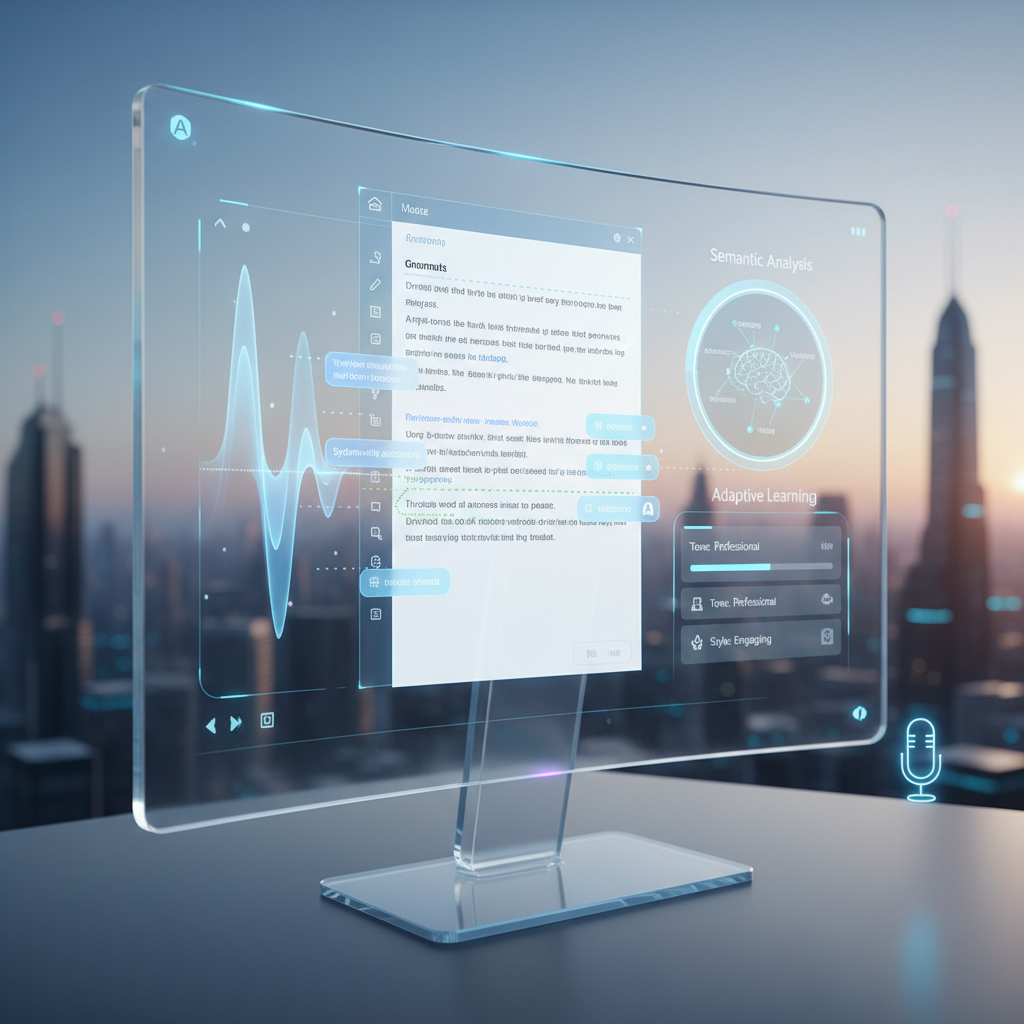
Future AI writing assistants will likely move beyond grammatical rules to achieve an even deeper contextual understanding of text. This means they will be able to perform more advanced semantic analysis, understanding the nuances of meaning, tone, and intent. Imagine an AI that not only corrects your grammar but also suggests ways to make your writing more persuasive, empathetic, or authoritative, based on your audience and purpose. This could involve recommending specific rhetorical devices or adjusting vocabulary to match a desired emotional impact. Such advancements would make AI writing tools indispensable for tasks requiring highly nuanced communication, such as legal briefs, diplomatic correspondence, or creative storytelling.
Enhanced Personalization and Adaptive Learning
The trend towards personalization will intensify. AI writing assistants will become even better at learning individual writing styles, preferences, and common mistakes. They will adapt their suggestions to match your unique voice, rather than imposing a generic one. This could involve recognizing your preferred sentence structures, vocabulary choices, and even your humor or sarcasm. Furthermore, these tools might proactively offer learning opportunities, identifying patterns in your errors and suggesting resources or exercises to improve your writing skills over time. This adaptive learning would transform the AI from a mere assistant into a personalized writing coach, fostering continuous improvement.
Seamless Multimodal Integration
While voice typing is already a powerful feature, future AI writing assistants will likely integrate more seamlessly with other input modalities and media. This could include transcribing handwritten notes, generating text from images or video descriptions, or even assisting with the creation of multimedia content by suggesting accompanying visuals or audio cues. The ability to effortlessly switch between typing, speaking, and other forms of input, all supported by intelligent AI, will create a truly fluid and intuitive content creation experience. This multimodal integration will cater to diverse learning styles and preferences, making writing more accessible and enjoyable for everyone.
Conclusion
The evolution of AI writing assistants for Windows has reached an impressive stage by 2026, offering a suite of powerful tools that significantly enhance productivity, accuracy, and accessibility. From system-wide autocorrect and predictive text to sophisticated grammar correction, voice typing, and generative AI writing, these applications are transforming how we interact with written language on our PCs. The emphasis on seamless integration, privacy-first local processing, and comprehensive features makes solutions like AutoCorrect PC indispensable for a wide range of users, including professionals, students, content creators, and non-native English speakers. As AI continues to advance, we can anticipate even more intelligent, personalized, and multimodal writing experiences that will further streamline our digital lives. Choosing the right AI writing assistant for your Windows machine means investing in a future where writing is faster, cleaner, and more intuitive than ever before.
Ready to Transform Your Writing Experience?
Discover how AutoCorrect PC can revolutionize your typing speed, accuracy, and overall writing productivity on Windows. Visit our website today to learn more about our system-wide autocorrect, word predictions, grammar correction, AI writing, and voice typing features.
Learn more and download AutoCorrect PC
Frequently Asked Questions
What is an AI writing assistant for Windows?
An AI writing assistant for Windows is a software application that uses artificial intelligence to help users write faster, more accurately, and more effectively across various applications on their Windows operating system. It goes beyond basic spell-checkers, offering features like predictive text, grammar correction, voice typing, and generative AI content creation.
How does system-wide integration benefit me?
System-wide integration means the AI writing assistant works across all your Windows applications, not just in specific browsers or programs. This allows for consistent autocorrect, predictive text, and grammar correction whether you're typing in Microsoft Word, an email client, a messaging app, or a web browser. It ensures a seamless workflow, reduces the need to switch applications, and maintains your focus.
Is my data private when using an AI writing assistant?
Data privacy is a significant concern. Many top AI writing assistants, like AutoCorrect PC, prioritize privacy by performing core typing features such as autocorrect, word completion, and grammar correction locally on your device. This means your everyday typing data does not leave your computer. For advanced features like generative AI, which may require cloud processing, transparent policies inform users when and why data might be sent to external servers, giving you control.
Can AI writing assistants help with grammar and style?
Yes, modern AI writing assistants offer sophisticated grammar correction and style suggestions. They analyze sentence structure, punctuation, verb tense, and can even provide advice on clarity, conciseness, and tone. They help users refine their writing style, ensure professional communication, and avoid common grammatical errors with context-aware fixes.
What is the difference between word prediction and word completion?
Word prediction suggests the next likely words as you type, helping you form sentences more quickly. For example, after "I am looking for a," it might suggest "solution" or "way." Word completion, on the other hand, helps you finish the current word you are typing with a simple hotkey. If you type "docu" it might suggest "document." Both features aim to reduce keystrokes and speed up your writing.
Can I use voice typing with these tools?
Absolutely. Voice typing (speech-to-text) is a key feature in many AI writing assistants for Windows. It allows you to dictate your thoughts and have them transcribed directly into any active text field on your PC. This is beneficial for speed, accessibility, and for users who prefer to speak rather than type. The accuracy of these systems has improved dramatically, recognizing various accents and contexts.
How does AI writing (content generation) work?
AI writing features allow you to generate, rewrite, or expand text based on simple prompts or selected text. You might highlight a sentence and ask the AI to "make this more formal" or "expand on this idea." This generative capability helps overcome writer's block, accelerate content drafting, and brainstorm ideas by providing instant suggestions and content variations.
Related Posts
Best Text-to-Speech Software for Windows in 2026
Discover the top text-to-speech (TTS) software for Windows in 2026, offering natural voices, advanced features, and seamless integration to boost accessibility, productivity, and learning.
Read post →Top Productivity Software for Windows: A 2026 Buyer's Guide
Discover the best productivity software for Windows in 2026, focusing on AI writing assistants, system-wide autocorrect, and privacy. This guide helps you choose tools that enhance writing, streamline workflow, and save time.
Read post →Best Free Productivity Tools for Windows in 2026
Discover the top free productivity tools for Windows in 2026, featuring advanced AI, intelligent automation, and intuitive interfaces to streamline your workflow and boost efficiency. Learn about writing assistants, predictive text, grammar correction, and voice typing.
Read post →Want system-wide predictions, autocorrect, and voice typing on Windows?