
Get Autocorrect on PC: A Complete Setup Guide for 2026
Discover how to implement system-wide autocorrect on your Windows PC in 2026. This guide explores dedicated writing assistants that go beyond basic spell-checking to improve typing speed, accuracy, and professional communication across all applications.
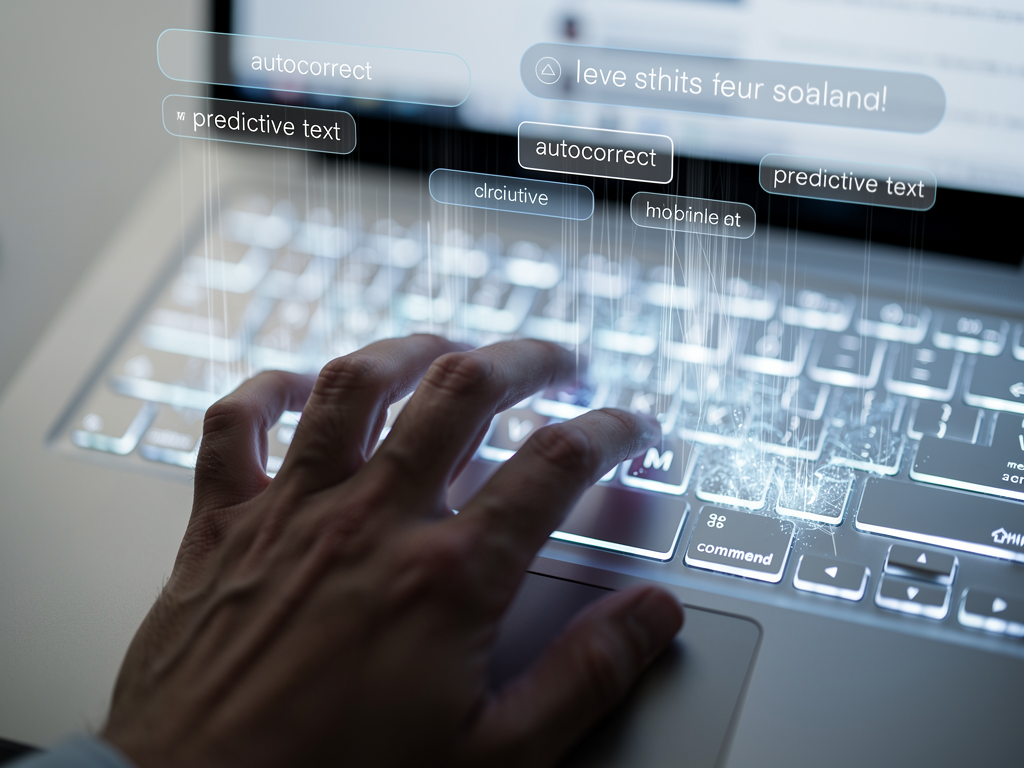
Typing faster and more accurately on your Windows PC has never been more important. Whether you're crafting professional emails, writing research papers, or communicating with colleagues across time zones, the quality of your written communication directly impacts how others perceive you. Unfortunately, many Windows users struggle with inconsistent typing assistance that varies wildly between applications. This comprehensive guide explores how to implement effective autocorrect on pc in 2026, examining why dedicated writing assistants have become essential tools for anyone serious about productivity and professional communication.
Key Takeaways
System-wide autocorrect is essential because native Windows solutions only work in limited applications, leaving gaps in your workflow
Modern writing assistants go beyond spelling by integrating predictive text, grammar correction, AI writing capabilities, and voice typing
Typing speed and accuracy improve dramatically when advanced autocorrect and word prediction reduce keystrokes and catch errors automatically
Privacy-focused tools process data locally, ensuring your sensitive typing information never leaves your device
Customization options allow you to build personal dictionaries, create auto-replacements, and adapt features to your unique writing style
Staying current with smart writing technology keeps your digital communication efficient and professional as workplace demands evolve
Understanding the Limitations of Native Windows Autocorrect
Windows operating systems have gradually improved their built-in typing assistance over the years, but significant limitations persist that frustrate users seeking a seamless experience. The native autocorrect functionality in Windows primarily operates within specific Microsoft applications and certain Universal Windows Platform apps, creating an inconsistent experience that disrupts workflow.
When you type in Microsoft Word, you might notice helpful corrections appearing automatically. However, switch to your Chrome browser to compose a Gmail message, and suddenly those same corrections vanish. Open a third-party application like Discord or Slack, and you're entirely on your own. This fragmentation forces users to mentally track which applications offer assistance and which require more careful manual proofreading.
The built-in Windows touch keyboard does offer some predictive text capabilities, but these features were primarily designed for tablet users and touchscreen devices. Desktop users with traditional keyboards often find these suggestions awkward to access or completely unavailable. Additionally, the native spell-checking lacks contextual awareness, frequently missing grammatically incorrect but correctly spelled words like "their" versus "there" or "its" versus "it's."
According to Microsoft Support documentation, users can enable basic autocorrect in Word through File, Options, Proofing, and AutoCorrect Options. However, these settings only apply within Word itself, not system-wide.
For professionals who spend hours daily typing across multiple applications, these limitations translate directly into lost productivity and increased error rates. The cognitive load of constantly switching between assisted and unassisted typing environments creates unnecessary friction in daily workflows.
Why System-Wide Writing Assistance Has Become Essential
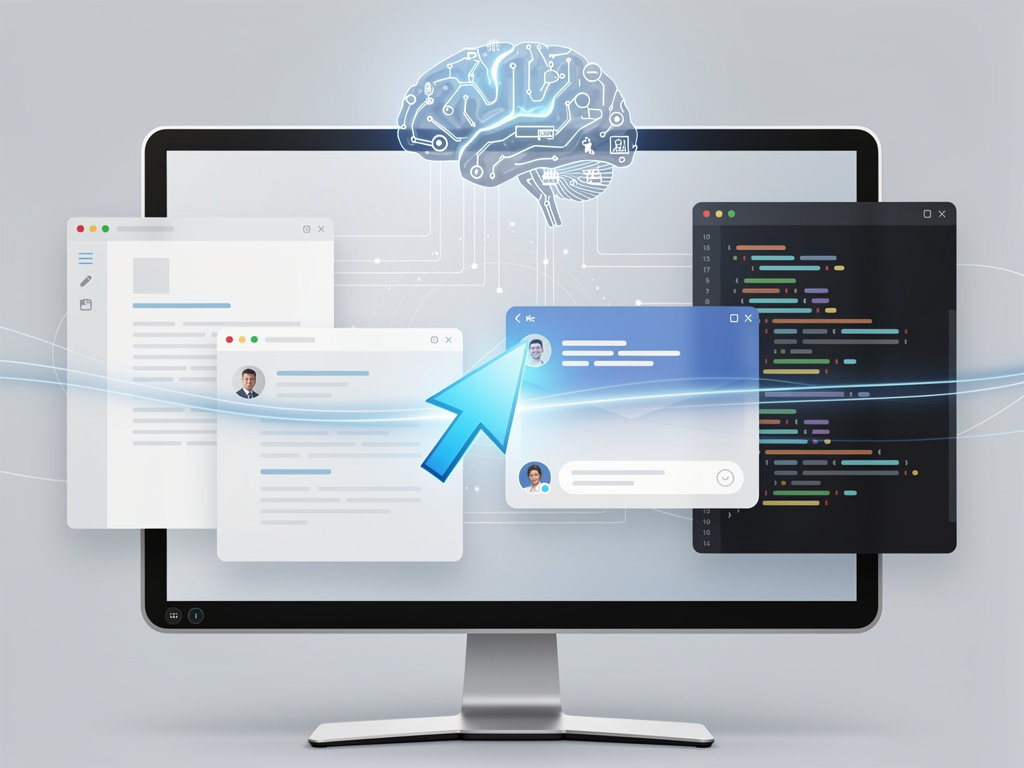
The modern Windows user operates across dozens of applications daily, from email clients and web browsers to specialized industry software and communication platforms. A truly effective writing assistant must work everywhere you type, providing consistent support regardless of which application currently has focus.
System-wide solutions like AutoCorrect PC address this fundamental need by integrating directly with the Windows operating system. Rather than relying on individual applications to implement their own correction features, these tools monitor text input at the system level, providing corrections and suggestions universally. This approach eliminates the frustrating inconsistency that plagues users relying solely on native Windows capabilities.
The benefits extend beyond simple convenience. When your writing assistant works identically whether you're composing a formal business proposal in Word, responding to a customer inquiry in your CRM software, or chatting with teammates in Microsoft Teams, you develop consistent typing habits. Your muscle memory adapts to the assistance patterns, and you naturally begin typing faster because you trust the system to catch and correct common errors.
| Feature | Native Windows | Browser Extensions | Dedicated Writing Assistants |
|---|---|---|---|
| Works Across Desktop Apps | Limited | Browser only | Full coverage |
| Autocorrect | Partial | Some | Comprehensive |
| Word Predictions | Touch keyboard only | Limited | Advanced |
| Grammar Correction | Word only | Available | System-wide |
| Voice Typing | Cortana dependent | Limited | Integrated |
| Local Processing | Yes | No | Privacy-focused tools: Yes |
Research from typing improvement studies consistently shows that accuracy should precede speed in skill development. A typist producing 65 gross words per minute with 30 errors scores roughly 35 net words per minute, while someone typing at 55 gross words per minute with only 6 errors achieves approximately 49 net words per minute. The slower, more accurate typist delivers significantly more usable output.
Core Features That Define Modern Writing Assistants
Contemporary writing assistants have evolved far beyond simple spell-checking. The most effective tools combine multiple technologies to create a comprehensive typing enhancement experience that adapts to individual users over time.
Intelligent Autocorrect and Auto-Replacement
Modern autocorrect goes beyond fixing "teh" to "the." Advanced systems learn your personal typing patterns, recognizing which errors you make most frequently and prioritizing those corrections. They also support custom auto-replacements, allowing you to type abbreviations that automatically expand into full phrases. For example, typing "addr" could instantly expand to your complete business address.
Predictive Text and Word Completion
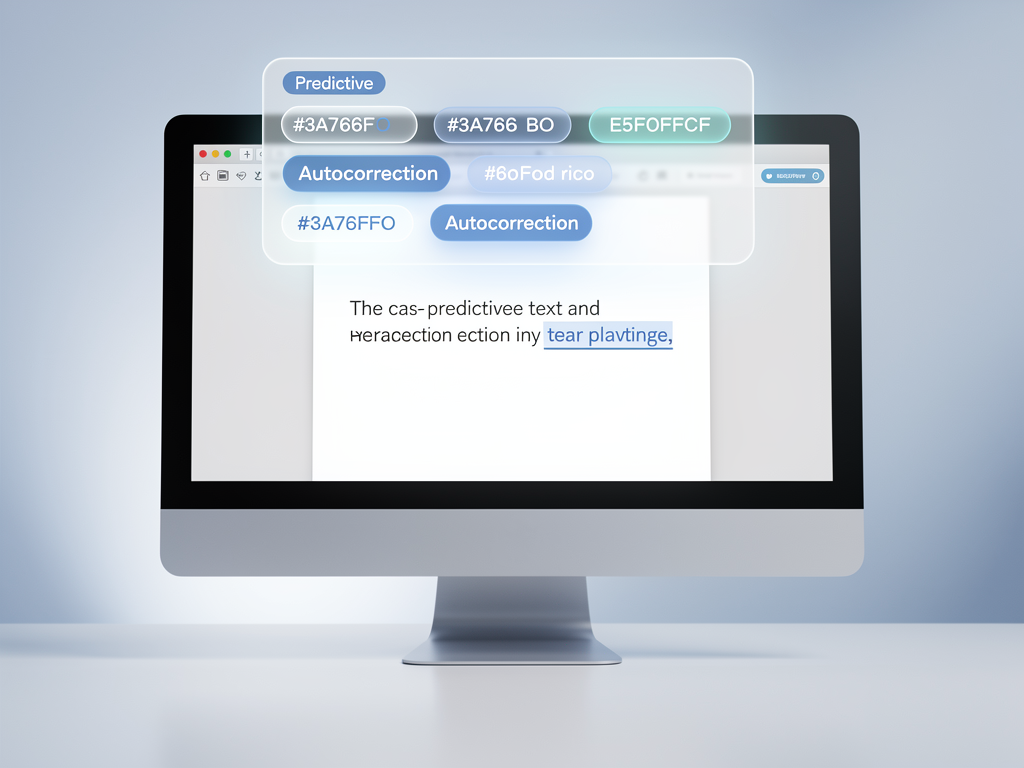
Word completion suggests endings for partially typed words, reducing keystrokes significantly. When you begin typing "comm," the system might offer "communication," "community," or "committee" based on context and your previous usage patterns. Word prediction takes this further by suggesting the next word before you even begin typing it, allowing you to compose sentences with minimal physical effort.
Grammar Correction at the Sentence Level
Spelling errors are obvious, but grammatical mistakes often slip through unnoticed. Effective writing assistants analyze entire sentences for subject-verb agreement, tense consistency, and proper punctuation usage. They catch errors that spell-checkers miss entirely, such as using "affect" when you meant "effect" or writing "could of" instead of "could have."
Voice Typing Integration
Sometimes the fastest way to type is not to type at all. Integrated speech-to-text functionality allows you to dictate directly into any application, with your words transcribed and inserted at the cursor position. This feature proves invaluable for longer documents, quick notes, or situations where typing is inconvenient.
AI-Powered Writing Assistance
The latest generation of writing tools incorporates artificial intelligence to help generate, rewrite, or expand text based on prompts. You might select a rough paragraph and ask the AI to make it more formal, or provide a brief outline and receive a fully developed draft. These capabilities transform writing assistants from error-correction tools into genuine productivity multipliers.
Privacy Considerations for Typing Assistance Tools
When software monitors every keystroke you make, privacy becomes a critical concern. Many cloud-based writing tools transmit your typing data to remote servers for processing, raising questions about data security, especially when you're typing sensitive information like passwords, financial details, or confidential business communications.
Privacy-focused writing assistants address these concerns by performing most processing locally on your device. Features like autocorrect, word completion, next-word prediction, speech transcription, grammar correction, and dictionary lookups can all function without sending data to external servers. Only optional features like advanced AI writing require server communication, and users maintain control over when those features activate.
When evaluating writing assistance tools, always review the privacy policy to understand what data is collected and where it's processed. Local processing provides the strongest privacy guarantees for everyday typing.
This distinction matters particularly for professionals handling sensitive client information, healthcare workers subject to HIPAA regulations, or anyone who values keeping their personal communications private. The AutoCorrect PC privacy-first approach demonstrates that powerful typing assistance doesn't require sacrificing data security.

Building Your Personal Typing Enhancement System
Implementing effective typing assistance requires more than simply installing software. To maximize benefits, you should actively customize and configure your tools to match your specific needs and writing style.
Creating Custom Dictionaries
Every profession has specialized terminology that standard dictionaries flag as errors. Medical professionals type drug names and anatomical terms. Legal professionals use Latin phrases and case citations. Software developers write code-related terminology constantly. Building a custom dictionary that recognizes your field-specific vocabulary eliminates frustrating false corrections and allows the system to focus on genuine errors.
Establishing Auto-Replacement Rules
Identify phrases you type repeatedly and create shortcuts. Common candidates include:
Email signatures
Company names and addresses
Standard greetings and closings
Frequently used technical terms
Common responses to recurring questions
Configuring Hotkeys for Quick Access
Efficient writing assistants provide keyboard shortcuts for accessing suggestions without reaching for the mouse. Learning these hotkeys allows you to accept word completions, trigger grammar checks, or activate voice typing without interrupting your typing flow.
Training the Prediction Engine
Most modern prediction systems improve over time by learning from your actual usage. The more you use the tool, the better it becomes at anticipating your specific word choices and phrasing patterns. Consistent usage across all your applications accelerates this learning process.
Measuring Improvement and Maintaining Progress
After implementing a comprehensive writing assistant, you should periodically assess whether the tool is actually improving your productivity. Several metrics help evaluate effectiveness.
Words per minute provides a basic speed measurement, but remember that net words per minute (accounting for errors) matters more than raw speed. Many free online typing tests allow you to track this metric over time. Studies suggest that typists who train themselves not to look at the keyboard average approximately 61 words per minute, nearly 17 words faster than those who watch both keyboard and screen.
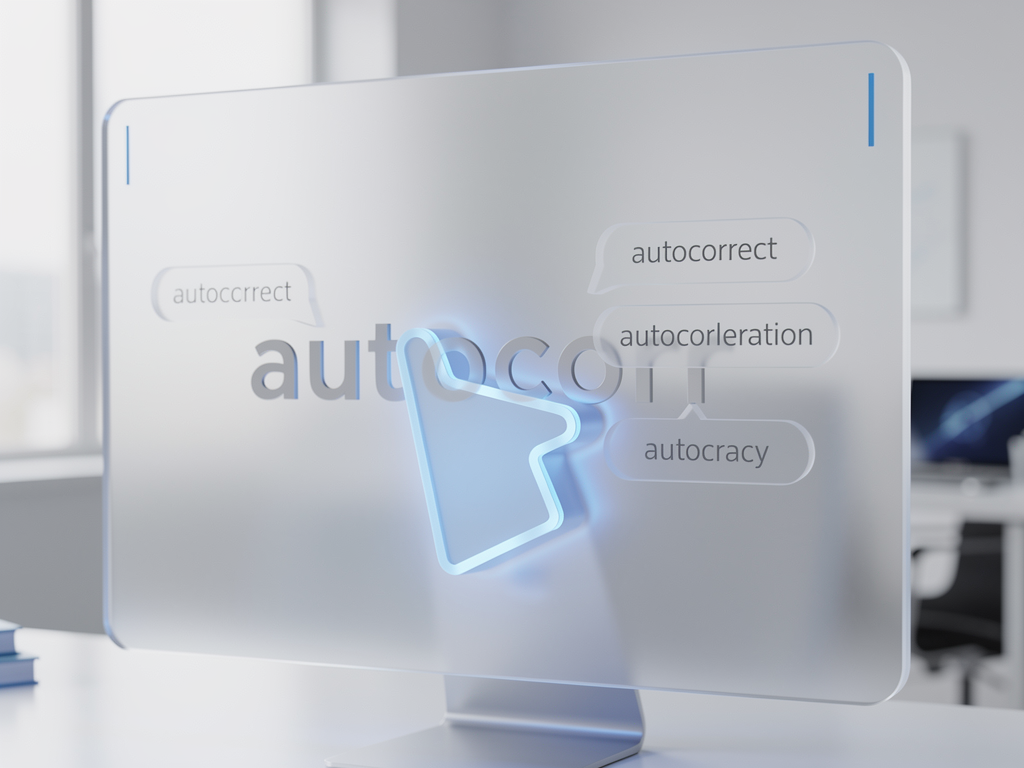
Error rates should decrease as you become accustomed to your writing assistant's corrections. If you find yourself frequently overriding suggestions, consider whether your custom dictionary needs expansion or whether certain autocorrect rules should be adjusted.
Time to completion for common tasks offers a practical measurement. Track how long it takes to compose standard emails or documents before and after implementing your writing assistant. Many users report significant time savings once they fully adapt to predictive text features.
Integrating Writing Assistance Into Your Daily Workflow
The most powerful writing tools provide no benefit if they disrupt your existing habits. Successful integration requires a gradual approach that allows you to build familiarity without overwhelming your established workflow.
Start by using the tool in low-stakes environments like personal emails or casual chat applications. As you become comfortable with the suggestion interface and correction patterns, gradually rely on it for more important communications. Within a few weeks, the assistance should feel natural rather than intrusive.
Consider also how writing assistance complements other productivity tools. Content creators might find that combining a desktop writing assistant with AI-powered SEO content platforms creates a comprehensive workflow for producing polished, optimized content efficiently.
Conclusion
Effective typing assistance has transformed from a nice-to-have convenience into an essential productivity tool for Windows users. The limitations of native Windows autocorrect, particularly its inconsistent application support, make dedicated writing assistants increasingly valuable for anyone who types regularly across multiple programs.
Modern solutions combine autocorrect, word prediction, grammar correction, voice typing, and AI writing capabilities into unified packages that work system-wide. Privacy-conscious options process your typing locally, ensuring sensitive information never leaves your device. With proper customization, including personal dictionaries, auto-replacement rules, and configured hotkeys, these tools adapt to your unique writing style and professional vocabulary.
The investment in setting up and learning a comprehensive writing assistant pays dividends through faster typing speeds, fewer errors, and more polished professional communication. As workplace demands continue emphasizing written communication across digital platforms, staying current with smart writing technology becomes increasingly important for career success.
Frequently Asked Questions
Does autocorrect slow down typing speed?
Initially, you might experience a brief adjustment period as you learn to work with suggestions. However, most users find that word prediction and auto-completion significantly increase their effective typing speed within one to two weeks of consistent use.
Can writing assistants work with specialized professional terminology?
Yes, quality writing assistants support custom dictionaries where you can add industry-specific terms, proper nouns, and technical vocabulary. This prevents the system from flagging legitimate specialized words as errors.
How do privacy-focused writing assistants differ from cloud-based alternatives?
Privacy-focused tools process your typing locally on your device, meaning your keystrokes never travel to external servers. Cloud-based alternatives send text to remote servers for processing, which raises data security concerns for sensitive communications.
Will writing assistance work in all Windows applications?
System-wide writing assistants work in virtually any application where you type text, including browsers, email clients, chat programs, and specialized industry software. This universal coverage distinguishes them from browser extensions or application-specific tools.
How long does it take to see productivity improvements?
Most users notice immediate benefits from autocorrect catching common typos. Full productivity gains from predictive text and word completion typically emerge after two to three weeks of consistent use as the system learns your patterns and you develop new typing habits.
Try AutoCorrect PC Today
Ready to transform your Windows typing experience? Download AutoCorrect PC and discover how system-wide autocorrect, intelligent word predictions, grammar correction, and voice typing can dramatically improve your productivity and communication quality.
Related Posts
Best Text-to-Speech Software for Windows in 2026
Discover the top text-to-speech (TTS) software for Windows in 2026, offering natural voices, advanced features, and seamless integration to boost accessibility, productivity, and learning.
Read post →Top Productivity Software for Windows: A 2026 Buyer's Guide
Discover the best productivity software for Windows in 2026, focusing on AI writing assistants, system-wide autocorrect, and privacy. This guide helps you choose tools that enhance writing, streamline workflow, and save time.
Read post →Best Free Productivity Tools for Windows in 2026
Discover the top free productivity tools for Windows in 2026, featuring advanced AI, intelligent automation, and intuitive interfaces to streamline your workflow and boost efficiency. Learn about writing assistants, predictive text, grammar correction, and voice typing.
Read post →Want system-wide predictions, autocorrect, and voice typing on Windows?