
Top Productivity Software for Windows: A 2026 Buyer's Guide
Discover the best productivity software for Windows in 2026, focusing on AI writing assistants, system-wide autocorrect, and privacy. This guide helps you choose tools that enhance writing, streamline workflow, and save time.

Key Takeaways
Integrated Writing Assistance is Crucial: Modern productivity demands tools that go beyond basic spell-checking, offering system-wide autocorrect, predictive text, and grammar correction. AI and Voice Typing Enhance Efficiency: AI writing assistants and voice typing capabilities are becoming indispensable for generating content, rewriting, and hands-free input across all applications. Seamless System-Wide Operation: The most effective tools work across all Windows applications, eliminating the need to switch between different platforms for writing support. Privacy and Local Processing Matter: For sensitive information, prioritize solutions that process typing data locally on your device, ensuring data security. Customization Drives Personal Productivity: Look for software that adapts to your unique writing style and workflow, offering customizable dictionaries and shortcuts. Beyond Basic Office Suites: While core office applications remain vital, specialized writing assistants significantly boost output and quality for diverse tasks.
In the fast-evolving digital landscape of 2026, staying productive on Windows means leveraging the right tools. The market is saturated with options, from built-in utilities to advanced AI-powered assistants. This buyer's guide aims to cut through the noise, helping you identify the productivity software that truly makes a difference. We'll explore key categories and highlight features that streamline your workflow, enhance writing quality, and ultimately save you time. Whether you're a student, a professional, or simply looking to improve your daily computer interactions, understanding these tools is essential for maximizing your efficiency.
The Evolving Landscape of Windows Productivity
The concept of productivity on Windows has transformed dramatically over the past few years. Gone are the days when a word processor and a spreadsheet program were sufficient. Today's users demand seamless integration, intelligent assistance, and features that anticipate their needs. The shift towards remote work and digital-first environments has accelerated this demand, pushing developers to create more sophisticated and user-friendly solutions.
One of the most significant changes has been the rise of AI in everyday applications. AI is no longer a niche technology; it's embedded in everything from email clients to writing assistants. This integration allows for smarter suggestions, automated tasks, and predictive capabilities that were once the stuff of science fiction. Furthermore, the emphasis on system-wide functionality means that users expect their tools to work consistently across all applications, not just within a dedicated suite. This holistic approach to productivity ensures that assistance is always at hand, regardless of the task at hand.

The challenge for users is discerning which tools genuinely enhance productivity versus those that add unnecessary complexity. A truly effective solution should reduce friction, minimize distractions, and empower you to focus on your core tasks. It should adapt to your working style, not force you into a rigid framework. As we delve deeper, we'll see how specialized writing assistants, like AutoCorrect PC, are at the forefront of this evolution, offering features that cater specifically to the demands of modern communication and content creation.
Essential Writing Assistants: Beyond Basic Spell Check
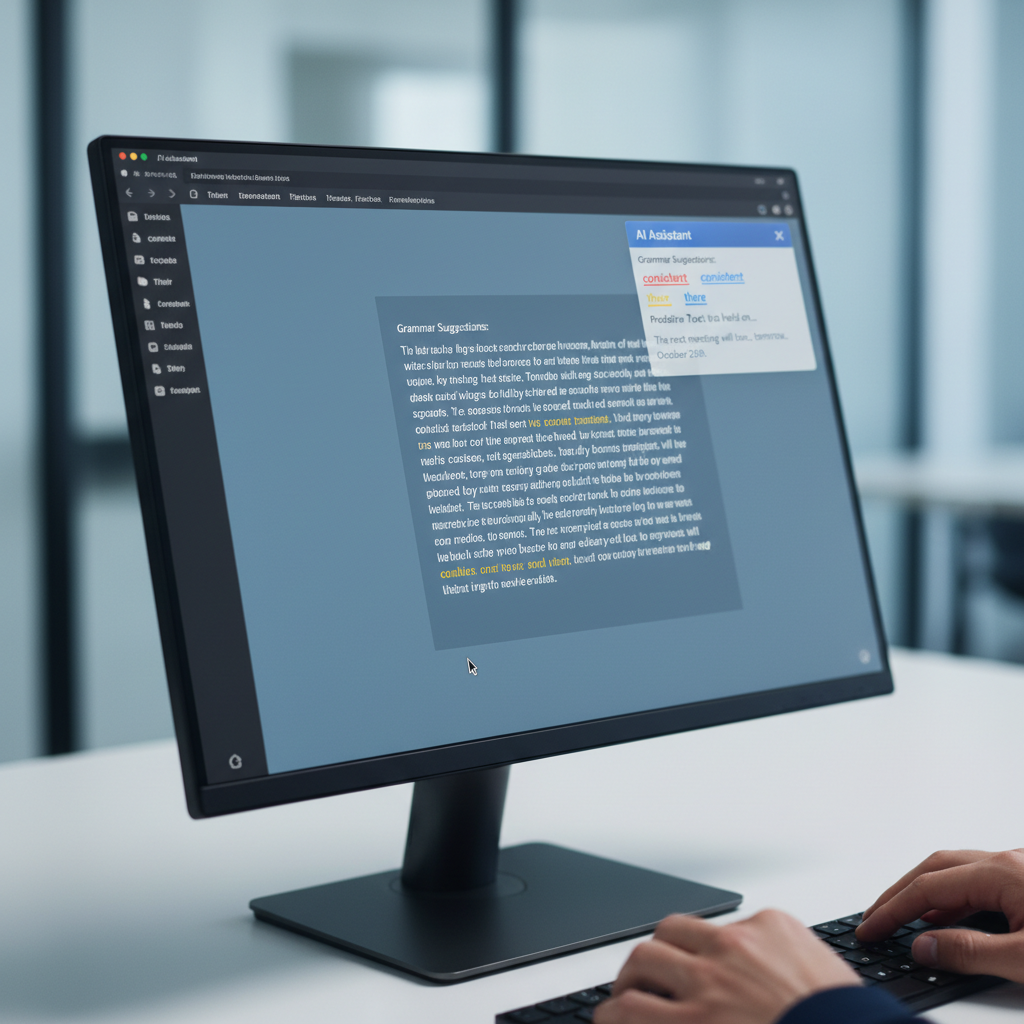
For anyone who spends a significant amount of time typing on a Windows PC, a robust writing assistant is no longer a luxury, but a necessity. While built-in spell checkers handle basic errors, they often fall short when it comes to context, grammar, and efficiency. Modern writing assistants offer a comprehensive suite of features designed to make your writing faster, cleaner, and more professional across all applications.
Consider the daily grind of crafting emails, reports, or creative content. Every typo, grammatical error, or awkward sentence can detract from your message and consume valuable time in corrections. A top-tier writing assistant addresses these challenges proactively. For instance, AutoCorrect PC stands out by providing system-wide autocorrection, meaning misspelled words are fixed automatically as you type, whether you're in a browser, a document editor, or a messaging app. This hands-free correction saves countless moments otherwise spent backtracking and editing.
Key Features to Look For:
System-Wide Autocorrect: Corrects errors in real-time, everywhere you type. Word Completion and Prediction: Suggests words as you type and predicts the next word, significantly speeding up input. Advanced Grammar Correction: Identifies and fixes complex grammatical errors that basic checkers miss, improving sentence structure and clarity. Customizable Dictionaries: Allows you to add industry-specific terms, names, and jargon, ensuring accurate correction for specialized content.
These features collectively contribute to a smoother, more efficient writing experience. By reducing the mental load of constant self-correction, you can maintain your flow and focus on the message itself. This is particularly beneficial for professionals who need to maintain a high standard of written communication, or for non-native English speakers who can benefit from real-time linguistic support.
Harnessing AI for Smarter Writing and Content Creation
Artificial Intelligence has revolutionized how we approach writing, offering powerful tools that go far beyond simple corrections. In 2026, AI writing assistants are indispensable for anyone looking to generate content, refine existing text, or even overcome writer's block. These tools leverage sophisticated algorithms to understand context, generate human-like text, and provide intelligent suggestions.
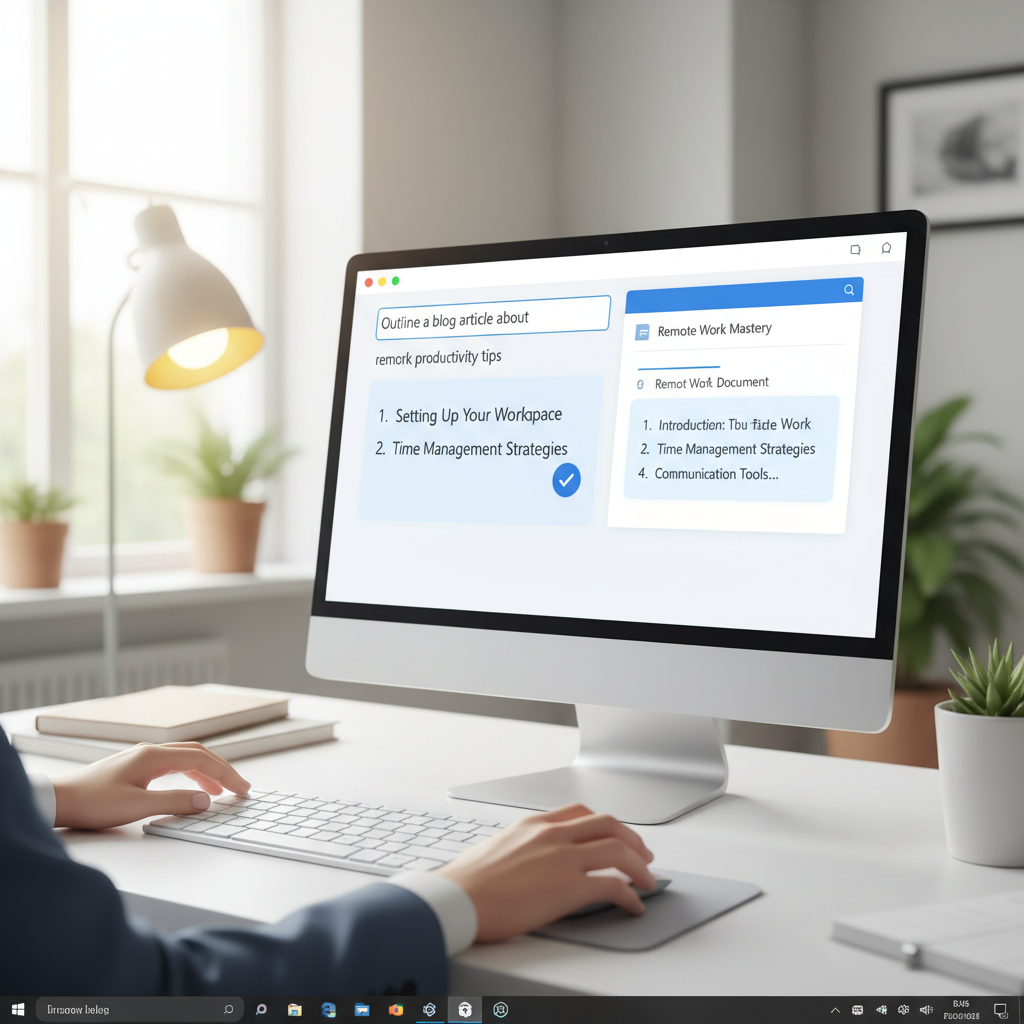
The capabilities of AI writing tools are diverse. They can assist with drafting initial outlines, expanding on brief ideas, or even rewriting entire paragraphs to improve clarity or tone. For example, an AI writer can take a few bullet points and turn them into a coherent email, or condense a lengthy report into a concise summary. This capability is a game-changer for content creators, marketers, and business professionals who need to produce high volumes of quality text efficiently.
AutoCorrect PC integrates AI writing features directly into your Windows environment. This means you can generate, rewrite, or expand text based on a simple prompt or selected text, and the results are inserted directly into your current application. This eliminates the cumbersome process of copying and pasting between different tools, maintaining your workflow seamlessly. For instance, if you're drafting an email and need a more formal closing, the AI can suggest several options instantly.
Tip: When using AI writing tools, always review the generated content for accuracy, tone, and factual correctness. While AI is powerful, human oversight remains crucial for ensuring the output aligns with your specific needs and brand voice.
AI Writing Features to Prioritize:
Text Generation: Create drafts, summaries, or creative content from prompts. Rewriting and Paraphrasing: Improve clarity, change tone, or rephrase sentences. Content Expansion: Develop brief ideas into detailed paragraphs or sections. Contextual Understanding: AI that understands the surrounding text for more relevant suggestions.
The strategic use of AI can significantly reduce the time spent on repetitive writing tasks, allowing you to allocate more energy to critical thinking and creative development. It's about working smarter, not harder, by leveraging technology to augment your writing capabilities.
The Power of Voice: Speech-to-Text and Hands-Free Input
In an increasingly busy world, the ability to communicate without typing is a significant productivity booster. Speech-to-text, or voice typing, has advanced to a point where it offers remarkable accuracy and speed, making it a viable input method for a wide range of tasks. For those with physical limitations, or simply when hands are occupied, voice typing can be a lifesaver.
Imagine dictating an entire email, drafting a report, or even navigating your computer, all with your voice. This hands-free approach not only saves time but also reduces strain on your wrists and fingers, preventing potential issues like carpal tunnel syndrome. Modern voice typing solutions are highly sophisticated, capable of understanding various accents and distinguishing between spoken commands and dictated text.
AutoCorrect PC provides robust voice typing capabilities that transcribe your speech directly into any application you're working in. This system-wide integration is crucial, as it means you're not confined to a specific voice-typing application. Whether you're filling out a form online, writing in Microsoft Word, or chatting with colleagues, your voice can be your input device. This feature can dramatically increase input speed for many users, often surpassing typing speed.
Benefits of Advanced Voice Typing:
Increased Speed: Speak much faster than most people can type. Accessibility: Provides an alternative input method for users with mobility impairments or injuries. Multitasking: Allows for hands-free input while performing other tasks. Reduced Strain: Minimizes physical stress on hands and wrists.
The adoption of voice typing is a clear indicator of a forward-thinking productivity setup. It offers flexibility and efficiency that traditional typing cannot match in every scenario. By incorporating this technology, users can adapt their workflow to suit their current needs, whether it's dictating notes on the go or composing a detailed document at their desk.
Predictive Text and Auto-Replacement: Accelerating Your Typing Speed
Beyond correcting errors, the next frontier in typing efficiency lies in predicting what you intend to type. Predictive text and auto-replacement features are designed to minimize keystrokes, accelerate your writing, and ensure consistency in your communication. These tools learn from your habits and offer intelligent suggestions, transforming the way you interact with your keyboard.
Predictive text works by analyzing the letters you've already typed and offering a list of possible words to complete your thought. This can be as simple as suggesting common words or as advanced as understanding the context of your sentence to provide highly relevant options. When you see the word you want, a quick tap or keypress inserts it, saving you several keystrokes. This seemingly small saving adds up significantly over the course of a day, especially for those who write extensively.
Auto-replacement takes this a step further by allowing you to define custom shortcuts for frequently used words, phrases, or even entire paragraphs. For instance, you could set "eml" to automatically expand into your full email signature, or "addr" to insert your complete mailing address. This is incredibly useful for standard responses, code snippets, or any text you find yourself typing repeatedly.
AutoCorrect PC excels in both these areas. Its Word Completion feature suggests words as you type, and Word Prediction offers the most likely next words after you finish one, keeping you in flow. The platform also supports extensive auto-replacement, allowing users to create a personalized library of shortcuts. This level of customization ensures that the tool adapts to your unique vocabulary and workflow, making your typing experience truly frictionless.
Impact on Productivity:
Significant Keystroke Reduction: Type less to achieve more. Enhanced Consistency: Ensure correct spelling and phrasing for common terms. Faster Drafting: Speed up the creation of emails, documents, and messages. Personalized Efficiency: Tools learn and adapt to your individual typing patterns.
These features are particularly valuable for professionals who need to maintain a consistent brand voice or adhere to specific terminology. By automating these aspects of typing, you can dedicate more cognitive resources to the content and less to the mechanics of input.
Privacy and Local Processing: A Critical Consideration
In an era of heightened data security concerns, understanding how your productivity software handles your personal information is paramount. Many modern tools, especially those leveraging AI, rely on cloud processing, which means your data leaves your device. While this can enable powerful features, it also introduces potential privacy risks. For sensitive communications or proprietary information, local processing is a non-negotiable requirement.
When evaluating productivity software, particularly writing assistants, it's crucial to investigate their privacy policies and data handling practices. Does the software send your keystrokes or dictated speech to external servers for processing? Or does it perform these operations entirely on your local machine? The distinction is vital for maintaining control over your data.
AutoCorrect PC prioritizes user privacy by performing core typing features like autocorrect, word completion, next-word prediction, speech transcription, grammar correction, and dictionary lookups locally on your computer. This means your everyday typing data never leaves your device, offering a significant layer of security and peace of mind. Only when you explicitly use advanced features like the AI Writer does communication with external servers occur, and even then, it's done securely.
Why Local Processing Matters:
Data Security: Your sensitive information remains on your device, reducing exposure to breaches. Compliance: Helps meet regulatory requirements for data privacy in various industries. Offline Functionality: Core features remain available even without an internet connection. Peace of Mind: Confidence that your personal and professional communications are protected.
Choosing software that emphasizes local processing is a responsible decision for any Windows user in 2026. It's about balancing advanced functionality with robust privacy safeguards, ensuring that your pursuit of productivity doesn't come at the cost of your data's security. Always scrutinize a tool's privacy statement before committing, especially for tools that handle your most frequent input.

Beyond the Basics: Advanced Features and Integrations
While core writing assistance is fundamental, the best productivity software for Windows in 2026 offers a suite of advanced features and seamless integrations that elevate the user experience. These capabilities extend beyond simple text input, encompassing multi-language support, custom dictionaries, and flexible deployment across various applications.
For global users or those working in multilingual environments, robust multi-language dictionaries are essential. A top-tier writing assistant should not only correct and predict in English but also offer support for other languages, allowing users to switch effortlessly between them. This is crucial for international communication and diverse content creation.
Another powerful feature is the ability to create and manage custom auto-replacement rules. This goes beyond simple shortcuts; it allows users to define complex text expansions, ensuring consistency in branding, legal disclaimers, or technical terminology. The ability to import and export these rules also facilitates team collaboration and ensures uniformity across an organization.
AutoCorrect PC is designed to work across virtually all desktop applications, providing consistent assistance whether you're using Microsoft Office, a web browser, a coding IDE, or a messaging app. This universal compatibility is a significant advantage over browser-only extensions or web-based tools that limit functionality to specific platforms. The contextual awareness of such a system-wide tool means it adapts its suggestions and corrections based on the application and the type of content being produced.
Advanced Features Checklist:
Multi-Language Support: Dictionaries and correction for multiple languages. Customizable Auto-Replacement: User-defined shortcuts for text expansion. System-Wide Compatibility: Works across all Windows applications. Hotkey Access: Quick toggling of features for enhanced control. User Profiles:* Separate settings for different users or contexts.
These advanced features collectively contribute to a highly personalized and efficient workflow. They empower users to tailor their writing environment to their exact needs, maximizing speed, accuracy, and overall productivity. When choosing your productivity suite, look for solutions that offer this depth of functionality and integration.
Conclusion
Navigating the vast array of productivity software for Windows in 2026 requires a clear understanding of your needs and the capabilities of modern tools. From essential writing assistance that moves beyond basic spell-checking to the transformative power of AI and voice typing, the right software can profoundly impact your efficiency and the quality of your output. Prioritizing features like system-wide integration, local processing for privacy, and advanced customization ensures you're investing in tools that truly empower your workflow.
Solutions like AutoCorrect PC exemplify the cutting edge of Windows productivity, offering a comprehensive suite of features designed to make typing faster, cleaner, and smarter across all your applications. By embracing these intelligent assistants, you can reduce errors, accelerate content creation, and free up valuable time to focus on what truly matters.
Unlock Your Full Potential
Ready to experience a new level of productivity and writing excellence on your Windows PC?
Discover how AutoCorrect PC can transform your typing experience today!
Frequently Asked Questions
Q: What is the main difference between AutoCorrect PC and built-in Windows tools?
A: While Windows offers basic spell-checking and some voice typing, AutoCorrect PC provides a comprehensive, system-wide writing assistant. This includes advanced autocorrect, predictive text, sophisticated grammar correction, AI writing, and robust voice typing that work consistently across all your applications, not just limited to specific Microsoft programs. It offers a deeper level of customization and intelligence.
Q: Does AutoCorrect PC support multiple languages?
A: Yes, AutoCorrect PC includes support for multi-language dictionaries, allowing users to work efficiently in various languages. This is particularly useful for international communication or for users who frequently switch between different linguistic contexts.
Q: Is my typing data private with AutoCorrect PC?
A: Absolutely. AutoCorrect PC prioritizes user privacy. Core typing features such as autocorrect, word completion, next-word prediction, speech transcription, grammar correction, and dictionary lookups are processed locally on your computer. Your everyday typing data does not leave your device. Only when you explicitly use the AI Writer feature does it securely communicate with external servers.
Q: Can AutoCorrect PC help with grammar beyond simple errors?
A: Yes, AutoCorrect PC's grammar correction goes beyond basic spell-checkers. It's designed to catch more complex grammatical mistakes at the sentence level and provides clean, contextual fixes. This helps improve sentence structure, clarity, and overall writing quality, making your text more polished and professional.
Q: How does AI writing in AutoCorrect PC work?
A: The AI Writer in AutoCorrect PC allows you to generate, rewrite, or expand text directly within any application. You can provide a simple prompt or select existing text, and the AI will process it to produce new content, rephrase sentences, or develop ideas further. The results are then inserted directly into your document, streamlining your content creation workflow.
Q: Is AutoCorrect PC suitable for professional writers or students?
A: Yes, AutoCorrect PC is highly beneficial for both professional writers and students. Professionals can maintain high standards of communication, speed up drafting, and ensure consistency. Students can improve grammar, reduce errors in assignments, and efficiently generate or expand research notes, making academic writing more manageable and effective.
Related Posts
Best Text-to-Speech Software for Windows in 2026
Discover the top text-to-speech (TTS) software for Windows in 2026, offering natural voices, advanced features, and seamless integration to boost accessibility, productivity, and learning.
Read post →Best Free Productivity Tools for Windows in 2026
Discover the top free productivity tools for Windows in 2026, featuring advanced AI, intelligent automation, and intuitive interfaces to streamline your workflow and boost efficiency. Learn about writing assistants, predictive text, grammar correction, and voice typing.
Read post →Essential Productivity Tools for Windows 11 in 2026
Discover the top productivity tools for Windows 11 users in 2026, focusing on AI writing assistants, voice typing, and system-wide integration. Learn how AutoCorrect PC enhances your workflow with advanced grammar correction, predictive text, and content generation, all while prioritizing your privacy.
Read post →Want system-wide predictions, autocorrect, and voice typing on Windows?