
AI Grammar Checker for Windows: The Ultimate 2026 Review
Discover the best AI grammar checkers for Windows in 2026, focusing on system-wide integration, real-time correction, AI writing, and privacy. Find the perfect smart writing assistant for your PC.

Key Takeaways
AI-powered grammar checkers are evolving rapidly, offering more than just basic spell-check. For Windows users, system-wide integration is crucial for seamless writing assistance. Features like predictive text, voice typing, and AI writing significantly enhance productivity. AutoCorrect PC provides a comprehensive solution, working across all Windows applications for real-time correction and generation. Privacy and local processing are key considerations when choosing a writing assistant. The future of writing on Windows involves intelligent tools that adapt to your unique style and needs.
In today's fast-paced digital world, clear, concise, and error-free writing is more important than ever. Whether you are drafting an important business email, crafting a compelling blog post, or simply chatting with colleagues, mistakes can undermine your message and credibility. For Windows users, the landscape of writing tools has transformed dramatically, especially with the rise of artificial intelligence. Gone are the days when a simple spell-checker was enough. We are now in an era where AI-powered assistants can not only catch nuanced grammatical errors but also predict your next words, generate text, and even transcribe your voice into written content.
This comprehensive review for 2026 delves into the world of AI grammar checkers specifically designed for the Windows operating system. We will explore the cutting-edge features that define the best tools on the market, focusing on how they integrate into your daily workflow and boost your productivity. From real-time corrections to advanced AI writing capabilities, understanding these advancements is key to choosing the right smart writing assistant for your PC. Our goal is to provide you with the insights needed to make an informed decision, ensuring your writing is always polished, professional, and impactful.
The Evolution of Grammar Correction: Beyond Basic Spell Check
The journey from rudimentary spell-checkers to sophisticated AI grammar checkers has been remarkable. Initially, software could only identify basic spelling errors by comparing words against a dictionary. The introduction of grammar checkers added the ability to flag common syntactical mistakes, like subject-verb agreement or misplaced commas. However, these early tools often struggled with context, frequently offering incorrect suggestions or overlooking subtle errors that a human editor would easily spot.
Today, AI has revolutionized this field. Modern ai grammar checker tools leverage machine learning and natural language processing (NLP) to understand the nuances of language. They can analyze sentence structure, identify stylistic inconsistencies, and even suggest improvements for clarity and tone. This leap in capability means that these tools are no longer just error-spotters; they are genuine writing assistants that help refine and elevate your prose. For Windows users, this evolution means access to more intelligent, adaptable, and context-aware writing support directly on their desktop. The focus has shifted from merely correcting mistakes to actively enhancing the quality and impact of your written communication across all applications.
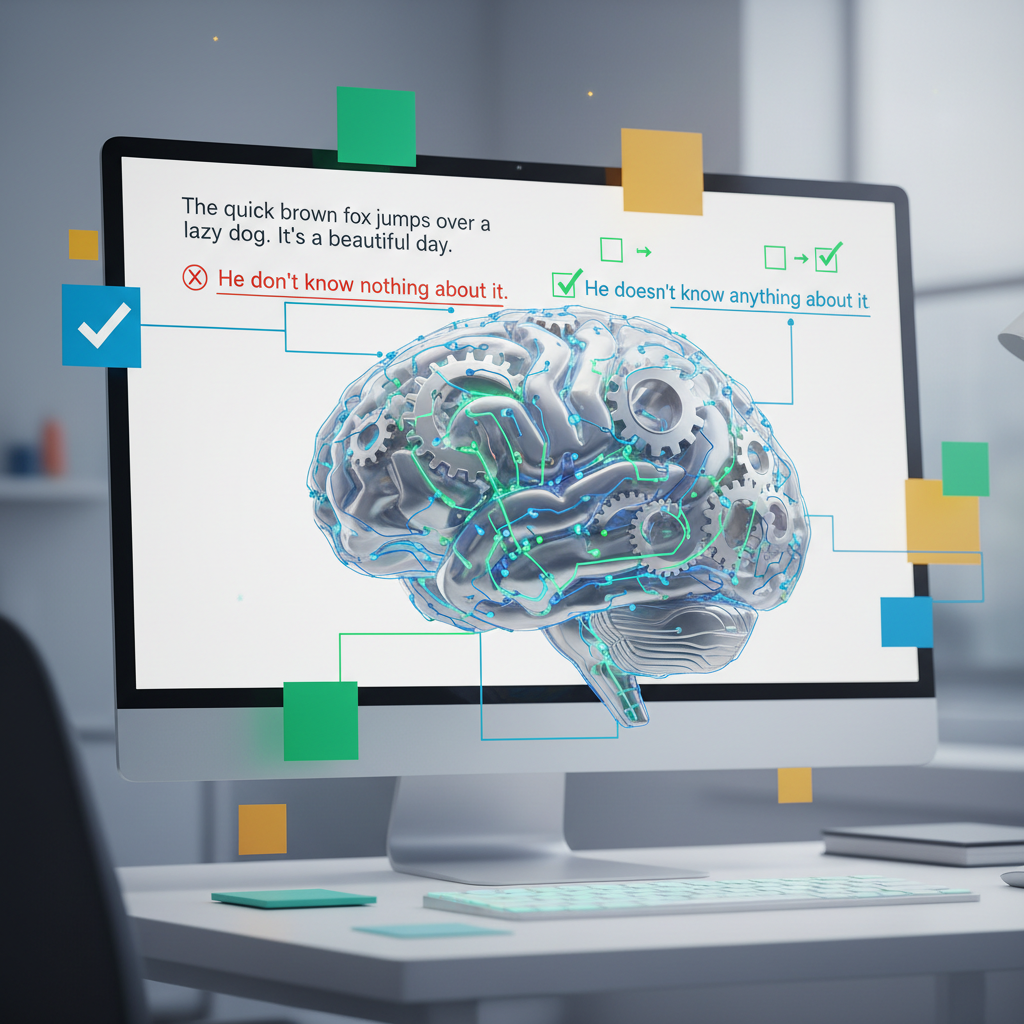
Key Features to Look for in a Windows AI Grammar Checker
When selecting an AI grammar checker for your Windows PC, it is essential to consider a range of features that go beyond simple error detection. The best tools offer a holistic writing experience, integrating seamlessly into your workflow and providing comprehensive assistance.
System-Wide Integration: This is paramount for Windows users. An effective tool should work across all applications, from Microsoft Word and Outlook to web browsers and messaging apps, ensuring consistent support wherever you type. AutoCorrect PC excels in this area, offering truly system-wide functionality. Real-time Grammar Correction: Immediate feedback is crucial. The tool should identify and suggest corrections for grammatical errors, punctuation mistakes, and stylistic issues as you type, minimizing interruptions to your thought process. Predictive Text and Word Completion: To boost typing speed and efficiency, look for features that predict your next words or complete words as you start typing them. This significantly reduces keystrokes and helps maintain writing flow. AI Writing and Text Generation: Advanced tools now include AI capabilities to generate new text, rewrite existing sentences for clarity, or expand on ideas based on a simple prompt. This can be invaluable for overcoming writer's block or quickly drafting content. Voice Typing (Speech-to-Text): For those who prefer to speak rather than type, or for accessibility reasons, integrated voice typing that accurately transcribes your speech directly into any application is a huge advantage. Customizable Dictionaries and Auto-replacement: The ability to add custom words, names, or industry-specific jargon to a personal dictionary, and to set up custom auto-replacement rules for frequently misspelled words or phrases, enhances personalization and accuracy. Privacy and Local Processing:* Given the sensitive nature of written communications, understanding how a tool handles your data is vital. Solutions that perform autocorrect, word prediction, and grammar correction locally on your device offer superior privacy. For instance, AutoCorrect PC processes most typing features on your device, only communicating with external servers for explicit AI writing requests.
These features collectively contribute to a powerful and versatile writing assistant that can significantly improve your productivity and the quality of your written output on Windows.
Comparing Top AI Grammar Checkers for Windows in 2026
The market for AI grammar checkers is competitive, with several strong contenders vying for the top spot. While many excellent browser-based or app-specific tools exist, our focus for Windows users is on those that offer robust system-wide integration and comprehensive features.
Let's examine how some popular options stack up against a dedicated Windows solution like AutoCorrect PC.
| Feature / Tool | AutoCorrect PC | Grammarly (Desktop App) | QuillBot (Web/Extension) |
|---|---|---|---|
| System-Wide Autocorrect | Yes, across all Windows apps | Limited (primarily within dedicated app/integrations) | No (browser extension only) |
| Word Prediction | Yes, system-wide | Limited (primarily within dedicated app/integrations) | No |
| Grammar Correction | Yes, real-time, system-wide | Yes, real-time, within integrated apps | Yes, primarily web-based or browser extension |
| AI Writing/Generation | Yes, integrated, prompts or selected text | Yes, via AI features | Yes, via paraphraser, summarizer, etc. |
| Voice Typing | Yes, system-wide speech-to-text | No (requires separate OS feature) | No |
| Local Processing | Yes, for core typing features (privacy-focused) | No, cloud-based | No, cloud-based |
| Custom Auto-replacement | Yes, user-defined text replacements | Limited (text snippets) | No |
| Offline Functionality | Yes, for core features | Limited | No |
As the table illustrates, while tools like Grammarly and QuillBot offer powerful AI-driven writing assistance, their system-wide integration on Windows can be limited. Grammarly's desktop app provides broader coverage than its browser extension, but it might still require specific integrations for certain applications. QuillBot, while excellent for paraphrasing and summarization, primarily operates as a web tool or browser extension, making it less ideal for a truly system-wide Windows experience.
AutoCorrect PC stands out by prioritizing deep integration with the Windows operating system, ensuring that features like autocorrect, word prediction, grammar correction, and voice typing work seamlessly across any application. This commitment to system-wide functionality and local processing for privacy makes it a compelling choice for Windows users seeking an all-encompassing smart writing assistant.
AutoCorrect PC: A Smart Writing Assistant for Windows
AutoCorrect PC is designed from the ground up to be the ultimate Windows writing assistant, offering a suite of features that go far beyond traditional grammar checking. It provides a seamless, integrated experience that empowers users to type faster, write cleaner, and communicate more effectively across their entire Windows environment.
At its core, AutoCorrect PC offers robust autocorrect capabilities. Misspelled words are corrected instantly as you type, no matter which application you are using. This system-wide approach means you get consistent error prevention whether you are drafting an email in Outlook, writing a report in Word, or even chatting in a messenger app. This real-time correction minimizes interruptions and keeps your writing flow uninterrupted.
Beyond simple corrections, AutoCorrect PC significantly boosts typing speed and efficiency with its predictive text and word completion features. As you begin to type a word, suggestions appear, allowing you to complete it with a single keypress. After you finish a word, the software intelligently suggests the most likely next words, enabling you to construct sentences with fewer keystrokes. This is particularly beneficial for long-form writing or for individuals who want to maximize their typing speed.
The grammar correction in AutoCorrect PC is equally impressive. It catches complex grammatical errors at the sentence level, offering clean and contextually relevant fixes. Unlike some tools that require you to copy and paste text into a separate editor, AutoCorrect PC provides suggestions directly within your active application, streamlining your editing process. This means you can maintain focus on your content without constantly switching between windows.
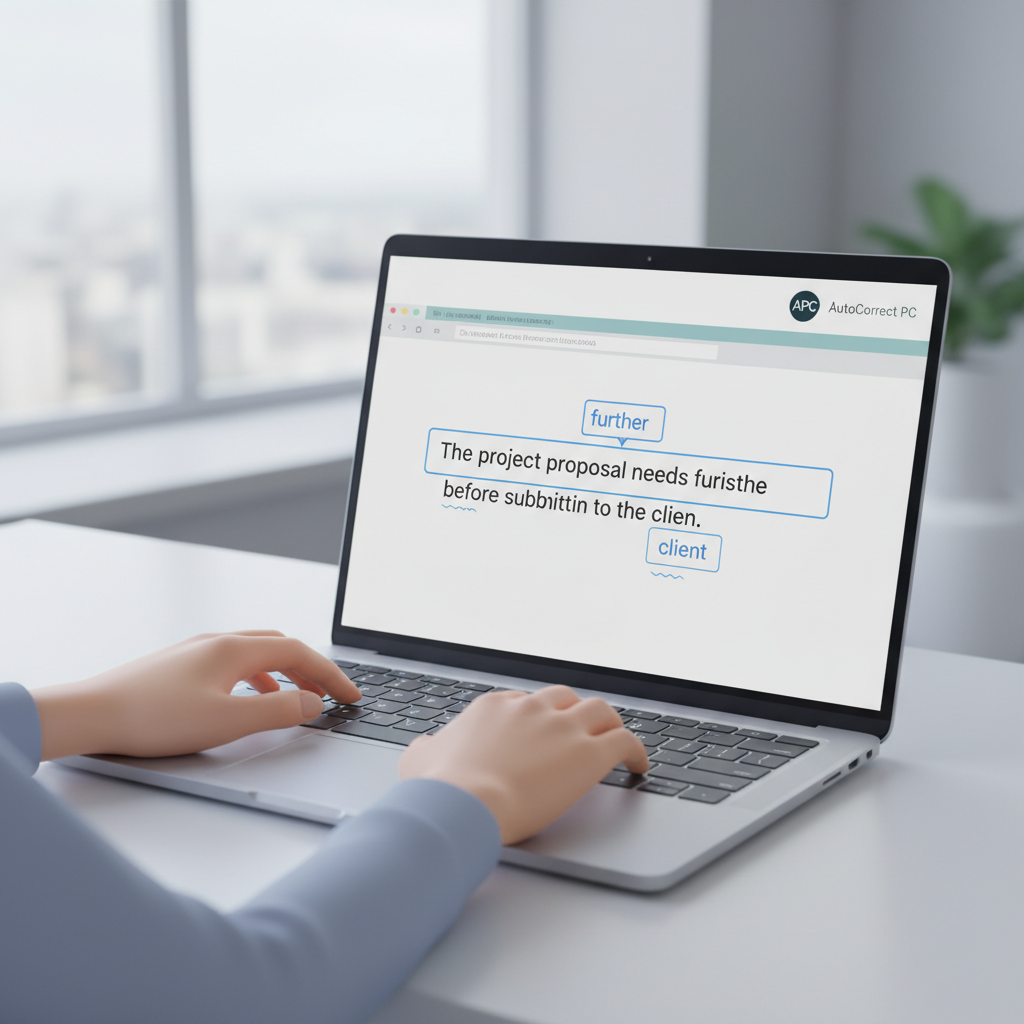
Enhancing Productivity with AI Writing and Voice Typing
The advancements in artificial intelligence have opened new frontiers for writing assistance, and AutoCorrect PC integrates these powerful capabilities directly into your Windows workflow. The AI writing feature is a game-changer for anyone who needs to generate text, rewrite content, or expand on ideas quickly. With AutoCorrect PC, you can simply provide a prompt, or select existing text and add a prompt, and the AI will generate relevant content directly into your application. This can help overcome writer's block, refine your messaging, or even draft entire sections of text, saving significant time and effort. Imagine needing to quickly summarize a long email or expand on a bullet point; AutoCorrect PC's AI writing can handle it with ease.
Another significant productivity booster is voice typing, also known as speech-to-text. For many, speaking is faster and more natural than typing. AutoCorrect PC's voice typing allows you to dictate your thoughts, and your spoken words are accurately transcribed and inserted directly into whatever application you are working in. This feature is invaluable for accessibility, for brainstorming sessions, or simply for giving your hands a break. Whether you are composing a lengthy document, filling out a form, or sending a quick message, voice typing offers a flexible and efficient alternative to traditional keyboard entry. The seamless integration of these AI-powered tools means that your creative and productive flow remains uninterrupted, empowering you to achieve more with less effort.
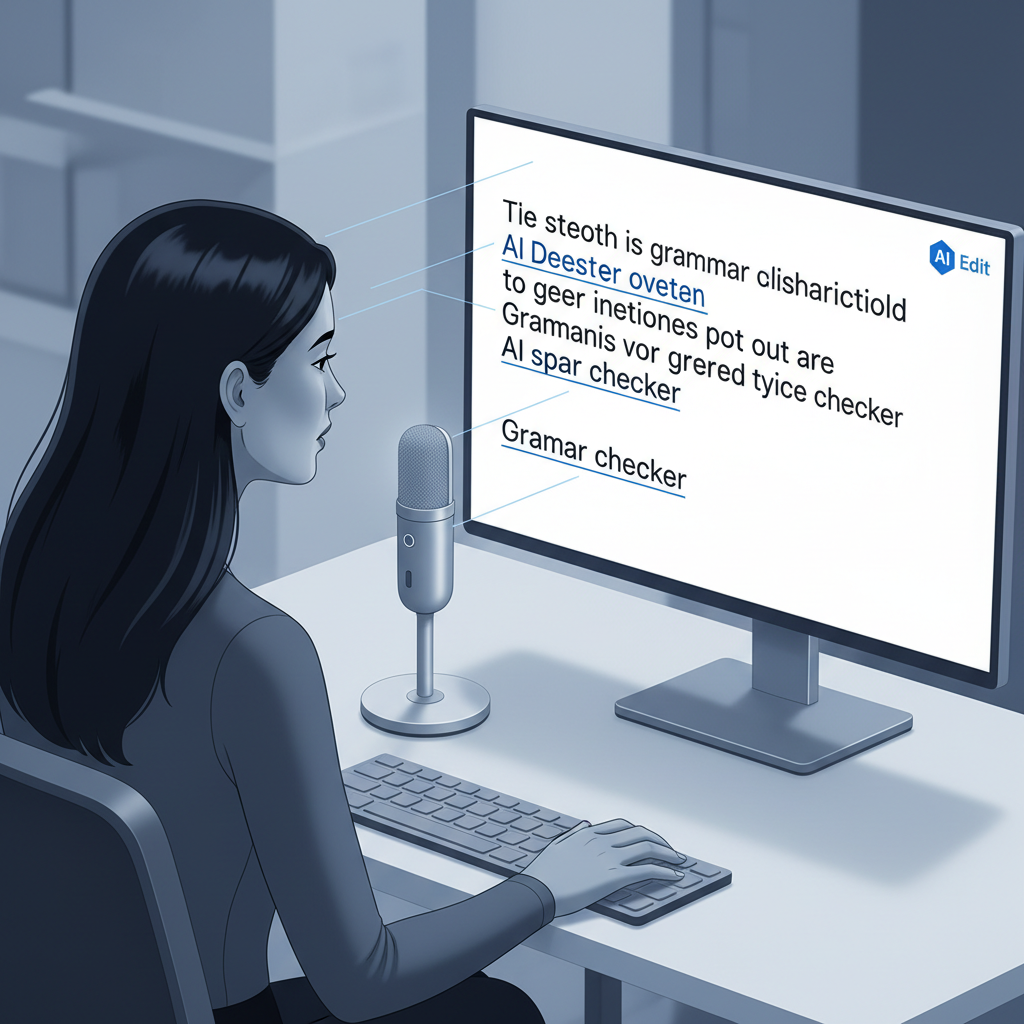
Privacy and Performance: A Crucial Consideration
In the age of pervasive data collection, the privacy and performance of your writing assistant are paramount. Many cloud-based AI tools require your text to be sent to external servers for processing, raising concerns about data security and confidentiality. AutoCorrect PC takes a different approach, prioritizing user privacy and local processing for its core functionalities.
For features like autocorrect, word completion, next-word prediction, speech transcription, grammar correction, and dictionary lookups, AutoCorrect PC performs these operations locally on your computer. This means your everyday typing data does not leave your device, ensuring a higher level of privacy and security. This local processing also contributes to faster performance, as there is no reliance on internet connectivity or server response times for these essential features.
The AI writing feature, which involves text generation and rewriting, does communicate with AutoCorrect PC's servers. However, this only happens when you explicitly use this specific feature. This transparent approach ensures that you have control over when your data is sent externally, allowing you to make informed decisions based on your privacy preferences. By minimizing external data transfers for routine typing tasks, AutoCorrect PC offers a robust and secure environment for all your written communications on Windows. Understanding these distinctions is crucial when choosing a smart writing assistant that aligns with your personal and professional privacy standards.
Who Benefits Most from AutoCorrect PC on Windows?
AutoCorrect PC is a versatile tool designed to benefit a wide array of Windows users, from professionals to students, and anyone in between who values clear and efficient communication.
Professional Writers and Content Creators: For those whose livelihood depends on producing high-quality written content, AutoCorrect PC is an invaluable asset. It ensures that blog posts, articles, marketing copy, and creative writing are free from errors, allowing writers to focus on narrative and message. The AI writing feature can also help in brainstorming and drafting, speeding up the content creation process. Business Professionals: From drafting critical emails and reports to preparing presentations, business communication demands precision. AutoCorrect PC helps maintain a professional image by eliminating typos and grammatical mistakes, while predictive text and voice typing save time in a busy workday. Students and Academic Writers: Academic success often hinges on clear and well-structured writing. AutoCorrect PC assists students in crafting essays, research papers, and dissertations by catching errors and offering suggestions for improved clarity, helping them articulate complex ideas effectively. Remote Workers and Digital Professionals: In remote work environments, written communication is often the primary mode of interaction. AutoCorrect PC ensures that messages, project updates, and collaborative documents are always polished, reducing miscommunication and fostering efficiency. Non-Native English Speakers: For individuals learning English or those for whom English is a second language, AutoCorrect PC provides essential support. It helps identify and correct common errors, offering guidance on sentence structure and vocabulary, thereby building confidence and improving language proficiency. Individuals with Typing Disabilities or Accessibility Needs: Voice typing offers a crucial alternative for those who find traditional typing challenging. The predictive text and autocorrect features also reduce the physical effort required for typing, making writing more accessible and less fatiguing. Freelancers and Bloggers:* Managing multiple clients and deadlines requires efficient tools. AutoCorrect PC streamlines the writing process, from initial draft to final proofread, ensuring that freelancers can deliver high-quality work consistently and promptly.
Essentially, anyone who uses a Windows PC for writing can find significant value in AutoCorrect PC's comprehensive features, leading to improved productivity, enhanced writing quality, and greater confidence in their communication.

The Future of Writing on Windows with AutoCorrect PC
Looking ahead to 2026 and beyond, the integration of AI into our daily writing tasks on Windows will only deepen. AutoCorrect PC is positioned at the forefront of this evolution, continuously refining its capabilities to meet the growing demands of users. The future of writing is not just about error correction; it is about intelligent assistance that understands context, anticipates needs, and adapts to individual writing styles.
We can expect further enhancements in AI writing, allowing for more nuanced text generation, style adaptation, and even content summarization that is seamlessly integrated into any application. Imagine an assistant that can not only suggest a better way to phrase a sentence but also understand the overall tone you are aiming for and help you achieve it consistently across a document. Predictive text will become even more sophisticated, learning from your unique vocabulary and sentence structures to offer hyper-personalized suggestions.
The commitment to privacy through local processing will remain a cornerstone, ensuring that users can leverage powerful AI tools without compromising their data security. As AI models become more efficient, the performance of these local operations will continue to improve, providing instantaneous feedback and assistance. Furthermore, multi-language support and enhanced accessibility features will make AutoCorrect PC an even more inclusive tool for a global user base. The goal is to create a symbiotic relationship between the writer and the software, where the technology enhances human creativity and efficiency, making the act of writing on Windows more intuitive, productive, and enjoyable than ever before.
Conclusion
The landscape of writing on Windows has been irrevocably transformed by artificial intelligence. In 2026, relying solely on basic spell-checkers is no longer sufficient for effective and professional communication. The demand for sophisticated tools that offer real-time grammar correction, predictive text, AI writing, and voice typing has never been higher, especially for those seeking system-wide integration.
AutoCorrect PC emerges as a leading solution for Windows users, providing a comprehensive and privacy-conscious smart writing assistant. Its ability to work across all applications, coupled with advanced AI features and a commitment to local processing for core functionalities, sets it apart. Whether you are a professional content creator, a busy business executive, a dedicated student, or simply someone who wants to improve their everyday written communication, AutoCorrect PC offers the tools you need to write faster, cleaner, and with greater confidence. By embracing such advanced writing assistants, Windows users can unlock new levels of productivity and ensure their message always comes across clearly and effectively.
Elevate Your Writing Today
Ready to transform your writing experience on Windows? Discover the power of system-wide autocorrect, predictive text, grammar correction, AI writing, and voice typing. Visit our website to learn more and download AutoCorrect PC, your smart writing assistant for Windows.
Experience Smart Writing with AutoCorrect PC
Frequently Asked Questions
Q1: What makes AutoCorrect PC different from other grammar checkers?
A1: AutoCorrect PC offers truly system-wide integration on Windows, meaning its features like autocorrect, predictive text, grammar correction, and voice typing work across any application on your desktop. Many other tools are limited to specific apps or browser extensions. Additionally, AutoCorrect PC prioritizes privacy by processing most typing features locally on your device.
Q2: Can AutoCorrect PC help with more than just grammar and spelling?
A2: Yes, absolutely. Beyond correcting grammar and spelling, AutoCorrect PC includes powerful predictive text and word completion to speed up typing, AI writing to generate or rewrite text based on prompts, and voice typing for speech-to-text functionality. It's a comprehensive smart writing assistant.
Q3: Is AutoCorrect PC suitable for non-native English speakers?
A3: Yes, AutoCorrect PC is an excellent tool for non-native English speakers. It provides real-time grammar and spelling corrections, helps with sentence structure, and offers word predictions, all of which can significantly improve language proficiency and confidence in written communication.
Q4: How does AutoCorrect PC handle my privacy?
A4: AutoCorrect PC is designed with privacy in mind. Core typing features like autocorrect, word prediction, grammar correction, and voice transcription are processed locally on your device, meaning your everyday typing data does not leave your computer. The AI writing feature communicates with our servers only when you explicitly use it.
Q5: Can I customize AutoCorrect PC to my specific writing style or vocabulary?
A5: Yes, AutoCorrect PC allows for customization. You can add custom words and phrases to its dictionary, and set up custom auto-replacement rules to tailor the assistant to your unique needs, including industry-specific jargon or frequently used expressions.
Q6: Does AutoCorrect PC work offline?
A6: For its core features such as autocorrect, word prediction, and local grammar checks, AutoCorrect PC can function offline. The AI writing feature, which requires communication with servers for text generation, would require an internet connection.
Related Posts
Best Text-to-Speech Software for Windows in 2026
Discover the top text-to-speech (TTS) software for Windows in 2026, offering natural voices, advanced features, and seamless integration to boost accessibility, productivity, and learning.
Read post →Top Productivity Software for Windows: A 2026 Buyer's Guide
Discover the best productivity software for Windows in 2026, focusing on AI writing assistants, system-wide autocorrect, and privacy. This guide helps you choose tools that enhance writing, streamline workflow, and save time.
Read post →Best Free Productivity Tools for Windows in 2026
Discover the top free productivity tools for Windows in 2026, featuring advanced AI, intelligent automation, and intuitive interfaces to streamline your workflow and boost efficiency. Learn about writing assistants, predictive text, grammar correction, and voice typing.
Read post →Want system-wide predictions, autocorrect, and voice typing on Windows?