
Autocorrect for PC Windows 10: The Essential 2026 Guide
Discover how advanced system-wide autocorrect and smart writing assistants can transform your Windows 10 typing experience, boost productivity, and ensure polished communication in 2026. Go beyond basic spell-check with AI writing, grammar correction, and predictive text.

Key Takeaways
- System-wide Autocorrect is Crucial: While Windows 10 offers some built-in autocorrect, it's often inconsistent and limited to specific applications. A dedicated solution like AutoCorrect PC provides comprehensive system-wide coverage.
- Beyond Basic Corrections: Modern writing assistants offer more than just spelling fixes. Look for features like predictive text, grammar correction, AI writing, and voice typing to significantly boost productivity.
- Privacy Matters: Choose tools that prioritize local processing for your typing data, ensuring your everyday communications remain private.
- Boost Efficiency: Implementing a smart writing assistant can drastically reduce typing errors, save time, and improve the overall quality of your written communication across all Windows applications.
- Future-Proof Your Workflow: As technology evolves, so do writing tools. Investing in a robust solution ensures you stay ahead with the latest in AI-powered assistance and seamless integration.
In today's fast-paced digital world, clear and efficient communication is paramount. Whether you're drafting emails, writing reports, or engaging in online chats, typos and grammatical errors can undermine your message and professionalism. While Windows 10 includes some basic spell-checking capabilities, they often fall short of the comprehensive, system-wide assistance many users need. This guide will explore the landscape of autocorrect solutions for Windows 10 in 2026, highlighting how advanced tools can transform your typing experience, boost productivity, and ensure your writing is always polished and precise.
The Limitations of Built-in Windows 10 Autocorrect
Windows 10 does offer some native features for spell-checking and text correction. These are typically found within specific Microsoft applications like Word or Outlook, and to a limited extent, within certain text fields across the operating system. However, these built-in functionalities have significant drawbacks that can hinder productivity for users who demand consistent and comprehensive writing assistance.
One of the primary issues is inconsistency. Autocorrect behavior can vary wildly from one application to another. You might find robust spell-checking in Microsoft Word, but then encounter no assistance whatsoever in a third-party chat application, a code editor, or even certain web forms. This fragmented approach means users often have to adapt their typing habits or manually correct errors depending on where they are writing, which breaks concentration and slows down the writing process.
Furthermore, the scope of built-in Windows 10 autocorrect is generally limited to basic spelling corrections. It rarely extends to more advanced features like grammar checking, predictive text, or AI-powered writing suggestions. For professionals, students, or anyone who writes extensively, relying solely on these basic features is simply not enough to maintain a high standard of written communication or to maximize typing efficiency. The lack of system-wide integration means that a truly seamless and intelligent writing experience remains out of reach without a dedicated solution.

What Makes a "Smart" Writing Assistant Essential for Windows 10?
A smart writing assistant goes far beyond simple spelling corrections. It's an integrated suite of tools designed to enhance every aspect of your typing and writing process, working seamlessly across all your Windows 10 applications. In 2026, these tools are no longer a luxury but a necessity for anyone looking to optimize their digital communication.
The core of a smart writing assistant is its ability to provide system-wide autocorrect. This means that no matter where you are typing, whether it's an email, a social media post, a complex spreadsheet, or a coding environment, your misspelled words are automatically corrected in real time. This consistency eliminates the frustration of fragmented support and ensures a smooth, error-free typing flow. Beyond basic spelling, these assistants often include predictive text and word completion, suggesting words or phrases as you type, dramatically reducing keystrokes and accelerating your writing speed. Imagine typing "regards" and having the system suggest "best regards" or "kind regards" instantly.
Another critical feature is grammar correction. Unlike basic spell-checkers, smart assistants analyze sentence structure, punctuation, and usage, providing contextual fixes that elevate the quality of your writing. This is particularly valuable for complex documents or for those who write in a second language. The integration of AI writing capabilities allows for generating, rewriting, or expanding text based on simple prompts or selected content, acting as a powerful co-pilot for content creation. Finally, voice typing offers an alternative input method, transcribing your spoken words directly into any application, which is invaluable for accessibility or simply when you need to dictate thoughts quickly. These comprehensive features collectively make a smart writing assistant an indispensable tool for modern Windows 10 users.
Key Features to Look for in a 2026 Autocorrect Solution
When evaluating autocorrect software for Windows 10 in 2026, it's crucial to look beyond just basic spell-checking. The best solutions offer a comprehensive suite of features that enhance productivity, accuracy, and overall writing quality. Here are the essential capabilities to prioritize:
- System-Wide Compatibility: The most important feature is the ability to work seamlessly across all Windows applications. This includes browsers, email clients, word processors, chat apps, code editors, and any other text input field. Avoid solutions that are limited to specific programs or web-only environments.
- Real-time Autocorrect: Instant correction of misspelled words as you type, without requiring manual intervention or separate proofreading steps. This maintains your writing flow and prevents errors from accumulating.
- Predictive Text and Word Completion: Tools that suggest the next word or complete the current word based on context. This significantly reduces typing effort and speeds up writing, especially for common phrases or technical jargon.
- Advanced Grammar and Punctuation Correction: Beyond simple spelling, the software should identify and suggest fixes for grammatical errors, punctuation mistakes, and stylistic inconsistencies. This ensures your writing is not only error-free but also clear and professional.
- AI Writing Assistance: The ability to generate, rephrase, summarize, or expand text using artificial intelligence. This can be a game-changer for content creation, brainstorming, or quickly refining drafts. For example, AutoCorrect PC offers AI writing features that integrate directly into your workflow.
- Voice Typing (Speech-to-Text): Convert spoken words into text in any application. This is invaluable for hands-free writing, dictation, or for individuals with typing difficulties.
- Customizable Dictionary and Auto-replacements: The ability to add custom words, names, or technical terms to prevent them from being flagged as errors. Furthermore, setting up custom auto-replacements for frequently typed phrases (e.g., "omw" to "on my way") can save significant time.
- Multi-Language Support: For multilingual users or those who frequently switch between languages, support for multiple dictionaries and correction rules is essential.
- Privacy-First Approach: Ensure the software processes your typing data locally on your device whenever possible. This protects your personal and sensitive information from being transmitted to external servers unnecessarily.
By focusing on these key features, you can select an autocorrect solution that truly acts as a smart writing assistant, empowering you to write faster, cleaner, and with greater confidence across your entire Windows 10 environment.
AutoCorrect PC: The System-Wide Solution for Windows 10
When it comes to a comprehensive and truly system-wide autocorrect solution for Windows 10 in 2026, AutoCorrect PC stands out as a leading choice. Unlike many other tools that are limited to specific applications or web browsers, AutoCorrect PC is engineered to integrate seamlessly across your entire Windows environment, providing consistent assistance wherever you type. This makes it an indispensable tool for anyone seeking to enhance their productivity and writing quality.
AutoCorrect PC offers a robust suite of features designed to address the shortcomings of built-in Windows functionalities. Its core strength lies in its system-wide autocorrect, ensuring that misspelled words are corrected automatically in any application, from Microsoft Office suites and web browsers to chat clients and specialized software. This eliminates the frustration of inconsistent support and allows you to maintain a fluid typing rhythm.
Beyond basic corrections, AutoCorrect PC provides predictive text and word completion, offering intelligent suggestions as you type to reduce keystrokes and accelerate your writing. This is particularly beneficial for repetitive tasks or when composing lengthy documents. The software also incorporates advanced grammar correction, identifying and fixing not just spelling errors but also complex grammatical mistakes, punctuation issues, and stylistic inconsistencies, ensuring your prose is always polished.
For those who leverage the power of artificial intelligence, AutoCorrect PC includes AI writing capabilities. You can generate new text, rewrite existing content, or expand on ideas with simple prompts, directly within your current application. This feature transforms the writing process, making it faster and more efficient. Additionally, voice typing allows you to dictate your thoughts, converting speech to text in real time across any Windows application, offering a versatile input method. AutoCorrect PC truly delivers a smart writing assistant experience that is integrated, intelligent, and privacy-focused, with most typing features processed locally on your device.
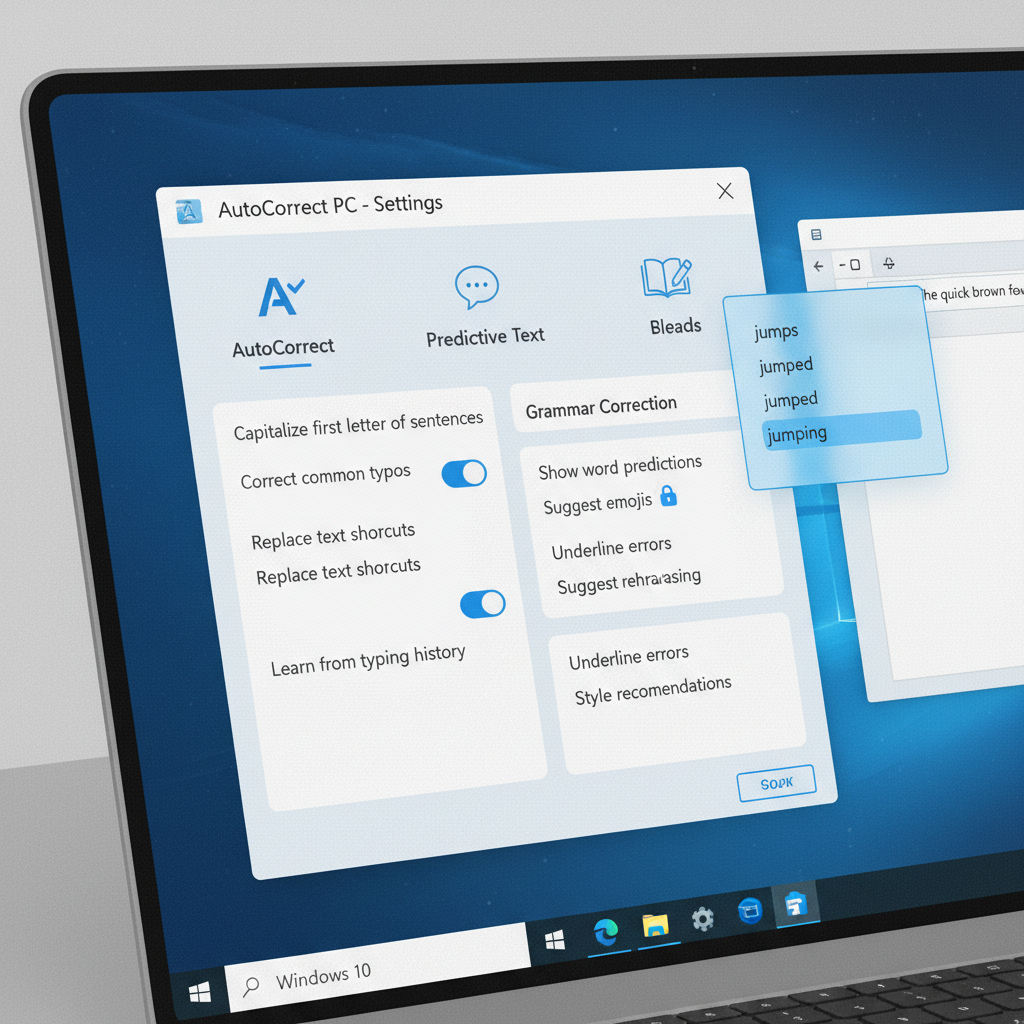
How AutoCorrect PC Compares to Other Solutions
Understanding how AutoCorrect PC stacks up against other popular writing tools is crucial for making an informed decision. While many options exist, they often come with significant limitations, particularly regarding system-wide functionality. Let's compare AutoCorrect PC with some common alternatives.
Microsoft Editor, for instance, is excellent for grammar and spelling within Microsoft products like Word and Outlook, and it offers browser extensions. However, its reach is not system-wide; it doesn't extend its full capabilities to non-Microsoft desktop applications, leaving many text fields unsupported. Similarly, Grammarly is a powerful tool for grammar and style, widely used in browsers and some desktop apps. Yet, it's primarily an editing tool rather than a true system-wide autocorrect and predictive text solution, and its offline functionality can be limited. The built-in Windows autocorrect, as discussed, is fragmented and lacks advanced features.
Here's a quick comparison table:
| Feature | Windows Built-in | Microsoft Editor | Grammarly | AutoCorrect PC |
|---|---|---|---|---|
| Works Across Desktop Apps | ✗ (Limited) | ✗ (Partial) | ✗ (Partial) | ✓ (System-wide) |
| Real-time Autocorrect | Basic | Partial | Partial | ✓ (Comprehensive) |
| Predictive Text | ✗ | ✗ | ✗ | ✓ |
| Grammar Correction | Basic | ✓ | ✓ | ✓ |
| AI Writing | ✗ | Some | Some | ✓ |
| Voice Typing | ✗ | ✗ | ✗ | ✓ |
| Local Processing | ✓ | Partial | ✗ | ✓ (for typing) |
The key differentiator for AutoCorrect PC is its unwavering commitment to system-wide functionality. It's designed from the ground up to work in any text field on your Windows 10 PC, providing consistent autocorrect, predictive text, grammar correction, AI writing, and voice typing. This eliminates the need to switch between tools or tolerate inconsistent assistance, streamlining your entire writing workflow. While other tools focus on specific aspects or environments, AutoCorrect PC aims to be the single, integrated solution for all your writing needs on Windows.
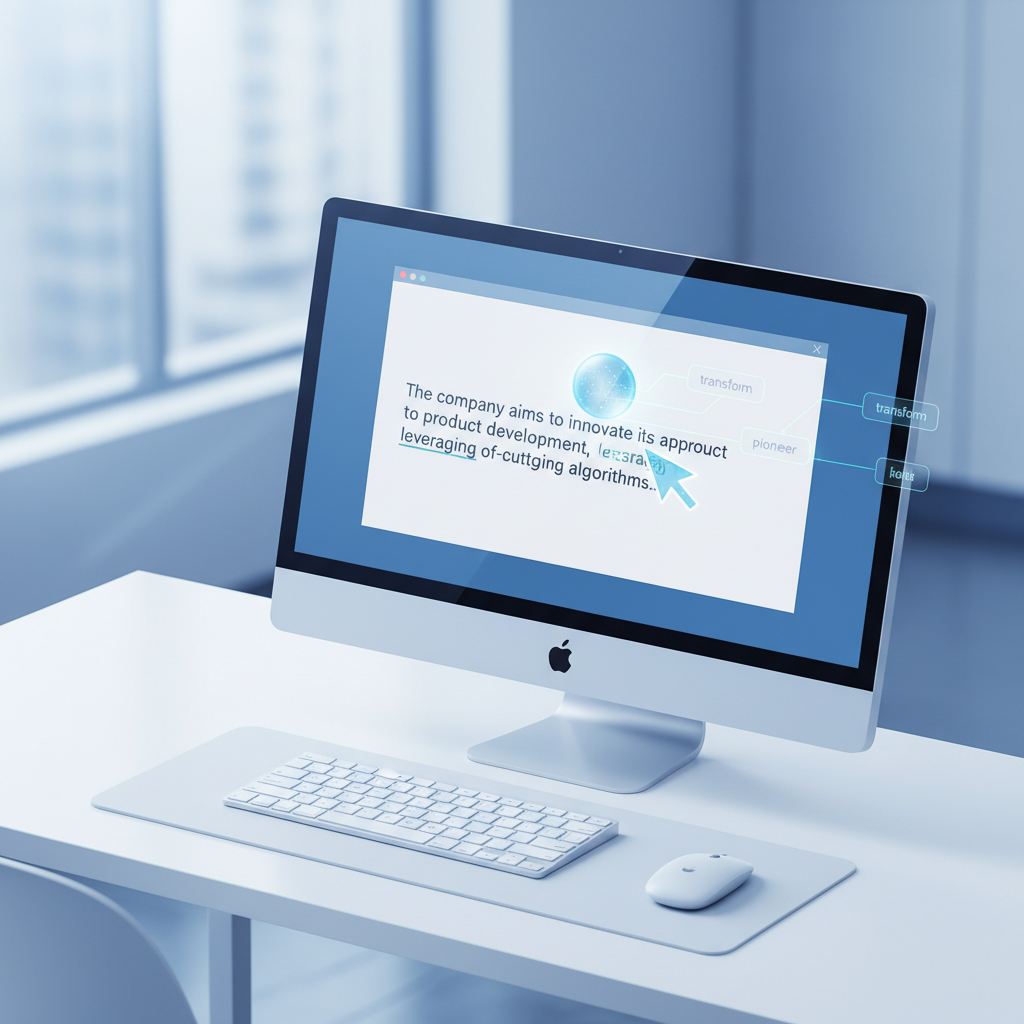
Enhancing Productivity and Accessibility with AutoCorrect PC
The impact of a smart writing assistant like AutoCorrect PC extends far beyond simply fixing typos. It significantly enhances both productivity and accessibility for a wide range of users on Windows 10. For professionals, the ability to type faster and cleaner means more efficient communication, whether it's drafting emails, preparing reports, or contributing to team chats. The time saved by predictive text and automatic corrections adds up, allowing individuals to focus on the content and message rather than getting bogged down by errors.
Consider a business professional who spends hours each day communicating via email and internal messaging platforms. With AutoCorrect PC, common phrases are completed instantly, grammar mistakes are caught before they're sent, and even complex sentences can be generated or rephrased with AI assistance. This translates into fewer revisions, clearer messages, and a more professional image. Similarly, students can benefit immensely by producing higher quality assignments with fewer grammatical errors and improved vocabulary through predictive suggestions.
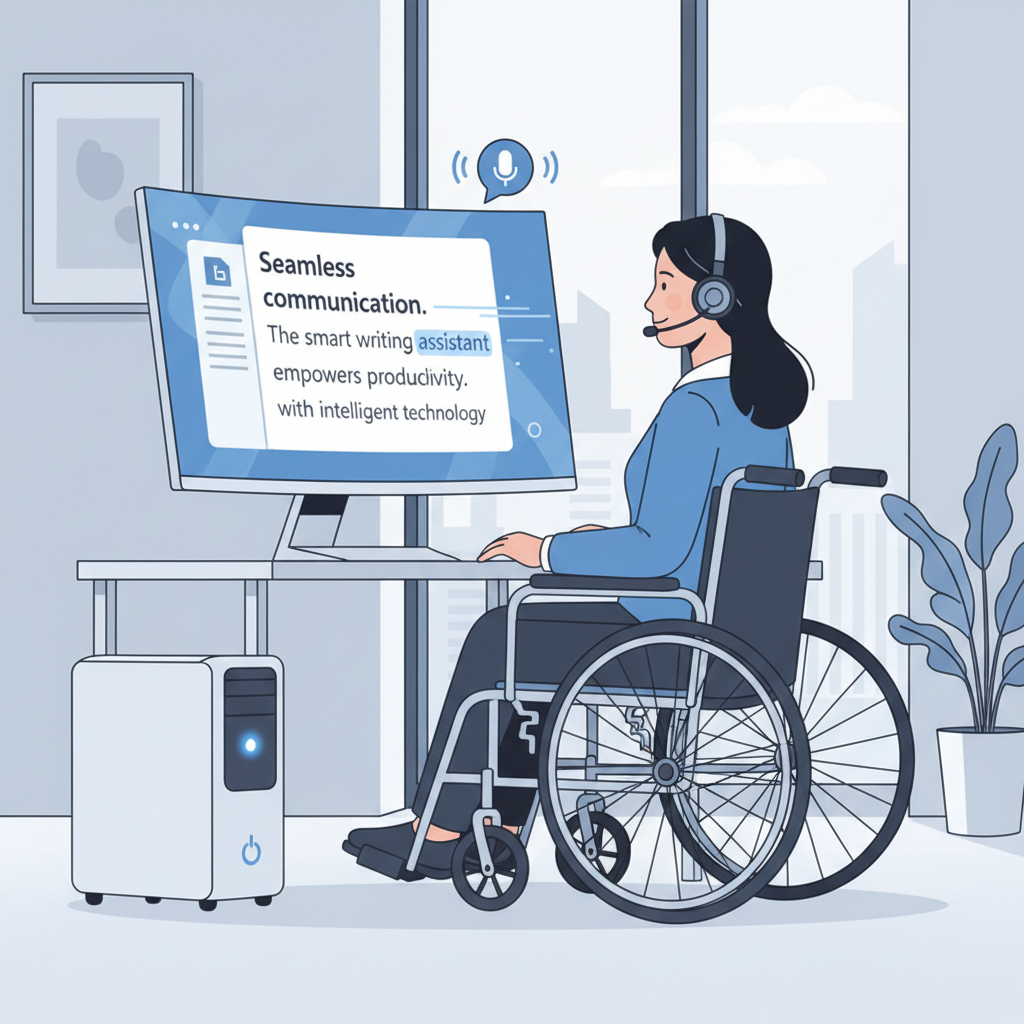
From an accessibility standpoint, AutoCorrect PC offers transformative benefits. For individuals with dyslexia, dysgraphia, or other typing difficulties, the automatic correction and predictive text features can drastically reduce frustration and increase confidence. Voice typing provides an alternative input method for those who find typing physically challenging or prefer to dictate their thoughts. This empowers individuals to communicate effectively and participate fully in digital environments, breaking down barriers that traditional typing methods might impose. AutoCorrect PC helps bridge the gap between thought and text, making writing a smoother, more inclusive experience for everyone.
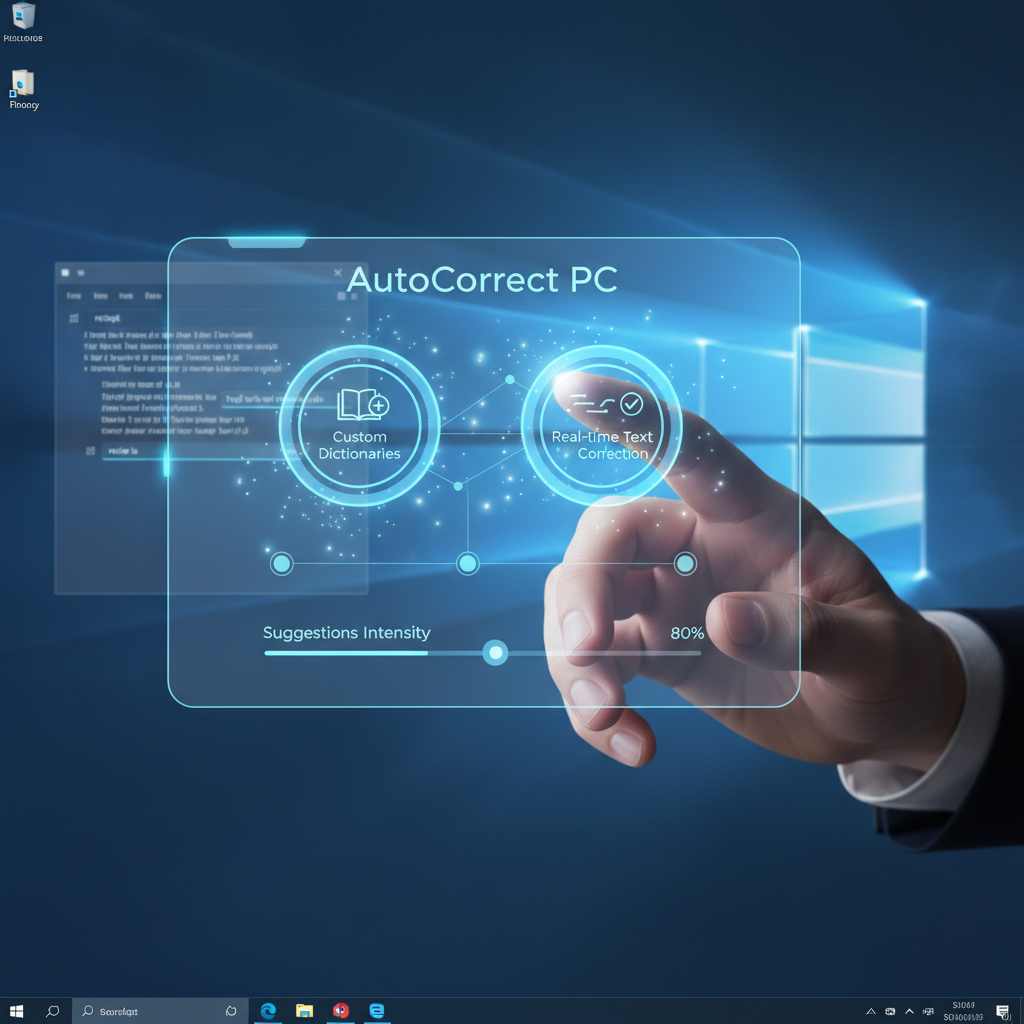
Setting Up and Customizing AutoCorrect PC for Your Workflow
Getting started with AutoCorrect PC on your Windows 10 system is straightforward, and customizing it to fit your unique writing style and workflow is key to maximizing its benefits. The initial setup typically involves a simple download and installation process, after which the application runs in the background, ready to assist you in any text field.
Once installed, you'll want to explore the settings to tailor AutoCorrect PC to your preferences. Here are some customization options to consider:
- Custom Dictionary: This is perhaps one of the most powerful features. You can add specific names, technical terms, industry jargon, or unique spellings that you use frequently. This prevents AutoCorrect PC from flagging them as errors or attempting to "correct" them unnecessarily. This is especially useful for specialized fields where standard dictionaries might not suffice.
- Auto-replacements (Text Expander): Set up custom shortcuts for frequently typed words or phrases. For example, you could configure "eml" to expand to "myemail@example.com" or "brgds" to "Best regards." This can save a significant amount of typing over time.
- Predictive Text Sensitivity: Adjust how aggressively AutoCorrect PC suggests words. You might prefer more suggestions for faster typing or fewer if you find them distracting. You can also customize the hotkeys for accessing predictive text and word completion.
- Grammar Rules: While AutoCorrect PC handles grammar automatically, some users might want to fine-tune certain rules or ignore specific stylistic suggestions based on their writing context.
- Voice Typing Language: If you use voice typing, ensure the correct language is selected for optimal transcription accuracy.
- Privacy Settings: Review the privacy options to understand how your data is handled. AutoCorrect PC emphasizes local processing for typing features, giving you peace of mind about your sensitive information.
Regularly reviewing and adjusting these settings will ensure that AutoCorrect PC continues to be an invaluable assistant, adapting to your evolving writing needs and making your interactions with autocorrect for pc windows 10 as efficient and seamless as possible. Remember, the goal is to enhance your natural writing flow, not to interrupt it.
The Future of Writing on Windows: AI and Beyond
As we look towards 2026 and beyond, the landscape of writing on Windows is rapidly evolving, driven by advancements in artificial intelligence and machine learning. Autocorrect solutions are no longer just about fixing mistakes; they are becoming intelligent co-pilots that actively assist in the creation process. The integration of AI writing capabilities, as seen in AutoCorrect PC, is a prime example of this evolution. These features can generate content from prompts, rephrase sentences for clarity, summarize lengthy texts, or even expand on brief ideas, fundamentally changing how users interact with their written work.
This shift means that future writing assistants will be even more intuitive and proactive. Expect to see enhanced contextual understanding, where the software not only corrects errors but also advises on tone, style, and audience appropriateness. Multi-modal input, combining voice typing with gesture controls and predictive text, will become more sophisticated, offering a truly seamless human-computer interaction. The ability to learn from individual writing patterns and adapt suggestions over time will also become standard, making the assistance highly personalized.
Furthermore, the emphasis on privacy-first design will continue to grow. As AI becomes more integrated into our daily typing, users will demand greater transparency and control over their data. Solutions that prioritize local processing for sensitive information, like AutoCorrect PC, will gain increasing trust and adoption. The goal is to create an environment where technology empowers users to write more effectively and efficiently, without compromising their privacy or creative control. The future of writing on Windows is intelligent, adaptive, and deeply integrated into every aspect of the user experience.
Conclusion
In the modern digital landscape, efficient and error-free writing is no longer a luxury, but a necessity. While Windows 10 offers some basic autocorrect features, they often fall short of the comprehensive, system-wide assistance required by today's demanding users. Fragmented support and limited functionality can hinder productivity and undermine the quality of your written communication.
A smart writing assistant like AutoCorrect PC provides the essential tools to overcome these limitations. With its system-wide autocorrect, predictive text, advanced grammar correction, AI writing capabilities, and voice typing, it transforms your typing experience across all Windows 10 applications. It ensures consistency, boosts speed, enhances accuracy, and offers invaluable accessibility features, making it an indispensable tool for professionals, students, and anyone who writes frequently.
By choosing a solution that prioritizes comprehensive features, seamless integration, and user privacy, you can significantly improve your writing workflow and maintain a professional edge. The future of writing on Windows is intelligent and assistive, and AutoCorrect PC is at the forefront of this evolution, empowering you to write faster, cleaner, and with greater confidence.
Ready to Transform Your Writing Experience?
Don't let inconsistent autocorrect and manual corrections slow you down. Upgrade your Windows 10 typing experience with a smart writing assistant that works everywhere you do.
Discover how AutoCorrect PC can boost your productivity today!
Related Posts
Best Text-to-Speech Software for Windows in 2026
Discover the top text-to-speech (TTS) software for Windows in 2026, offering natural voices, advanced features, and seamless integration to boost accessibility, productivity, and learning.
Read post →Top Productivity Software for Windows: A 2026 Buyer's Guide
Discover the best productivity software for Windows in 2026, focusing on AI writing assistants, system-wide autocorrect, and privacy. This guide helps you choose tools that enhance writing, streamline workflow, and save time.
Read post →Best Free Productivity Tools for Windows in 2026
Discover the top free productivity tools for Windows in 2026, featuring advanced AI, intelligent automation, and intuitive interfaces to streamline your workflow and boost efficiency. Learn about writing assistants, predictive text, grammar correction, and voice typing.
Read post →Want system-wide predictions, autocorrect, and voice typing on Windows?