
AutoCorrect PC: Boost Productivity & Accuracy System-Wide in 2026
Transform your Windows typing experience with AutoCorrect PC. This system-wide writing assistant offers autocorrect, predictive text, grammar correction, and AI writing to boost your productivity and ensure professional, error-free communication across all applications.
Key Takeaways
- System-Wide Writing Assistance: AutoCorrect PC offers a comprehensive suite of tools, including autocorrect, predictive text, grammar correction, AI writing, and voice typing, that work across all Windows applications.
- Enhanced Productivity: By automating corrections and offering intelligent suggestions, the software significantly speeds up typing, reduces errors, and helps users maintain focus.
- Improved Accuracy and Professionalism: Eliminate embarrassing typos and grammatical errors, ensuring all written communications, from emails to reports, are polished and professional.
- AI-Powered Features: Leverage AI for generating, rewriting, or expanding text, providing a powerful boost for content creation and complex writing tasks.
- Privacy-First Design: Core typing features like autocorrect and predictive text are processed locally on your device, ensuring your sensitive data remains private.
- Adaptable for Diverse Users: From students and business professionals to non-native English speakers and those with typing disabilities, AutoCorrect PC caters to a wide range of needs.
In today's fast-paced digital world, clear, accurate, and efficient communication is paramount. Whether you're drafting an important business email, crafting a detailed report, or simply chatting with friends, typos and grammatical errors can undermine your message and professionalism. This is where a powerful writing assistant like AutoCorrect PC comes into play, transforming your Windows typing experience. By integrating advanced features such as system-wide autocorrect, intelligent word predictions, robust grammar correction, cutting-edge AI writing, and convenient voice typing, AutoCorrect PC is set to redefine how we interact with our computers in 2026 and beyond. This article explores how this smart writing assistant can significantly boost your productivity and accuracy, ensuring your written output is always at its best.
The Evolution of Typing: Beyond Basic Spellcheck
For years, basic spellcheck has been the standard for catching errors. While helpful, it often falls short of preventing mistakes before they happen or offering truly intelligent assistance. The digital landscape of 2026 demands more. Modern users require tools that anticipate their needs, learn from their habits, and seamlessly integrate into their workflow across all applications. This evolution moves beyond simple red squiggly lines to a proactive, comprehensive writing partnership.
Traditional spellcheckers, often built into specific applications like Microsoft Word, only correct words within that particular program. This leaves a significant gap in productivity for users who frequently switch between different apps, browsers, and communication platforms. Imagine typing an email in Outlook, then a message in Slack, and then a quick note in Notepad, all while maintaining consistent accuracy and speed. Relying solely on built-in, app-specific tools becomes cumbersome and inefficient.
Tip: Many users are unaware that Windows 11 offers some built-in spellcheck and autocorrect features. While these are a good starting point, they typically lack the system-wide integration, advanced predictive capabilities, and AI-powered functions found in dedicated writing assistants. For a truly seamless experience, a specialized tool is often necessary.
The shift towards system-wide solutions reflects a growing understanding that writing isn't confined to a single document. It's an omnipresent activity, spanning every digital interaction. A truly effective writing assistant needs to be an invisible, ever-present partner, ready to help wherever words are being formed. This comprehensive approach is what sets advanced tools apart from their more rudimentary predecessors, providing a consistent and reliable safety net for all your typing needs.
System-Wide Autocorrect: Your Typing Guardian
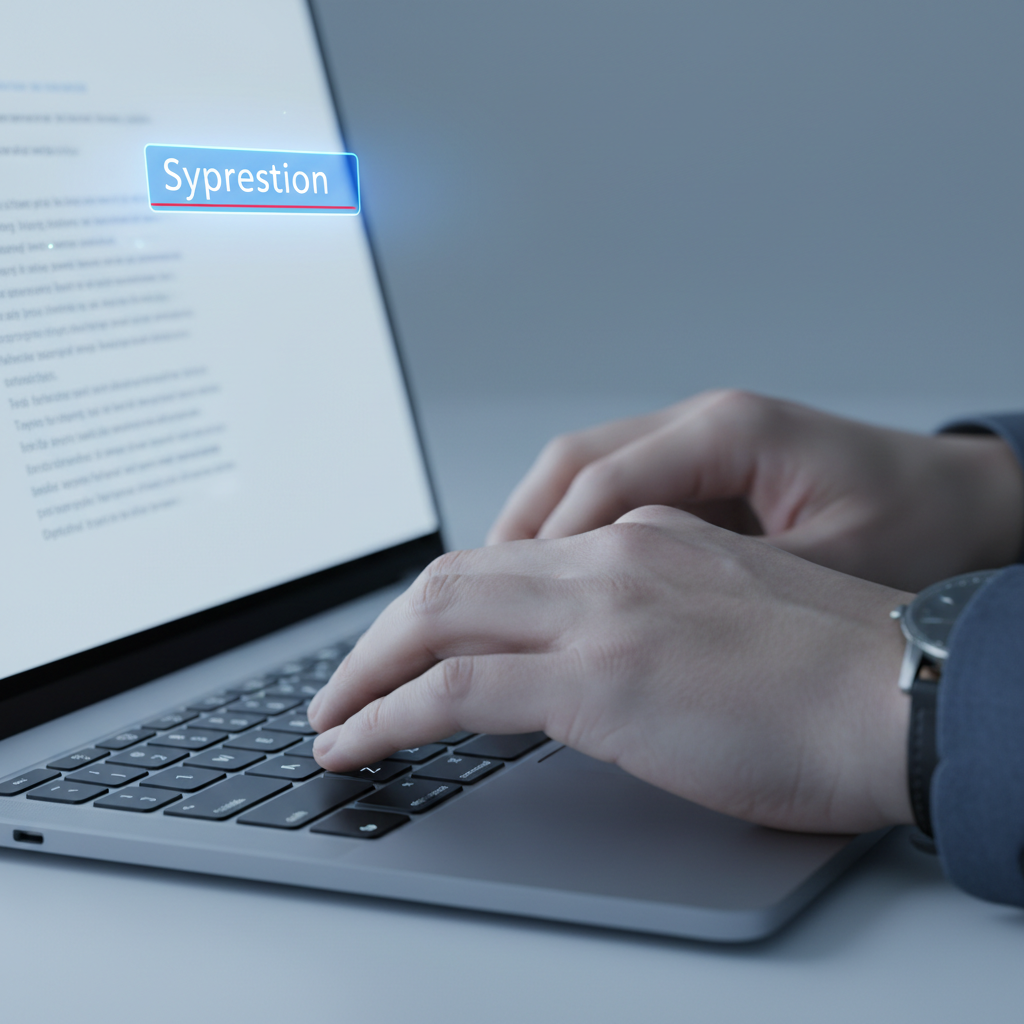
One of the cornerstone features of AutoCorrect PC is its system-wide autocorrect capability. Unlike browser extensions or application-specific tools, AutoCorrect PC works everywhere you type on your Windows computer. Whether you're crafting an email in Outlook, updating a spreadsheet in Excel, sending a message in Teams, or writing code in an IDE, misspelled words are corrected automatically as you type. This seamless integration ensures a consistent level of accuracy across all your digital tasks.
The power of system-wide autocorrect lies in its ability to eliminate those small, frustrating typos that can accumulate throughout the day. These seemingly minor errors not only slow you down as you backtrack to fix them but can also detract from the professionalism of your communications. For business professionals, a typo in a client email can create a negative impression. For students, errors in assignments can impact grades. AutoCorrect PC acts as a vigilant guardian, catching these slip-ups before they even register in your conscious thought.
Consider the time saved over a typical workday. If each typo takes even a few seconds to correct, these moments add up quickly. By automating this process, AutoCorrect PC allows you to maintain your flow, keeping your focus on the content of your writing rather than the mechanics of typing. This is particularly beneficial for those who type at high speeds or who are prone to common keyboard errors like "teh" instead of "the" or "adn" instead of "and." The software learns and adapts, making your typing experience smoother and more efficient with every use.
Predictive Text and Word Completion: Typing Smarter, Not Harder
Beyond simply correcting errors, AutoCorrect PC empowers you to type smarter with its predictive text and word completion features. Imagine starting a word and having the software instantly suggest the rest, allowing you to finish it with a single keystroke. Or, even more impressively, after you complete a word, AutoCorrect PC suggests the most likely next words, enabling you to construct sentences with minimal effort. This is not just about speed; it's about reducing cognitive load and maintaining a consistent writing rhythm.
Word completion works by analyzing the letters you've typed and comparing them against its extensive dictionary and your personal usage patterns. For instance, if you type "docu," it might suggest "document," "documentation," or "documents." A quick tap of a hotkey or a click can insert the desired word, saving you multiple keystrokes. This is incredibly useful for long, complex words or frequently used technical terms.
Predictive text takes this a step further. After you type a word, say "The," the system might suggest "quick," "cat," or "new," based on common phrases and context. As you continue typing, these suggestions become more refined, anticipating your next thought. This feature is a boon for anyone who wants to accelerate their writing, from content creators drafting articles to students taking notes during a lecture. It helps to keep your thoughts flowing onto the screen without interruption, making the writing process feel more fluid and natural.

Grammar Correction and AI Writing: Polishing Your Prose
While autocorrect handles spelling, grammar correction is crucial for ensuring your writing is clear, coherent, and professional. AutoCorrect PC goes beyond basic spellcheck by identifying grammatical errors at the sentence level and offering contextual fixes. This means you don't need to copy and paste your text into a separate grammar checker; the corrections are available directly within the application you're working in. From misplaced commas to subject-verb agreement issues, the software helps refine your prose without breaking your workflow.
For those who need to generate content, rewrite passages, or expand on ideas, the AI writing feature is a game-changer. With a simple prompt or by selecting existing text, you can leverage artificial intelligence to assist with various writing tasks. Need to rephrase a sentence to be more concise? Want to expand a bullet point into a full paragraph? AutoCorrect PC's AI writer can help. This feature is particularly valuable for:
- Content creators: Generating initial drafts, brainstorming ideas, or overcoming writer's block.
- Business professionals: Quickly drafting emails, reports, or marketing copy.
- Students: Expanding on research points or summarizing complex information.
- Non-native English speakers: Refining sentence structure and vocabulary.
The AI writer integrates seamlessly, delivering results directly into your current application. This eliminates the need to switch between multiple tools, saving valuable time and maintaining focus. The ability to generate and refine text with AI assistance positions AutoCorrect PC as a truly next-generation writing companion, catering to the evolving demands of digital communication.
Voice Typing: Speak Your Thoughts into Existence
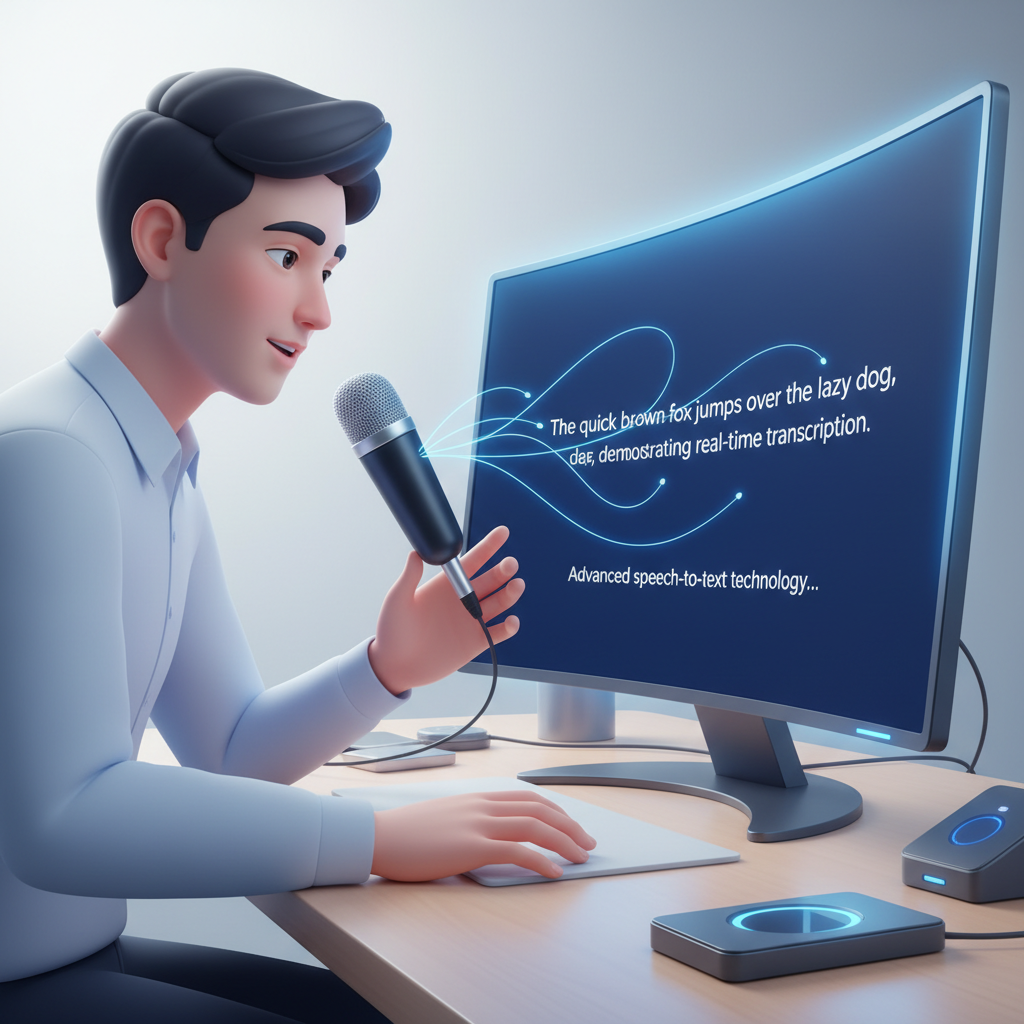
In an era where efficiency is key, voice typing offers a powerful alternative to traditional keyboard input. AutoCorrect PC's speech-to-text functionality allows you to speak your thoughts, and have them transcribed directly into any application you're using. This feature is not only incredibly fast but also provides an accessible option for individuals who may have typing difficulties or prefer to dictate their thoughts.
Voice typing can dramatically increase your input speed, often far exceeding even the fastest typists. For long documents, creative writing, or extensive email responses, speaking your content can be a significant time-saver. It also allows for a more natural expression of ideas, as speaking often flows more freely than typing. This can be especially beneficial for brainstorming sessions or when you need to quickly capture a stream of consciousness.
Moreover, voice typing enhances accessibility. For users with physical limitations, repetitive strain injuries, or conditions that make typing challenging, voice input provides an invaluable method for interacting with their computer. It opens up new possibilities for productivity and communication, ensuring that everyone can leverage the full power of their Windows device. The accuracy of modern speech-to-text technology, combined with AutoCorrect PC's system-wide integration, makes this a seamless and reliable tool for everyday use.
Privacy and Performance: Trusting Your Writing Assistant
In an age of increasing data concerns, the privacy and performance of your writing assistant are paramount. AutoCorrect PC is designed with a privacy-first approach, ensuring that your everyday typing remains on your device. Core features like autocorrect, word completion, next-word prediction, speech transcription, grammar correction, and dictionary lookups are all performed locally on your computer. This means your sensitive information, personal communications, and confidential documents are not sent to external servers for processing.
This local processing model offers several key benefits:
- Enhanced Security: Your data never leaves your machine, significantly reducing the risk of breaches or unauthorized access.
- Offline Functionality: Many essential features work even without an internet connection, ensuring uninterrupted productivity.
- Faster Performance: Local processing eliminates network latency, leading to quicker responses and a smoother typing experience.
While the AI Writer feature does communicate with AutoCorrect PC's servers when explicitly used, this is an opt-in function, giving you full control over when and how your data is processed. This transparent approach ensures you can leverage the power of AI while maintaining peace of mind about your privacy. For professionals handling sensitive information or individuals who simply value their digital privacy, this commitment to local processing is a critical differentiator.
The performance aspect is equally important. A writing assistant should enhance, not hinder, your system. AutoCorrect PC is optimized to run efficiently in the background, consuming minimal system resources. This ensures that your computer remains fast and responsive, even when the software is actively assisting your typing. The seamless integration and lightweight design mean you can enjoy the benefits of advanced writing assistance without any noticeable impact on your PC's overall performance.
Who Benefits Most from AutoCorrect PC?
The comprehensive feature set of AutoCorrect PC makes it an invaluable tool for a diverse range of users. Its adaptability ensures that whether you're a student, a professional, or someone with specific accessibility needs, you can significantly enhance your writing experience.
Students and Academic Writers
For students, academic success often hinges on clear and error-free assignments. AutoCorrect PC helps with:
- Eliminating typos: Ensuring essays, reports, and presentations are polished.
- Grammar accuracy: Catching mistakes that could impact grades.
- Faster note-taking: Using predictive text and voice typing during lectures.
- Research paper drafting: Leveraging AI writing to expand on ideas or summarize sources.
Business Professionals and Remote Workers
In the corporate world, every email, proposal, and report reflects on your professionalism. AutoCorrect PC assists business users by:
- Professional communication: Guaranteeing error-free client emails and internal memos.
- Increased efficiency: Speeding up document creation and reducing time spent on corrections.
- Consistent brand voice: Maintaining high-quality written output across all platforms.
- Quick meeting summaries: Dictating notes and using AI to refine them.
Content Creators and Freelancers
Writers, bloggers, and content creators rely on efficient and accurate output. AutoCorrect PC offers:
- Boosted creativity: Focusing on ideas rather than mechanics with predictive text and AI.
- Faster drafting: Generating content quickly for articles, social media, and marketing materials.
- Polished final products: Ensuring grammar and spelling are impeccable before publication.
- Overcoming writer's block: Using AI prompts to kickstart new sections or rephrase existing ones.
Non-Native English Speakers
For those learning or working in English, AutoCorrect PC provides essential support:
- Grammar guidance: Correcting complex sentence structures.
- Vocabulary expansion: Suggesting appropriate words and phrases.
- Confidence in writing: Reducing anxiety about making mistakes.
- Pronunciation practice: Using voice typing to improve spoken English and see accurate transcription.
Users with Typing Disabilities or Accessibility Needs
AutoCorrect PC significantly improves accessibility for many:
- Voice typing: A primary input method for those unable to use a keyboard effectively.
- Reduced keystrokes: Predictive text and word completion minimize physical effort.
- Error reduction: Autocorrect helps prevent mistakes that might be difficult to identify and fix manually.
AutoCorrect PC vs. Built-in Windows Features
While Windows 11 does offer some native spellcheck and text suggestion capabilities, AutoCorrect PC provides a significantly more robust and integrated solution. Understanding these differences is key to choosing the right tool for your needs.
| Feature | Built-in Windows 11 | AutoCorrect PC - Smart Writing Assistant for Windows |
|---|---|---|
| System-Wide Coverage | Limited to specific apps (e.g., Edge, some settings) | Comprehensive, works in any app, any text field |
| Autocorrect | Basic spelling correction, sometimes inconsistent | Advanced, adaptive, and consistent across all apps |
| Word Completion | Basic text suggestions, often requires manual activation | Intelligent, context-aware, hotkey accessible |
| Predictive Text | Simple next-word suggestions, can be limited | Sophisticated, learns user patterns, hotkey accessible |
| Grammar Correction | Very limited or non-existent | Advanced, sentence-level, in-context fixes |
| AI Writing | Not available | Generate, rewrite, expand text from prompts |
| Voice Typing | Windows Voice Typing (Win+H), requires activation | Seamless, high-accuracy, integrated speech-to-text |
| Local Processing | Yes, for basic functions | Yes, for core typing features (privacy-first) |
| Multi-Language Support | Basic | Extensive dictionaries, adaptable |
| Customization | Limited | Highly customizable, personal dictionaries |
This table highlights that while Windows provides foundational typing aids, AutoCorrect PC elevates the experience to a professional-grade writing assistant. It fills the gaps left by native features, offering a truly unified and intelligent solution for all your writing needs on a PC.
Looking Ahead: The Future of Writing Assistance in 2026
As we look towards 2026, the landscape of digital writing assistance is continually evolving. The integration of artificial intelligence will become even more sophisticated, moving beyond simple corrections to offering deeper insights into writing style, tone, and audience engagement. AutoCorrect PC is at the forefront of this evolution, constantly refining its algorithms and expanding its capabilities.
Future enhancements might include more advanced stylistic suggestions, nuanced tone analysis, and even personalized writing coaches powered by AI. Imagine a writing assistant that not only corrects your grammar but also helps you develop a more persuasive argument, or suggests alternative phrasing to better resonate with your target audience. The goal is to make the writing process not just error-free, but also more effective and impactful.
The focus on system-wide integration will also deepen. As operating systems become more interconnected and users demand seamless experiences across all their devices, writing assistants will need to adapt. AutoCorrect PC's commitment to working across all desktop applications positions it well for this future, ensuring that your writing support is always available, no matter where your work takes you on your Windows machine. The future of writing is about intelligent partnership, and AutoCorrect PC is leading the way in making that partnership a reality.

Conclusion
In an increasingly digital and communication-driven world, the ability to write quickly, accurately, and professionally is no longer a luxury but a necessity. AutoCorrect PC stands out as a powerful and indispensable Windows writing assistant for 2026, offering a comprehensive suite of tools that go far beyond basic spellcheck. From its seamless system-wide autocorrect and intelligent predictive text to its robust grammar correction, cutting-edge AI writing, and convenient voice typing, it addresses every facet of the modern typing experience.
By automating corrections, anticipating your words, and even helping to generate and refine content, AutoCorrect PC significantly boosts productivity and ensures your written communications are always polished and impactful. Its privacy-first design, processing core features locally, provides peace of mind in an era of data concerns. Whether you are a student striving for academic excellence, a business professional maintaining a high standard of communication, a content creator seeking efficiency, or someone needing accessible typing solutions, AutoCorrect PC is engineered to enhance your digital life. Embrace the future of typing; embrace clarity, speed, and precision with AutoCorrect PC.
Ready to Transform Your Typing Experience?
Don't let typos and grammatical errors hold you back. Discover how AutoCorrect PC can revolutionize your productivity and accuracy across all your Windows applications. Visit our website today to learn more and download your smart writing assistant.
Related Posts
Best Text-to-Speech Software for Windows in 2026
Discover the top text-to-speech (TTS) software for Windows in 2026, offering natural voices, advanced features, and seamless integration to boost accessibility, productivity, and learning.
Read post →Top Productivity Software for Windows: A 2026 Buyer's Guide
Discover the best productivity software for Windows in 2026, focusing on AI writing assistants, system-wide autocorrect, and privacy. This guide helps you choose tools that enhance writing, streamline workflow, and save time.
Read post →Best Free Productivity Tools for Windows in 2026
Discover the top free productivity tools for Windows in 2026, featuring advanced AI, intelligent automation, and intuitive interfaces to streamline your workflow and boost efficiency. Learn about writing assistants, predictive text, grammar correction, and voice typing.
Read post →Want system-wide predictions, autocorrect, and voice typing on Windows?