
AutoCorrect PC: Your Essential Windows Writing Companion for 2026
Elevate your writing with AutoCorrect PC, a comprehensive Windows writing assistant for 2026. This tool offers system-wide autocorrect, predictive text, grammar correction, and AI writing to boost your productivity and ensure error-free communication across all applications.

Key Takeaways
System-Wide Integration: AutoCorrect PC offers seamless writing assistance across all Windows applications, from email clients to word processors.
Comprehensive Features: It combines autocorrect, predictive text, grammar correction, AI writing, and voice typing into one powerful tool.
Boosted Productivity: Users can type faster, reduce errors, and streamline their writing workflow significantly.
Enhanced Accuracy: Advanced grammar and spelling checks ensure professional, error-free communication.
Privacy-First Design: Core typing features are processed locally on your device, prioritizing data security.
Future-Proofing Your Writing: AutoCorrect PC is designed to evolve with writing needs, incorporating cutting-edge AI for smarter assistance.
In today's fast-paced digital world, efficient and accurate communication is paramount. Whether you are a student drafting an essay, a professional composing an important email, or a content creator crafting engaging articles, the quality and speed of your writing directly impact your effectiveness. This is where a smart writing assistant becomes indispensable. For Windows users, AutoCorrect PC stands out as a comprehensive solution designed to elevate your typing experience in 2026 and beyond. This powerful tool goes far beyond basic spell check, offering an integrated suite of features that work system-wide to help you type faster, write cleaner, and communicate with confidence.
The Evolution of Writing Assistance on Windows
Gone are the days when writing assistance was limited to simple spell checkers embedded within specific applications. The modern digital landscape demands more sophisticated tools that can keep up with our dynamic workflows. Early versions of writing aids were often clunky, application-specific, and lacked the intelligence to understand context or predict user intent. This led to fragmented experiences, where users might switch between multiple tools for different aspects of their writing, such as a separate grammar checker, a dictionary, and a thesaurus. Such a workflow was inefficient and often broke the user's concentration, hindering productivity rather than enhancing it.
The evolution has been driven by advancements in artificial intelligence and natural language processing (NLP). These technologies have enabled writing assistants to move beyond mere rule-based corrections to more intelligent, context-aware suggestions. Today's tools can learn from user input, understand nuances in language, and even generate text based on prompts. This shift has transformed writing assistance from a reactive error-correction mechanism into a proactive productivity booster. For Windows users, the need for a unified, system-wide solution became clear, addressing the limitations of disparate browser extensions or cloud-only AI tools. The goal was to create an environment where intelligent writing support is always available, no matter what application you are using.
What is AutoCorrect PC and How Does it Work?
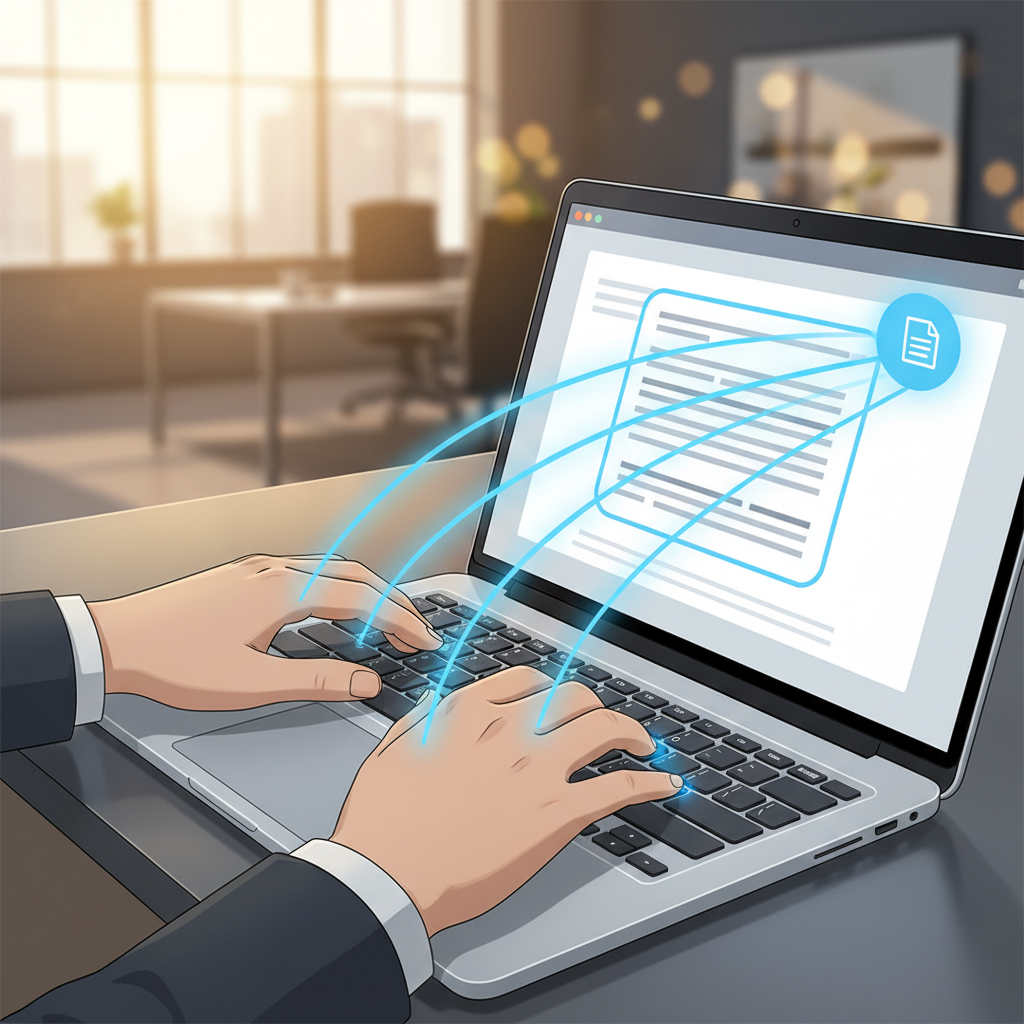
AutoCorrect PC is a smart Windows writing assistant engineered to enhance your typing efficiency and text quality across all your desktop applications. Unlike browser extensions or cloud-based AI writers that are confined to specific web interfaces, AutoCorrect PC integrates directly into your Windows operating system. This means whether you are writing an email in Outlook, drafting a report in Microsoft Word, chatting in Teams, or even coding in an IDE, its powerful features are always at your fingertips, ready to assist.
At its core, AutoCorrect PC leverages advanced algorithms to provide real-time feedback and assistance. When you type, it continuously analyzes your input, comparing it against its extensive dictionaries and grammar rules. For instance, its autocorrect feature instantly fixes common typos and misspellings as you type, often without you even noticing. This proactive correction saves valuable time and prevents embarrassing errors from slipping through. Beyond simple corrections, it anticipates your next words, offering predictive text suggestions that can significantly speed up your writing by reducing keystrokes. The software runs quietly in the background, consuming minimal system resources, ensuring a smooth and uninterrupted user experience. Its system-wide nature means a consistent and reliable writing aid across your entire digital workspace.
Core Features That Boost Your Productivity
AutoCorrect PC is packed with features designed to streamline your writing process and improve output quality. These aren't just standalone tools; they work in concert to create a cohesive and powerful writing environment.
System-Wide Autocorrect
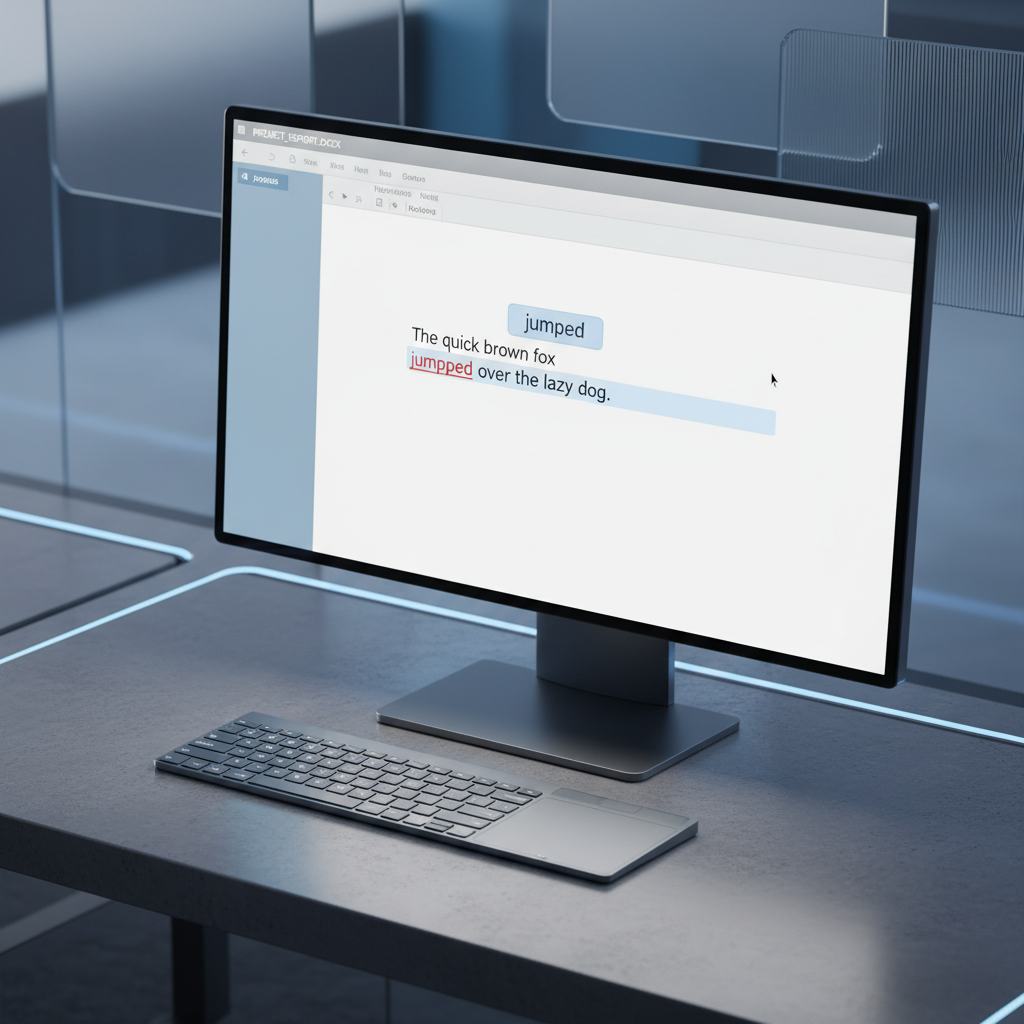
The cornerstone of AutoCorrect PC is its system-wide autocorrect functionality. This feature automatically corrects misspelled words as you type, no matter which application you are using. From web browsers to productivity suites, it ensures your text is always clean and professional. This real-time correction saves you from constantly backtracking to fix typos, allowing you to maintain your flow and focus on your ideas. The system is intelligent enough to learn from your typing patterns and can be customized to ignore certain corrections or add specific terms to its dictionary.
Intelligent Word Predictions and Completion
Imagine typing just a few letters and having the rest of the word, or even the next few words, suggested to you. AutoCorrect PC offers robust word predictions and word completion. As you type, it presents a list of the most probable next words, allowing you to select them with a simple hotkey or mouse click. This significantly reduces keystrokes and accelerates your typing speed, making it invaluable for anyone who writes extensively. This feature is particularly beneficial for repetitive phrases or technical jargon, where accuracy and speed are critical.
Advanced Grammar Correction
Beyond spelling, grammatical errors can undermine the credibility of your writing. AutoCorrect PC includes sophisticated grammar correction capabilities that identify and suggest fixes for a wide range of grammatical mistakes, including subject-verb agreement, punctuation errors, sentence structure issues, and more. Unlike basic checkers, it often provides contextual suggestions, helping you understand why a change is recommended. This feature allows you to refine your sentences and ensure your message is clear, concise, and grammatically sound, all without leaving your current application.
AI Writing Assistance
The integration of AI writing capabilities sets AutoCorrect PC apart. This feature allows you to generate, rewrite, or expand text directly within your applications. Need to brainstorm ideas, rephrase a sentence for clarity, or expand a brief note into a detailed paragraph? Simply provide a prompt or select existing text, and the AI will assist you. This is a game-changer for content creators, marketers, and anyone looking to overcome writer's block or enhance the creativity and efficiency of their writing process. It acts as a powerful co-pilot, helping you craft compelling content with ease.
Convenient Voice Typing
For those times when typing feels cumbersome, AutoCorrect PC offers seamless voice typing. Speak your thoughts, and the software transcribes them directly into any text field. This feature is incredibly useful for dictating long documents, brainstorming ideas, or simply giving your hands a break. It supports various accents and languages, providing a highly accurate transcription experience. Voice typing is an accessibility boon, empowering users with physical limitations to communicate effectively and efficiently.
Privacy and Performance: A Priority for AutoCorrect PC
In an era where data privacy is a significant concern, AutoCorrect PC takes a strong stance on protecting user information. The design philosophy centers around ensuring that your everyday typing remains private and secure.
Local Processing for Core Features
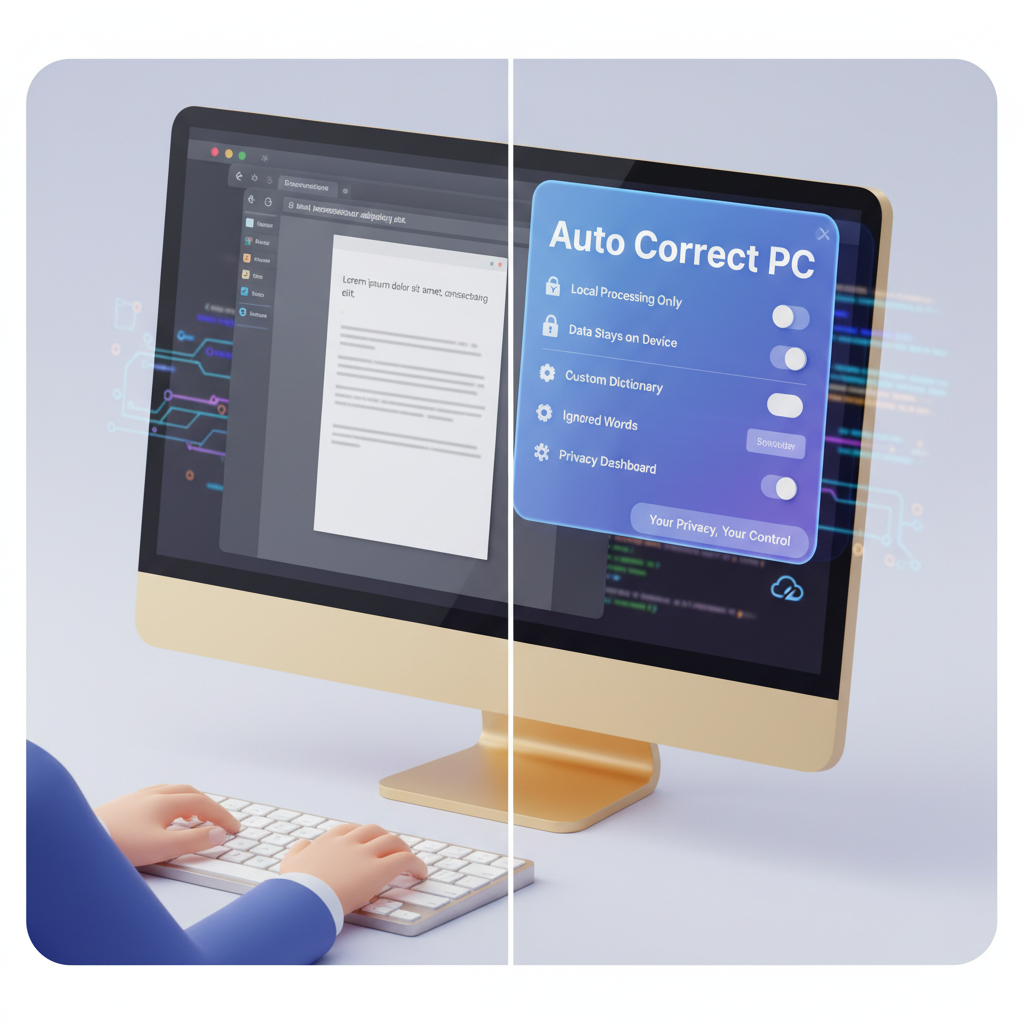
A key differentiator for AutoCorrect PC is its commitment to local processing for typing features. This means that core functionalities such as autocorrect, word completion, next-word prediction, speech transcription, grammar correction, and dictionary lookups are performed directly on your computer. Your typing data does not leave your device for these operations, significantly enhancing your privacy and security. This approach minimizes the risk of data breaches and ensures that your sensitive information remains under your control. This is a crucial advantage over many cloud-based writing assistants that require your text to be sent to external servers for processing.
AI Writer and Data Handling
While the majority of typing features are processed locally, the advanced AI writing functionality does communicate with AutoCorrect PC's secure servers. However, this only occurs when you explicitly use the AI Writer feature. Your data is handled with the utmost care, adhering to strict privacy policies. This selective approach ensures that you get the benefits of cutting-edge AI without compromising the privacy of your general typing activities. Users can review the detailed privacy policy on the AutoCorrect PC website for complete transparency regarding data handling practices.
Optimized Performance
Beyond privacy, performance is a critical aspect of any system-wide tool. AutoCorrect PC is designed to be lightweight and efficient, ensuring it runs smoothly in the background without slowing down your Windows PC. It integrates seamlessly without causing conflicts with other applications, providing a stable and reliable writing assistant that enhances your workflow rather than hindering it. This optimization means you can enjoy all the powerful features without experiencing noticeable lag or resource drain, maintaining your productivity throughout the day.
Who Benefits Most from AutoCorrect PC?
The versatility and comprehensive features of AutoCorrect PC make it an invaluable tool for a diverse range of Windows users. Its ability to adapt to various writing needs ensures that almost anyone who types on a PC can experience significant benefits.
Students and Academic Writers
For students juggling essays, research papers, and presentations, AutoCorrect PC is a game-changer. It helps them type faster and ensures their academic work is free of spelling and grammar errors. The predictive text can assist in quickly drafting ideas, while the grammar correction ensures their arguments are articulated clearly and professionally. This allows students to focus more on the content and less on the mechanics of writing, ultimately leading to better grades and reduced stress.
Business Professionals
In the corporate world, clear and error-free communication is non-negotiable. Business professionals can leverage AutoCorrect PC to send polished emails, create impactful reports, and prepare compelling presentations. The AI writing feature can help draft initial communications or refine existing text, saving valuable time. The voice typing option is perfect for dictating notes during meetings or composing quick messages on the go. This ensures that all professional correspondence reflects a high standard of quality and professionalism.
Content Creators and Marketers
Freelancers, bloggers, and digital marketers constantly produce large volumes of content. AutoCorrect PC empowers them to generate high-quality text more efficiently. The AI writing tools can assist in brainstorming blog post ideas, drafting social media captions, or even rewriting product descriptions. The system-wide autocorrect and grammar checks ensure that published content is always polished and engaging, maintaining brand credibility and audience trust.
Individuals with Accessibility Needs
AutoCorrect PC offers significant advantages for individuals with typing disabilities or other accessibility needs. Features like voice typing provide an alternative input method, allowing users to articulate their thoughts without physical strain. The predictive text and autocorrect reduce the cognitive load and physical effort associated with typing, making the writing process more accessible and less frustrating. This inclusive design ensures that everyone can communicate effectively on their Windows device.
Integrating AutoCorrect PC into Your Daily Workflow
Adopting a new tool can sometimes feel daunting, but AutoCorrect PC is designed for seamless integration into your existing Windows workflow. Its system-wide nature means you don't need to change how you work; instead, the tool adapts to you.
Effortless Installation and Setup
Getting started with AutoCorrect PC is straightforward. The application can be easily downloaded and installed on your Windows PC. Once installed, it runs in the background, ready to assist you in any application. Initial setup involves minimal configuration, allowing you to quickly enable or disable features based on your preferences. You can customize dictionaries, add specific words, and adjust correction aggressiveness to tailor the experience to your unique writing style.
Hotkeys and Customization
To maximize efficiency, AutoCorrect PC incorporates convenient hotkeys for quick access to its features. For instance, you can use a hotkey to accept a word prediction or to trigger the AI writer. This allows you to interact with the assistant without breaking your typing rhythm. The settings panel provides extensive customization options, from language preferences to the appearance of the predictive text overlay. You can fine-tune the tool to match your specific needs, ensuring it enhances your productivity without being intrusive.
Continuous Improvement and Updates
The world of language and technology is constantly evolving, and AutoCorrect PC is committed to keeping pace. Regular updates bring new features, improve existing functionalities, and enhance performance. This ensures that your writing assistant remains cutting-edge, leveraging the latest advancements in AI and NLP to provide the best possible support. Users can expect continuous improvements that make their writing experience even smoother and more intelligent over time. Staying updated means you always have access to the most advanced tools for your writing needs.

AutoCorrect PC vs. Other Writing Tools
When considering writing assistance, users often encounter various options, from built-in spell checkers to dedicated browser extensions and cloud-based AI platforms. Understanding how AutoCorrect PC stands out is crucial for making an informed decision.
System-Wide vs. Application-Specific
Many writing aids, such as those found in Microsoft Word or Google Docs, are application-specific. They only work within their native environment. Browser extensions, like Grammarly's browser add-on, are limited to web-based text fields. In contrast, AutoCorrect PC offers true system-wide autocorrect and other features, meaning it works consistently across virtually any Windows application. This eliminates the need to switch between tools or worry about whether your writing is being checked in a particular program.
Local Processing vs. Cloud-Dependent
A significant distinction lies in data processing. Many popular grammar and AI writing tools are heavily cloud-dependent, requiring your text to be sent to their servers for analysis. While convenient, this raises privacy concerns, especially for sensitive documents. AutoCorrect PC prioritizes privacy by performing most of its core functions, like autocorrect and predictive text, locally on your device. The AI writing feature, when used, communicates with secure servers, but this is an opt-in action, giving users control over their data. This hybrid approach offers both advanced AI capabilities and robust privacy for everyday typing.
Comprehensive Suite vs. Single-Feature Tools
Some tools specialize in one aspect, such as only grammar correction or only AI writing. AutoCorrect PC provides a comprehensive suite: autocorrect, word predictions, grammar correction, AI writing, and voice typing, all integrated into one seamless experience. This multi-faceted approach means you get a complete writing companion without needing to install and manage multiple disparate applications, simplifying your digital workspace and ensuring consistency in your writing support.

The Future of Writing with AutoCorrect PC in 2026
As we look towards 2026, the landscape of digital communication continues to evolve rapidly. AutoCorrect PC is not just a tool for today; it's an investment in the future of your writing. The developers are continuously researching and implementing the latest advancements in artificial intelligence and machine learning to ensure the software remains at the forefront of writing assistance technology.
Anticipate even more sophisticated AI writing capabilities, allowing for more nuanced text generation, summarization, and style adjustments. Imagine an AI that can learn your unique writing voice and adapt its suggestions to match your personal style, making the assistance feel even more natural and integrated. Further enhancements in voice typing accuracy and multi-language support will cater to a global user base, breaking down communication barriers. The goal is to make AutoCorrect PC an even more intuitive and powerful partner, capable of handling increasingly complex writing tasks and adapting to new forms of digital communication. The commitment to privacy and local processing will remain a core tenet, ensuring that as the features grow, user data security remains paramount.
Conclusion
In a world that demands both speed and precision in communication, AutoCorrect PC emerges as an indispensable tool for every Windows user. From its robust system-wide autocorrect and intelligent predictive text to its advanced grammar correction, powerful AI writing, and convenient voice typing, it provides a comprehensive solution for all your writing needs. It is designed not just to fix errors, but to fundamentally enhance your productivity, allowing you to focus on your ideas rather than the mechanics of typing. With a strong emphasis on privacy through local processing and a commitment to continuous innovation, AutoCorrect PC is truly your essential writing companion for Windows in 2026 and beyond. It empowers you to write faster, cleaner, and with greater confidence across every application on your desktop.
Ready to Transform Your Writing Experience?
Don't let typos, grammatical errors, or slow typing hinder your productivity any longer. Discover how AutoCorrect PC can revolutionize the way you write on Windows. Visit our website today to learn more about its powerful features and download your smart writing assistant.
Elevate Your Windows Typing Experience with AutoCorrect PC

Related Posts
Best Text-to-Speech Software for Windows in 2026
Discover the top text-to-speech (TTS) software for Windows in 2026, offering natural voices, advanced features, and seamless integration to boost accessibility, productivity, and learning.
Read post →Top Productivity Software for Windows: A 2026 Buyer's Guide
Discover the best productivity software for Windows in 2026, focusing on AI writing assistants, system-wide autocorrect, and privacy. This guide helps you choose tools that enhance writing, streamline workflow, and save time.
Read post →Best Free Productivity Tools for Windows in 2026
Discover the top free productivity tools for Windows in 2026, featuring advanced AI, intelligent automation, and intuitive interfaces to streamline your workflow and boost efficiency. Learn about writing assistants, predictive text, grammar correction, and voice typing.
Read post →Want system-wide predictions, autocorrect, and voice typing on Windows?