
Best Autocorrect Keyboard for PC: Boost Productivity & Writing Quality
Discover how modern autocorrect keyboards for PC offer more than spell-check, integrating system-wide predictive text, grammar correction, AI writing, and voice typing to enhance your Windows typing experience.
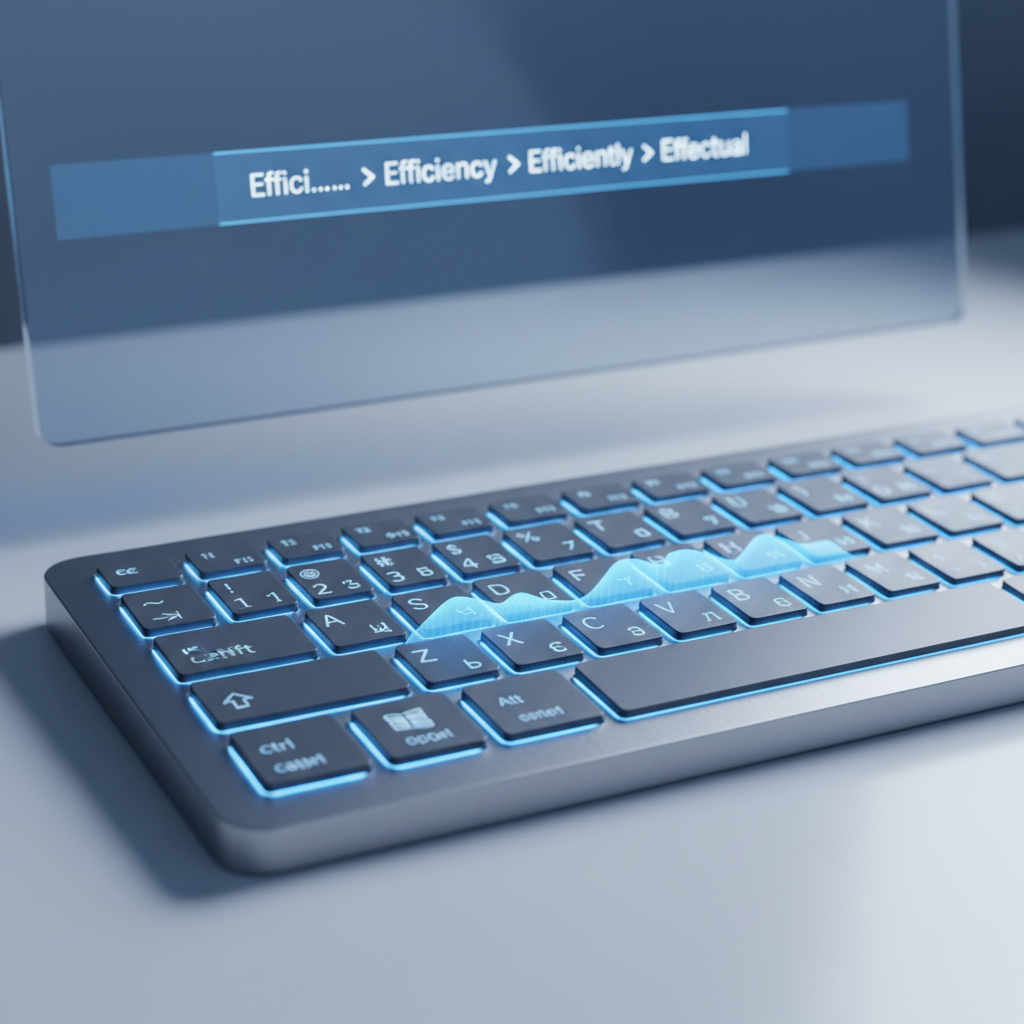
Key Takeaways
System-Wide Integration: The best autocorrect solutions for PC seamlessly integrate across all your Windows applications, ensuring consistent writing assistance.
Beyond Basic Autocorrect: Modern tools offer predictive text, grammar correction, AI writing, and voice typing for comprehensive support.
Boost Productivity: Features like word prediction and auto-replacement significantly speed up typing and reduce errors, saving valuable time.
Enhance Writing Quality: Advanced grammar checks and AI writing assistance help users produce clearer, more professional, and impactful content.
Privacy Matters: Prioritize solutions that process your everyday typing data locally on your device for enhanced privacy and security.
Accessibility Benefits: Tools offering voice typing and predictive text can greatly assist users with typing disabilities or those seeking alternative input methods.
In today's fast-paced digital world, effective and efficient communication is paramount. Whether you're drafting an important email, writing a detailed report, or simply chatting with colleagues, the speed and accuracy of your typing can significantly impact your productivity and professionalism. While mobile devices have long offered sophisticated writing aids, the desktop experience has often lagged. However, with advancements in software, the concept of a powerful autocorrect keyboard for pc has evolved into a comprehensive writing assistant. This article explores how modern Windows writing assistants, like AutoCorrect PC, are transforming the way we type, offering much more than just basic spell-checking.
The Evolution of Typing Assistance on Windows
For years, PC users relied primarily on built-in spell checkers within individual applications like Microsoft Word. These tools, while helpful, were often limited in scope and didn't offer a unified experience across the entire operating system. The idea of a "keyboard" on a PC traditionally referred to the physical hardware, with software enhancements being an afterthought. This began to change as mobile operating systems demonstrated the power of predictive text, autocorrect, and even swipe typing.
The demand for similar, system-wide functionality on Windows grew, especially as remote work became more prevalent and digital communication became central to many professions. Users needed tools that could keep up with their thoughts, correct errors on the fly, and even suggest entire phrases, regardless of the application they were using. This shift paved the way for dedicated Windows writing assistants that integrate deeply with the operating system, providing a consistent and intelligent typing experience across all text fields. These aren't merely keyboard overlays; they are powerful engines working in the background to refine your written output.
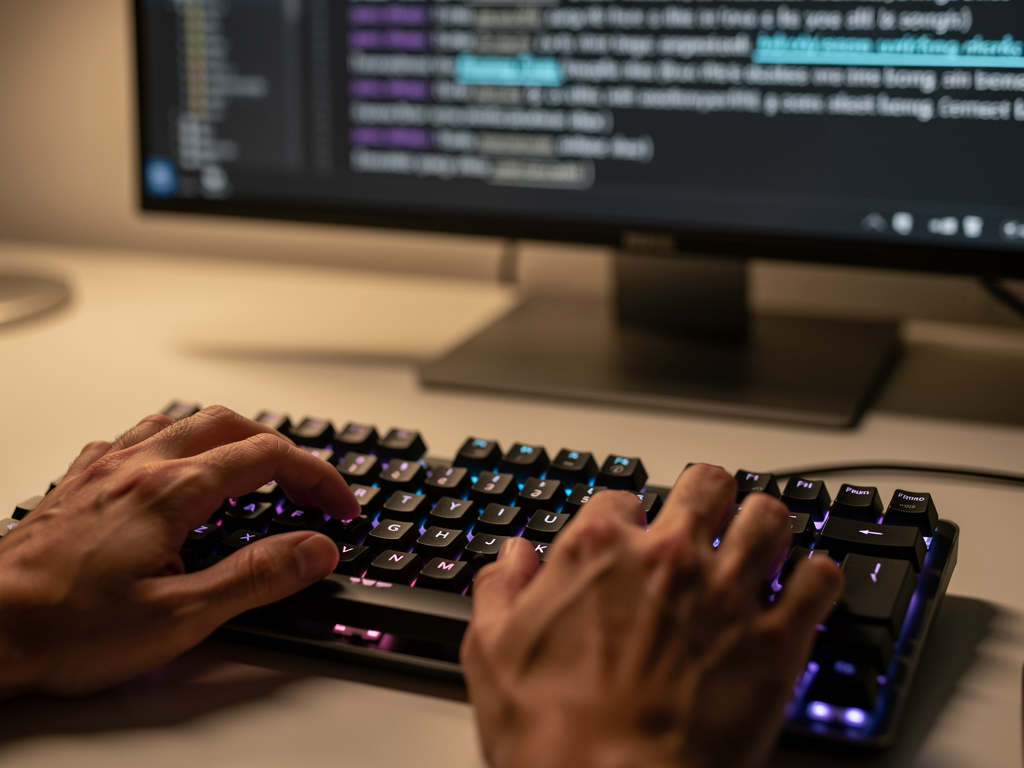
Beyond Basic Autocorrect: Key Features of a Smart Writing Assistant
While the term "autocorrect" is often used broadly, a truly smart writing assistant for Windows offers a suite of integrated features designed to enhance every aspect of your typing. These tools go far beyond simply correcting typos; they anticipate your needs and elevate your writing quality.
Predictive Text and Word Completion
Imagine typing the first few letters of a word, and your PC instantly suggests the full word or even the next most likely word in your sentence. This is the power of predictive text and word completion. Instead of typing out every single character, you can often select from a list of suggestions, drastically speeding up your typing. For busy professionals, students, and content creators, this feature can save countless keystrokes and valuable time. It's particularly useful for repetitive phrases or technical jargon, where accuracy is critical. AutoCorrect PC, for instance, offers both word completion as you type and next-word prediction after you finish a word, ensuring a seamless flow.
Advanced Grammar Correction
Grammar mistakes can undermine credibility, especially in professional communications. While basic spell-checkers catch obvious typos, they often miss subtle grammatical errors, awkward phrasing, or stylistic inconsistencies. A sophisticated writing assistant provides advanced grammar correction that analyzes sentences in context, offering intelligent suggestions for improvement. This means identifying subject-verb agreement issues, misplaced modifiers, punctuation errors, and even suggesting clearer sentence structures. Unlike separate grammar checkers that require copying and pasting text, integrated solutions provide real-time feedback directly within your application, maintaining your workflow.
AI Writing and Content Generation
The emergence of artificial intelligence has revolutionized writing assistance. Modern tools now incorporate AI writing capabilities that can do more than just correct errors. They can help you generate new content from a simple prompt, rewrite existing text for clarity or conciseness, or even expand on an idea. This is incredibly beneficial for overcoming writer's block, quickly drafting initial content, or refining your message. For example, if you need to summarize a long paragraph or brainstorm ideas for an email, an AI writer can provide a strong starting point, saving significant time and mental effort.
Voice Typing (Speech-to-Text)
For those who prefer to speak rather than type, or for users with accessibility needs, voice typing is a game-changer. This feature converts your spoken words directly into text, seamlessly integrating into any Windows application. High-quality voice typing offers impressive accuracy and can be a fantastic way to capture thoughts quickly, dictate long documents, or simply give your hands a break. It's an invaluable tool for increasing productivity and making computing more accessible.
How AutoCorrect PC Elevates Your Windows Typing Experience
AutoCorrect PC stands out as a comprehensive Windows writing assistant designed to integrate seamlessly into your daily workflow. It's not just an add-on; it's an intelligent layer that enhances your typing across all applications, from your web browser to your word processor and chat clients.
The core strength of AutoCorrect PC lies in its system-wide approach. Unlike browser extensions or cloud-based AI writers that are confined to specific environments, AutoCorrect PC works everywhere you type on your Windows machine. This means consistent autocorrection, predictive text, and other advanced features, no matter what program you're using.
One of the most significant advantages of AutoCorrect PC is its commitment to privacy-first processing. For everyday typing tasks like autocorrection, word completion, next-word prediction, speech transcription, grammar correction, and dictionary lookups, all data is processed locally on your computer. This ensures that your sensitive information remains on your device, providing peace of mind. The AI Writer feature only communicates with external servers when explicitly activated, giving users full control over their data. This local processing also contributes to faster response times and a more fluid user experience.
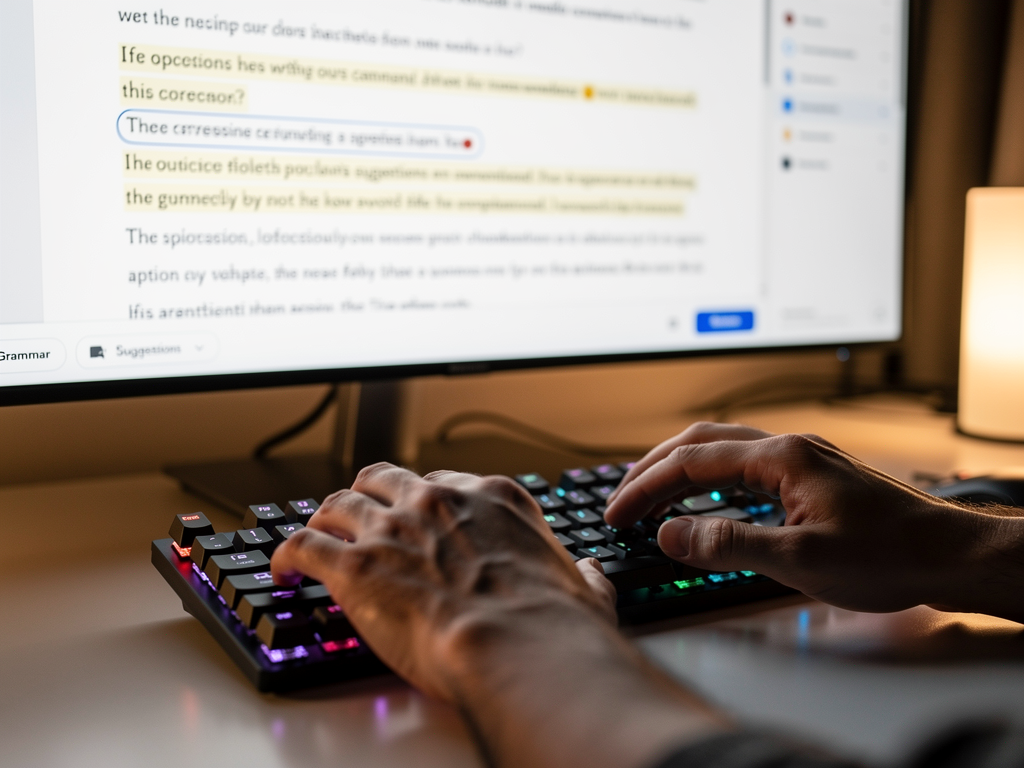
Boosting Productivity and Efficiency with Smart Tools
The cumulative effect of a smart writing assistant's features is a significant boost in productivity and efficiency. Every saved keystroke, every corrected error, and every moment of reduced friction adds up, allowing users to focus more on their message and less on the mechanics of typing.
Faster Typing and Fewer Errors
With predictive text and word completion, you'll find yourself typing at an accelerated pace. Instead of laboriously spelling out every word, you can often select the correct suggestion with a single click or tap. This is especially beneficial for long documents, emails, or coding, where repetitive words and phrases are common. The immediate autocorrection of misspelled words means you spend less time proofreading and backspacing, allowing your thoughts to flow uninterrupted. This not only saves time but also reduces cognitive load, making the typing process less strenuous.
Streamlined Workflow
A system-wide writing assistant ensures a consistent experience. You don't need to switch between applications or copy-paste text into external tools for grammar checks. Everything happens in real-time, within the application you're already using. This streamlined workflow is invaluable for maintaining focus and avoiding distractions. For example, a student writing a research paper can rely on the same grammar correction and predictive text in their browser for research, their word processor for drafting, and their email client for communicating with professors.
Enhanced Professionalism
Clear, error-free writing is a hallmark of professionalism. With advanced grammar and spelling checks, your emails, reports, and presentations will consistently reflect a high standard of quality. The AI writing features can further refine your tone, suggest more impactful phrasing, and ensure your message is communicated effectively. This can be particularly advantageous for business professionals and remote workers who rely heavily on written communication to convey information and build relationships.
Tip for Professionals: Leverage predictive text for common industry terms and client names. Create custom auto-replacement shortcuts for frequently used phrases to save even more time. For instance, "omw" could expand to "On my way!"
Who Benefits Most from a Windows Writing Assistant?
A smart writing assistant like AutoCorrect PC offers significant advantages to a diverse range of users, addressing various needs and improving overall digital communication.
Professional Writers and Content Creators
For those whose livelihood depends on written output, efficiency and accuracy are paramount. Professional writers and content creators can benefit immensely from predictive text for speed, advanced grammar checks for flawless copy, and AI writing tools to overcome writer's block or generate ideas. Bloggers, journalists, and marketing specialists can produce high-quality content faster, allowing them to meet deadlines and maintain a consistent output. The ability to quickly proofread and refine text means more time spent on creative aspects of writing.
Students and Academic Writers
Students and academic writers often face tight deadlines and strict requirements for grammar and spelling. A writing assistant can be an invaluable study aid, helping them craft essays, reports, and research papers with confidence. The grammar correction feature ensures academic rigor, while predictive text can speed up note-taking and drafting. For non-native English speakers, these tools provide crucial support in mastering academic English and improving overall writing proficiency.
Business Professionals and Remote Workers
In the corporate world, clear and concise communication is key. Business professionals writing emails and documents, as well as remote workers and digital professionals, can use these tools to ensure their communications are error-free and impactful. Quick responses, professional reports, and polished presentations become easier to achieve. The time saved on correcting typos or rephrasing sentences can be redirected to more strategic tasks, enhancing overall productivity in a fast-paced work environment.
Non-Native English Speakers
Mastering a new language, especially in written form, can be challenging. Non-native English speakers can find immense value in a writing assistant that provides real-time grammar correction, vocabulary suggestions, and predictive text. These tools act as a virtual language tutor, helping users learn correct phrasing and improve their fluency. The AI writing feature can also assist in crafting grammatically sound sentences, building confidence in written communication.
Users with Typing Disabilities and Accessibility Needs
For individuals with typing disabilities or accessibility needs, a writing assistant can be transformative. Voice typing offers an alternative input method, allowing them to articulate their thoughts without the physical strain of typing. Predictive text and word completion reduce the number of keystrokes required, making the typing process less fatiguing and more accessible. These features empower users to communicate effectively and participate fully in the digital world.
Comparing Writing Assistants: Why System-Wide Matters
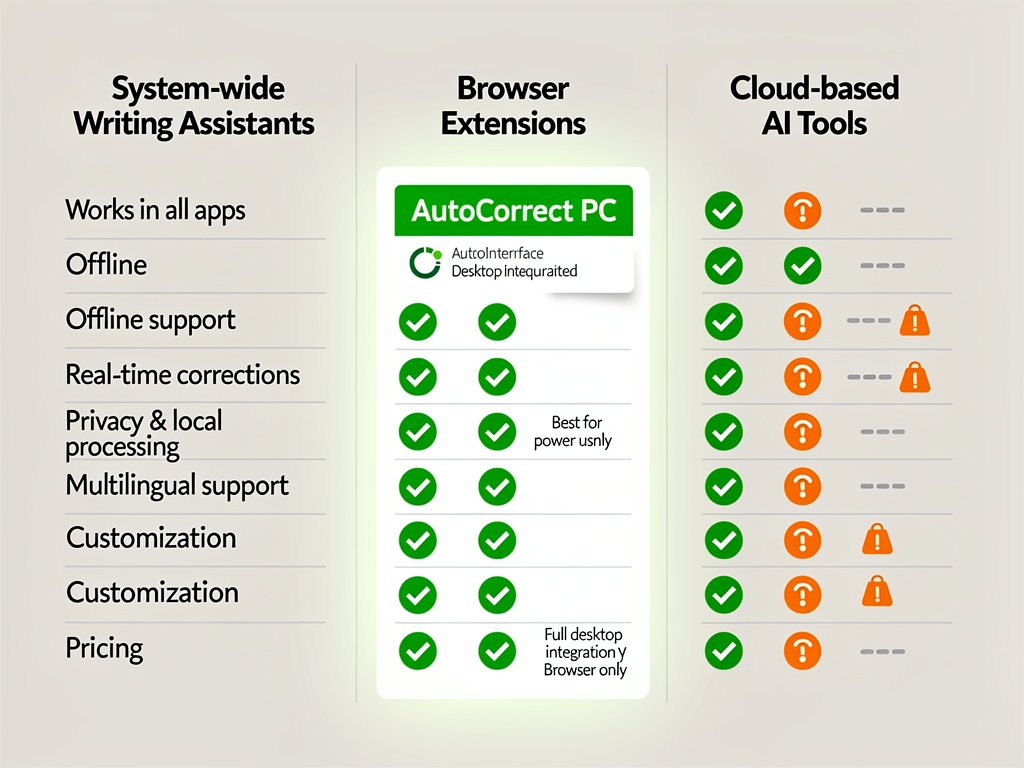
When evaluating writing assistance tools, it's crucial to understand the differences between various types of solutions. Many users are familiar with browser extensions or cloud-based AI writers, but a system-wide application offers distinct advantages.
| Feature / Tool Type | AutoCorrect PC (System-Wide) | Browser Extensions | Cloud AI Writers |
|---|---|---|---|
| Works Across Desktop Apps | ✓ Yes, all apps | ✗ Browser only | ✗ Usually web only |
| Autocorrect | ✓ Yes | ✓ Some | ✗ No |
| Word Predictions | ✓ Yes | ✓ Limited | ✗ No |
| Grammar Correction | ✓ Yes | ✓ Yes | ✓ Yes |
| Voice Typing | ✓ Yes | ✓ Limited | ✓ Some |
| AI Writing | ✓ Yes | ✓ Some | ✓ Yes |
| Multi-Language Dictionaries | ✓ Yes | ✓ Some | ✓ Some |
| Local Processing for Typing | ✓ Yes (privacy-first) | ✗ No (cloud-based) | ✗ No (cloud-based) |
As the table illustrates, AutoCorrect PC's system-wide integration is a significant differentiator. Browser extensions are confined to your web browser, meaning they won't help you in Microsoft Word, Excel, or your desktop chat applications. Cloud AI writers, while powerful for content generation, typically require you to copy and paste text into their web interface, disrupting your workflow.
A true system-wide solution like AutoCorrect PC operates at the operating system level, providing consistent assistance wherever you type. This seamless integration ensures that whether you're drafting an email in Outlook, writing a report in Word, or chatting in Slack, you receive the same high level of writing support. This consistency is vital for maintaining productivity and reducing the mental effort of switching between different tools and interfaces. Furthermore, the emphasis on local processing for core typing features offers a level of privacy that cloud-based alternatives often cannot match.
Future Trends in PC Writing Assistance (2026 and Beyond)
The landscape of digital writing assistance is constantly evolving, driven by advancements in artificial intelligence and natural language processing. Looking towards 2026 and beyond, we can anticipate several exciting trends that will further enhance the PC typing experience.
One major trend will be even more sophisticated contextual understanding. Current tools are good at grammar and spelling, but future assistants will likely have a deeper grasp of the intent behind your writing. This could lead to more nuanced suggestions for tone, style, and even audience adaptation. Imagine an assistant that not only corrects your grammar but also suggests rephrasing a sentence to sound more formal for a client or more casual for a friend, all in real-time.
Another area of growth will be in proactive assistance. Instead of just reacting to errors, future writing assistants might anticipate potential issues before you even type them. This could involve learning your common mistakes and offering preventative advice, or suggesting alternative phrasing that is inherently clearer from the outset. For example, if you frequently use passive voice, the assistant might offer tips or automatically suggest active voice alternatives as you type.
The integration of multi-modal input will also become more seamless. While voice typing is already available, future systems might combine voice input with gesture recognition or even eye-tracking to understand user intent more comprehensively. This could create an even more intuitive and hands-free typing experience, particularly beneficial for accessibility.
Finally, expect continued improvements in personalization. AI models will become even better at learning individual writing styles, vocabulary, and preferences, tailoring suggestions to match your unique voice. This means the writing assistant will feel less like a generic tool and more like a personalized co-writer, adapting to your specific needs over time. This level of personalized support will make writing even more efficient and enjoyable for everyone.
Setting Up and Customizing Your Writing Assistant
Once you've chosen a powerful writing assistant like AutoCorrect PC, setting it up and customizing it to fit your unique needs is crucial for maximizing its benefits. The goal is to make the tool work for you, adapting to your specific writing style and workflow.
Installation and Initial Configuration
The first step is typically a straightforward installation process. For AutoCorrect PC, this involves downloading and running the installer from the official website. Once installed, you'll usually be guided through an initial setup. This might include:
Language Selection: Choosing your primary writing language (e.g., US English).
Feature Activation: Deciding which features you want enabled by default, such as autocorrect, predictive text, or grammar checks.
Privacy Settings: Reviewing and configuring data processing preferences, especially important for tools that offer local processing.
It's recommended to explore these initial settings to ensure the assistant starts working optimally from day one.
Personalizing Your Experience
The real power of a writing assistant comes from its ability to learn and adapt. Here are key areas for customization:
Custom Dictionaries: Add specialized vocabulary, proper nouns, or industry-specific terms that the assistant might not recognize by default. This prevents unnecessary corrections and improves prediction accuracy.
Auto-Replacement Rules: Create custom shortcuts for frequently used words, phrases, or even entire sentences. For example, typing "myadd" could automatically expand to your full mailing address. This is a massive time-saver for repetitive tasks.
Correction Intensity: Adjust how aggressive the autocorrection and grammar checks are. Some users prefer a light touch, while others want every potential error flagged. AutoCorrect PC allows you to fine-tune these settings to match your comfort level.
Prediction Preferences: Configure the number of word suggestions, their placement, and whether they appear automatically or require a hotkey.
Voice Typing Commands: Familiarize yourself with voice commands for punctuation, formatting, and navigation if you plan to use speech-to-text extensively.
Pro Tip: Regularly review your custom dictionary and auto-replacement rules. As your writing needs evolve, so too should your assistant's settings. A few minutes invested in customization can save hours of typing in the long run.
Overcoming Common Typing Challenges with Smart Tools
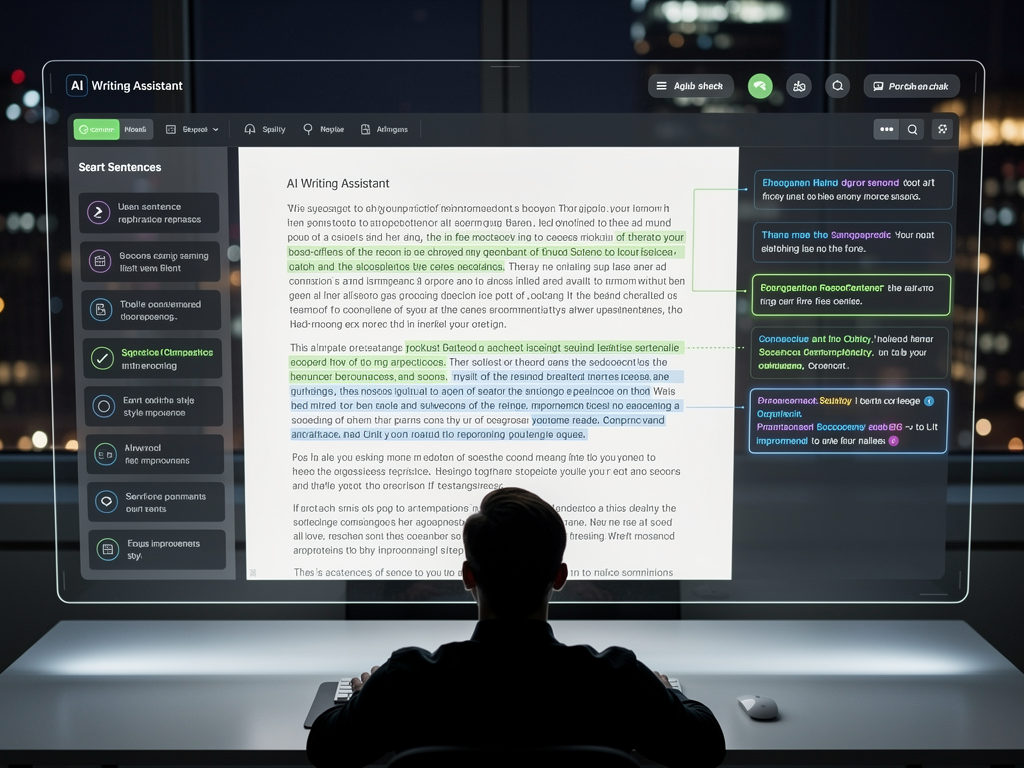
Many common typing frustrations can be effectively addressed by a robust writing assistant. From simple typos to complex grammatical structures, these tools provide solutions that improve both speed and quality.
Battling Typos and Spelling Errors
Everyone makes typos, especially when typing quickly. A traditional spell checker might highlight the error after you've finished typing the word, requiring you to go back and correct it. A smart autocorrect system, however, fixes these errors as you type, often without you even noticing. This real-time correction is incredibly efficient, ensuring your text is clean from the very beginning. For instance, typing "teh" instantly becomes "the," maintaining your flow.
Improving Grammar and Sentence Structure
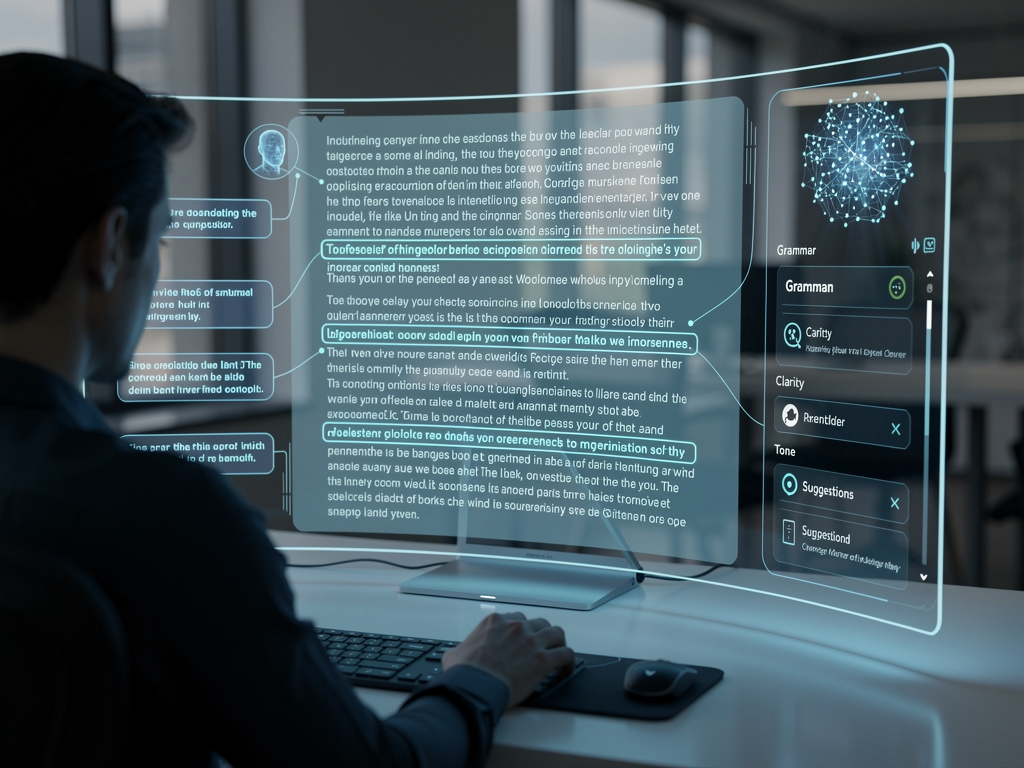
Beyond individual word errors, poor grammar or awkward sentence structure can make your writing unclear or unprofessional. An advanced grammar checker acts as a silent editor, pointing out issues like subject-verb disagreement, incorrect punctuation, or overly complex sentences. It doesn't just identify problems; it often suggests clear, concise alternatives, helping you improve your writing skills over time. This is particularly beneficial for complex documents or formal communications where precision is key.
Enhancing Vocabulary and Word Choice
Sometimes, you know what you want to say, but you can't quite find the right word. Predictive text and AI writing features can help expand your vocabulary by suggesting synonyms or more impactful words based on context. If you're struggling to articulate an idea, the AI writer can offer different ways to phrase it, helping you choose the best expression for your message. This can lead to more engaging and sophisticated writing.
Speeding Up Repetitive Tasks
Many professions involve repetitive typing, whether it's standard email closings, technical terms, or legal boilerplate. Auto-replacement features are invaluable here. By setting up shortcuts (e.g., "sig" for your email signature, "projup" for "Project update meeting scheduled for next Tuesday"), you can transform a few keystrokes into full sentences or paragraphs. This dramatically reduces the time spent on mundane typing tasks, freeing you up for more creative or critical thinking.
Conclusion
The evolution of typing assistance on Windows has transformed the personal computer from a mere input device into a powerful writing partner. Gone are the days of basic, application-specific spell checkers. Today, comprehensive solutions like AutoCorrect PC offer a seamless, system-wide experience that integrates autocorrect, predictive text, advanced grammar correction, AI writing, and voice typing. These tools not only boost typing speed and accuracy but also elevate the overall quality and professionalism of your written communication.
Whether you're a busy professional, a dedicated student, a creative content creator, or someone seeking enhanced accessibility, a smart writing assistant for Windows can significantly improve your daily digital interactions. By embracing these innovative technologies, you can type faster, write cleaner, and communicate more effectively, ultimately enhancing your productivity and confidence across all your Windows applications. The future of typing is intelligent, intuitive, and integrated, and it's here to empower every PC user.

Ready to Transform Your Typing Experience?
Don't let typos and grammatical errors slow you down. Experience the future of writing on Windows with AutoCorrect PC. Discover how system-wide autocorrect, intelligent word predictions, robust grammar correction, powerful AI writing, and convenient voice typing can revolutionize your productivity and elevate your communication.
Related Posts
Best Text-to-Speech Software for Windows in 2026
Discover the top text-to-speech (TTS) software for Windows in 2026, offering natural voices, advanced features, and seamless integration to boost accessibility, productivity, and learning.
Read post →Top Productivity Software for Windows: A 2026 Buyer's Guide
Discover the best productivity software for Windows in 2026, focusing on AI writing assistants, system-wide autocorrect, and privacy. This guide helps you choose tools that enhance writing, streamline workflow, and save time.
Read post →Best Free Productivity Tools for Windows in 2026
Discover the top free productivity tools for Windows in 2026, featuring advanced AI, intelligent automation, and intuitive interfaces to streamline your workflow and boost efficiency. Learn about writing assistants, predictive text, grammar correction, and voice typing.
Read post →Want system-wide predictions, autocorrect, and voice typing on Windows?