
Best Predictive Text Programs for Windows in 2026
Boost your typing speed and accuracy with the top predictive text programs for Windows in 2026. Discover smart writing assistants like AutoCorrect PC that use AI to anticipate words, correct errors, and enhance your workflow across all applications.

Typing is an integral part of modern work and communication, but it can often be a bottleneck for productivity. Whether you're drafting emails, writing reports, or crafting creative content, the speed and accuracy of your typing directly impact your efficiency. This is where predictive text programs for Windows come into play. These smart writing assistants leverage advanced algorithms to anticipate your next words, correct errors, and even generate entire phrases, transforming the way you interact with your computer.
In 2026, the landscape of writing assistance tools has evolved significantly, offering sophisticated features that go far beyond simple autocorrection. For Windows users, choosing the right predictive text program can mean the difference between a frustrating typing experience and a seamless, high-speed workflow. This article explores the top predictive text programs available for Windows in 2026, highlighting their features, benefits, and how they can empower you to write smarter, faster, and with greater confidence.
Key Takeaways
Boost Productivity: Predictive text tools significantly reduce typing time and effort by suggesting words and correcting errors in real-time. Enhance Accuracy: Advanced grammar and spelling checks minimize mistakes, leading to cleaner, more professional writing. System-Wide Integration: The best solutions work across all your Windows applications, ensuring consistent assistance wherever you type. AI-Powered Features: Modern programs incorporate AI for intelligent word predictions, grammar corrections, and even content generation. Accessibility Benefits: These tools are invaluable for individuals with typing disabilities or those seeking to reduce physical strain. Personalized Learning: Many programs adapt to your unique writing style and vocabulary over time, making suggestions more relevant.
The Evolution of Predictive Text Technology
The concept of predictive text isn't new; early forms existed on mobile phones to aid T9 texting. However, its application on desktop operating systems like Windows has undergone a remarkable transformation. What began as basic spelling correction has blossomed into comprehensive writing assistants powered by artificial intelligence and machine learning.
Today's predictive text programs for Windows are designed to understand context, learn individual typing patterns, and offer suggestions that are highly relevant to the task at hand. This evolution has been driven by advancements in natural language processing (NLP) and the increasing demand for tools that can keep pace with fast-paced digital communication. These programs are no longer just about speed; they're about enhancing the quality and efficiency of your writing across all applications.
Imagine a tool that not only corrects your typos but also suggests the next most likely word in a sentence, or even helps you rephrase an awkward sentence. This level of sophistication is what defines the best predictive text programs in 2026, making them indispensable for anyone who spends a significant amount of time typing on their Windows PC.
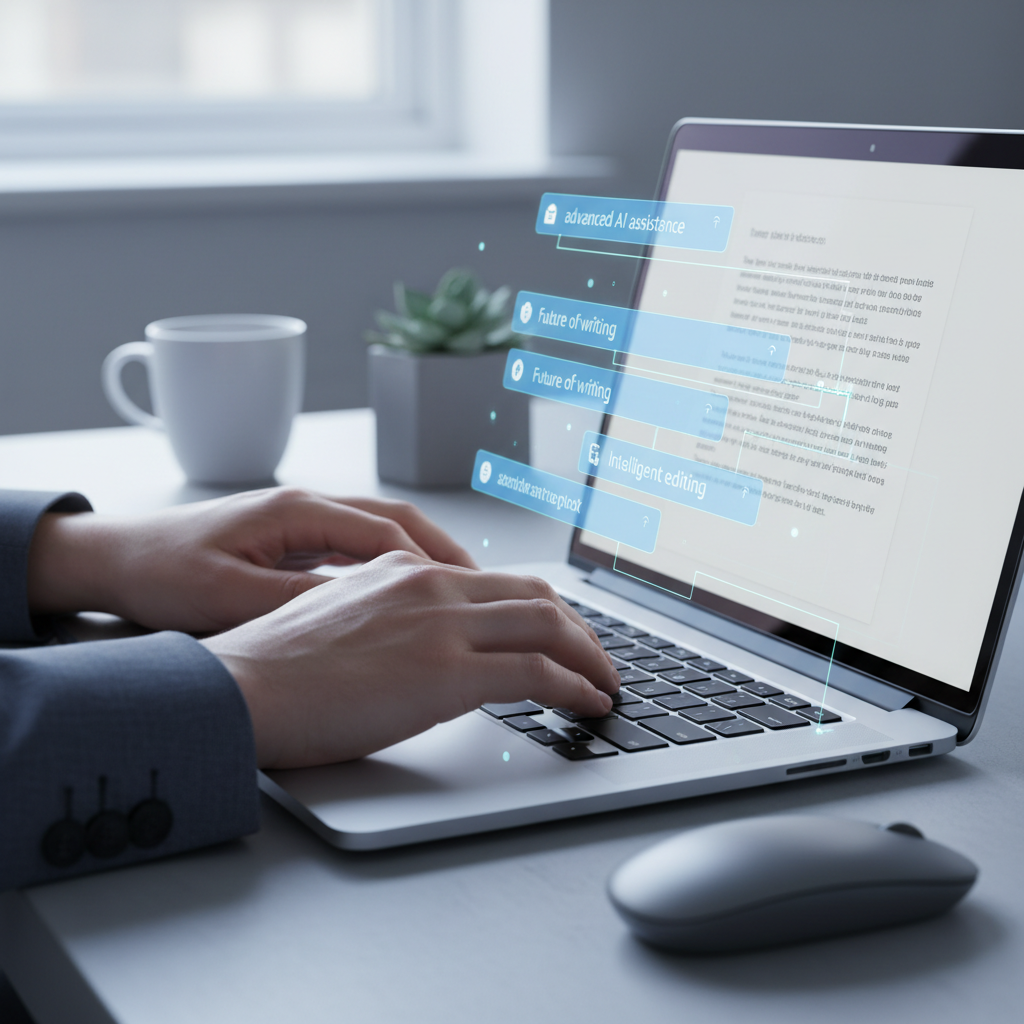
What Makes a Predictive Text Program Stand Out in 2026?
With numerous options available, discerning the truly effective predictive text programs requires a closer look at their core functionalities and how they integrate into your daily workflow. In 2026, several key features differentiate the leaders from the rest.
Firstly, system-wide compatibility is paramount. A truly effective tool shouldn't be confined to a single application but should seamlessly integrate with all your Windows programs, from Microsoft Word and Outlook to web browsers and communication apps. This ensures a consistent writing experience regardless of where you're typing.
Secondly, accuracy and intelligence are crucial. The program must offer highly accurate word predictions and grammar corrections. This intelligence often comes from advanced AI models that learn from vast datasets and adapt to your personal writing style. The ability to predict full sentences or offer contextually relevant phrases is a significant advantage.
Thirdly, customization and learning capabilities allow the software to become truly personalized. The best programs learn your vocabulary, frequently used phrases, and even your unique tone over time. This reduces irrelevant suggestions and makes the tool feel like a natural extension of your thought process.
Finally, privacy and performance cannot be overlooked. A top-tier predictive text program should process your typing efficiently without slowing down your system, and it must prioritize the privacy of your data, ideally performing most operations locally on your device.
AutoCorrect PC: A Comprehensive Windows Writing Assistant
When evaluating the best predictive text programs for Windows in 2026, AutoCorrect PC stands out as a leading solution that embodies the advanced features discussed. Designed specifically for Windows, it offers a robust suite of tools that go beyond mere predictive text to provide a complete smart writing assistant experience.
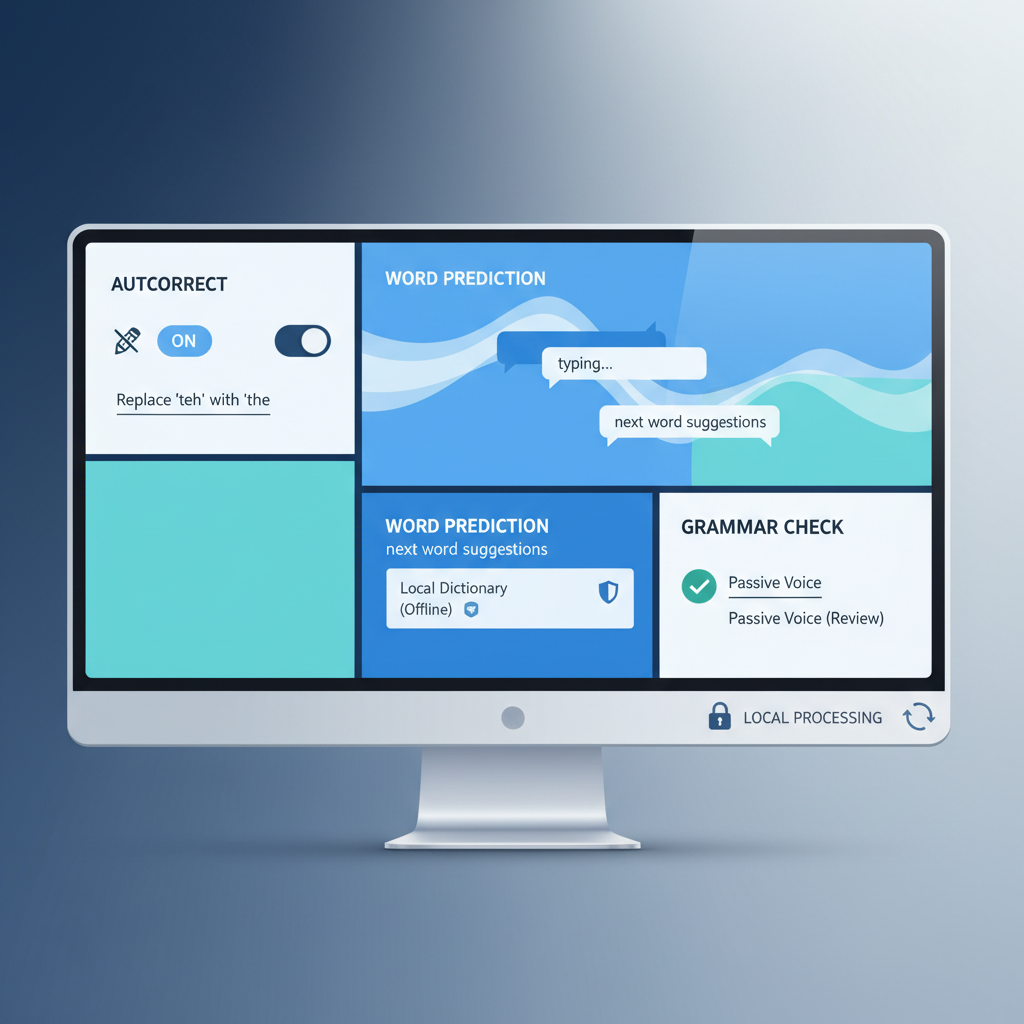
AutoCorrect PC excels in its system-wide autocorrect capabilities, ensuring that misspelled words are fixed instantly across any application or text field on your desktop. This means fewer interruptions to your flow and cleaner output from the start. Its word prediction feature is highly intelligent, suggesting the most likely next words as you type, significantly reducing keystrokes and accelerating your writing speed.
Beyond basic predictions, AutoCorrect PC includes sophisticated grammar correction that catches mistakes at the sentence level and offers clean, contextual fixes. This is a massive improvement over basic spell checkers, helping you maintain professional and grammatically sound communication. For those who prefer to speak rather than type, its integrated voice typing (speech-to-text) feature transcribes your voice directly into any active application.
Furthermore, AutoCorrect PC incorporates AI writing capabilities, allowing you to generate, rewrite, or expand text from simple prompts or selected content. This can be invaluable for brainstorming, overcoming writer's block, or quickly drafting content.
"AutoCorrect PC transforms your Windows typing experience. It's not just about speed, but about accuracy, efficiency, and confidence in every word you write, everywhere you write it."
The program's commitment to privacy is also a significant advantage. Most typing features, including autocorrect, word completion, next-word prediction, speech transcription, grammar correction, and dictionary lookups, are processed locally on your computer. This ensures your everyday typing data remains private.
Other Notable Predictive Text Programs and Their Specialties
While AutoCorrect PC offers a comprehensive suite, other programs cater to specific needs or excel in particular areas. Understanding these alternatives can help you choose the best fit for your unique requirements.
Lightkey is another highly regarded text prediction software for Windows. It's known for its AI-powered inline text prediction, offering suggestions up to 18 words ahead, including punctuation. Lightkey also boasts personalized predictions that learn your unique writing style and supports over 60 industry-oriented content domains. It integrates well with Microsoft Office and major web browsers, making it a strong contender for professional users who need deep contextual predictions. Lightkey also emphasizes privacy, stating that it never submits content to the cloud.
For those focused heavily on dictation and voice commands, tools like Wispr Flow and Dragon NaturallySpeaking (now Dragon Professional) remain dominant. Wirecutter's 2026 review highlights Wispr Flow as a top dictation software for most people due to its high accuracy and clean formatting. Dragon Professional, while expensive, offers unparalleled customization and voice command capabilities, making it a power-user pick for those with specific accessibility needs or highly specialized workflows. These tools primarily focus on speech-to-text accuracy and voice-driven productivity rather than predictive text for manual typing.
TextExpander is an excellent choice for users who frequently type repetitive phrases or boilerplate text. While not a traditional predictive text program in the sense of anticipating every word, it allows you to create "snippets" that expand into longer phrases, sentences, or even entire paragraphs with just a few keystrokes. This can drastically increase typing speed for specific tasks, especially in customer service or content creation roles.
For basic, free predictive text within specific applications, Microsoft's built-in features, such as Microsoft Word Dictate or Gmail's Smart Compose, offer convenient solutions. However, these are often limited to their respective ecosystems and lack the system-wide integration and advanced features of dedicated writing assistants.
Choosing among these depends on whether your priority is comprehensive system-wide assistance (like AutoCorrect PC), deep predictive text (like Lightkey), advanced dictation (like Wispr Flow or Dragon), or text expansion for repetitive tasks (like TextExpander).
How Predictive Text Enhances Productivity and Accessibility
The benefits of using a quality predictive text program extend far beyond just typing faster. These tools are powerful enhancers of both productivity and accessibility for a wide range of users.
For productivity, predictive text minimizes the cognitive load associated with typing. By suggesting words and correcting errors in real-time, it allows writers to focus more on their ideas and less on the mechanics of putting those ideas onto the screen. This leads to smoother writing flow, reduced mental fatigue, and ultimately, higher-quality output produced in less time. Business professionals can draft emails and reports more efficiently, while students can complete assignments faster, maintaining academic integrity by focusing on content rather than typing errors.
For accessibility, predictive text programs are transformative. Individuals with physical disabilities, such as carpal tunnel syndrome, repetitive strain injury (RSI), or motor impairments, can significantly reduce the number of keystrokes required, alleviating pain and strain. For those with dyslexia or other learning difficulties, these tools can provide real-time spelling and grammar assistance, building confidence and improving written communication. Even for non-native English speakers, predictive text can act as a helpful guide, suggesting correct vocabulary and grammatical structures.
"Predictive text isn't just a convenience; it's an empowerment tool, leveling the playing field for diverse users and boosting efficiency for everyone."
By leveraging these advanced writing assistants, users can experience a more inclusive and efficient digital environment. The ability to customize dictionaries and learn specific jargon further tailors the experience, making these tools invaluable across various professional and personal contexts.

Integrating Predictive Text into Your Workflow
Successfully integrating a predictive text program into your daily routine involves more than just installing the software. To maximize its benefits, consider these strategies:
- Start Gradually: Don't try to master every feature on day one. Begin by familiarizing yourself with the core predictive text and autocorrection functionalities. As you become comfortable, explore more advanced options like AI writing or voice typing.
- Personalize Your Settings: Take advantage of customization options. Many programs allow you to add custom words to dictionaries, create shortcuts for frequently used phrases, or adjust the aggressiveness of suggestions. Tailoring these settings will make the tool more effective for your specific needs and writing style.
- Practice and Observe: Pay attention to how the program learns from your typing. The more you use it, the better it becomes at predicting your words. Over time, you'll develop a rhythm with the suggestions, often accepting them almost instinctively.
- Use Hotkeys and Shortcuts: The best predictive text programs offer hotkeys for quick access to features like accepting suggestions, triggering voice typing, or activating AI writing. Learning these shortcuts can dramatically speed up your workflow.
- Leverage AI for Specific Tasks: If your program includes AI writing, identify specific scenarios where it can save you time. This might be drafting initial email responses, summarizing meeting notes, or expanding on a brief idea. Don't rely on it for everything, but use it strategically.
- Regularly Review and Refine: Periodically check your program's settings and custom dictionaries. Remove outdated entries or add new jargon relevant to your work. This ensures the tool remains optimized for your evolving needs.
By thoughtfully integrating a predictive text program like AutoCorrect PC, you can transform your typing experience from a chore into a seamless and highly productive activity across all your Windows applications.

The Future of Writing with AI and Predictive Text
Looking ahead, the synergy between artificial intelligence and predictive text is poised to revolutionize how we write. In 2026, we are already seeing advanced AI capabilities integrated into writing assistants, and this trend will only accelerate.
Future predictive text programs will likely offer even more sophisticated contextual understanding, moving beyond word and phrase prediction to anticipate entire sentences, paragraphs, or even the overall structure of a document based on your initial input. Imagine starting a report and having the AI suggest a logical flow, key arguments, and relevant data points, all while maintaining your unique voice.
The role of AI in grammar correction will also become more nuanced, moving from simple error identification to stylistic suggestions, tone analysis, and audience adaptation. This means your writing assistant could help you tailor your language for a formal business presentation versus a casual internal memo, ensuring your message always lands effectively.
Voice typing will continue to improve in accuracy and responsiveness, becoming virtually indistinguishable from manual typing in terms of efficiency. Furthermore, multimodal input, combining voice, touch, and traditional typing, will create a more fluid and intuitive writing experience.
These advancements will empower users to focus on the what and why of their writing, offloading much of the how to intelligent software. For Windows users, this means a future where writing is faster, more accurate, and less effortful, allowing for greater creativity and productivity in all aspects of digital communication. The continuous development of tools like AutoCorrect PC is a testament to this exciting future.
Conclusion
In 2026, the landscape of predictive text programs for Windows has matured into a sophisticated ecosystem of smart writing assistants. These tools are no longer just about speeding up typing; they are about enhancing the entire writing process, from initial thought to final draft. By offering system-wide autocorrection, intelligent word predictions, robust grammar checks, AI writing capabilities, and seamless voice typing, programs like AutoCorrect PC empower users to write faster, cleaner, and with greater confidence across all their applications.
Whether you're a busy professional, a student, a content creator, or someone seeking accessibility support, integrating a powerful predictive text program into your Windows workflow can unlock significant gains in productivity and accuracy. As technology continues to evolve, these smart writing assistants will only become more indispensable, shaping a future where typing is intuitive, efficient, and truly effortless.
Experience Smart Writing with AutoCorrect PC
Ready to transform your typing experience on Windows? Discover the power of system-wide autocorrect, intelligent word predictions, grammar correction, AI writing, and voice typing with AutoCorrect PC.
[Download AutoCorrect PC today and start writing smarter!](https://www.autocorrectforpc.com/)
Related Posts
Best Text-to-Speech Software for Windows in 2026
Discover the top text-to-speech (TTS) software for Windows in 2026, offering natural voices, advanced features, and seamless integration to boost accessibility, productivity, and learning.
Read post →Top Productivity Software for Windows: A 2026 Buyer's Guide
Discover the best productivity software for Windows in 2026, focusing on AI writing assistants, system-wide autocorrect, and privacy. This guide helps you choose tools that enhance writing, streamline workflow, and save time.
Read post →Best Free Productivity Tools for Windows in 2026
Discover the top free productivity tools for Windows in 2026, featuring advanced AI, intelligent automation, and intuitive interfaces to streamline your workflow and boost efficiency. Learn about writing assistants, predictive text, grammar correction, and voice typing.
Read post →Want system-wide predictions, autocorrect, and voice typing on Windows?