
Does PC Have Autocorrect? Windows' Writing Tools in 2026
Discover if Windows PCs have built-in autocorrect like smartphones. Learn about native tools, their limitations, and powerful third-party solutions for seamless, system-wide writing assistance in 2026.
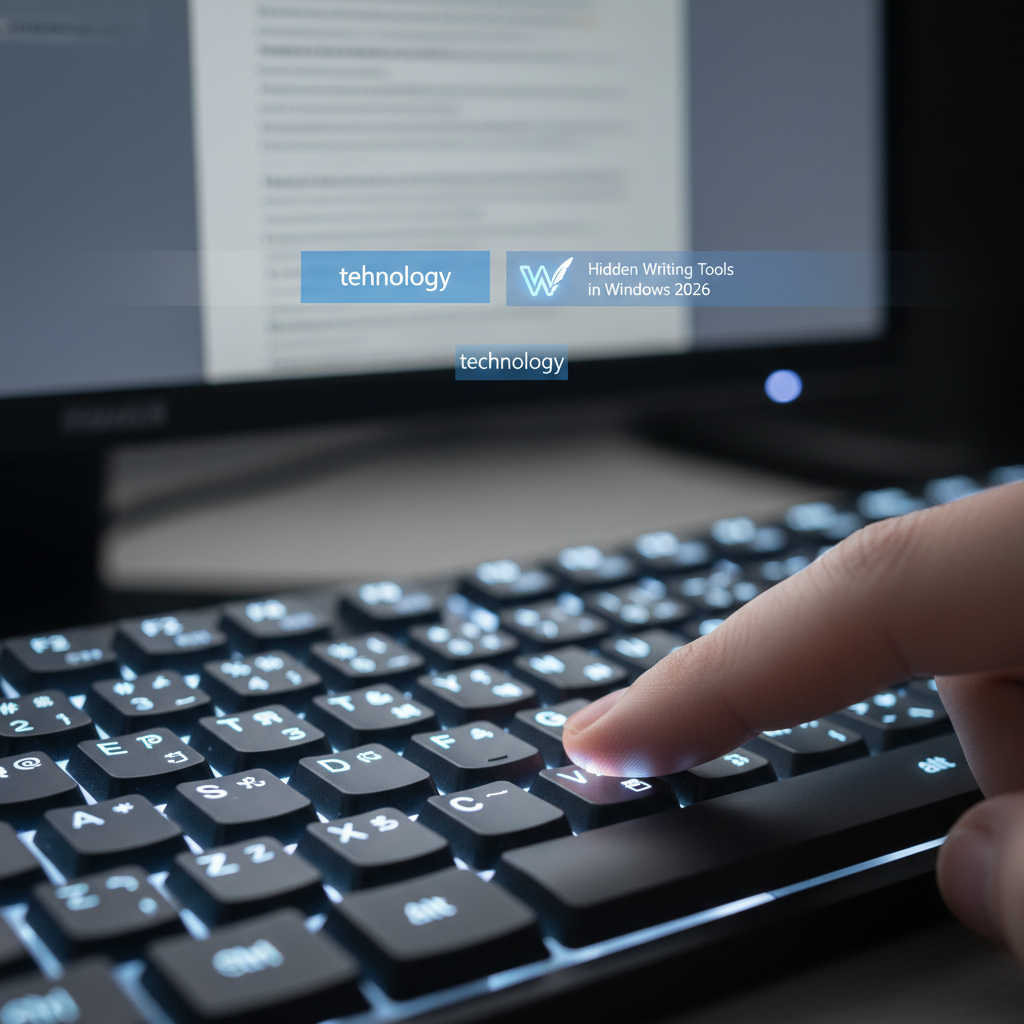
The digital age demands speed and accuracy in written communication. For Windows users, the question often arises: does pc have autocorrect built-in, similar to what we find on smartphones? While Windows has made strides in offering native writing assistance, the landscape of autocorrect and smart typing tools on PCs in 2026 is more nuanced than a simple yes or no. This article delves into the built-in capabilities of Windows, explores their limitations, and introduces powerful third-party solutions like AutoCorrect PC that bridge the gap, offering a truly seamless and intelligent writing experience across your entire system.
Key Takeaways
- Windows offers basic text suggestions and limited autocorrect features, primarily within specific Microsoft applications and via the on-screen keyboard.
- These native tools are often inconsistent across different applications and lack system-wide integration.
- Third-party solutions provide comprehensive, system-wide autocorrect, predictive text, grammar correction, AI writing, and voice typing.
- AutoCorrect PC stands out as a leading smart writing assistant for Windows, offering seamless integration across all applications.
- Investing in a dedicated writing assistant can significantly boost productivity, reduce errors, and enhance the overall typing experience on your PC.
The Evolution of Autocorrect on Windows
For years, PC users have envied the robust autocorrect and predictive text features available on mobile devices. Early versions of Windows offered very little in this regard, often leaving users to rely on individual application-specific spell checkers, like those found in Microsoft Word. This fragmented approach meant that your typing experience varied wildly depending on the software you were using, leading to inconsistencies and frustration.
However, Microsoft has gradually introduced more native writing aids. Windows 10 and Windows 11 now include features like text suggestions and basic spelling corrections, particularly when using the on-screen keyboard or within certain Universal Windows Platform (UWP) apps. These improvements are a step in the right direction, aiming to make typing on a PC a smoother experience. Yet, they often fall short of the comprehensive, system-wide assistance many users expect and need in today's fast-paced digital environment.
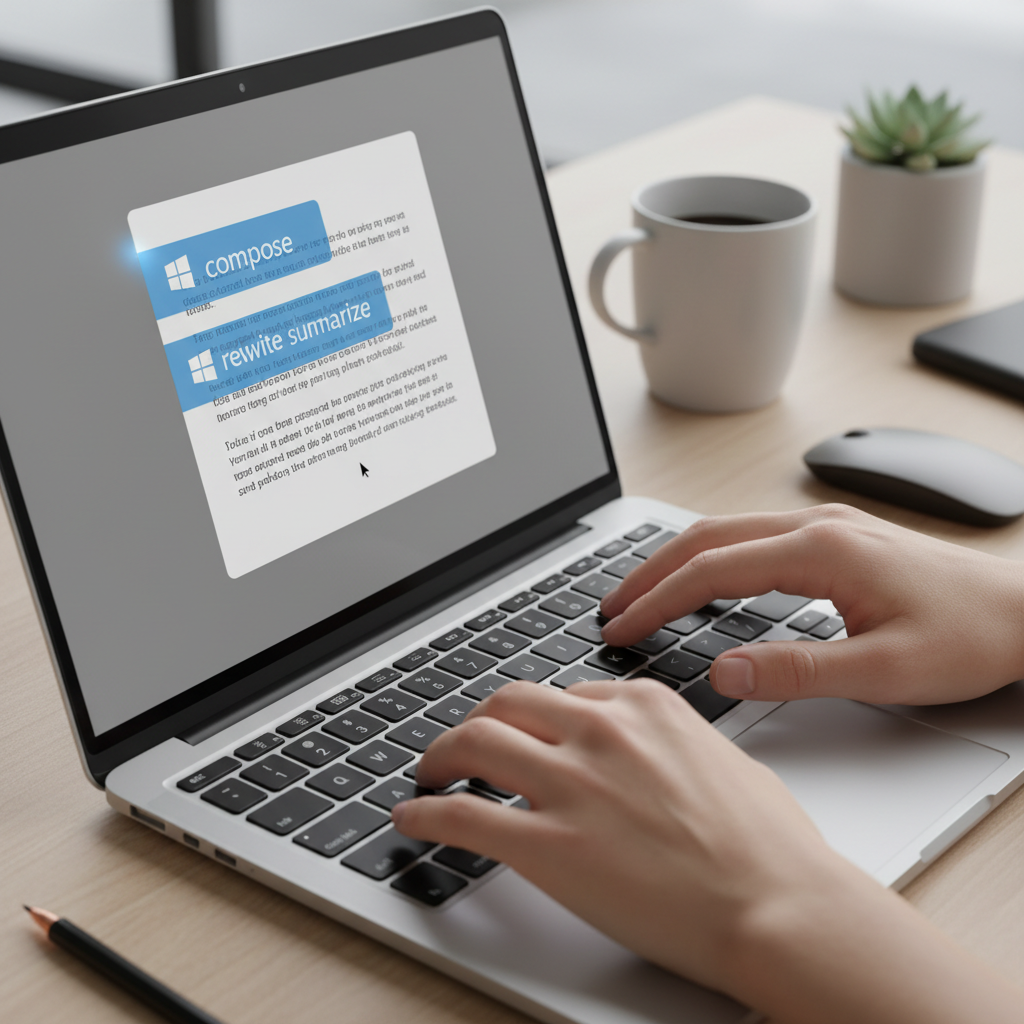
Windows' Built-in Writing Tools: What's Available?
Windows has indeed incorporated some native features to assist with typing, though their scope and effectiveness can vary. Understanding these built-in tools is the first step in assessing whether they meet your specific writing needs.
Text Suggestions and Spellcheck
Windows 10 and 11 offer text suggestions that appear as you type, similar to a smartphone keyboard. These suggestions can help complete words or offer alternatives for misspelled ones. To enable this feature, users typically navigate to Settings > Time & Language > Typing and toggle on "Show text suggestions when typing on the physical keyboard." While helpful, this feature is not always universally applied across all applications and can sometimes feel less intuitive than dedicated solutions. Microsoft has also been gradually rolling out basic spellcheck and autocorrect to core apps like Notepad, a welcome addition after many years.
On-Screen Keyboard Features
The on-screen keyboard in Windows often provides a more robust autocorrect and predictive text experience, mirroring mobile device functionality more closely. This is particularly useful for touch-enabled devices or when a physical keyboard isn't available. However, for the vast majority of PC users who rely on a physical keyboard, these on-screen features don't translate directly to their everyday typing workflow. The goal for many is seamless assistance regardless of input method.
Tip: While native Windows text suggestions can be useful, remember that their system-wide integration is limited. For consistent help across all your applications, a dedicated writing assistant is often necessary.
Limitations of Native Windows Autocorrect
Despite Microsoft's efforts, the built-in autocorrect and writing tools in Windows still present significant limitations for users seeking a truly efficient and error-free typing experience. These shortcomings often lead users to seek more comprehensive solutions.
Inconsistent Application Support
One of the primary frustrations with native Windows autocorrect is its inconsistent application support. While it might work reasonably well in Microsoft Word, Outlook, or Edge, you might find it completely absent or poorly implemented in third-party applications like Slack, Discord, specialized coding editors, or even certain web forms. This fragmentation means users constantly adapt to varying levels of assistance, breaking their typing flow and reducing overall productivity. A truly effective solution should work everywhere you type, regardless of the application.
Lack of System-Wide Integration
Unlike mobile operating systems where autocorrect and predictive text are deeply integrated at the system level, Windows' approach is often more piecemeal. There isn't a unified, system-wide autocorrect engine that consistently monitors and corrects your input across every text field. This lack of centralized control means that even when a feature is present, its functionality can be limited or less intelligent than what a dedicated writing assistant can offer. Users often find themselves manually correcting errors that a more robust system would have caught automatically.
Basic Functionality and Limited Intelligence
The native Windows tools primarily focus on basic spelling corrections and word suggestions. They often lack advanced features like contextual grammar correction, sophisticated predictive text that learns your writing style, or AI-powered writing assistance. For example, they might correct a simple typo but miss a common grammatical error or fail to suggest the next most probable word in a sentence. This basic functionality means that users who write extensively, whether for professional documents, creative content, or academic papers, will quickly find these built-in tools insufficient for their needs.
The Need for a System-Wide Writing Assistant
Given the limitations of Windows' native tools, there's a clear and growing demand for a system-wide writing assistant. Modern workflows involve typing across a multitude of applications, from email clients and chat apps to CRM systems and specialized software. Relying on inconsistent, app-specific tools is no longer efficient or practical. A unified solution ensures a consistent, high-quality writing experience everywhere you type.
Enhancing Productivity and Reducing Errors
A comprehensive writing assistant significantly enhances productivity by reducing the time spent on corrections and rephrasing. Imagine typing an email, a report, or a message in your team chat, and having misspelled words corrected instantly, grammar errors flagged in real-time, and even entire phrases suggested to speed up your writing. This seamless assistance allows you to focus on the content and ideas, rather than getting bogged down by typographical or grammatical mistakes. For professionals, students, and anyone who writes frequently, this translates directly into saved time and higher quality output.
Beyond Basic Spelling: Grammar, Predictions, and AI
Modern writing assistants go far beyond simple spell-checking. They integrate advanced features like grammar correction, which can identify complex sentence structure issues, punctuation errors, and stylistic inconsistencies. Word predictions and next-word suggestions anticipate what you're about to type, helping you complete sentences with fewer keystrokes. Furthermore, the integration of AI writing capabilities allows users to generate text, rephrase sentences, or expand on ideas directly within their workflow, transforming how content is created. These advanced features are crucial for anyone looking to elevate their writing and efficiency.
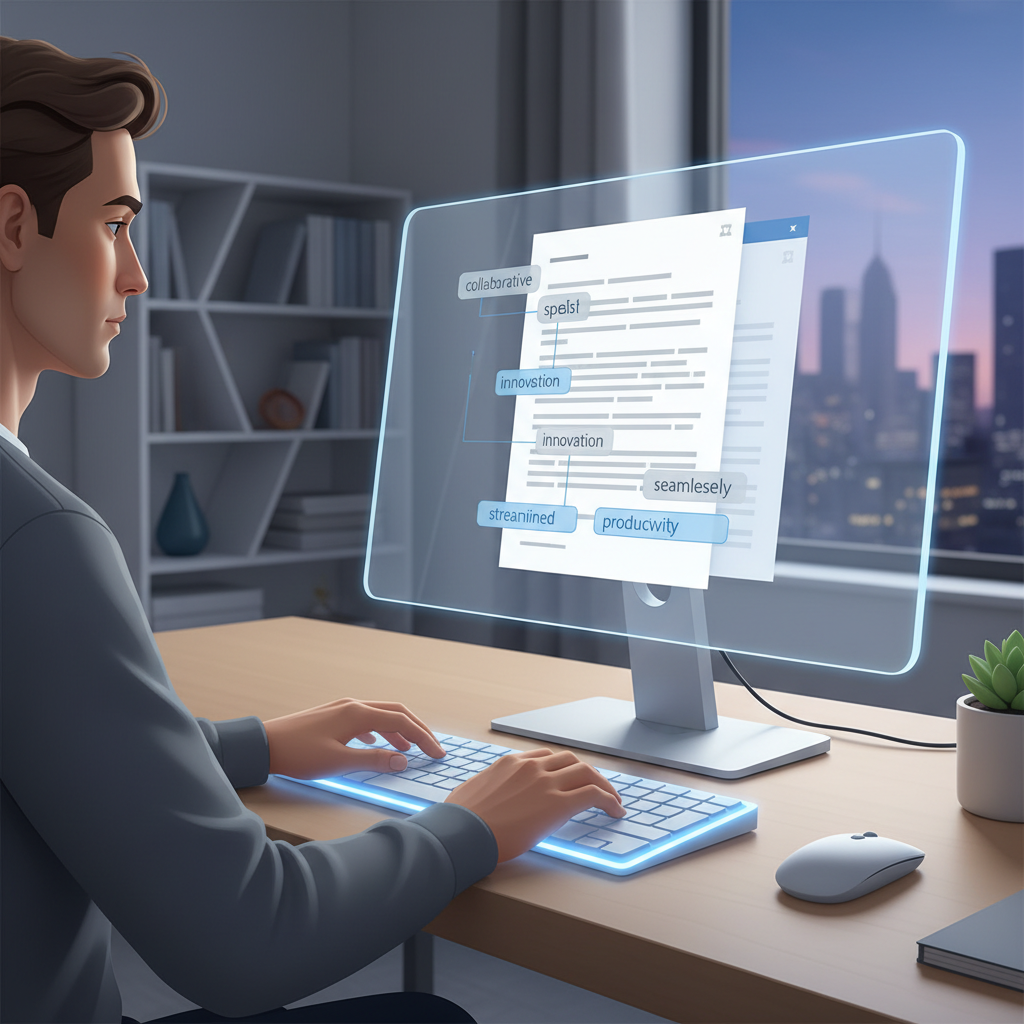
AutoCorrect PC: The Smart Writing Assistant for Windows
When native Windows tools fall short, AutoCorrect PC emerges as a powerful, comprehensive solution designed to revolutionize your typing experience. It addresses all the limitations of built-in features by providing a truly system-wide, intelligent writing assistant for Windows users.
System-Wide Autocorrect and Predictive Text
AutoCorrect PC stands out because it works everywhere on your Windows desktop. Whether you're drafting an email in Outlook, chatting in Microsoft Teams, writing code in an IDE, or filling out a web form in your browser, AutoCorrect PC is there to assist. It provides system-wide autocorrect, instantly fixing misspelled words as you type, and offers intelligent predictive text suggestions to complete words and anticipate your next phrase. This seamless integration means you get consistent, reliable assistance across all your applications, eliminating the frustration of fragmented tools.
Advanced Grammar Correction and AI Writing
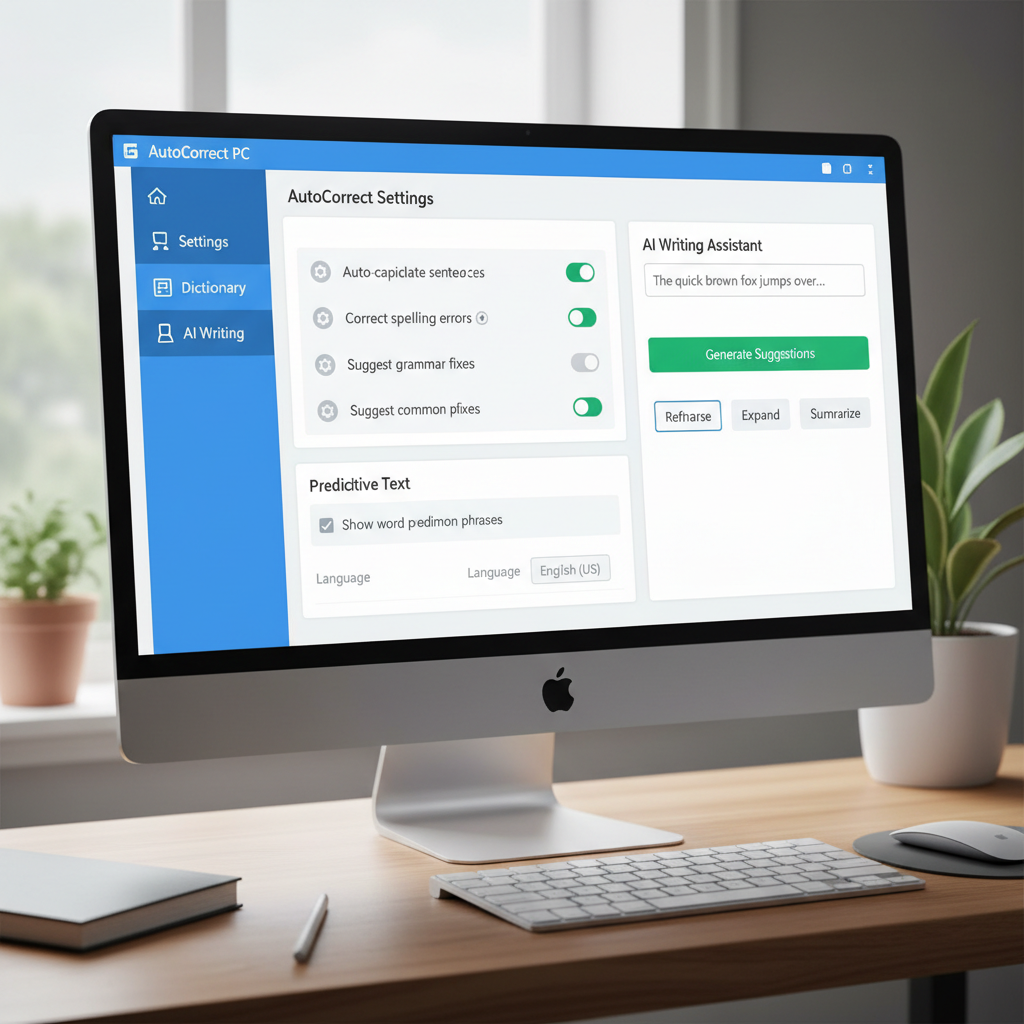
Beyond basic spelling, AutoCorrect PC incorporates sophisticated grammar correction capabilities. It identifies and helps you fix grammatical errors, punctuation mistakes, and even stylistic issues in real-time, ensuring your writing is clear and professional. But the innovation doesn't stop there. AutoCorrect PC also features an AI Writer, allowing you to generate, expand, or rewrite text based on simple prompts or selected content. This powerful feature can significantly speed up content creation, brainstorming, and drafting, making it an invaluable tool for writers, professionals, and students alike.
Voice Typing and Other Productivity Features
For those who prefer speaking over typing, AutoCorrect PC includes robust voice typing (speech-to-text) functionality. You can dictate your thoughts directly into any application, transforming spoken words into written text with impressive accuracy. This feature is particularly beneficial for accessibility, brainstorming, or simply when you want to give your hands a break. Other productivity enhancements include custom auto-replacements, multi-language dictionaries, and a privacy-first approach that processes most typing features locally on your device, ensuring your data remains secure. Learn more about how AutoCorrect PC can enhance your workflow on the official website.
Comparing Writing Assistants: Native vs. Third-Party
To truly understand the value of a dedicated writing assistant like AutoCorrect PC, it's helpful to compare its capabilities against the native Windows features and other common solutions. This comparison highlights why a specialized tool is often the superior choice for comprehensive writing support.
| Feature | Native Windows Tools (Basic) | Microsoft Editor (Limited) | Grammarly (Browser/App) | AutoCorrect PC (System-Wide) |
|---|---|---|---|---|
| System-Wide Autocorrect | ❌ (Limited to specific apps) | ❌ (Mainly MS apps/browser) | ❌ (Partial, app-dependent) | ✅ (Works everywhere) |
| Predictive Text | ✅ (Basic, inconsistent) | ❌ | ❌ | ✅ (Advanced, learning) |
| Grammar Correction | ❌ | ✅ (Good within MS apps) | ✅ (Strong) | ✅ (Real-time, contextual) |
| AI Writing | ❌ | ❌ | ✅ (Some features) | ✅ (Integrated, powerful) |
| Voice Typing | ✅ (Windows Dictation) | ❌ | ❌ | ✅ (Seamless integration) |
| Works in All Apps | ❌ | ❌ | ❌ (Limited desktop apps) | ✅ (Truly universal) |
| Local Processing | ✅ (For basic features) | ❌ | ❌ | ✅ (For core typing features) |
This table clearly illustrates that while native Windows tools offer a baseline, and other popular solutions like Microsoft Editor and Grammarly provide strong features within their specific ecosystems, AutoCorrect PC is designed to deliver a truly system-wide, comprehensive writing assistance experience across all Windows applications. This makes it the ideal choice for users seeking consistent, intelligent support without compromise.
Setting Up and Customizing Your Writing Assistant
Once you decide to enhance your Windows typing experience with a dedicated writing assistant like AutoCorrect PC, setting it up and customizing it to your preferences is straightforward. Personalization is key to maximizing productivity and ensuring the tool works exactly how you need it to.
Installation and Initial Configuration
Installing AutoCorrect PC is a simple process, usually involving downloading a small installer from the official website and following a few on-screen prompts. Once installed, the application typically runs in the background, ready to assist you. During the initial setup, you might be guided through basic configurations, such as enabling or disabling certain features like autocorrect, word predictions, or grammar checks. It's a good idea to explore these initial settings to tailor the assistant to your immediate needs.
Personalizing Your Experience
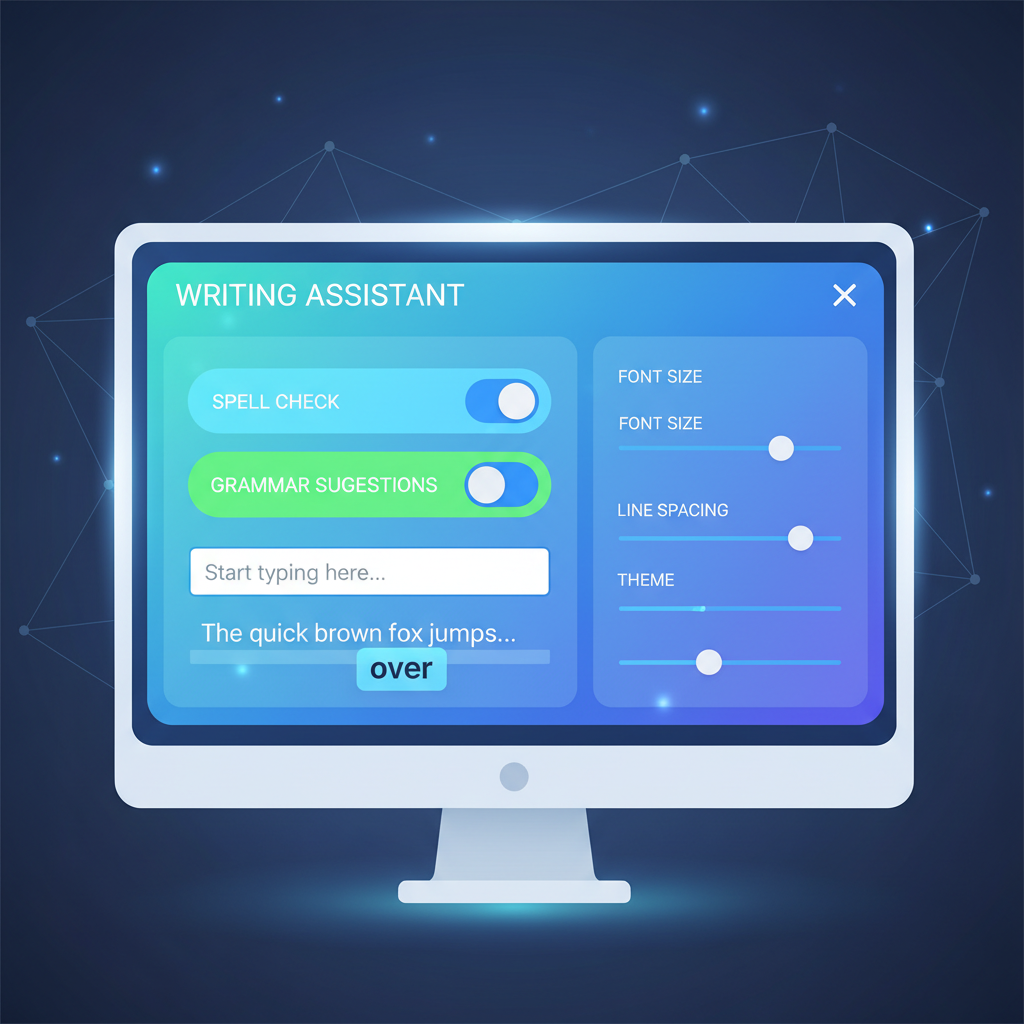
The true power of a smart writing assistant lies in its ability to adapt to your unique writing style and preferences. AutoCorrect PC offers extensive customization options:
- Custom Dictionaries: Add industry-specific jargon, proper nouns, or unique spellings that the tool should recognize and not flag as errors.
- Auto-Replacement Rules: Create your own shortcuts. For example, type "eml" and have it automatically expand to your full email address, or "brb" to "be right back." This can be a huge time-saver for frequently used phrases.
- Prediction Sensitivity: Adjust how aggressively word predictions appear. Some users prefer more suggestions, while others like a subtler approach.
- Grammar Rule Customization: Depending on the tool, you might be able to fine-tune grammar checks to be more lenient or strict, or to ignore certain style suggestions.
Pro Tip: Spend some time in the settings menu of your writing assistant. Customizing auto-replacements for common phrases or email signatures can save you hundreds of keystrokes each day, significantly boosting your typing efficiency.
Regularly reviewing and refining these settings will ensure that your writing assistant remains a powerful, personalized tool that genuinely enhances your productivity and accuracy across all your Windows applications.
Conclusion
The question "does pc have autocorrect?" reveals a common desire for seamless writing assistance on Windows. While Microsoft has introduced some native tools, they often fall short in providing the consistent, system-wide support that today's users demand. The fragmented nature of built-in features, coupled with their basic functionality, highlights a significant gap in the Windows user experience.
Fortunately, solutions like AutoCorrect PC fill this void, offering a comprehensive smart writing assistant that integrates seamlessly across all your applications. With system-wide autocorrect, intelligent word predictions, advanced grammar correction, powerful AI writing capabilities, and convenient voice typing, AutoCorrect PC transforms your Windows PC into a truly productive writing environment. By leveraging such a tool, you can significantly reduce errors, boost your typing speed, and elevate the quality of your written communication, allowing you to focus on your ideas rather than the mechanics of typing.
Ready to Transform Your Typing Experience?
Don't let inconsistent autocorrect slow you down. Experience the power of system-wide writing assistance with AutoCorrect PC. Download AutoCorrect PC today and start typing faster, cleaner, and smarter across all your Windows applications! Visit https://www.autocorrectforpc.com/ to learn more and get started.
Frequently Asked Questions
Q: Does Windows 11 have built-in autocorrect?
A: Windows 11 offers basic text suggestions and spellcheck, which can correct some common typos. However, its functionality is often inconsistent across different applications and is not as comprehensive or system-wide as dedicated third-party solutions. It primarily focuses on simple spelling rather than advanced grammar or predictive text across all apps.
Q: Why isn't my Windows autocorrect working everywhere?
A: Native Windows autocorrect and text suggestions are not universally applied across all applications. They often work best within Microsoft's own apps (like Word or Edge) or when using the on-screen keyboard. Third-party applications or specialized software may not fully support these built-in features, leading to an inconsistent experience. This is a common limitation that dedicated writing assistants aim to solve.
Q: Can AutoCorrect PC work in any Windows application?
A: Yes, AutoCorrect PC is designed to work system-wide, meaning it provides autocorrect, predictive text, grammar correction, and other features in virtually any application or text field on your Windows PC. This includes email clients, web browsers, chat applications, coding editors, and productivity suites, ensuring a consistent writing experience everywhere you type.
Q: Is AutoCorrect PC secure and private?
A: AutoCorrect PC prioritizes user privacy. Most of its core typing features, including autocorrect, word completion, next-word prediction, speech transcription, grammar correction, and dictionary lookups, are processed locally on your computer. The AI Writer feature only communicates with AutoCorrect PC servers when you explicitly use it. For detailed information, you can review their website's privacy policy.
Q: How does AutoCorrect PC compare to Grammarly or Microsoft Editor?
A: While Grammarly and Microsoft Editor offer strong grammar and spelling checks, they often have limitations in system-wide integration, especially outside of browsers or specific Microsoft applications. AutoCorrect PC is built from the ground up to provide truly system-wide autocorrect, predictive text, and AI writing assistance across all Windows applications, making it a more comprehensive solution for consistent typing support everywhere on your desktop.
Related Posts
Best Text-to-Speech Software for Windows in 2026
Discover the top text-to-speech (TTS) software for Windows in 2026, offering natural voices, advanced features, and seamless integration to boost accessibility, productivity, and learning.
Read post →Top Productivity Software for Windows: A 2026 Buyer's Guide
Discover the best productivity software for Windows in 2026, focusing on AI writing assistants, system-wide autocorrect, and privacy. This guide helps you choose tools that enhance writing, streamline workflow, and save time.
Read post →Best Free Productivity Tools for Windows in 2026
Discover the top free productivity tools for Windows in 2026, featuring advanced AI, intelligent automation, and intuitive interfaces to streamline your workflow and boost efficiency. Learn about writing assistants, predictive text, grammar correction, and voice typing.
Read post →Want system-wide predictions, autocorrect, and voice typing on Windows?