
Essential Productivity Tools for Windows 11 in 2026
Discover the top productivity tools for Windows 11 users in 2026, focusing on AI writing assistants, voice typing, and system-wide integration. Learn how AutoCorrect PC enhances your workflow with advanced grammar correction, predictive text, and content generation, all while prioritizing your privacy.
Key Takeaways
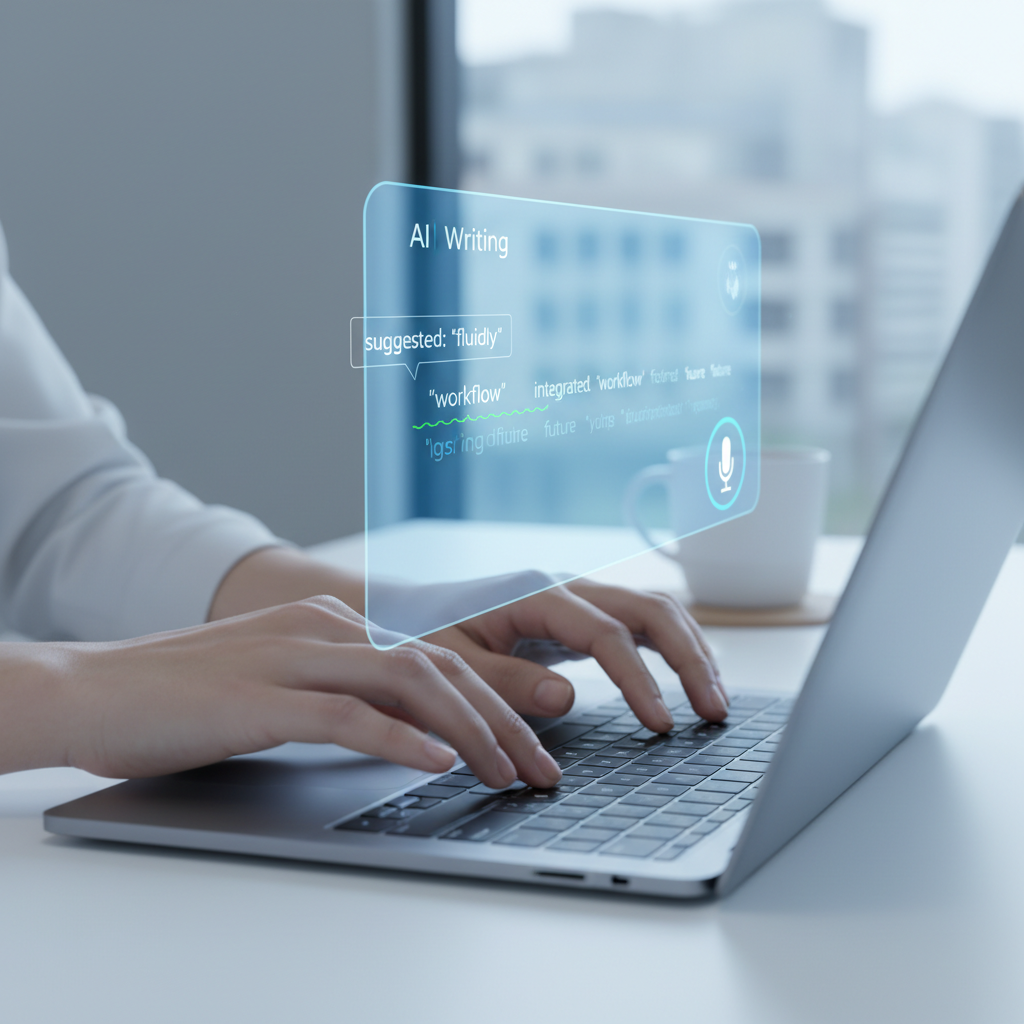
AI-powered writing assistance is crucial: Tools offering grammar correction, predictive text, and AI writing capabilities are becoming standard for efficiency. System-wide integration is key: The most effective productivity tools for Windows 11 seamlessly integrate across all applications, not just browsers. Voice typing enhances workflow: Speech-to-text functionality offers a significant speed boost and accessibility improvement. Personalization and privacy matter: Users seek tools that adapt to their unique writing style while ensuring data privacy. Beyond basic office suites: Modern productivity extends to specialized writing assistants, advanced note-taking, and efficient task management. AutoCorrect PC offers a comprehensive solution: It combines autocorrect, predictive text, grammar correction, AI writing, and voice typing into one powerful Windows application.
In the fast-evolving digital landscape of 2026, staying productive on your Windows 11 PC means leveraging the right tools. The days of relying solely on basic word processors are long gone. Today's professionals, students, and content creators demand sophisticated solutions that streamline workflows, enhance accuracy, and even assist in generating content. This article explores the essential productivity tools for Windows 11 users, with a particular focus on how smart writing assistants like AutoCorrect PC are transforming the way we interact with our computers.
The Evolution of Writing Assistants on Windows 11
The journey from simple spell checkers to advanced AI writing assistants has been remarkable. Early versions of Windows offered basic autocorrect features, primarily within specific applications. However, as our digital lives became more interconnected and our reliance on written communication grew, the need for more comprehensive, system-wide solutions became apparent.
By 2026, a truly effective writing assistant for Windows 11 isn't just about catching typos; it's about anticipating your needs, understanding context, and even helping you articulate complex ideas. These tools have moved beyond mere correction to become proactive partners in the writing process. They are designed to integrate deeply with the operating system, ensuring a consistent and efficient experience across all applications, from email clients to creative suites. The goal is to reduce friction, save time, and ultimately, elevate the quality of your written output.
AutoCorrect PC: A Smart Writing Assistant for Windows
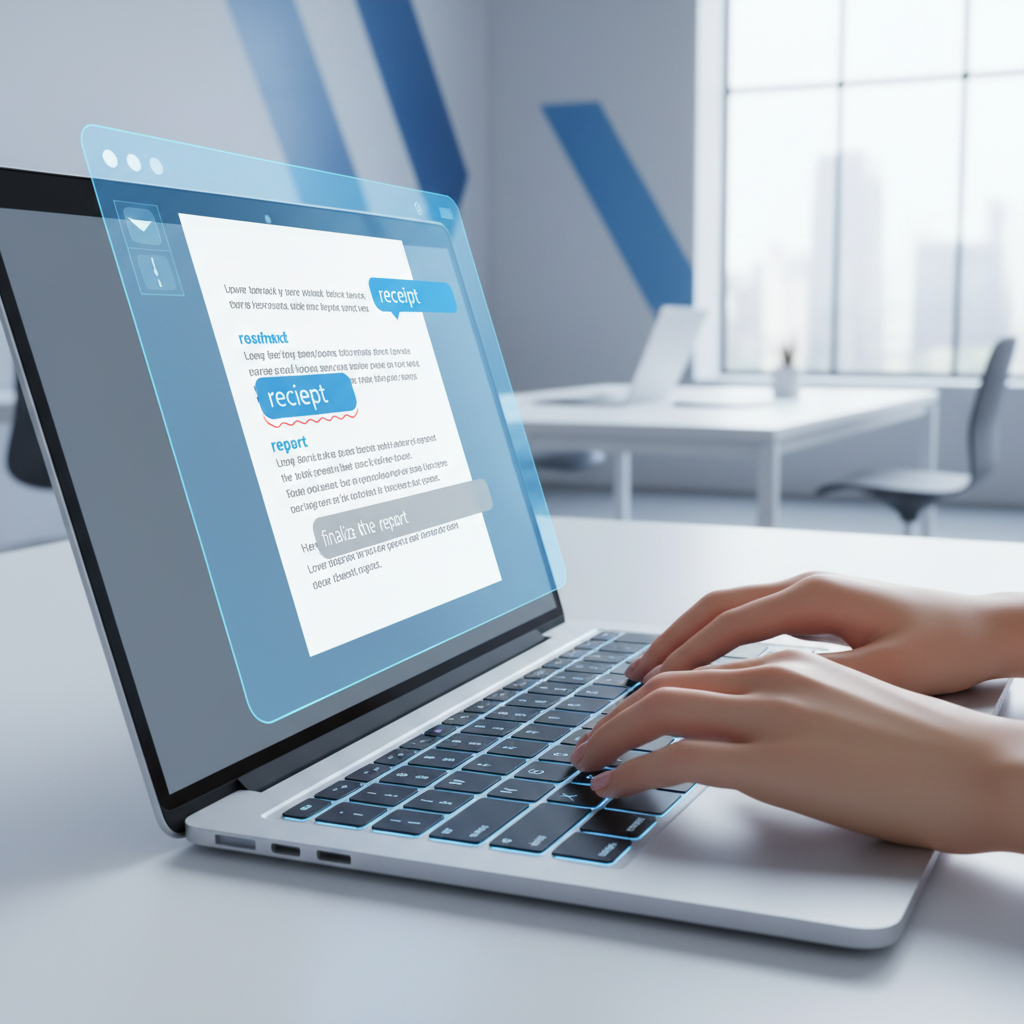
At the forefront of this evolution is AutoCorrect PC, a smart writing assistant specifically designed for Windows. It addresses many of the common pain points experienced by users who spend a significant portion of their day typing. Unlike browser-based extensions or isolated applications, AutoCorrect PC offers a truly system-wide solution, meaning its powerful features work wherever you type on your Windows 11 machine.
The core of AutoCorrect PC's offering lies in its ability to type faster and cleaner. This is achieved through a suite of integrated functionalities that work in harmony. Imagine writing an important email, drafting a report, or even chatting with colleagues, and having an intelligent assistant constantly working in the background to improve your text. This seamless integration is what sets it apart, making it an indispensable tool for anyone looking to boost their writing efficiency and accuracy.
Core Features of AutoCorrect PC
AutoCorrect PC isn't just one feature; it's a comprehensive suite designed to enhance every aspect of your typing experience. Here are some of its standout capabilities:
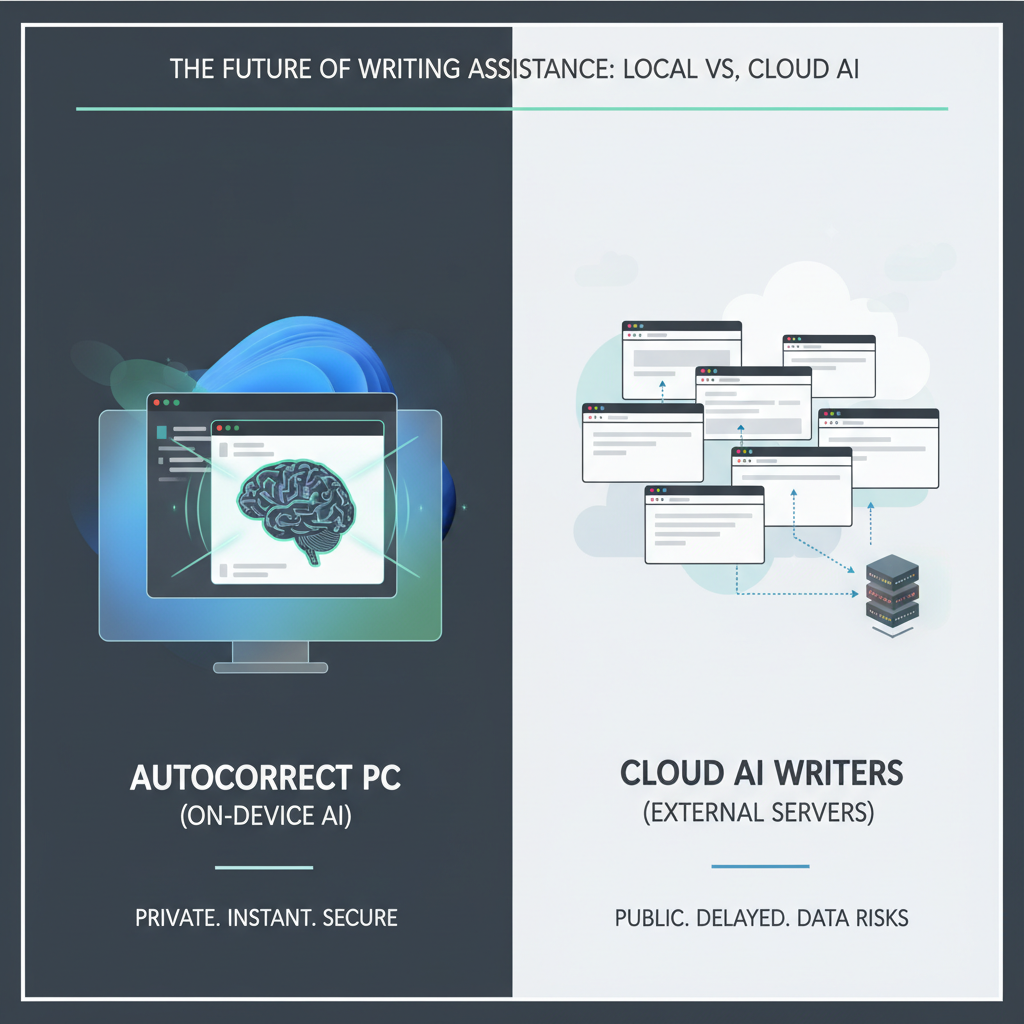
System-Wide Autocorrect: Misspelled words are corrected automatically as you type, regardless of the application you're using. This means consistent accuracy in Word, Outlook, Chrome, Notepad, and any other text field on your desktop. This eliminates the need to constantly switch between applications or rely on inconsistent built-in checkers. Word Prediction & Completion: As you type, AutoCorrect PC suggests words to complete your current thought or even the next most likely words in a sentence. This significantly reduces keystrokes and helps you maintain your writing flow, especially useful for long documents or repetitive phrases. Hotkeys provide quick access to these suggestions. Advanced Grammar Correction: Beyond basic spell checks, the tool identifies and corrects grammar mistakes at the sentence level. It offers contextual fixes, ensuring your writing is not only grammatically sound but also clear and professional. This is a huge advantage over simple checkers that might miss nuanced errors. AI Writing Capabilities: This feature is a game-changer for content creation. You can generate, rewrite, or expand text from a simple prompt or selected text. The results are inserted directly into your application, making it an invaluable aid for brainstorming, drafting, or refining content. This is particularly useful for busy professionals and content creators. Voice Typing (Speech-to-Text): For those who prefer to speak rather than type, AutoCorrect PC includes robust voice typing. Your voice is transcribed accurately and inserted directly into any application, offering a fast and accessible alternative to traditional typing. This can be a significant time-saver and a boon for accessibility. Privacy-First Approach: A critical concern for any writing assistant is data privacy. AutoCorrect PC emphasizes this by performing most of its core functions, such as autocorrect, word completion, next-word prediction, speech transcription, grammar correction, and dictionary lookups, locally on your device. The AI Writer feature only communicates with servers when explicitly used, giving users control over their data.
Beyond Basic Typing: AI and Voice Integration
The integration of artificial intelligence and voice technology is no longer a luxury; it's a necessity for top-tier productivity tools for Windows 11. AI-powered writing goes beyond simple grammar checks, offering stylistic improvements, summarization, and even content generation. This is particularly beneficial for professionals who need to produce high-quality written material efficiently. Imagine instantly rephrasing a paragraph for clarity or expanding a bulleted list into full sentences with just a few clicks.
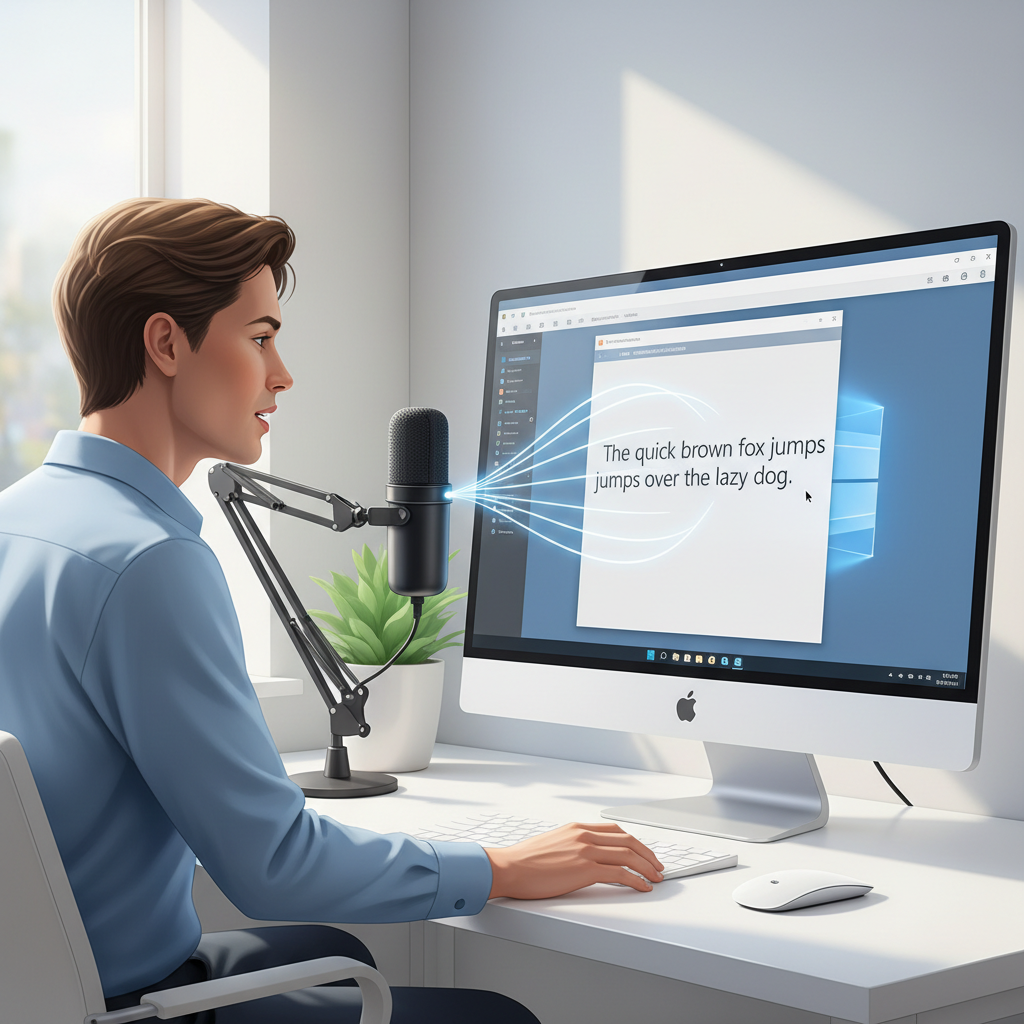
Voice typing, or speech-to-text, further revolutionizes how we interact with our computers. For many, speaking is faster than typing, and the accuracy of modern voice recognition has reached impressive levels. This feature is not just for those with accessibility needs; it's a powerful tool for anyone looking to dictate thoughts, draft emails on the fly, or simply reduce the physical strain of constant typing. The ability to seamlessly switch between typing and speaking within any application on Windows 11 provides unparalleled flexibility and boosts overall productivity.
Enhancing Workflow for Diverse Users
The beauty of a comprehensive writing assistant like AutoCorrect PC is its versatility across various user groups.
Professional Writers and Content Creators: For those whose livelihood depends on written output, the ability to quickly generate ideas, refine prose, and ensure grammatical perfection across all their writing platforms is invaluable. The AI writing feature can help overcome writer's block or speed up content generation. Students and Academic Writers: From essays to research papers, students can benefit immensely from accurate grammar correction, predictive text to speed up note-taking, and AI assistance for structuring arguments or summarizing sources. Business Professionals: Crafting clear, concise, and error-free emails, reports, and presentations is crucial. Predictive text and autocorrect minimize embarrassing typos, while grammar correction ensures professionalism. Non-Native English Speakers: This group often struggles with nuances of English grammar and vocabulary. A smart writing assistant provides real-time feedback and suggestions, acting as a personal language tutor. Remote Workers and Digital Professionals: Working across various applications and platforms, these users need a consistent writing experience. System-wide tools ensure productivity regardless of the software in use. People with Typing Disabilities or Accessibility Needs: Voice typing offers a vital alternative to keyboard input, enabling greater independence and efficiency. Predictive text can also reduce the physical effort of typing.
Tip: Consider integrating your writing assistant with other productivity tools for Windows 11, such as task managers or note-taking apps, to create a truly seamless digital workspace. The synergy between these tools can multiply your efficiency.
The Importance of Privacy and Local Processing
In an age where data security and privacy are paramount, understanding how your productivity tools handle your information is critical. Many online writing tools process your text on their servers, which can raise concerns for sensitive documents or personal communications.
AutoCorrect PC stands out by prioritizing privacy. Its design philosophy centers around local processing for most common typing features. This means that your everyday typing, including autocorrect, word completion, next-word prediction, speech transcription, grammar correction, and dictionary lookups, all happen directly on your computer. Your text doesn't leave your device for these functions, offering a significant privacy advantage. Only when you explicitly engage the AI Writer feature does it communicate with external servers, giving you complete control over when and how your data might be processed externally. This approach ensures that your confidential information remains secure while still providing advanced writing assistance.
Integrating with Your Existing Windows 11 Ecosystem
A truly essential productivity tool for Windows 11 must integrate seamlessly with your existing software and workflow. It shouldn't require you to change your habits or force you into a new ecosystem. AutoCorrect PC excels here by working across all desktop apps. Whether you're using Microsoft Office suite, a custom CRM, a web browser, or a messaging application, AutoCorrect PC is there, silently enhancing your writing.
This universal compatibility is a stark contrast to many browser-only extensions or applications that only function within their own limited environments. For a Windows 11 user, this means a consistent, reliable, and powerful writing assistant that feels like an integral part of the operating system itself. This deep integration minimizes context switching and allows you to stay focused on your work, rather than wrestling with different tools for different applications.
Consider how this impacts your daily tasks. No more copying text from a document into a separate grammar checker, then pasting it back. No more struggling with inconsistent autocorrect rules between your email client and your word processor. AutoCorrect PC brings uniformity and intelligence to all your written communications on Windows 11.
The Future of Productivity on Windows 11
Looking ahead, the landscape of productivity on Windows 11 will continue to be shaped by advancements in AI, user experience design, and the increasing demand for seamless, integrated solutions. We can expect even more sophisticated predictive capabilities, personalized writing styles, and deeper integration with other smart assistants. The trend is towards tools that not only correct but also understand user intent and context to provide truly intelligent assistance.
The role of writing assistants will expand to include more complex tasks, such as summarizing long documents, generating creative content from minimal prompts, and even adapting writing style for different audiences. Accessibility features will also become more advanced, catering to an even wider range of user needs. AutoCorrect PC is well-positioned to evolve with these trends, continuously offering cutting-edge features that keep Windows 11 users at the peak of their productivity.
The emphasis will remain on tools that empower users to achieve more with less effort, allowing them to focus on the creative and strategic aspects of their work rather than getting bogged down by the mechanics of writing.
Conclusion
In 2026, for anyone serious about maximizing their efficiency on a Windows 11 PC, a smart writing assistant is no longer optional; it's essential. The ability to type faster, write cleaner, and leverage AI for content creation and voice for rapid input provides an undeniable competitive edge. Tools like AutoCorrect PC, with its system-wide autocorrect, predictive text, grammar correction, AI writing, and voice typing capabilities, represent the pinnacle of modern productivity software. By choosing tools that prioritize seamless integration, advanced features, and user privacy, Windows 11 users can ensure they are well-equipped to meet the demands of today's fast-paced digital world.
Ready to Boost Your Windows 11 Productivity?
Experience the difference a truly smart writing assistant can make. Visit AutoCorrect PC today to learn more and transform your typing experience on Windows.
Related Posts
Best Text-to-Speech Software for Windows in 2026
Discover the top text-to-speech (TTS) software for Windows in 2026, offering natural voices, advanced features, and seamless integration to boost accessibility, productivity, and learning.
Read post →Top Productivity Software for Windows: A 2026 Buyer's Guide
Discover the best productivity software for Windows in 2026, focusing on AI writing assistants, system-wide autocorrect, and privacy. This guide helps you choose tools that enhance writing, streamline workflow, and save time.
Read post →Best Free Productivity Tools for Windows in 2026
Discover the top free productivity tools for Windows in 2026, featuring advanced AI, intelligent automation, and intuitive interfaces to streamline your workflow and boost efficiency. Learn about writing assistants, predictive text, grammar correction, and voice typing.
Read post →Want system-wide predictions, autocorrect, and voice typing on Windows?