
Grammar Correction Software for Windows: A 2026 Productivity Must-Have
Discover why advanced grammar correction software is essential for Windows users in 2026. Enhance writing efficiency and professionalism with AI-powered, system-wide tools for flawless communication.
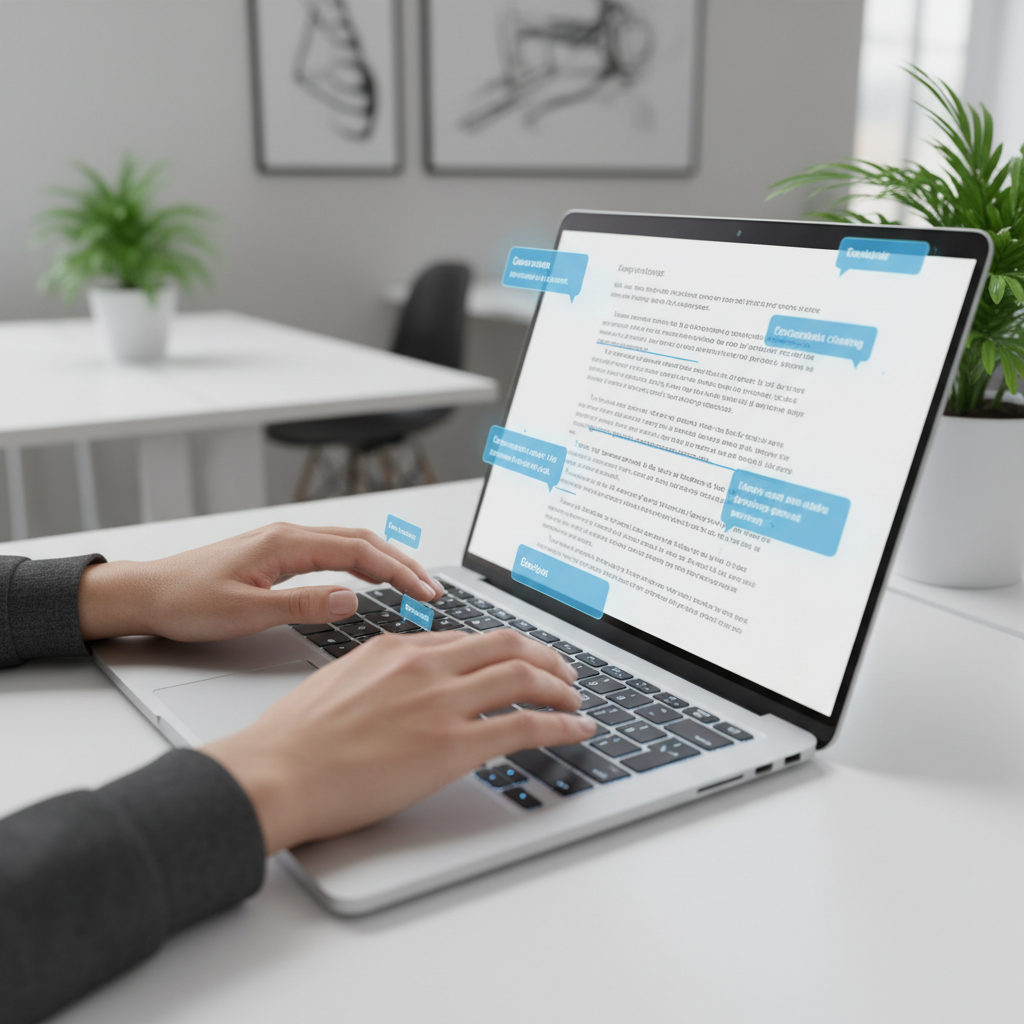
The digital age demands clear, concise, and error-free communication. For Windows users, achieving this can be a constant challenge, especially when juggling multiple applications and tight deadlines. As we look towards 2026, the landscape of productivity tools is evolving rapidly, with grammar correction software emerging as an indispensable asset. This article explores why advanced grammar checkers are no longer a luxury but a necessity for anyone looking to enhance their writing efficiency and professionalism on a Windows PC.
Key Takeaways
System-Wide Integration is Crucial: Modern grammar correction needs to work across all Windows applications, not just in specific browsers or word processors. Beyond Basic Spelling: Effective tools offer comprehensive grammar, punctuation, style, and even tone suggestions. AI-Powered Assistance: Artificial intelligence is transforming grammar checkers, providing more accurate, context-aware, and intelligent writing suggestions. Boosted Productivity: By catching errors in real time and offering intelligent suggestions, these tools save time and reduce the mental load of self-editing. Enhanced Professionalism: Error-free communication builds credibility and ensures your message is received clearly, whether in business, academic, or personal contexts. Accessibility and Inclusivity: Grammar software can significantly aid non-native English speakers and individuals with writing challenges.
The Evolving Need for Flawless Communication
In today's fast-paced digital environment, written communication is paramount. From professional emails and detailed reports to academic papers and casual chats, every word contributes to your perceived credibility and effectiveness. A simple grammatical error or a misplaced comma can undermine your message, leading to misunderstandings, a lack of trust, or even lost opportunities. This heightened reliance on written text means that the demand for tools that ensure accuracy and clarity has never been greater.
Many Windows users find themselves constantly switching between applications, whether it is Microsoft Word, Outlook, Slack, a web browser, or a custom business application. The built-in grammar checks in some of these programs are often inconsistent or limited, leaving users vulnerable to errors in other contexts. This fragmented experience highlights the need for a unified, system-wide solution that can provide consistent writing assistance wherever you type on your PC. The goal is not just to fix mistakes, but to elevate the overall quality and impact of your writing, making every interaction more professional and effective.

Why Traditional Grammar Checks Fall Short
While applications like Microsoft Word have offered basic spelling and grammar checks for decades, these tools often fall short of modern demands. They are typically confined to specific applications, meaning their utility disappears the moment you switch to an email client, a messaging app, or an online form. Furthermore, traditional checkers often operate on a rule-based system, which can be rigid and fail to understand the nuances of context, tone, or complex sentence structures. They might flag a perfectly acceptable phrase as an error or, more critically, miss subtle grammatical mistakes that a human editor would easily spot.
The limitations extend to consistency. What might be corrected in one application could be ignored in another, leading to a disjointed and unreliable writing experience. This forces users to manually proofread everything, which is time-consuming and prone to human error, especially under pressure. For anyone striving for high-level productivity and error-free communication across their entire Windows workflow, these traditional, siloed solutions are simply inadequate. They address symptoms rather than providing a comprehensive cure for writing challenges.
The Rise of AI-Powered Grammar Correction
The advent of artificial intelligence has revolutionized grammar correction software, moving it far beyond simple spell-checking. Modern AI-powered tools leverage natural language processing (NLP) and machine learning to understand the context of sentences, identify complex grammatical errors, suggest stylistic improvements, and even refine the tone of your writing. These intelligent assistants can detect issues that traditional checkers miss, such as awkward phrasing, repetitive language, and inconsistencies in style.
AI allows these tools to learn from vast amounts of text data, enabling them to offer more sophisticated and human-like suggestions. They can differentiate between formal and informal writing, provide alternatives for clearer expression, and help users develop a more engaging writing style. This level of intelligence transforms grammar checkers from mere error-spotters into true writing coaches, helping users not only fix mistakes but also improve their overall writing proficiency. The integration of AI means these tools are constantly evolving, becoming more accurate and helpful with every update.
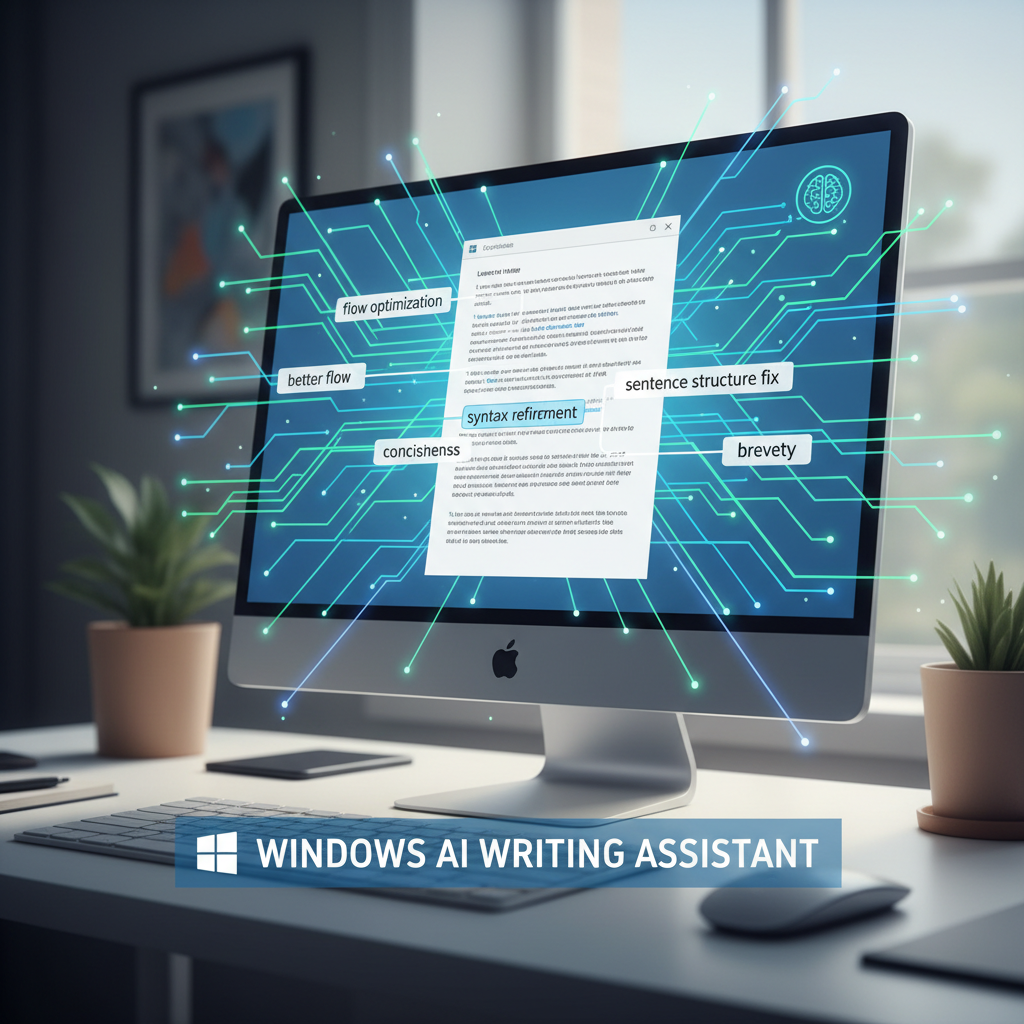
Key Features to Look for in 2026
When choosing grammar correction software for Windows in 2026, several features stand out as essential for maximizing productivity and writing quality. Beyond basic grammar and spelling, look for tools that offer:
System-Wide Integration: The most critical feature is the ability to work seamlessly across all Windows applications, including email clients, web browsers, productivity suites, and custom software. This ensures consistent assistance regardless of where you are typing. Real-time Corrections and Suggestions: Instant feedback as you type is crucial for maintaining flow and correcting errors before they become ingrained. Contextual Grammar and Style Checks: Advanced tools should understand the nuances of language, offering suggestions based on the context of your writing, not just rigid rules. This includes punctuation, sentence structure, word choice, and clarity. Tone Detection and Adjustment: The ability to analyze and suggest changes to match the desired tone (e.g., formal, casual, professional, empathetic) is invaluable for effective communication. Word Prediction and Autocorrect: Integrated features like predictive text and intelligent autocorrect can significantly speed up typing and reduce common errors. AI Writing Assistance: Tools that incorporate AI for text generation, rewriting, or expansion can further boost productivity, helping you overcome writer's block or refine your ideas. Voice Typing (Speech-to-Text): For hands-free productivity, robust voice typing capabilities that integrate with grammar correction are a major advantage. Customization Options: The ability to add custom dictionary entries, ignore specific rules, or tailor suggestions to your writing style enhances usability. Privacy and Local Processing:* For sensitive information, tools that process your typing data locally on your device are preferable, ensuring your content remains private.
Pro Tip: Prioritize software that offers a comprehensive suite of writing tools in one package. Juggling multiple single-purpose apps can negate the productivity benefits. A unified solution like AutoCorrect PC provides autocorrect, word predictions, grammar correction, AI writing, and voice typing all in one place, system-wide.
How Grammar Software Boosts Windows Productivity
Integrating advanced grammar correction software into your Windows workflow offers significant productivity gains. First and foremost, it saves time. Instead of spending precious minutes proofreading and re-reading your work for errors, the software catches them in real time. This allows you to focus on the content and message, rather than getting bogged down in mechanics. For professionals, this means quicker email responses, faster document creation, and more efficient communication overall.
Secondly, it reduces cognitive load. The constant worry about making mistakes can be mentally taxing. With a reliable grammar checker, you can write with greater confidence, knowing that a smart assistant has your back. This frees up mental energy to concentrate on higher-level tasks, such as strategic thinking, problem-solving, or creative ideation. Students can dedicate more time to research and analysis, while business professionals can focus on client needs.
Finally, it improves writing skills over time. Many advanced tools don't just correct errors; they explain why something is incorrect and offer alternative phrasing. This educational aspect helps users learn from their mistakes and gradually develop better writing habits. For non-native English speakers, this is particularly beneficial, providing instant feedback and guidance that accelerates language acquisition and proficiency. The result is not just cleaner documents, but a more skilled writer.
Real-World Applications Across Industries
Grammar correction software is not just for professional writers; its utility spans across virtually every industry and role.
Business Professionals: For sales teams, marketing departments, and executives, clear and error-free communication is critical for client relations, proposals, and internal reports. A typo in a contract or a grammatical error in a pitch can erode trust and professionalism. Tools like AutoCorrect PC ensure that every email, presentation, and document reflects positively on the individual and the company. Students and Academics: From essays and research papers to dissertations and grant applications, academic writing demands precision. Grammar software helps students meet high academic standards, avoid common errors, and present their ideas clearly, potentially impacting grades and publication success. Content Creators and Marketers: Bloggers, social media managers, and content marketers rely on engaging and error-free copy to capture audience attention and convey brand messages. Mistakes can detract from credibility and dilute the impact of their content. Remote Workers and Freelancers: In a remote work environment, written communication often replaces face-to-face interactions. Clear, concise, and grammatically correct messages are essential for effective collaboration, project management, and client communication, making these tools invaluable for maintaining professionalism and efficiency. Non-Native English Speakers:* For individuals whose primary language is not English, grammar software provides an invaluable safety net, helping them communicate confidently and accurately in professional and academic settings. It acts as a personal language tutor, offering immediate feedback and learning opportunities.

Integrating Grammar Correction with Other Writing Tools
The true power of modern writing assistants lies in their ability to integrate seamlessly with other productivity tools. A standalone grammar checker, while useful, is less effective than one that works in conjunction with predictive text, autocorrect, and AI writing features. This holistic approach creates a comprehensive writing environment that addresses multiple aspects of typing and composition.
For instance, a tool that offers predictive text can suggest the next word as you type, significantly speeding up the writing process. When combined with real-time autocorrect for common typos and grammar correction for structural errors, the user experiences a fluid, error-resistant workflow. Furthermore, the integration of AI writing capabilities allows users to generate ideas, rephrase sentences, or expand on concepts directly within their current application, without breaking their flow. This synergy ensures that you are not just correcting mistakes, but actively improving your efficiency and the quality of your output at every stage of the writing process.
Privacy and Local Processing: A Growing Concern
As writing tools become more integrated into our daily workflows, concerns about data privacy have rightly grown. Many online grammar checkers require your text to be sent to their servers for processing, raising questions about data security and confidentiality, especially for sensitive documents or proprietary information. In 2026, a key differentiator for top-tier grammar correction software will be its approach to privacy.
Solutions that offer local processing for core typing features like autocorrect, word prediction, and grammar correction are becoming increasingly important. This means your everyday typing data never leaves your device, providing a higher level of security and peace of mind. While AI writing features might still require server communication for complex tasks, having the option for local processing for your regular writing ensures that your personal and professional communications remain private. Always check the privacy policy of any writing assistant to understand how your data is handled.

The Future of Writing on Windows
Looking ahead to 2026 and beyond, the role of grammar correction software on Windows will only become more critical. As AI continues to advance, we can expect even more sophisticated features, such as personalized writing style adaptation, advanced tone analysis for specific audiences, and deeper integration with knowledge bases for factual accuracy. The line between a grammar checker and a comprehensive writing assistant will blur further, with tools offering end-to-end support from ideation to final proofreading.
The goal is to create an environment where the technology fades into the background, allowing users to focus purely on their ideas and message. This future promises a seamless, intelligent, and private writing experience that empowers every Windows user to communicate with unparalleled clarity and confidence. The evolution of these tools is not just about fixing errors; it's about unlocking human potential in written expression.
Conclusion
In the competitive and fast-paced digital landscape of 2026, impeccable written communication is non-negotiable. For Windows users, relying solely on built-in, fragmented grammar checks is no longer sufficient. Advanced grammar correction software, especially those powered by AI and offering system-wide integration, has become a fundamental tool for boosting productivity, enhancing professionalism, and ensuring clarity across all digital interactions. By investing in a comprehensive writing assistant, individuals and businesses can save time, reduce stress, improve writing skills, and ultimately communicate more effectively in every aspect of their digital lives.
Ready to Elevate Your Writing on Windows?
Don't let grammatical errors or clumsy phrasing hold you back. Experience the power of system-wide autocorrect, intelligent word predictions, real-time grammar correction, AI writing, and voice typing that works everywhere on your Windows PC. Visit AutoCorrect PC today to transform your typing experience and achieve flawless communication with ease.
Related Posts
Best Text-to-Speech Software for Windows in 2026
Discover the top text-to-speech (TTS) software for Windows in 2026, offering natural voices, advanced features, and seamless integration to boost accessibility, productivity, and learning.
Read post →Top Productivity Software for Windows: A 2026 Buyer's Guide
Discover the best productivity software for Windows in 2026, focusing on AI writing assistants, system-wide autocorrect, and privacy. This guide helps you choose tools that enhance writing, streamline workflow, and save time.
Read post →Best Free Productivity Tools for Windows in 2026
Discover the top free productivity tools for Windows in 2026, featuring advanced AI, intelligent automation, and intuitive interfaces to streamline your workflow and boost efficiency. Learn about writing assistants, predictive text, grammar correction, and voice typing.
Read post →Want system-wide predictions, autocorrect, and voice typing on Windows?