
Predictive Text Software for Windows: Boost Typing Speed & Accuracy
Discover how advanced predictive text software for Windows in 2026 can dramatically increase your typing speed, improve accuracy, and enhance writing quality across all applications with AI-driven assistance.

The digital age demands speed and accuracy, especially when it comes to typing. Whether you're drafting an important business proposal, writing a term paper, or simply responding to emails, the efficiency of your typing directly impacts your productivity. In 2026, predictive text software for Windows has evolved beyond basic spell-check, offering sophisticated tools that anticipate your words, correct your grammar, and even assist with AI-driven content generation. This article explores how these advanced writing assistants, like AutoCorrect PC, are transforming the way we interact with our computers, helping users type faster, cleaner, and with greater confidence.
Key Takeaways
Boost Typing Speed and Accuracy: Predictive text and autocorrect features significantly reduce keystrokes and errors. Enhance Writing Quality: Grammar correction and AI writing tools help refine your content and improve clarity. System-Wide Integration: Modern writing assistants work across all Windows applications, not just specific word processors. Accessibility Benefits: Voice typing and word prediction aid users with physical disabilities or learning challenges. Privacy-First Design: Many tools, including AutoCorrect PC, prioritize local processing for sensitive typing data. Future-Proof Your Workflow: Embrace AI and advanced features to stay ahead in a fast-paced digital environment.
The Evolution of Typing: Beyond Basic Autocorrect
Remember the days when autocorrect was primarily a phone feature, often leading to humorous, and sometimes frustrating, miscommunications? Fast forward to 2026, and the landscape of digital writing has been revolutionized. What began as simple spell-checking has blossomed into a comprehensive suite of smart writing assistants for Windows. These tools are no longer just about fixing typos; they are about anticipating your thoughts, streamlining your workflow, and enhancing the overall quality of your written output.
Modern predictive text software goes far beyond merely suggesting the next word. It leverages advanced algorithms and artificial intelligence to learn your unique writing style, vocabulary, and even industry-specific terminology. This personalized approach means the suggestions become more accurate and relevant over time, truly acting as a co-pilot for your typing. For busy professionals, students, and content creators, this translates into significant time savings and a marked reduction in mental effort. The goal is to keep you in your flow, minimizing interruptions and maximizing output, whether you're working on a lengthy report or a quick chat message.

How Predictive Text Software Supercharges Your Productivity
The core benefit of predictive text software is its ability to dramatically increase typing speed and accuracy. By suggesting words and phrases as you type, it reduces the number of keystrokes required, allowing you to complete sentences and paragraphs much faster. This isn't just about raw speed; it's also about reducing cognitive load. Instead of constantly thinking about each letter, you can focus more on the ideas you want to convey, letting the software handle the mechanics of typing.
Consider the impact on various tasks. For a student writing an essay, predictive text can help maintain momentum, preventing pauses that break concentration. For a professional drafting emails, it ensures consistent terminology and reduces the time spent on repetitive phrases. Content creators can churn out articles and blog posts more efficiently, freeing up time for research and creative ideation. The cumulative effect of these small efficiencies adds up to substantial productivity gains over the course of a day, week, or month. Furthermore, by proactively correcting common errors and suggesting grammatically sound alternatives, these tools help improve the overall professionalism and clarity of your communication.
Key Features to Look for in a Windows Writing Assistant
When evaluating predictive text software for Windows, it's crucial to look beyond just word prediction. The best tools offer a comprehensive suite of features designed to support every aspect of your writing. Here are some essential functionalities to consider:
System-Wide Autocorrect: This is non-negotiable. The software should correct misspelled words automatically, everywhere you type on Windows, from your browser to your email client to your word processor. AutoCorrect PC excels in this area, ensuring consistent correction across all applications. Advanced Word Prediction and Completion: Look for tools that offer not just next-word prediction but also word completion, suggesting how to finish the word you're currently typing. The more intelligent the prediction engine, the more keystrokes you save. Robust Grammar Correction: Beyond simple spell-check, a good writing assistant will identify and suggest fixes for grammatical errors, punctuation issues, and even stylistic inconsistencies. This helps elevate the quality of your writing without needing to copy-paste into a separate grammar checker. AI Writing Capabilities: The integration of AI for generating, rewriting, or expanding text from prompts is a game-changer. This can assist with writer's block, summarize lengthy texts, or help craft compelling introductions and conclusions. Voice Typing (Speech-to-Text): For those who prefer to speak rather than type, or for accessibility reasons, accurate and responsive voice typing is invaluable. It should transcribe your speech directly into any active text field. Customizable Dictionaries and Auto-Replacement: The ability to add custom words, phrases, and even create auto-replacement shortcuts for frequently used text snippets can further personalize and speed up your typing experience. Privacy and Local Processing:* Given the sensitive nature of typing, prioritize software that processes your personal typing data locally on your device, ensuring privacy and data security.
AutoCorrect PC: Your Smart Writing Assistant for Windows
AutoCorrect PC stands out as a premier smart writing assistant specifically designed for Windows users. It integrates seamlessly into your operating system, providing a robust set of features that work across virtually any application or text field. This means you get consistent support whether you're composing an email in Outlook, writing code in an IDE, or chatting with colleagues in Slack. The goal of AutoCorrect PC is to keep you focused and efficient, minimizing distractions and maximizing your output.
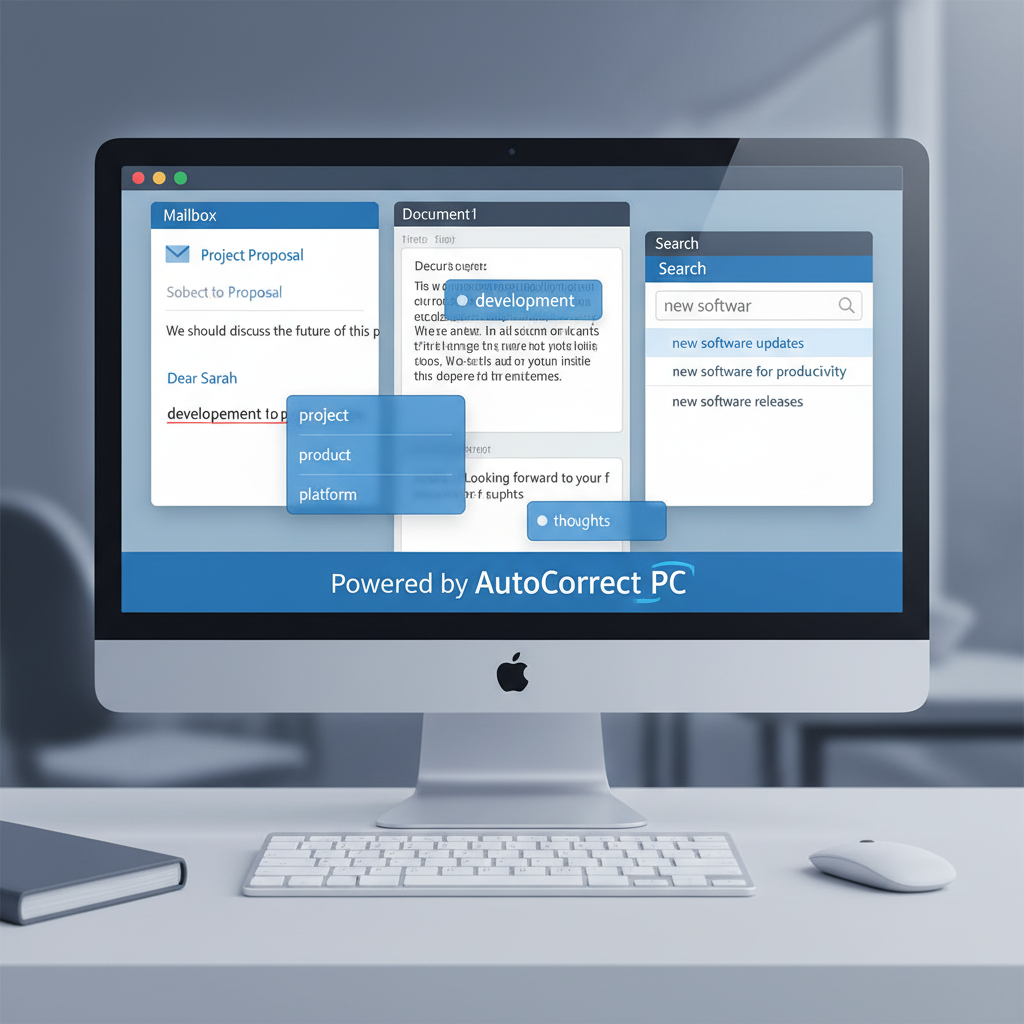
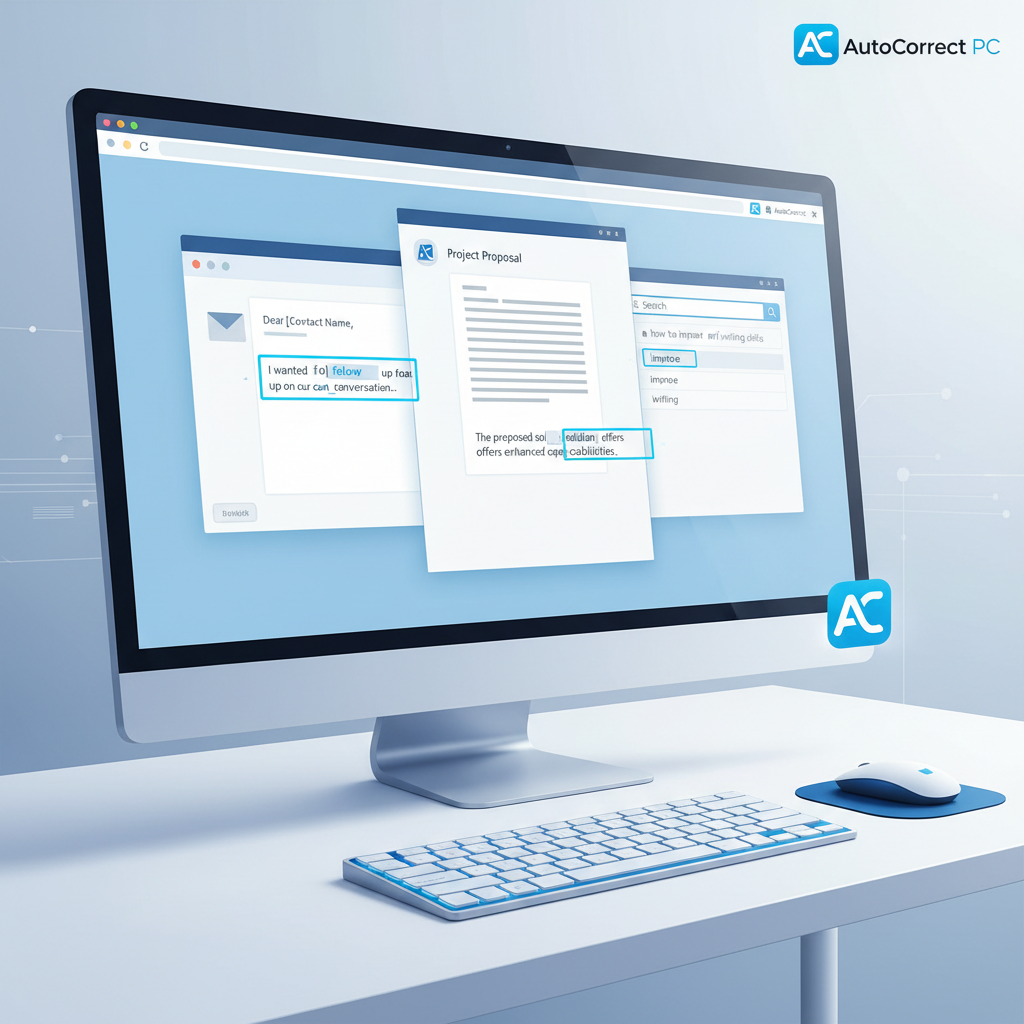
One of the core strengths of AutoCorrect PC is its system-wide autocorrect. Misspelled words are fixed as you type, without requiring you to stop and manually correct them. This immediate feedback loop not only saves time but also helps reinforce correct spelling. Coupled with intelligent word prediction and word completion, AutoCorrect PC significantly reduces the number of keystrokes needed, allowing you to express your thoughts more fluidly. Imagine starting a sentence and having the software suggest the rest of a common phrase, or simply typing the first few letters of a complex word and having it instantly completed.
Beyond Basic Corrections
AutoCorrect PC goes beyond simple corrections. Its grammar correction engine catches sentence-level mistakes and offers clean, contextual fixes, eliminating the need to use separate grammar checking tools. This integrated approach ensures your writing is not just fast, but also polished and professional. For those moments when inspiration lags, the AI writing feature allows you to generate, rewrite, or expand text from a simple prompt or selected text, directly within your application. This can be a powerful tool for overcoming writer's block or quickly refining your message.
Furthermore, AutoCorrect PC includes voice typing, transforming your spoken words into text in real-time, in any application. This is particularly beneficial for accessibility, for those with repetitive strain injuries, or simply for when you want to dictate your thoughts. The commitment to privacy-first processing means that most of your typing data, including autocorrect, word prediction, and grammar checks, stays on your device, ensuring your sensitive information remains secure.
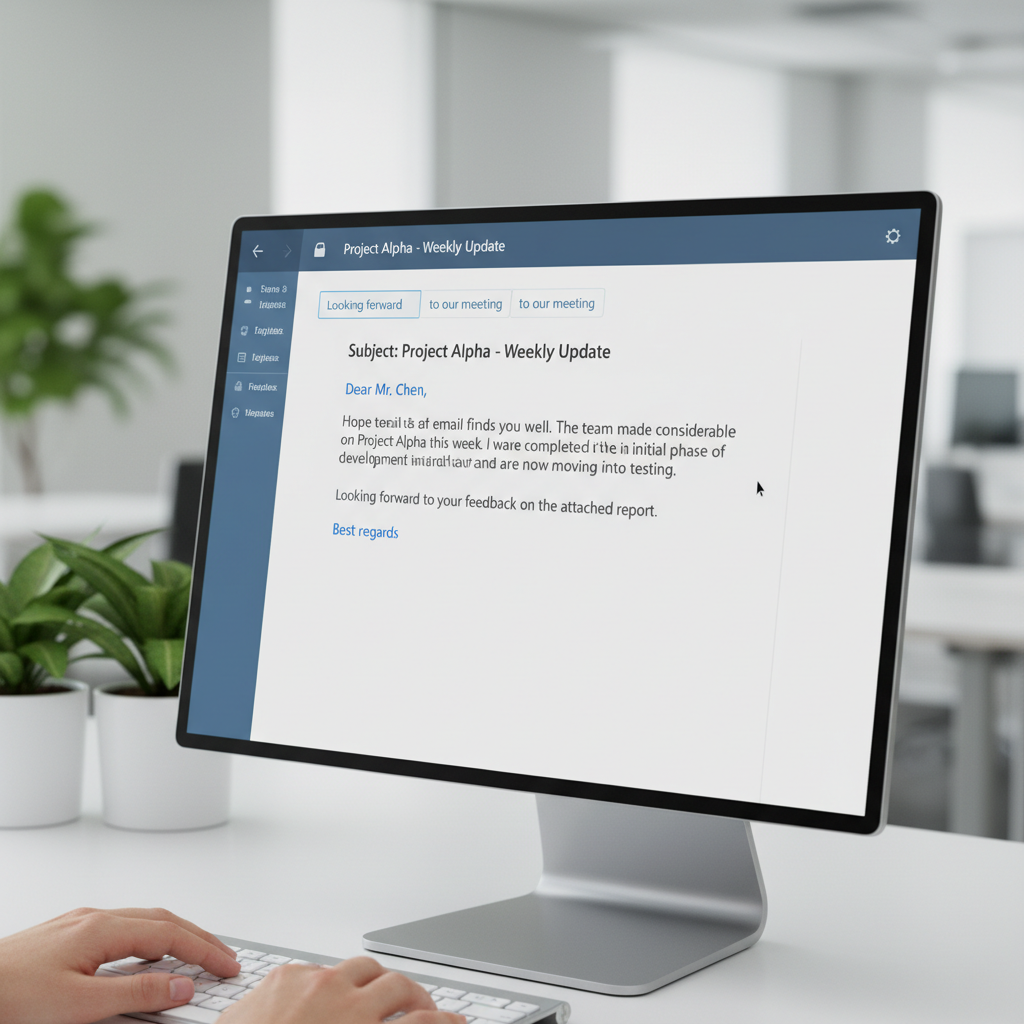
Comparing Predictive Text Software: AutoCorrect PC vs. Others
The market for writing assistance tools has grown, but not all solutions are created equal. Many browser extensions or cloud-based AI writers offer some form of predictive text or grammar help, but they often come with limitations, particularly regarding system-wide integration and data privacy.
| Feature / Software | AutoCorrect PC | Browser Extensions | Cloud AI Writers | Microsoft's Built-in |
|---|---|---|---|---|
| Works Across Desktop Apps | ✓ | ✗ (Browser only) | ✗ (Usually web only) | Limited |
| Autocorrect | ✓ | Some | ✗ | Limited (OS-level) |
| Word Predictions | ✓ | Limited | ✗ | Basic |
| Grammar Correction | ✓ | ✓ | ✓ | ✗ |
| Voice Typing | ✓ | Limited | Some | ✗ |
| AI Writing | ✓ | Some | ✓ | ✗ |
| Multi-Language Dictionaries | ✓ | Some | Some | ✓ |
| Local Processing for Typing Features | ✓ | ✗ | ✗ | ✓ |
As you can see, while other tools might offer specific features, AutoCorrect PC provides a comprehensive, integrated solution that works consistently across your entire Windows environment. Microsoft's built-in text suggestions, for instance, are a step in the right direction, but they often lack the advanced grammar correction, AI writing, and system-wide integration that dedicated applications like AutoCorrect PC offer. For example, Microsoft's native predictive text is useful for basic word completion but doesn't provide the deep learning and contextual suggestions found in more advanced software. Lightkey is another popular option, known for its AI-powered predictions, but it's important to compare its system-wide integration and specific feature set against your needs.
Tip: When choosing predictive text software, always consider where you do most of your typing. If it's primarily within a web browser, an extension might suffice. However, for true productivity across all your Windows applications, a dedicated system-wide solution is invaluable.
Real-World Applications: Who Benefits Most?
The versatility of advanced predictive text software means it can benefit a wide array of users. Here are some of the groups that stand to gain the most:
- Professional Writers and Content Creators: Bloggers, journalists, copywriters, and authors can significantly accelerate their output. The AI writing features can help brainstorm ideas, refine drafts, and even generate variations of text, saving hours of creative effort.
- Students and Academic Writers: From essays to research papers, students face constant writing demands. Predictive text helps them meet deadlines, improve grammar, and ensure their academic work is polished and error-free. The ability to quickly draft sections or rephrase sentences with AI assistance can be a huge advantage.
- Business Professionals: Crafting emails, reports, and presentations is a daily task for many. Predictive text and grammar correction ensure clear, concise, and professional communication, while AI writing can help draft responses or summarize complex information quickly. This is particularly useful for sales, marketing, and customer service teams.
- Non-Native English Speakers: For individuals learning English or working in a second language, these tools provide invaluable support. They can help with vocabulary, grammar, and sentence structure, boosting confidence and improving written fluency.
- Remote Workers and Digital Professionals: In an environment where digital communication is paramount, typing efficiently and accurately across various platforms (Slack, Teams, email, project management tools) is critical. System-wide solutions ensure consistent support regardless of the application.
- Individuals with Typing Disabilities or Accessibility Needs: For those with dyslexia, dysgraphia, or physical limitations that affect typing speed or accuracy, predictive text, voice typing, and autocorrect are transformative. They reduce the physical effort and cognitive load associated with writing, making digital communication more accessible and less frustrating.

Future Trends in Predictive Text and AI Writing
The evolution of predictive text and AI writing is far from over. We can anticipate even more sophisticated and integrated tools in the coming years. Here are a few trends to watch:
Deeper Personalization: Future systems will likely offer even more granular personalization, learning not just your writing style but also your preferred tone, formality, and even emotional expression. This will allow for highly tailored suggestions that truly reflect your unique voice. Contextual Understanding: AI will become even better at understanding the context of your writing. This means predictions won't just be based on the words you've typed, but also on the document's purpose, audience, and overall theme, leading to more relevant and helpful suggestions. Multimodal Input: While voice typing is already a feature, we might see more seamless integration of other input methods, such as eye-tracking or even brain-computer interfaces, further reducing the physical effort of writing. Advanced AI Collaboration: AI writing will move beyond simple generation to become a true collaborative partner. Imagine an AI that can proactively suggest entire paragraphs based on your outline, or offer alternative phrasing that aligns with specific branding guidelines. Ethical AI and Bias Mitigation: As AI becomes more prevalent, there will be an increased focus on developing ethical AI models that minimize bias and ensure fairness in language generation. Users will demand transparency in how AI suggestions are formed. Enhanced Language Learning Integration: For non-native speakers, predictive text could evolve into a real-time language tutor, offering not just corrections but also explanations for grammatical rules or vocabulary choices.
These advancements promise an even more intuitive and powerful writing experience, further blurring the lines between human thought and digital expression.

Setting Up and Optimizing Your Predictive Text Software
Getting the most out of your predictive text software involves a few key steps, from initial setup to ongoing optimization.
- Installation and Initial Setup: Most modern writing assistants, like AutoCorrect PC, offer a straightforward installation process. Once installed, take a moment to explore the initial settings. You might be prompted to select your preferred language, customize autocorrect behavior, or enable specific features like AI writing or voice typing.
- Personalize Your Dictionary: To truly make the software work for you, personalize its dictionary. Add industry-specific jargon, proper nouns, or unique spellings that the default dictionary might not recognize. This prevents constant "corrections" of words you intend to use. AutoCorrect PC allows for extensive dictionary customization.
- Create Auto-Replacement Shortcuts: For frequently used phrases, email signatures, or complex terms, set up auto-replacement shortcuts. For example, typing "eml" could automatically expand to "example@email.com". This is a massive time-saver for repetitive typing.
- Adjust Prediction Sensitivity: Experiment with the prediction sensitivity settings. Some users prefer more aggressive suggestions, while others prefer fewer. Find the balance that keeps you in flow without feeling overwhelmed by suggestions.
- Utilize AI Writing Features: Don't shy away from the AI writing capabilities. Start with simple prompts, like "summarize this paragraph" or "rewrite this sentence to be more formal." As you get comfortable, you can use it for more complex tasks like generating content ideas or drafting entire sections.
- Practice Voice Typing: If you're new to voice typing, practice dictating. The more you use it, the better the software becomes at recognizing your voice and speech patterns, leading to greater accuracy.
- Provide Feedback (If Available): Some advanced tools, including those with AI, offer mechanisms to provide feedback on suggestions. This helps the software learn and improve over time, making it even more tailored to your needs. Regularly reviewing and refining your settings will ensure your writing assistant remains an indispensable tool.
Conclusion
In 2026, predictive text software for Windows has evolved into sophisticated smart writing assistants that are essential for anyone looking to boost their typing speed, enhance writing quality, and streamline their digital workflow. Tools like AutoCorrect PC offer a comprehensive suite of features, including system-wide autocorrect, intelligent word prediction, robust grammar correction, powerful AI writing, and convenient voice typing. By embracing these advancements, users across various professions and needs can achieve greater productivity, reduce errors, and communicate with clarity and confidence. The future of typing is intelligent, intuitive, and deeply integrated, promising an even more seamless writing experience.
Ready to Transform Your Typing Experience?
Don't let slow typing or persistent errors hold you back. Discover how AutoCorrect PC can revolutionize your writing on Windows. Visit our website to learn more and download your smart writing assistant today! Learn more about AutoCorrect PC
Frequently Asked Questions
Q1: What is predictive text software for Windows?
A1: Predictive text software for Windows is an application that anticipates what you are typing and suggests words or phrases in real-time. Modern versions also include features like autocorrect, grammar correction, AI writing, and voice typing, working across all applications on your Windows PC to boost speed and accuracy.
Q2: How does AutoCorrect PC improve typing speed?
A2: AutoCorrect PC improves typing speed by reducing keystrokes through intelligent word prediction and completion. It suggests the most likely next words or finishes the word you're currently typing, allowing you to select suggestions with a single keypress. Its system-wide autocorrect also fixes errors instantly, preventing pauses for manual corrections.
Q3: Is predictive text software private and secure?
A3: Privacy and security vary by software. AutoCorrect PC prioritizes user privacy by processing most typing features, such as autocorrect, word prediction, and grammar correction, locally on your device. This means your sensitive typing data does not leave your computer. AI writing features typically require server communication, but this is clearly indicated. Always check the privacy policy of any software you use.
Q4: Can AutoCorrect PC help with grammar mistakes?
A4: Yes, AutoCorrect PC includes a robust grammar correction engine. It identifies and suggests fixes for grammatical errors, punctuation issues, and even stylistic inconsistencies at the sentence level, directly within the application you are typing in. This helps ensure your writing is polished and professional.
Q5: Does AutoCorrect PC work in all Windows applications?
A5: Absolutely. AutoCorrect PC is designed to work system-wide across virtually all Windows applications and text fields. Whether you're typing in a web browser, an email client, a word processor, or a chat application, AutoCorrect PC provides consistent autocorrect, word prediction, and other writing assistance features.
Q6: What is AI writing, and how can it help me?
A6: AI writing in AutoCorrect PC uses artificial intelligence to generate, rewrite, or expand text based on your prompts or selected text. It can help you overcome writer's block, summarize lengthy passages, craft compelling introductions, or rephrase sentences to improve clarity and tone. It's a powerful tool for enhancing creativity and efficiency in your writing process.
Related Posts
Best Text-to-Speech Software for Windows in 2026
Discover the top text-to-speech (TTS) software for Windows in 2026, offering natural voices, advanced features, and seamless integration to boost accessibility, productivity, and learning.
Read post →Top Productivity Software for Windows: A 2026 Buyer's Guide
Discover the best productivity software for Windows in 2026, focusing on AI writing assistants, system-wide autocorrect, and privacy. This guide helps you choose tools that enhance writing, streamline workflow, and save time.
Read post →Best Free Productivity Tools for Windows in 2026
Discover the top free productivity tools for Windows in 2026, featuring advanced AI, intelligent automation, and intuitive interfaces to streamline your workflow and boost efficiency. Learn about writing assistants, predictive text, grammar correction, and voice typing.
Read post →Want system-wide predictions, autocorrect, and voice typing on Windows?