
Top Autocorrect Software for PC: 2026 Review & Buyer's Guide
Discover the best autocorrect software for PC in 2026, offering system-wide coverage, advanced grammar, AI writing, and privacy features. Move beyond basic spelling to enhance your productivity and accuracy across all applications.
Key Takeaways
System-wide Autocorrect is Crucial: Traditional Windows autocorrect is fragmented and inconsistent. The best solutions offer system-wide coverage across all applications.
Beyond Basic Spelling: Modern autocorrect goes beyond simple spelling fixes, incorporating grammar correction, predictive text, AI writing, and even voice typing.
Productivity Focus: Top tools aim to reduce typing effort and friction, allowing users to write faster and more accurately.
Privacy Matters: Solutions that process typing data locally on your device offer enhanced privacy and security.
AutoCorrect PC Leads in System-Wide Integration: For comprehensive, system-wide writing assistance on Windows, AutoCorrect PC stands out with its integrated features.
In today's fast-paced digital world, efficient and accurate writing is more critical than ever. Whether you're drafting important emails, crafting lengthy reports, or simply chatting with colleagues, typos and grammatical errors can undermine your message and professionalism. While Windows offers some built-in autocorrect functionality, it's often inconsistent and limited, leaving many users searching for more robust solutions. This 2026 review dives deep into the top autocorrect software for PC, evaluating their features, performance, and overall value to help you find the perfect writing assistant.
The Evolution of Autocorrect: More Than Just Spelling
Gone are the days when autocorrect simply fixed a misspelled word. Modern writing assistants have evolved into sophisticated tools that leverage artificial intelligence and advanced linguistic algorithms to offer a comprehensive suite of features. These tools are designed not just to correct mistakes but to enhance your entire writing workflow, making you faster, more accurate, and more confident in your communication. Understanding this evolution is key to appreciating the capabilities of today's leading software.
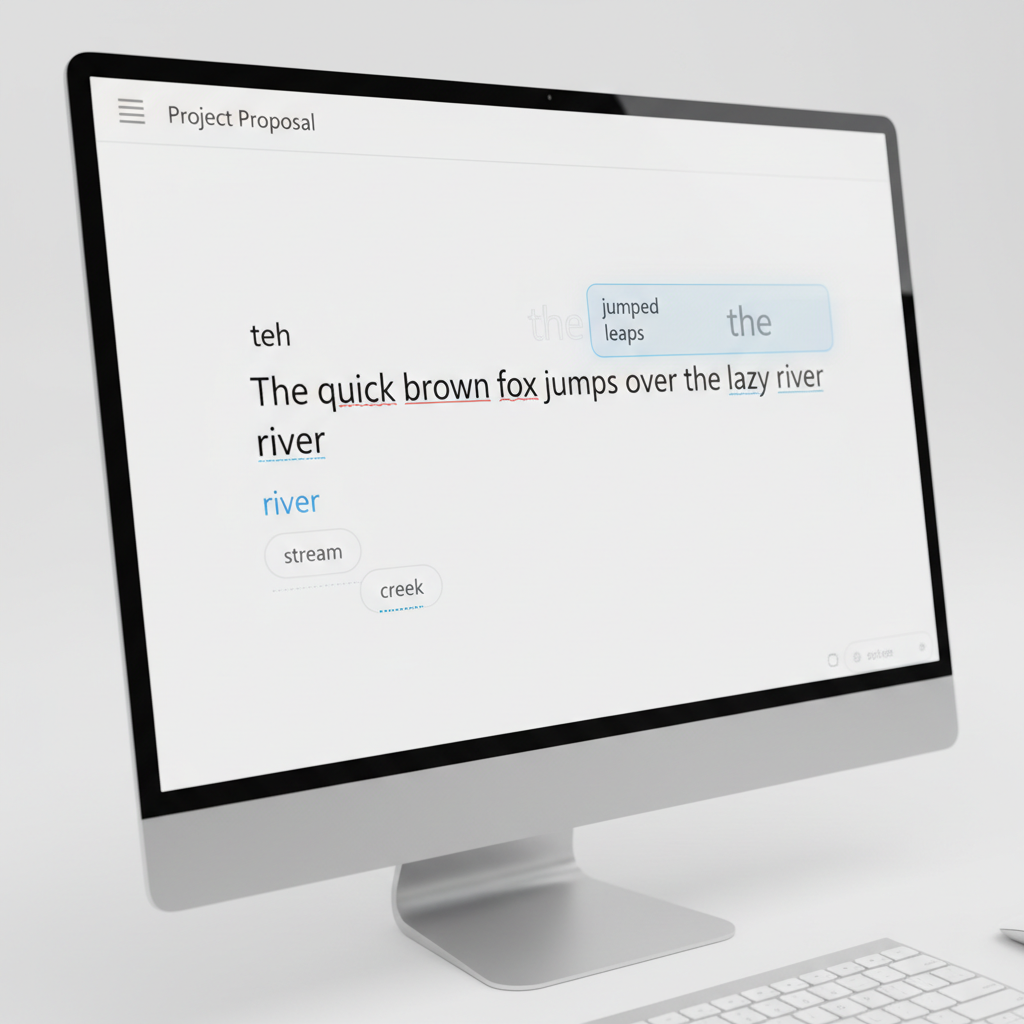
The initial promise of autocorrect was simple: catch common typing errors like "teh" instead of "the." While this basic function remains a cornerstone, the demands of digital communication have pushed developers to innovate. Users now expect their writing tools to understand context, suggest appropriate vocabulary, and even help generate content. This shift reflects a broader trend towards intelligent assistance in all aspects of our digital lives, transforming a simple spell-checker into a powerful productivity enhancer.
Why Standard Windows Autocorrect Falls Short
If you've ever found yourself frustrated by inconsistent corrections or a lack of features across different applications on your Windows PC, you're not alone. The native autocorrect capabilities within Windows are notoriously fragmented. They often work in some applications, like Microsoft Word, but completely disappear in others, such as web browsers, chat applications, or specialized desktop software. This inconsistency forces users to adapt to varying levels of assistance, interrupting their flow and reducing overall productivity.
The problem stems from Windows' approach to autocorrect, which is often application-specific rather than system-wide. This means that each program must implement its own spell-checking and correction mechanisms, leading to a patchwork of experiences. While some Microsoft applications offer decent basic spelling and grammar checks, they rarely extend to predictive text, AI writing, or comprehensive voice typing that works across your entire operating system. This limitation becomes particularly apparent for users who frequently switch between different types of software throughout their workday, from email clients to coding environments. For a deeper dive into these limitations, you might find this article on why Windows autocorrect often feels broken informative.
Key Features to Look for in Autocorrect Software for PC
When evaluating autocorrect software for PC, it's essential to look beyond just basic spell-checking. A truly effective writing assistant offers a range of features that work together to streamline your typing experience and improve the quality of your output. Here are the critical functionalities to prioritize:
System-Wide Autocorrect: This is paramount. The software should correct your typing errors in any application, whether it's a browser, email client, text editor, or specialized business software. Inconsistent coverage defeats the purpose of a helpful tool.
Predictive Text and Word Completion: As you type, the software should intelligently suggest words or even complete entire phrases, significantly speeding up your writing process. This feature anticipates your next word, reducing keystrokes and keeping your thoughts flowing.
Grammar and Punctuation Correction: Beyond simple spelling, a robust tool will identify and suggest corrections for grammatical errors, punctuation mistakes, and even stylistic issues. This helps ensure your writing is clear, concise, and professional.
AI Writing Assistance: The integration of AI tools can revolutionize your writing. This includes features for generating new text, rewriting sentences for clarity or tone, expanding on ideas, or summarizing content directly within your workflow.
Voice Typing (Speech-to-Text): For those who prefer to dictate or need an alternative input method, accurate and responsive voice typing that works across all applications is a game-changer. This can be particularly useful for long-form content creation or for users with accessibility needs.
Customizable Dictionary and Auto-Replacement: The ability to add custom words, names, or technical terms to a personal dictionary prevents unwanted corrections. Auto-replacement features allow you to define shortcuts for frequently used phrases, further boosting efficiency.
Privacy and Local Processing: Given the sensitive nature of typing, understanding how your data is handled is crucial. Solutions that perform most processing locally on your device offer greater privacy and security.
These features collectively transform a simple autocorrect tool into a powerful, intelligent writing companion.
Top Autocorrect Software for PC in 2026
In 2026, the landscape of writing assistance tools for Windows is more competitive and advanced than ever. Here's a breakdown of the leading options, highlighting their strengths and ideal users.
1. AutoCorrect PC: The System-Wide Powerhouse
AutoCorrect PC stands out as the premier autocorrect software for pc designed specifically for comprehensive, system-wide writing assistance on Windows. It's built from the ground up to address the inconsistencies of native Windows autocorrect by working seamlessly across any application.
Key Strengths:
True System-Wide Autocorrect: Corrects errors in real-time, whether you're in a browser, email client, Slack, Notepad, or any other desktop application. This is its defining feature, ensuring a consistent experience everywhere you type.
Advanced Predictive Text and Word Completion: Offers intelligent next-word predictions and completes words as you type, significantly reducing keystrokes and increasing typing speed. This feature is invaluable for maintaining a smooth writing flow.
Robust Grammar Correction: Catches a wide array of grammatical errors and punctuation issues, offering context-aware suggestions directly within your text.
Integrated AI Writing: Features an AI writer for generating, rewriting, or expanding text based on prompts or selected content, directly inserting results into your current application. This makes it a powerful tool for content creation and refinement.
High-Accuracy Voice Typing: Transcribes your speech into text directly into any active application, providing a fast and efficient alternative input method.
Privacy-First Approach: Most core typing features, including autocorrect, word prediction, and grammar correction, are processed locally on your device, ensuring your sensitive data remains private.
Multi-Language Support: Includes multi-language dictionaries for diverse writing needs.
Best For: Anyone who needs a consistent, powerful writing assistant across their entire Windows environment. This includes professionals, students, content creators, and anyone looking to boost their typing efficiency and accuracy in all applications.
2. Microsoft Editor: Basic Support within the Microsoft Ecosystem
Microsoft Editor provides a useful, albeit more limited, writing assistant primarily within Microsoft's own suite of applications and browser extensions.
Key Strengths:
Good Grammar and Spelling Suggestions: Offers solid basic grammar and spelling checks, particularly within Word and Outlook.
Integrated with Microsoft Products: Seamlessly works within the Microsoft 365 ecosystem.
Free Tier Available: Basic functionality is accessible without a subscription.
Limitations:
Not System-Wide: Its functionality is largely confined to Microsoft apps and browser extensions, making it inconsistent across other desktop software.
Limited Predictive Typing: Lacks the advanced predictive text and word completion found in dedicated system-wide solutions.
No Voice Typing or AI Writing: Does not offer integrated voice typing or advanced AI writing capabilities.
Best For: Users who primarily work within Microsoft Word, Outlook, and Edge browser, and have basic grammar and spelling correction needs.
3. Grammarly: Strong Grammar, Limited System-Wide Reach
Grammarly is a widely recognized name in writing assistance, known for its robust grammar and style checking.
Key Strengths:
Excellent Grammar and Style Detection: Highly effective at identifying complex grammatical errors, punctuation issues, and stylistic improvements.
Tone Suggestions: Offers suggestions to refine the tone of your writing.
Browser and Limited Desktop App Support: Works well in web browsers and has some desktop application support, though not truly system-wide.
Limitations:
Not True System-Wide Autocorrect: While it has desktop apps, its integration isn't as seamless or comprehensive across all Windows applications as a dedicated system-wide tool. It often functions more as an overlay or within specific text fields.
Focus on Editing, Not Typing Speed: Primarily designed for post-typing review and suggestion, rather than real-time typing acceleration through predictive text.
Limited Offline Functionality: Many advanced features require an internet connection.
Best For: Writers, students, and professionals whose primary concern is refining grammar, style, and tone, especially for content created within web browsers or specific word processors.
Comparing the Contenders: A Feature Matrix
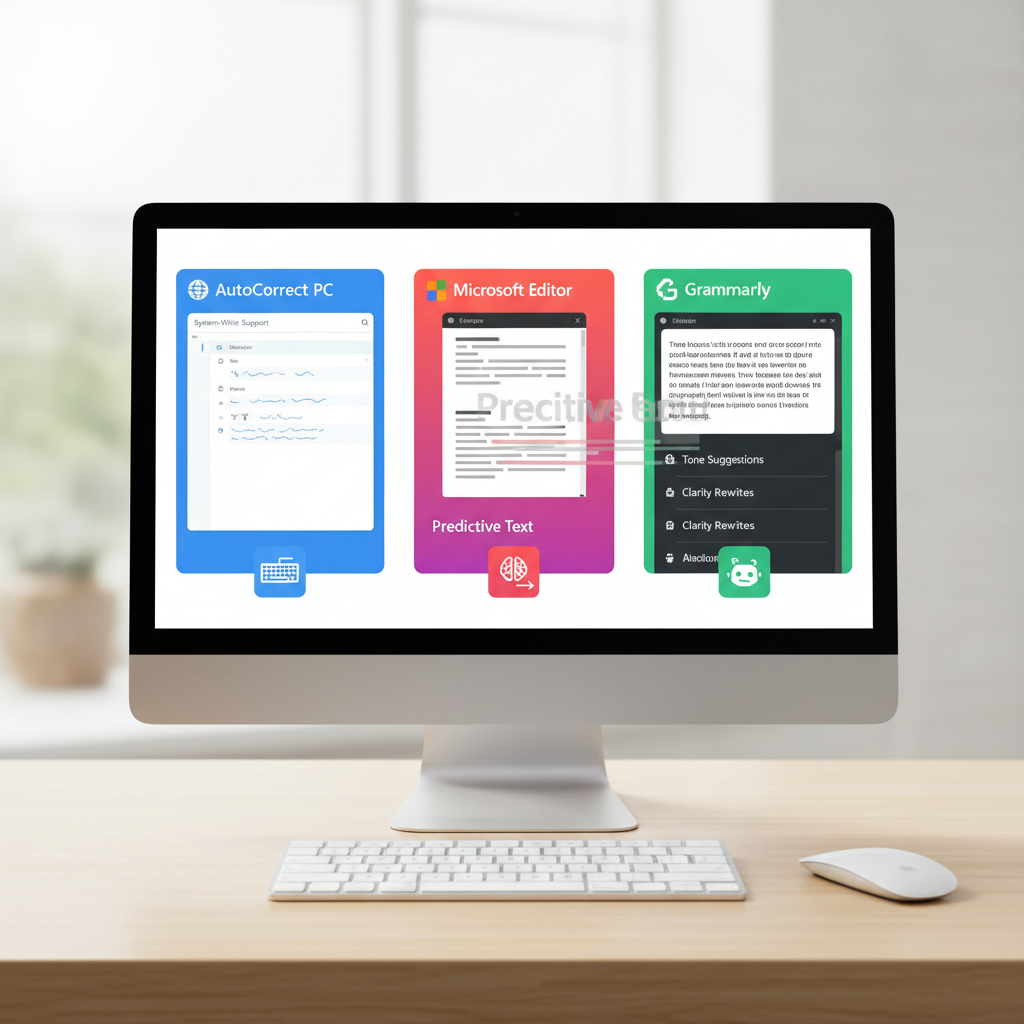
To provide a clearer picture, let's look at how these top autocorrect software for PC stack up against each other across essential features:
Feature | AutoCorrect PC | Microsoft Editor | Grammarly (Desktop) | Windows Built-in |
|---|---|---|---|---|
System-Wide Autocorrect | ✅ Full | ❌ Limited | ❌ Partial | ❌ Inconsistent |
Predictive Text | ✅ Advanced | ❌ Basic | ❌ Limited | ❌ None |
Grammar Correction | ✅ Robust | ✅ Good | ✅ Excellent | ❌ Basic |
AI Writing Assistance | ✅ Integrated | ❌ None | ✅ Some (Premium) | ❌ None |
Voice Typing | ✅ High-Accuracy | ❌ None | ❌ None | ❌ Basic (OS) |
Local Processing | ✅ Most Features | ❌ Cloud-based | ❌ Cloud-based | ✅ Basic |
Multi-Language Dictionaries | ✅ Yes | ✅ Yes | ✅ Yes | ✅ Yes |
Works in All Apps | ✅ Yes | ❌ No | ❌ No | ❌ No |
This table clearly illustrates that while Microsoft Editor and Grammarly offer valuable features, they fall short when it comes to providing a truly system-wide, integrated writing experience across all Windows applications. AutoCorrect PC is uniquely positioned to deliver this comprehensive solution.
The Impact of AI on Writing Assistance
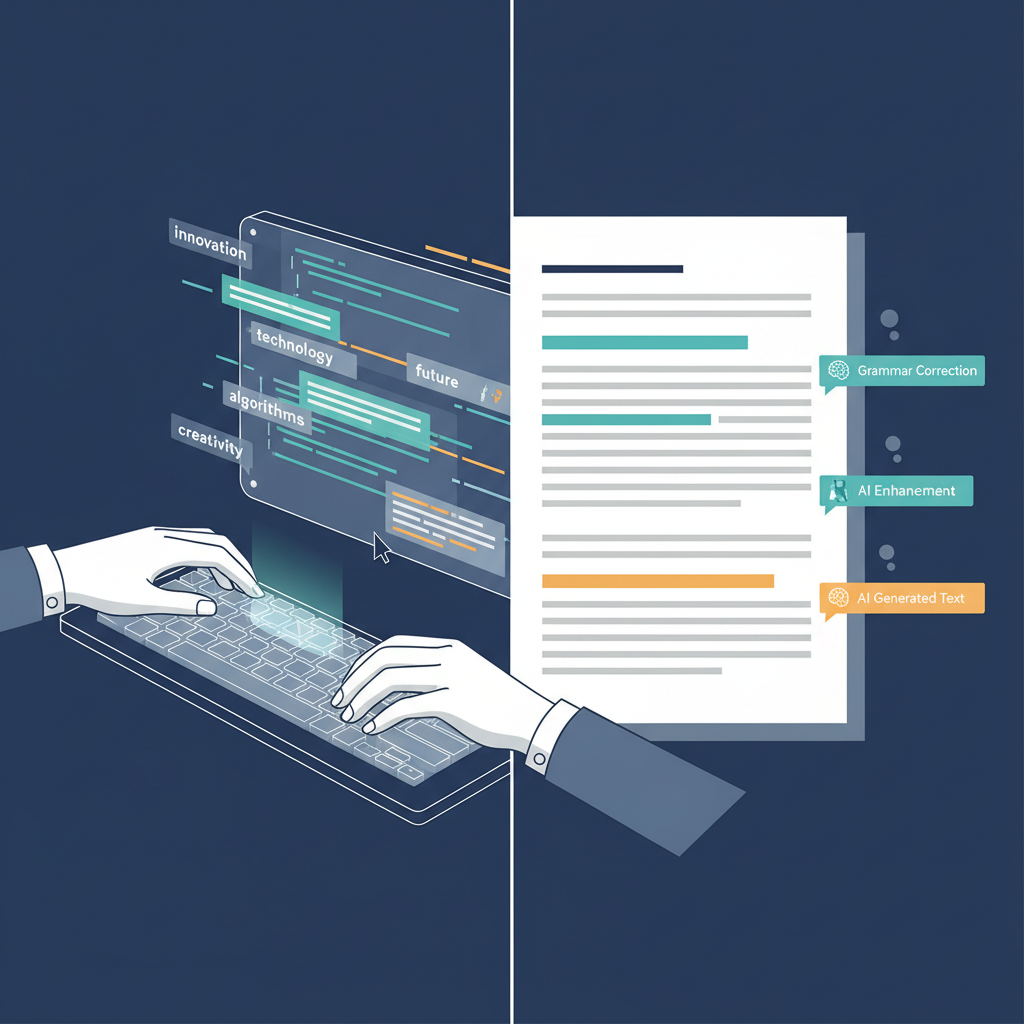
The integration of Artificial Intelligence (AI) has profoundly transformed writing assistance tools. What was once a simple rule-based system for correcting spelling has evolved into sophisticated algorithms that can understand context, generate creative text, and even mimic human writing styles. AI-powered features are no longer a novelty but a crucial component of advanced autocorrect software.
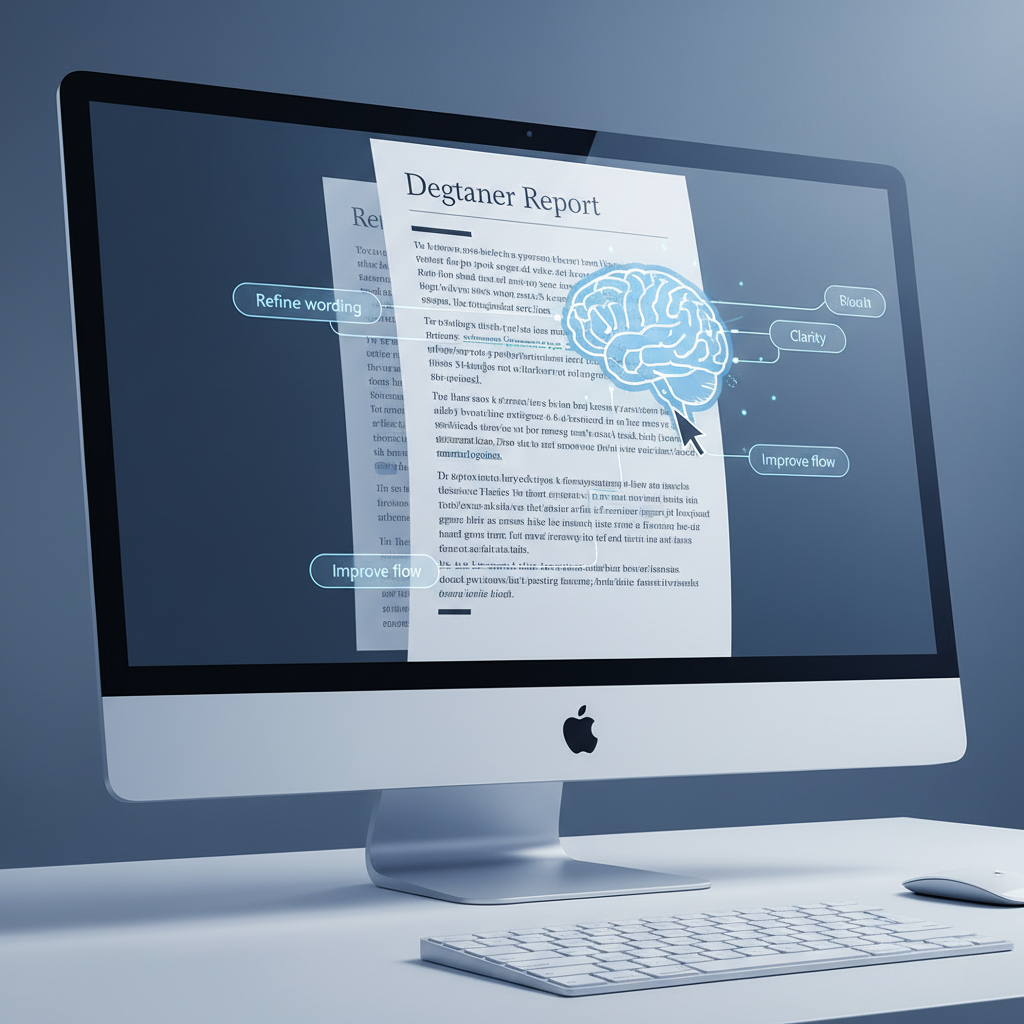
AI enables tools to offer more intelligent suggestions for grammar and style, moving beyond simple error detection to provide nuanced improvements. For example, AI can analyze the tone of your writing and suggest alternatives to make it more formal, casual, or persuasive. Furthermore, AI writing assistants can help overcome writer's block by generating initial drafts, expanding on bullet points, or rephrasing sentences to improve clarity. This capability is particularly beneficial for professionals who need to produce a high volume of content or students grappling with academic papers. The ability to generate and refine text directly within your typing environment, as offered by AutoCorrect PC, represents a significant leap in productivity.
Privacy and Data Security Considerations
In an age where data privacy is paramount, it's crucial to consider how your writing assistant handles your personal information. Every word you type could potentially be processed by the software, making data security a significant concern. Many cloud-based writing tools send your text to remote servers for analysis, which can be a point of vulnerability for sensitive information.
When choosing autocorrect software, look for solutions that prioritize local processing. This means that features like spell-checking, grammar correction, and predictive text are handled directly on your computer, without sending your data over the internet. This approach significantly enhances privacy and reduces the risk of data breaches. While some AI writing features might still require cloud connectivity for complex tasks, the ability to keep your everyday typing local is a strong indicator of a privacy-conscious design. AutoCorrect PC, for instance, emphasizes that its core typing features are processed locally, giving users peace of mind. Always review the privacy policy of any software you install, especially those that interact with your typing input.
Who Benefits Most from Advanced Autocorrect Software?
The utility of advanced autocorrect software extends far beyond just catching typos. A wide range of users can experience significant benefits from integrating a comprehensive writing assistant into their daily workflow.
Professionals and Business Users: For those drafting emails, reports, presentations, and internal communications, accuracy and clarity are non-negotiable. Advanced autocorrect ensures professional-grade output, saves time on proofreading, and helps convey messages effectively.
Students and Academics: From essays to research papers, academic writing demands precision. These tools can help students improve grammar, vocabulary, and overall writing quality, potentially leading to better grades and reduced stress.
Content Creators and Marketers: Bloggers, social media managers, and content writers can leverage predictive text and AI writing features to accelerate content generation, maintain consistency, and ensure error-free publications across various platforms.
Non-Native English Speakers: For individuals learning English or those for whom English is a second language, sophisticated grammar and style checkers, along with predictive text, can be invaluable for building confidence and improving fluency.
Individuals with Typing Difficulties or Accessibility Needs: Voice typing and predictive text can offer crucial support for users with physical limitations, dyslexia, or other conditions that make traditional typing challenging.
Anyone Seeking Enhanced Productivity: Ultimately, anyone who spends a significant amount of time typing on their Windows PC can benefit from a tool that reduces errors, speeds up typing, and offers intelligent writing assistance.
The investment in quality autocorrect software for PC pays dividends in saved time, reduced frustration, and improved communication quality across various domains.

Future Trends in Writing Assistance
The field of writing assistance is continuously evolving, driven by advancements in artificial intelligence and natural language processing. Looking ahead, we can anticipate several exciting trends that will further enhance the capabilities of autocorrect software for PC.
One major trend is even deeper integration with operating systems and applications. While AutoCorrect PC already offers system-wide functionality, future iterations might see writing assistance becoming an even more invisible and seamless part of the user experience, anticipating needs before they are explicitly stated. This could involve context-aware suggestions that adapt not just to the words you're typing, but also to the specific application you're using or the type of document you're creating.
Another area of growth is in personalized writing styles. AI could learn your unique writing voice and offer suggestions that align with your personal style, rather than imposing a generic set of rules. This would be particularly valuable for creative writers, authors, and anyone who wants to maintain a distinct voice in their communications. Furthermore, expect to see more sophisticated multi-modal input, combining voice, gestures, and traditional typing into a unified, highly intuitive writing experience. The goal remains the same: to remove all friction between thought and text, making writing as effortless and natural as possible.
Conclusion
Choosing the right autocorrect software for PC in 2026 is about more than just fixing typos; it's about empowering your entire writing process. While built-in Windows features offer basic help, and tools like Microsoft Editor and Grammarly provide valuable assistance within their specific ecosystems, they often lack the comprehensive, system-wide integration that today's users demand. For anyone seeking a truly seamless and intelligent writing experience across all their Windows applications, AutoCorrect PC emerges as the clear leader.
With its robust system-wide autocorrect, advanced predictive text, grammar correction, integrated AI writing, and high-accuracy voice typing, AutoCorrect PC is designed to keep you in your flow, enhance your productivity, and ensure your writing is always polished and professional. By prioritizing local processing for core typing features, it also offers peace of mind regarding data privacy. Investing in a powerful writing assistant like AutoCorrect PC is an investment in your productivity, accuracy, and overall communication effectiveness.
Ready to Transform Your Typing Experience?
Don't let inconsistent autocorrect slow you down. Experience the future of writing assistance on Windows with a tool designed to work everywhere you do.
Discover how AutoCorrect PC can boost your productivity today!
Frequently Asked Questions
What is system-wide autocorrect?
System-wide autocorrect refers to software that provides automatic spelling and grammar corrections, predictive text, and other writing assistance features across all applications on your Windows PC, not just within specific programs like Microsoft Word or a web browser. This ensures a consistent and seamless typing experience no matter where you are writing.
How does AutoCorrect PC differ from Grammarly or Microsoft Editor?
AutoCorrect PC's primary differentiator is its system-wide functionality. While Grammarly and Microsoft Editor offer excellent grammar and spelling checks, their features are often limited to specific applications or browser extensions. AutoCorrect PC works everywhere you type on Windows, integrating autocorrect, predictive text, grammar correction, AI writing, and voice typing into any desktop app or text field.
Is my typing data private with autocorrect software?
Privacy policies vary between software. Many cloud-based tools send your text to their servers for processing. AutoCorrect PC, however, prioritizes privacy by performing most of its core typing features, such as autocorrect, word completion, and grammar correction, locally on your device. Only specific AI writing features communicate with its servers when explicitly used. Always review a software's privacy policy to understand how your data is handled.
Can autocorrect software help with more than just spelling?
Absolutely. Modern autocorrect software, especially advanced solutions like AutoCorrect PC, goes far beyond basic spelling. It includes features for grammar and punctuation correction, intelligent predictive text and word completion, AI writing assistance (generating, rewriting, expanding text), and voice typing (speech-to-text). These features collectively enhance typing speed, accuracy, and overall writing quality.
Is autocorrect software useful for non-native English speakers?
Yes, it can be incredibly beneficial. Advanced autocorrect software provides real-time feedback on grammar, spelling, and even style, helping non-native speakers improve their written English. Predictive text can also assist in vocabulary recall and sentence construction, building confidence and fluency.
Does autocorrect software work with all languages?
Many advanced autocorrect solutions offer multi-language dictionaries and support for various languages. AutoCorrect PC, for example, includes multi-language dictionaries. When choosing software, verify if it supports the specific languages you need to write in.
What are the benefits of AI writing features?
AI writing features can significantly boost productivity and creativity. They can help you overcome writer's block by generating initial ideas, rephrase sentences for better clarity or tone, expand on brief notes, or summarize long passages. This allows you to focus more on your ideas and less on the mechanics of writing, directly within your current application.
Related Posts
Best Text-to-Speech Software for Windows in 2026
Discover the top text-to-speech (TTS) software for Windows in 2026, offering natural voices, advanced features, and seamless integration to boost accessibility, productivity, and learning.
Read post →Top Productivity Software for Windows: A 2026 Buyer's Guide
Discover the best productivity software for Windows in 2026, focusing on AI writing assistants, system-wide autocorrect, and privacy. This guide helps you choose tools that enhance writing, streamline workflow, and save time.
Read post →Best Free Productivity Tools for Windows in 2026
Discover the top free productivity tools for Windows in 2026, featuring advanced AI, intelligent automation, and intuitive interfaces to streamline your workflow and boost efficiency. Learn about writing assistants, predictive text, grammar correction, and voice typing.
Read post →Want system-wide predictions, autocorrect, and voice typing on Windows?