
Best Grammar Correction Software for Windows in 2026
Discover the top grammar correction software for Windows in 2026, featuring AI-powered accuracy, system-wide integration, and privacy-first local processing for all your writing needs.
Key Takeaways
- System-Wide Integration is Crucial: For true productivity, grammar correction software should work across all your Windows applications, not just in a browser or specific word processor.
- AI-Powered Accuracy: Modern solutions leverage advanced AI for more nuanced and context-aware grammar and style suggestions.
- Beyond Grammar: The best tools offer a suite of features including autocorrect, predictive text, AI writing assistance, and voice typing to enhance overall writing efficiency.
- Privacy Matters: Prioritize software that processes your everyday typing locally on your device, especially for sensitive information.
- Future-Proofing Your Writing: Investing in a comprehensive writing assistant now can significantly improve your communication and save time in the long run.
In today's fast-paced digital world, clear and effective communication is more important than ever. Whether you're drafting a critical business email, writing an academic paper, or crafting engaging content for your blog, grammatical errors and typos can undermine your message and impact your credibility. For Windows users, the landscape of writing tools has evolved dramatically, moving beyond simple spell checkers to sophisticated AI-powered assistants. As we look ahead to 2026, the demand for robust, integrated, and intelligent grammar correction software is at an all-time high. This article will explore the top contenders and essential features that define the best grammar correction software for Windows, helping you choose the perfect tool to elevate your writing.
The Evolution of Grammar Correction: From Basic Spellcheck to AI Mastery
Remember the days when a simple red squiggly line was the extent of your digital writing assistance? Those times are long gone. The evolution of grammar correction software has been rapid and transformative, driven by advancements in artificial intelligence and natural language processing (NLP). Early tools focused primarily on identifying obvious spelling mistakes and basic grammatical errors. They often relied on rule-based systems, which could be rigid and sometimes misinterpret context.
Today, the best grammar correction software leverages complex algorithms and machine learning to understand the nuances of language. This means they can detect more subtle errors, suggest stylistic improvements, and even help with sentence restructuring to enhance clarity and conciseness. The shift from reactive correction to proactive writing assistance is a game-changer for anyone who spends a significant amount of time typing on their Windows PC. This new generation of tools doesn't just fix mistakes; it helps you become a better writer by offering intelligent suggestions and insights.
Why System-Wide Integration is Non-Negotiable for Windows Users
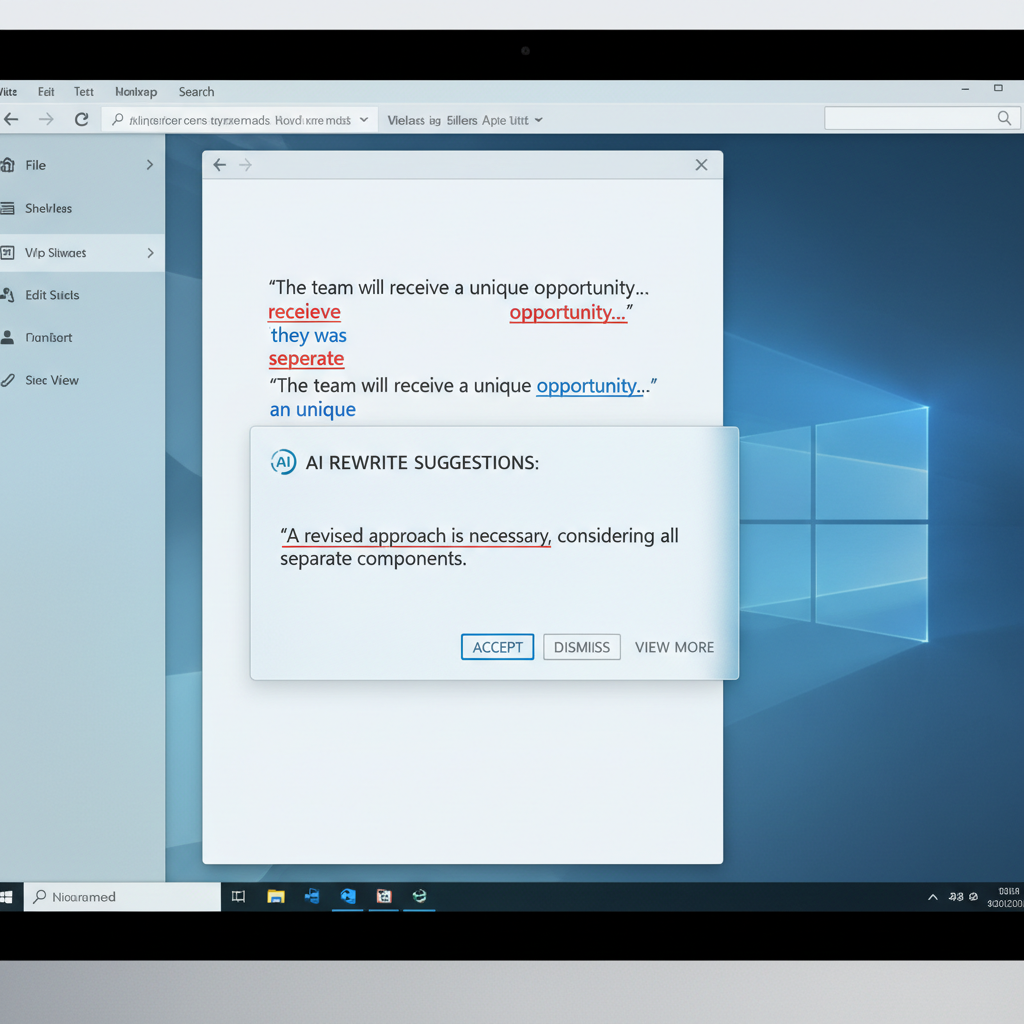
Many popular grammar checkers operate primarily as browser extensions or within specific applications. While useful for web-based writing or dedicated word processors, this approach creates significant limitations for overall productivity on a Windows system. Imagine switching between email clients, messaging apps, coding environments, and document editors, only to find your writing assistant isn't there to support you. This fragmented experience can be frustrating and counterproductive.
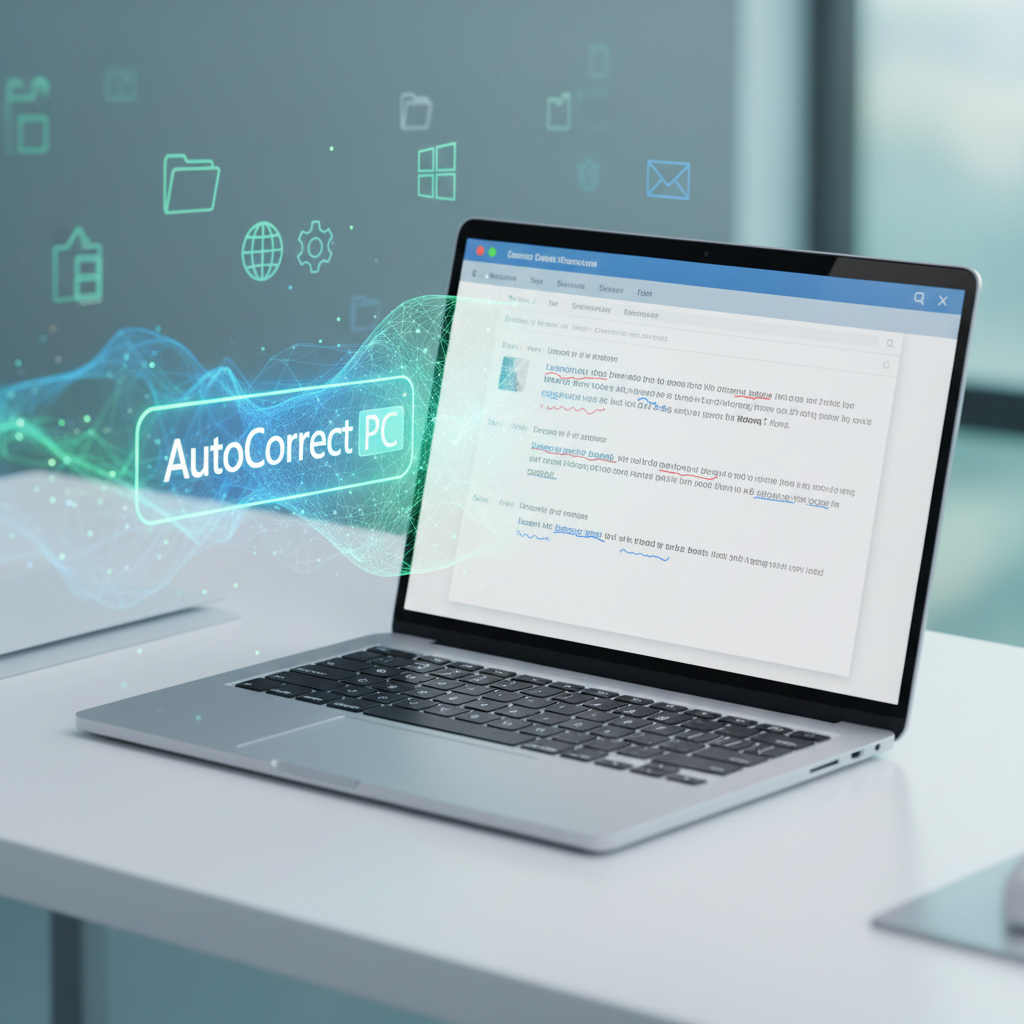
For a truly seamless workflow, the best grammar correction software for Windows in 2026 offers system-wide integration. This means it functions consistently across any application, any text field, and anywhere on your desktop. Whether you're typing in Microsoft Word, composing an email in Outlook, chatting in Slack, or even filling out an online form, your writing assistant should be there, silently working in the background to catch errors and offer suggestions. This omnipresent functionality is a hallmark of truly smart writing assistants like AutoCorrect PC, ensuring you maintain a high standard of written communication no matter where you're typing.
Beyond Grammar: The Comprehensive Features of a Smart Writing Assistant
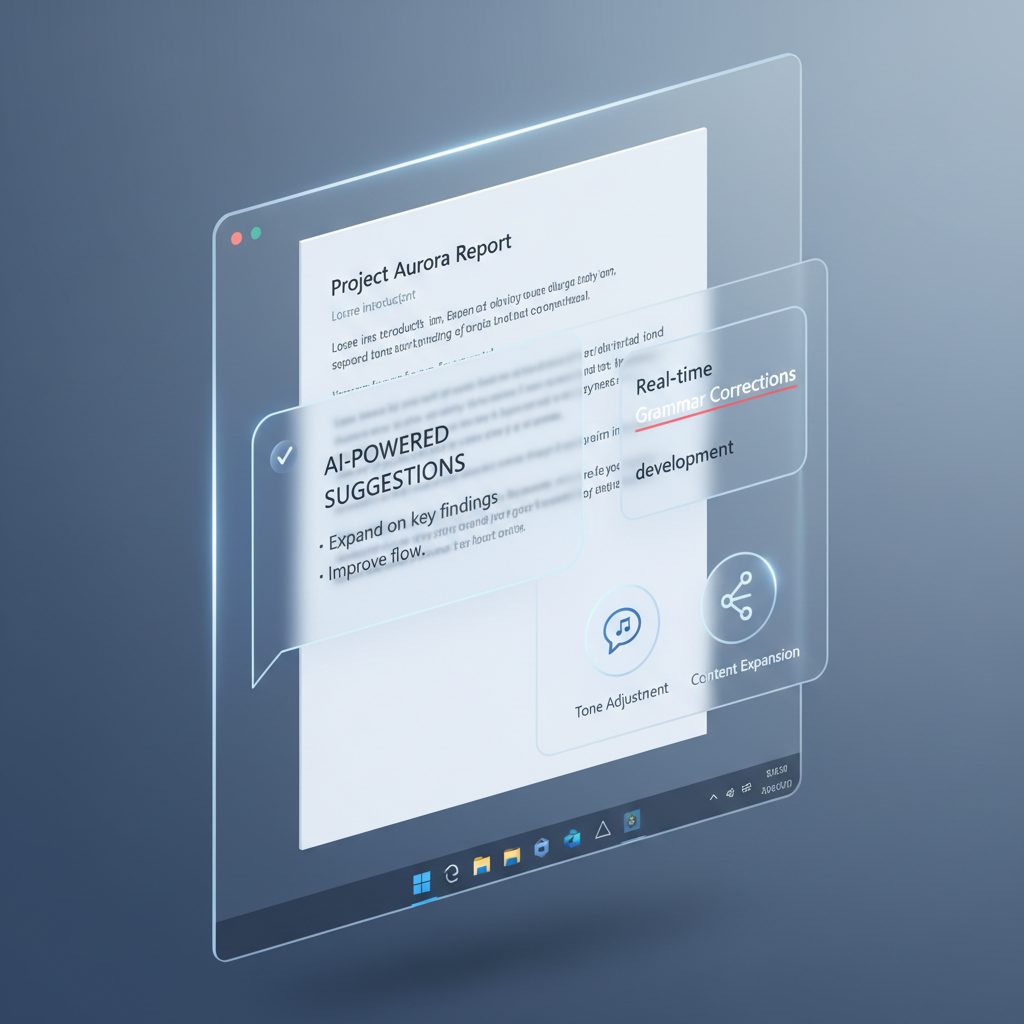
While grammar correction is fundamental, modern writing assistants offer a much broader suite of tools designed to boost your overall typing speed and writing quality. These integrated features create a holistic writing experience that goes far beyond what traditional grammar checkers provide.
Consider the following essential functionalities that define a top-tier Windows writing assistant:
- Autocorrect: Instantaneous correction of misspelled words as you type, working seamlessly across all your applications. This reduces the need to stop and manually fix common errors, maintaining your typing flow.
- Word Completion & Prediction: As you start typing a word, the software suggests completions, allowing you to finish it with a single keystroke. Even more advanced, after you complete a word, it predicts the most likely next words, enabling you to construct sentences with minimal effort. This significantly speeds up typing, especially for repetitive phrases or long documents.
- AI Writing Assistance: This revolutionary feature allows you to generate, rewrite, or expand text based on simple prompts or selected content. Need to rephrase a sentence for better clarity? Want to brainstorm ideas for a paragraph? AI writing can provide instant drafts and suggestions, directly within your current application.
- Voice Typing (Speech to Text): For those who prefer to speak rather than type, integrated voice typing transcribes your spoken words directly into any active text field. This is invaluable for accessibility, brainstorming, or simply giving your hands a break.
- Multi-Language Dictionaries: Support for various languages ensures that your writing assistant is versatile and useful for a global audience or multilingual users.
These combined features transform a simple grammar checker into a powerful productivity tool, streamlining your writing process and enhancing your output.
Privacy and Performance: What to Look for in 2026
In an era where data privacy is paramount, understanding how your writing assistant handles your information is crucial. Many cloud-based tools require your text to be sent to external servers for processing, which can raise concerns, especially for sensitive or confidential documents. The best grammar correction software for Windows in 2026 prioritizes a "privacy-first" approach.
Look for solutions that perform core functions like autocorrect, word completion, next-word prediction, speech transcription, grammar correction, and dictionary lookups locally on your computer. This ensures that your everyday typing stays on your device, never leaving your personal environment. Features like AI writing, which often require more extensive computational power, might communicate with external servers, but this should only happen when you explicitly use that specific feature, giving you full control.
Beyond privacy, performance is key. A writing assistant should be fast and responsive, not slow down your system or introduce lag into your typing experience. Local processing often contributes to better performance, as there's no internet latency involved for core functions.
Comparing Leading Solutions: AutoCorrect PC vs. Browser-Based & Cloud AI Writers
When evaluating grammar correction software for Windows, it's helpful to compare the different types of solutions available.
| Feature | AutoCorrect PC | Browser Extensions | Cloud AI Writers (Web-Only) |
|---|---|---|---|
| Works Across Desktop Apps | ✓ Yes | ✗ No (Browser only) | ✗ No (Usually web only) |
| Autocorrect | ✓ Yes | ✓ Some (Browser only) | ✗ No |
| Word Predictions | ✓ Yes | ✓ Limited (Browser only) | ✗ No |
| Grammar Correction | ✓ Yes | ✓ Yes (Browser only, some offer limited desktop integration via copy/paste) | ✓ Yes (Requires copy/paste into web interface or specific integration) |
| Voice Typing | ✓ Yes | ✓ Limited (Often relies on browser's built-in features, not system-wide) | ✓ Some (Within their web interface) |
| AI Writing | ✓ Yes (Directly into your app) | ✓ Some (Often requires copy/paste or limited integration) | ✓ Yes (Web interface) |
| Multi-Language Dictionaries | ✓ Yes | ✓ Some | ✓ Some |
| Local Processing for Typing Features | ✓ Yes (Privacy-first) | ✗ No (Often sends data to cloud) | ✗ No (Always cloud-based) |
This comparison highlights a critical distinction: dedicated Windows writing assistants like AutoCorrect PC offer a level of system-wide integration and privacy that browser-based tools and web-only AI writers simply cannot match. While tools like Grammarly or Wordtune are excellent within their specific contexts (primarily web browsers), they often fall short when you need comprehensive support across your entire Windows ecosystem. For instance, if you're looking to earn money online through various platforms, you might be typing in numerous applications, making system-wide support invaluable. RewardingFox.com, for example, lists many earning opportunities that often involve writing or data entry, where a tool like AutoCorrect PC could significantly enhance efficiency.
Who Benefits Most from Advanced Grammar Correction Software?
The utility of advanced grammar correction software extends to a wide array of Windows users. If you fall into any of these categories, investing in a smart writing assistant can significantly enhance your productivity and communication quality:
- Professional Writers and Content Creators: Bloggers, journalists, marketers, and authors can save countless hours on editing and proofreading, ensuring their content is polished and error-free. The AI writing features can also help overcome writer's block or quickly generate drafts.
- Students and Academic Writers: From essays to research papers, academic writing demands precision. These tools help students adhere to grammatical rules, improve sentence structure, and avoid common errors that can impact grades.
- Business Professionals: Crafting clear, concise, and error-free emails, reports, and presentations is crucial for maintaining a professional image and effective communication in the workplace.
- Non-Native English Speakers: For individuals learning English or those for whom English is a second language, these tools provide invaluable assistance in mastering grammar, vocabulary, and idiomatic expressions, boosting confidence in written communication.
- Remote Workers and Digital Professionals: With increasing reliance on digital communication, remote teams benefit from tools that ensure consistent, high-quality written output across various platforms and applications.
- Individuals with Typing Disabilities or Accessibility Needs: Voice typing and predictive text can significantly aid those who find traditional typing challenging, making digital communication more accessible.
- Freelancers and Bloggers: Anyone who writes frequently for various clients or platforms will find that a comprehensive writing assistant streamlines their workflow, improves their output, and helps them deliver professional-grade content consistently.
The Future of Writing on Windows: AI, Personalization, and Efficiency
As we move toward 2026, the future of writing on Windows will be increasingly shaped by artificial intelligence, personalization, and a relentless focus on efficiency. We can expect grammar correction software to become even more sophisticated, understanding not just grammar rules but also context, tone, and audience. Imagine an assistant that can adapt its suggestions based on whether you're writing a formal business proposal or a casual chat message.
Further integration with other productivity tools, deeper AI capabilities for creative writing and content generation, and enhanced multi-modal input (combining typing, voice, and even gestures) are all on the horizon. The goal is to create an invisible, intelligent layer that supports your writing process without ever getting in the way. AutoCorrect PC is at the forefront of this evolution, continuously developing its features to meet the demands of modern Windows users, ensuring you always have the most advanced tools at your fingertips for faster, cleaner, and smarter writing.
Conclusion
Choosing the best grammar correction software for Windows in 2026 means looking beyond basic error checking. It requires a comprehensive solution that offers system-wide integration, a rich suite of features including autocorrect, predictive text, AI writing, and voice typing, all while prioritizing user privacy. Tools that process core functions locally on your device provide not only better security but also superior performance.
For Windows users who demand efficiency, accuracy, and a seamless writing experience across all applications, a smart writing assistant like AutoCorrect PC stands out. It empowers you to type faster, communicate cleaner, and produce higher-quality written content, transforming your Windows PC into a true productivity powerhouse. Don't let typos and grammatical errors hinder your message; embrace the future of intelligent writing assistance today.
Ready to Transform Your Writing Experience?
Discover how AutoCorrect PC can revolutionize the way you type and write on your Windows computer. Experience system-wide autocorrect, intelligent word predictions, robust grammar correction, powerful AI writing assistance, and effortless voice typing. Visit https://www.autocorrectforpc.com/ to learn more and download your smart writing assistant today!
Related Posts
Best Text-to-Speech Software for Windows in 2026
Discover the top text-to-speech (TTS) software for Windows in 2026, offering natural voices, advanced features, and seamless integration to boost accessibility, productivity, and learning.
Read post →Top Productivity Software for Windows: A 2026 Buyer's Guide
Discover the best productivity software for Windows in 2026, focusing on AI writing assistants, system-wide autocorrect, and privacy. This guide helps you choose tools that enhance writing, streamline workflow, and save time.
Read post →Best Free Productivity Tools for Windows in 2026
Discover the top free productivity tools for Windows in 2026, featuring advanced AI, intelligent automation, and intuitive interfaces to streamline your workflow and boost efficiency. Learn about writing assistants, predictive text, grammar correction, and voice typing.
Read post →Want system-wide predictions, autocorrect, and voice typing on Windows?